Get 5 Free Credits

Free Star Wars Font Generator Online

Create ultra-bold, geometric capitals with sharp joins and broad curves for cinematic titles, covers, and posters.

Enter the text to generate, e.g. Fontify.ai

Font color
Background
Templates
49
Generations
76
Downloads
238
Rating
5.0

How to Use the Star Wars Font Generator

Shape an ultra-bold geometric title for a wide composition and save it as reusable image artwork.

  1. 01

    Write your title

    Enter a short phrase that suits the ultra-bold, all-caps lettering.

  2. 02

    Choose the composition

    Select font color, background, and an image size such as 16:9 before generating.

  3. 03

    Download the finished image

    Review the rendered text image, then download it as PNG or SVG.

Star Wars Font Style Profile

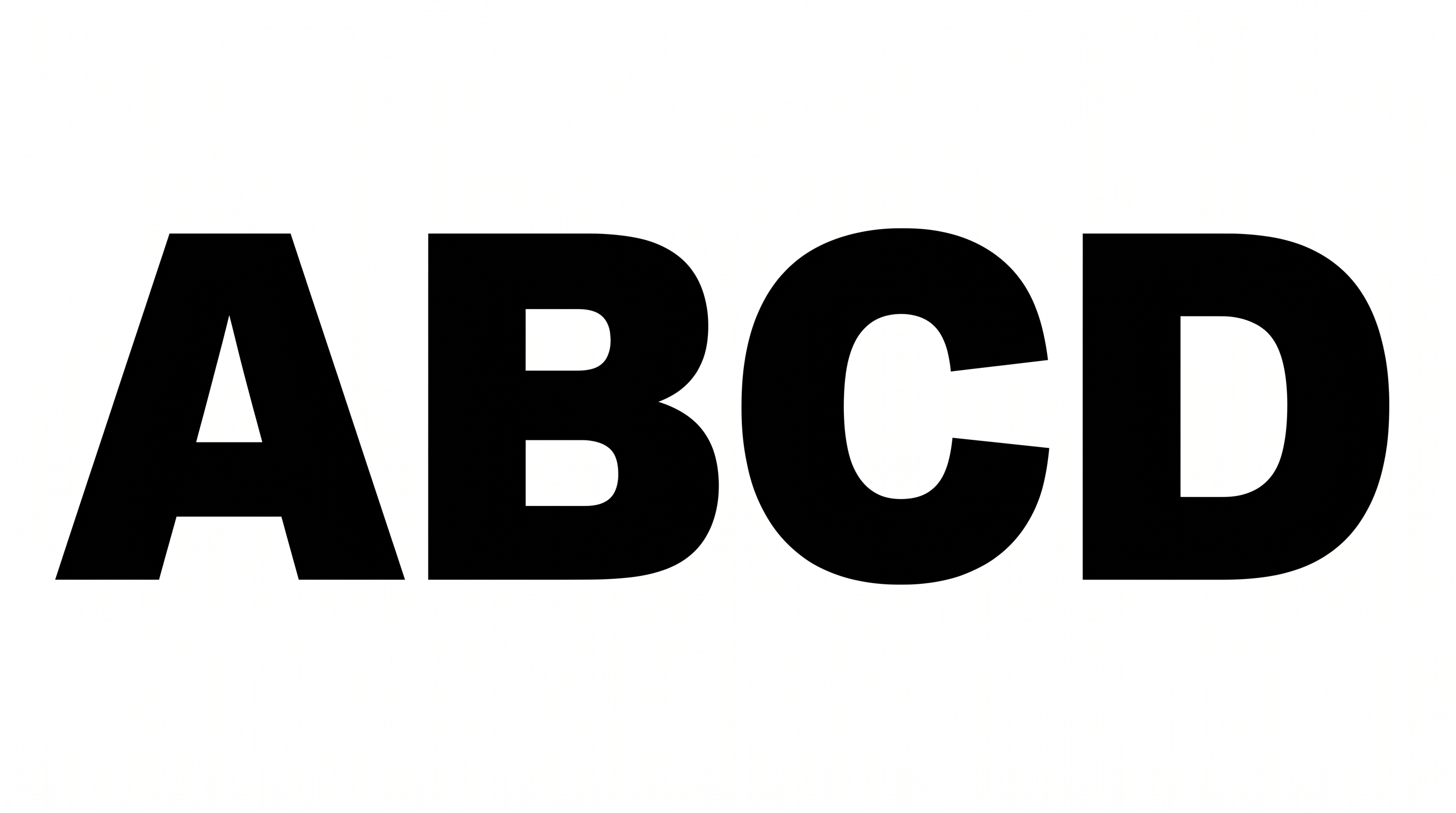
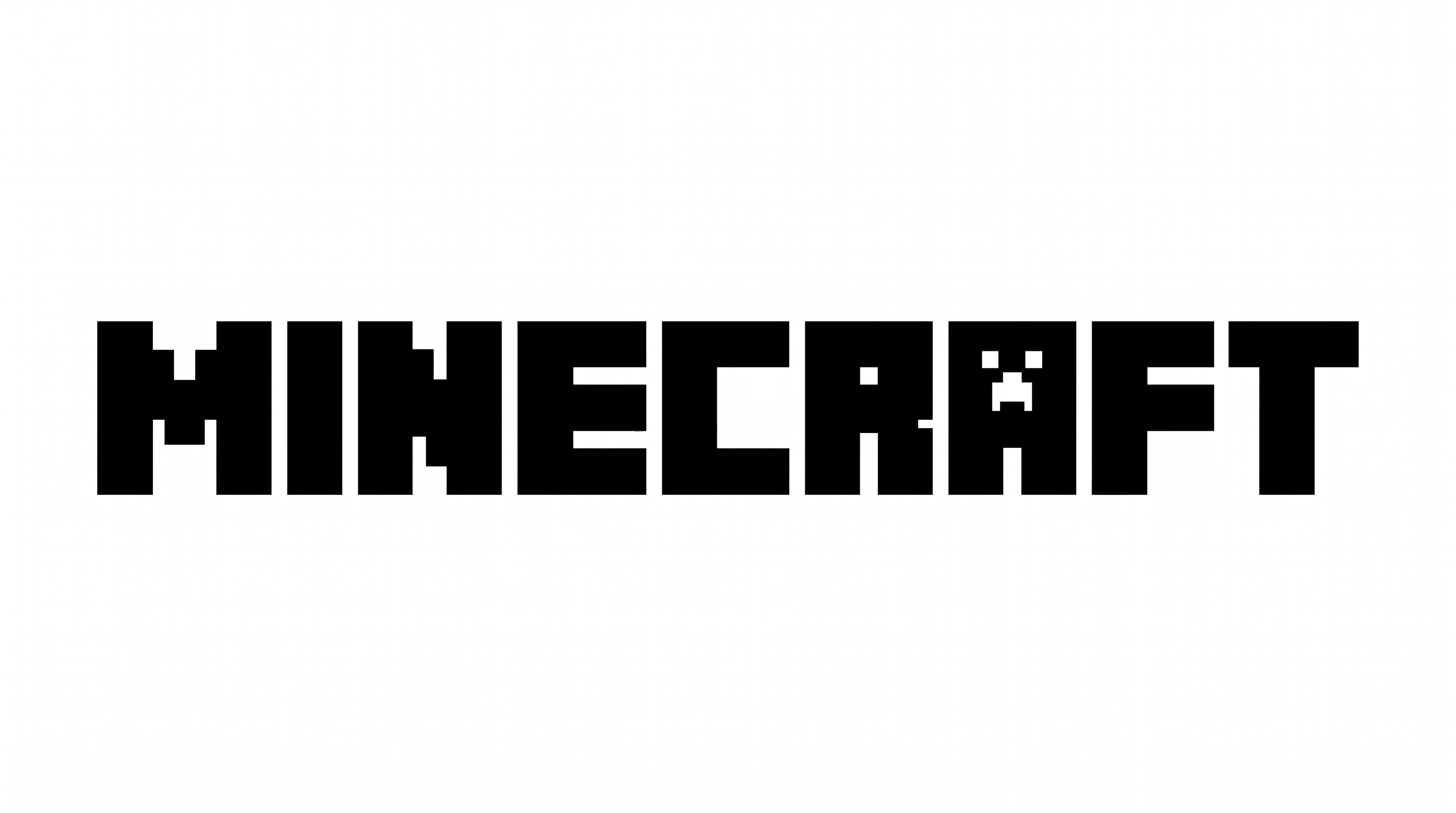
Heavy geometric capitals combine broad proportions, tight spacing, and sharply shaped joins.

  • Stroke Weight

    Very heavy strokes give the visible capitals a substantial presence.

  • Letter Construction

    Geometric shapes build the capitals with compact counters and custom cut forms.

  • Letter Width

    Broad letterforms create a wide, forceful silhouette across the line.

  • Corner Shape

    Sharp interior joins contrast with rounded outer curves.

  • Letter Spacing

    Narrow gaps keep neighboring letters tightly arranged within each word.

  • Stroke Contrast

    The letter bodies maintain a mostly uniform thickness throughout each character.
Frequently asked questions about Star Wars Font Generator

It turns your wording into a text image with ultra-bold, all-caps geometric lettering. Sharp angular joins, compact counters, and broad rounded forms give the artwork a cinematic science-fiction character suited to titles and display graphics.

The minimum membership covers personal use, while a higher membership covers commercial use. Review pricing to choose the membership that applies to your project before using the generated artwork commercially.

Browse the related tools and compare visible qualities such as weight, width, spacing, and geometric construction. Testing the same short phrase across several styles can help you identify the direction that best fits your layout.

Download the generated PNG artwork, upload it in Canva, and insert it into your Google Docs document. For Cricut, import the PNG into a project in the Cricut app, also known as Cricut Design Space.

Use a short phrase and preserve clear space around the ultra-bold capitals. Check the artwork at its intended display size so compact counters and narrow letter gaps remain easy to distinguish.

Leave generous margins around the lettering so its broad forms remain visually separate from nearby details. A wide aspect ratio can support the long horizontal silhouette while keeping supporting information clearly organized.

Pair the massive geometric title with a simpler supporting type style for dates, credits, or descriptions. Strong contrast in scale creates hierarchy while allowing the display lettering to remain the main visual element.

Its ultra-bold geometric capitals suit cinematic title cards, science-fiction covers, game packaging, event graphics, and large signs. Use prominent placement and a concise phrase to emphasize the wide wordmark-like silhouette.
READY TO CREATE?

Create Custom Star Wars Fonts & Text Effects

Try Star Wars Font Generator Free