Get 5 Free Credits

Free Barbie Font Generator Online

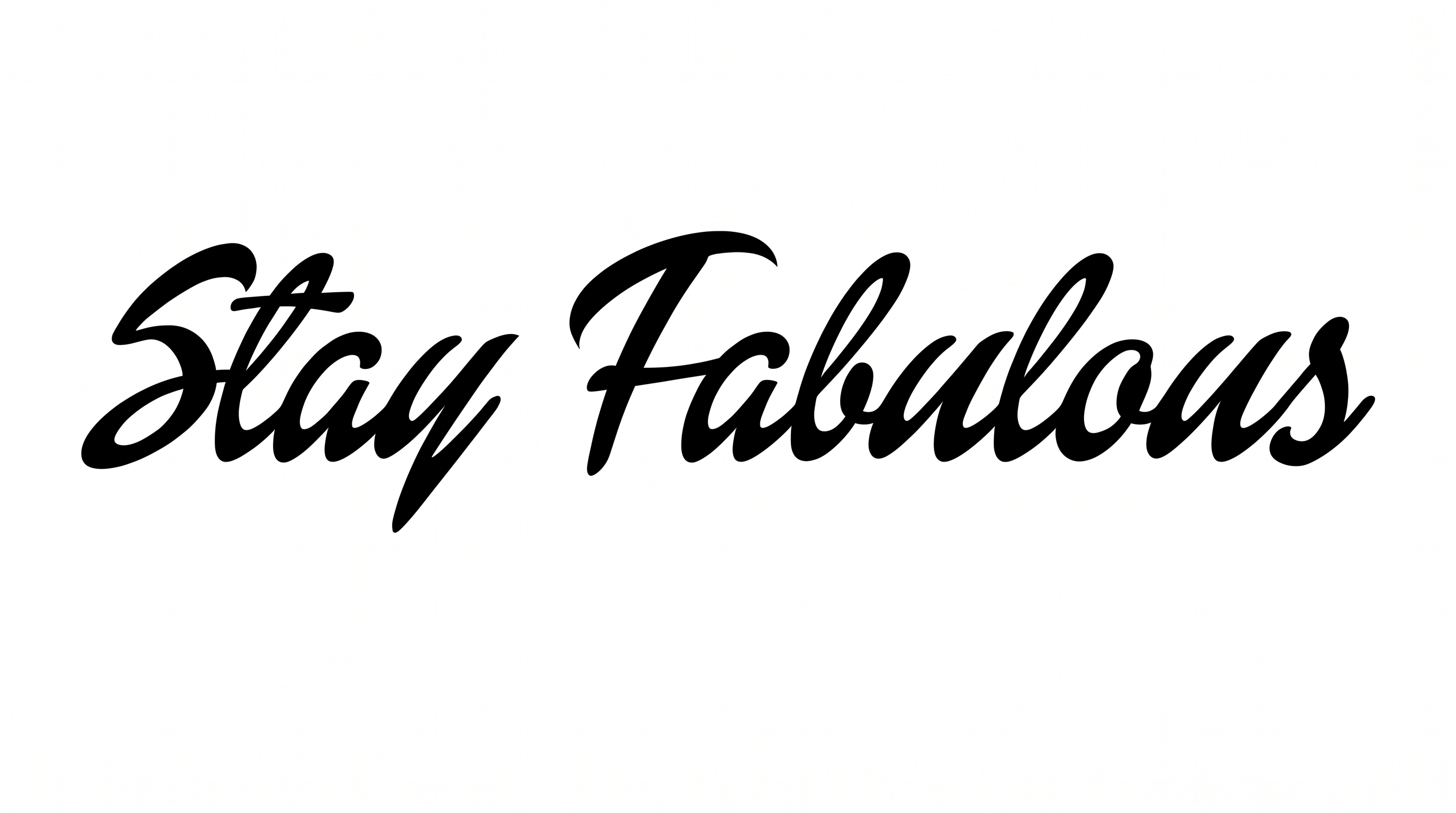
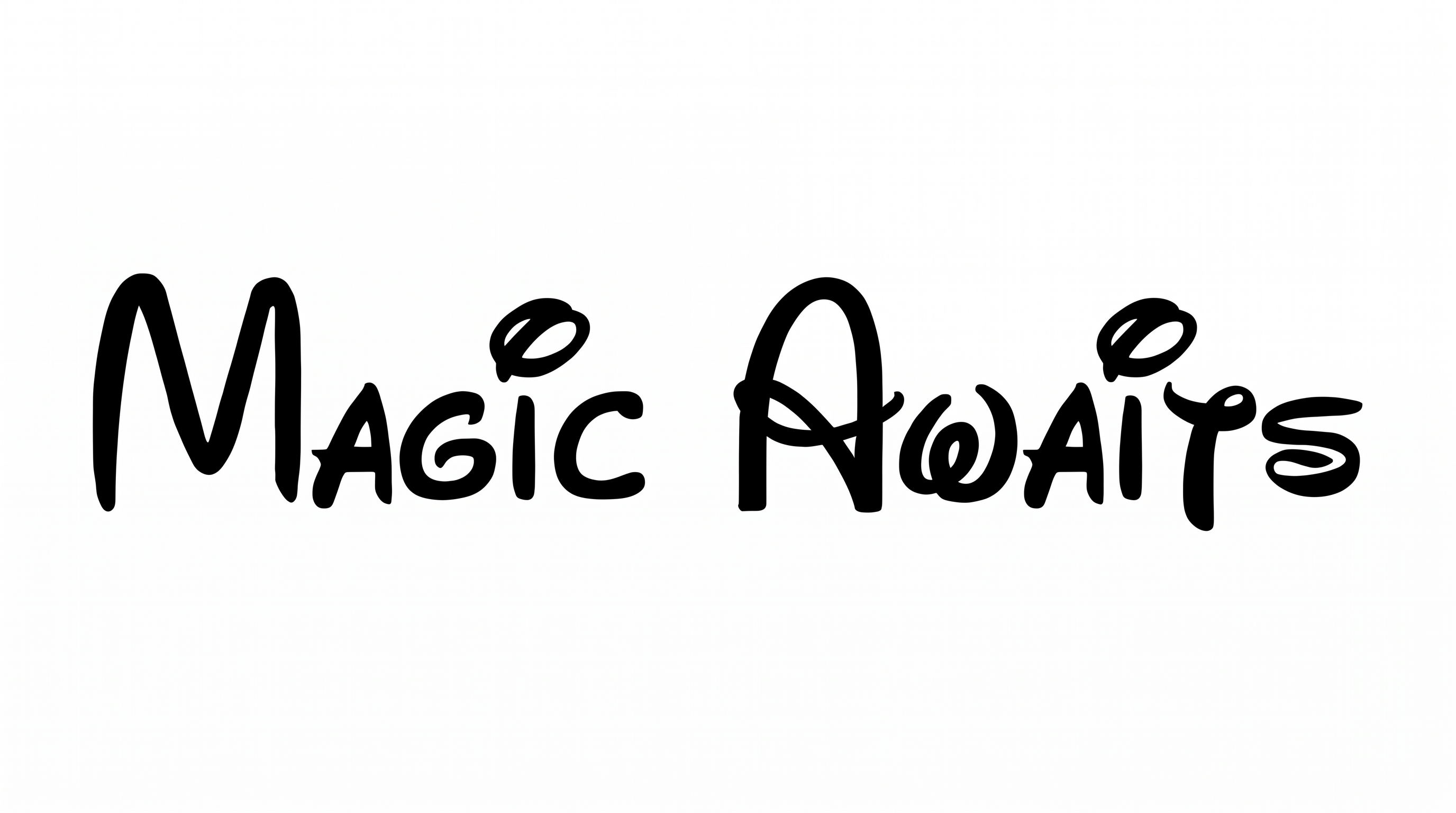
Turn names and short phrases into bold, connected brush lettering with dramatic capitals and flowing calligraphic strokes.

Enter the text to generate, e.g. Fontify.ai

Font color
Background
Templates
133
Generations
169
Downloads
225
Rating
5.0

How to Use the Barbie Font Generator

Shape expressive connected script for your phrase, then save the rendered artwork for a chosen layout.

  1. 01

    Write your phrase

    Enter a short name or phrase that suits the flowing, connected brush script.

  2. 02

    Set up the image

    Choose font color, a custom background, or an image size such as 16:9 before generating.

  3. 03

    Download the finished artwork

    Review the rendered lettering, then download the finished image as PNG or SVG.

Barbie Font Style Profile

Connected strokes, strong contrast, and sweeping flourishes create an expressive calligraphic rhythm.

  • Letter Connections

    Continuous strokes join most neighboring lowercase letters into flowing words.

  • Stroke Contrast

    Broad downstrokes alternate clearly with fine curves and connecting lines.

  • Flourishes

    Sweeping capital loops and extended tails add prominent decorative movement.

  • Slant

    The visible letters lean consistently toward the right.

  • Stroke Endings

    Several exposed strokes finish in sharp, tapered brush tips.

  • Letter Spacing

    Letters sit closely together within words as their strokes connect.
Frequently asked questions about Barbie Font Generator

It creates text artwork in a bold calligraphic brush style. Connected letters, strong thick-to-thin contrast, and dramatic capitals give names and short phrases an expressive handwritten appearance. The finished result is an image for use in visual designs.

Commercial use is covered by a higher membership, while the minimum membership covers personal use. Review pricing to choose the membership that applies to your project.

Yes. You can use the generator and download the resulting artwork through the supported free-use options. Commercial projects follow the separate membership conditions shown in pricing.

Download the Barbie Font artwork as a PNG. Upload it in Canva and insert it into a Google Docs document. Import the PNG into a project in the Cricut app, also known as Cricut Design Space. The artwork remains an image in these workflows.

The Barbie Font Generator works especially well for online graphics centered on names, short phrases, or display titles. Its connected brush lettering also suits invitations, packaging concepts, signs, celebration pieces, and personalized accessories.

Give the script a prominent position and leave open space around its sweeping capitals and extended strokes. A short phrase helps the connected forms remain clear while leaving room for supporting details.

Use a concise name or phrase and preview the artwork at its intended display size. Strong contrast with the surrounding layout helps the thinner connecting strokes remain visible.

Pair the flowing brush script with a simple supporting type style. Use the script for the main name or title, then keep dates, captions, and details visually restrained.

Its sweeping capitals, connected rhythm, and thick-to-thin strokes create an elegant, energetic, retro-inspired mood. It can make a short title feel personal and decorative.
READY TO CREATE?

Create Custom Barbie Fonts & Text Effects

Try Barbie Font Generator Free