
Get 5 Free Credits

Free Retro Font Alphabet Generator Online

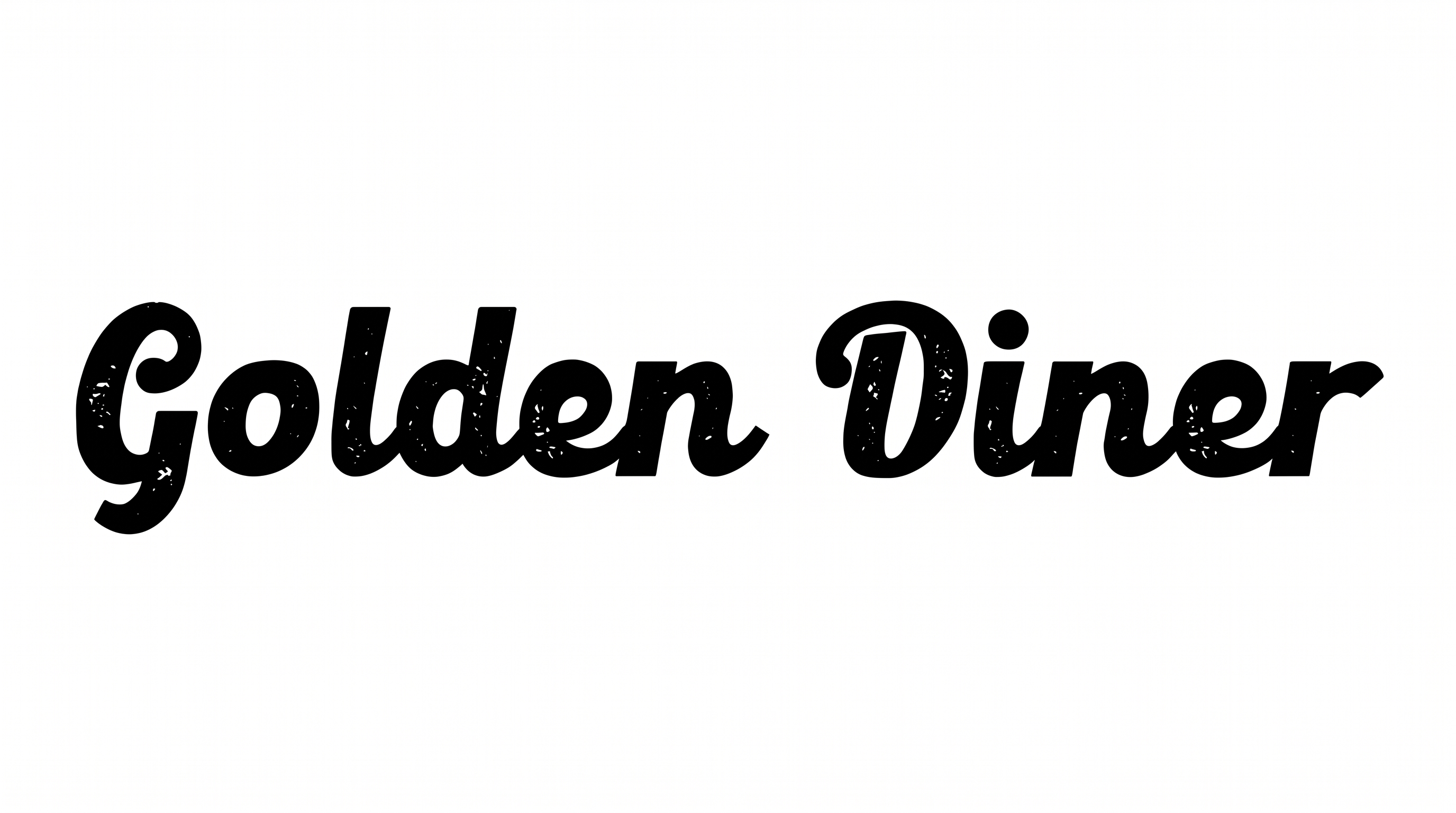
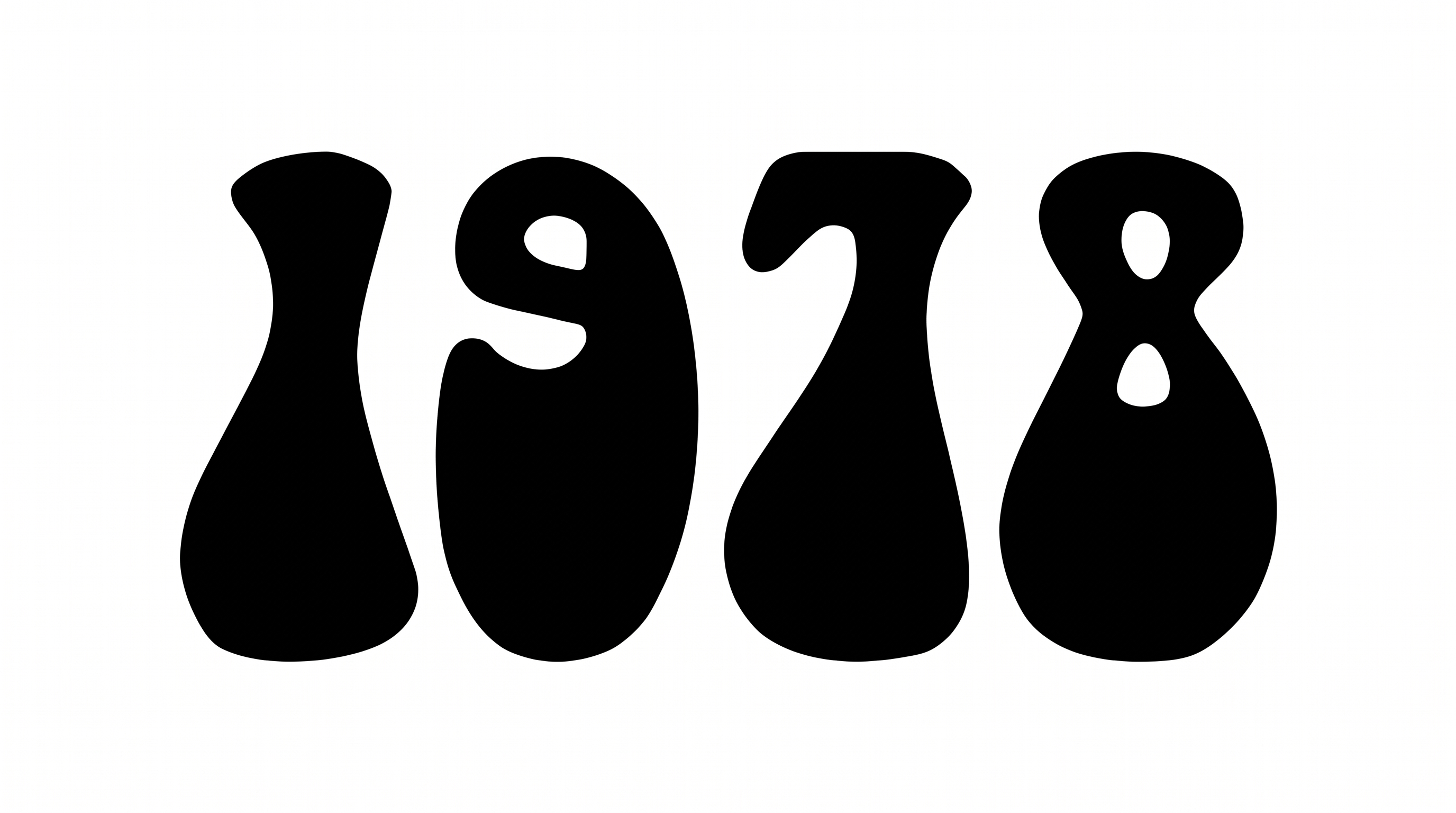
Heavy rounded serifs turn your words into bold vintage-style lettering suited to poster headlines, covers, packaging, and signs.

Enter the text to generate, e.g. Fontify.ai

Font color
Background
Templates
167
Generations
158
Downloads
261
Rating
5.0

How to Use the Retro Font Alphabet Generator

Shape bold rounded-serif lettering for a layout, then save the finished text artwork in a supported format.

  1. 01

    Enter your title or message

    Type the wording you want to render in the bold retro lettering style.

  2. 02

    Set the color and composition

    Choose a font color, background, and image size such as 1:1 or 16:9.

  3. 03

    Generate and download the image

    Review the rendered lettering, then download the finished artwork as a PNG or SVG image.

Retro Font Alphabet Style Profile

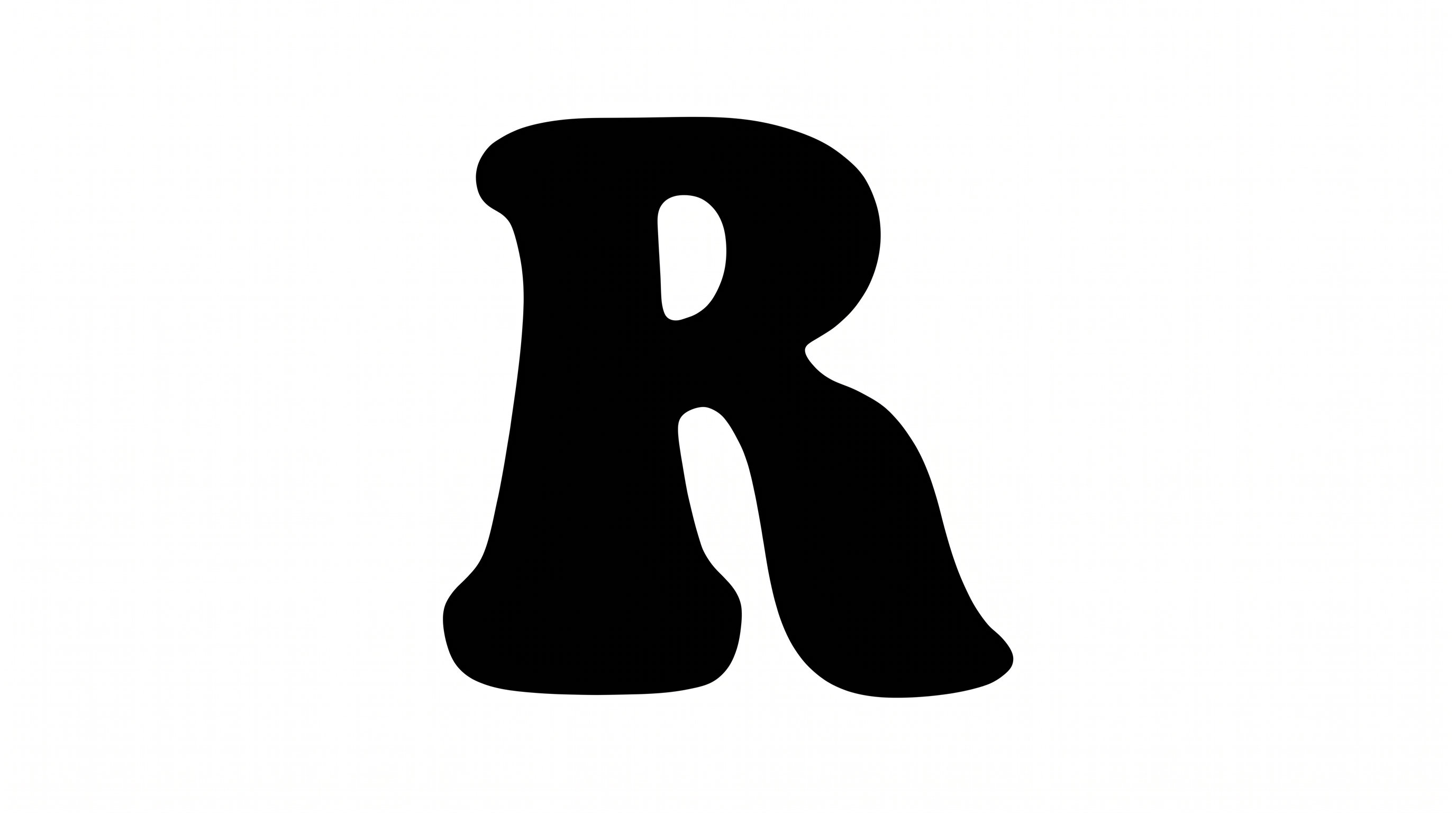
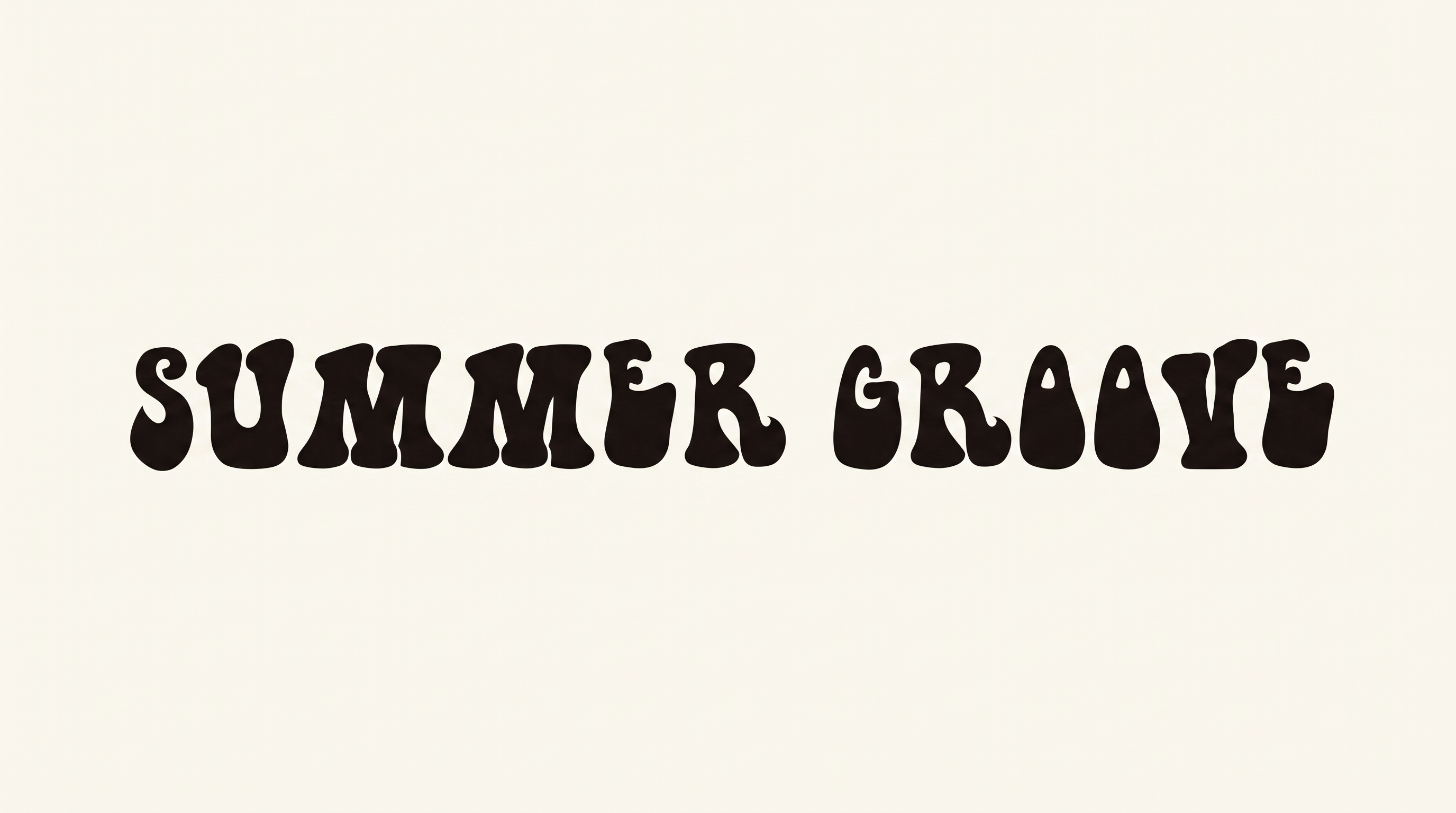
Heavy strokes, rounded corners, and separate characters create a bold, compact alphabet.

  • Stroke Weight

    Heavy strokes give the uppercase letters a bold, substantial presence.

  • Corner Shape

    Softly rounded corners shape the joins and outer contours.

  • Stroke Endings

    Rounded, flared serif endings give the strokes a soft finish.

  • Letter Construction

    Solid, continuous shapes build each uppercase character.

  • Letter Spacing

    Narrow gaps create a compact rhythm across the alphabet rows.

  • Letter Connections

    Letters remain separate, with clear breaks between neighboring characters.
Frequently asked questions about Retro Font Alphabet Generator

Enter your text, then choose an available font color, background, and image size. Generate the artwork, review the rendered preview, and download it as a PNG or SVG image. The result is text artwork rather than an installable font file.

Browse the related tools and compare examples by letter shape, weight, spacing, and overall mood. Consider how each direction fits your intended layout, then test your wording to see which treatment communicates the right tone.

Download the Retro Font Alphabet artwork as a PNG. Upload it in Canva and insert it into a Google Docs document. For Cricut, import it into a project in the Cricut app, also known as Cricut Design Space. It remains image artwork rather than an installed, natively editable font.

The minimum membership covers personal use, while a higher membership covers commercial use. Review pricing to choose the membership that applies to your project before using the artwork commercially. This distinction helps match the intended use with the appropriate membership.

Its heavy rounded serifs work especially well for short, prominent titles on posters, record sleeves, book covers, packaging, signs, apparel, and labels. Use it where the lettering can serve as a clear visual focal point.

Keep the title concise and give the broad, heavy letters enough surrounding space. A centered line works well for compact wording, while a balanced two-line stack can suit square or portrait layouts with supporting details.

Use short wording, strong contrast, and clear space around the heavy rounded letters. Preview the image at its intended display size and simplify nearby details so the compact character shapes remain easy to distinguish.

Pair the bold display lettering with restrained supporting text and simple graphic elements. Let the rounded serif title carry the visual personality while smaller information uses a clear, quieter treatment and comfortable spacing.
READY TO CREATE?

Create Custom Retro Font Alphabets & Text Effects

Try Retro Font Alphabet Generator Free