
Get 5 Free Credits

Free Retro Number Font Generator Online

Shape names and numerals into heavy, rounded retro lettering with irregular organic forms, suited to labels, covers, and bold display graphics.

Enter the text to generate, e.g. Fontify.ai

Font color
Background
Templates
167
Generations
62
Downloads
277
Rating
5.0

How to Use the Retro Number Font Generator

Create bold numeral artwork with rounded organic forms, then size and save it for your layout.

  1. 01

    Enter your wording

    Type a name, date, or number to shape into heavy, rounded retro lettering.

  2. 02

    Choose the layout and colors

    Select a 1:1 image size, font color, and custom color or uploaded background.

  3. 03

    Generate and download PNG or SVG

    Generate the text image, review the organic numeral shapes, then download your preferred supported format.

Retro Number Font Style Profile

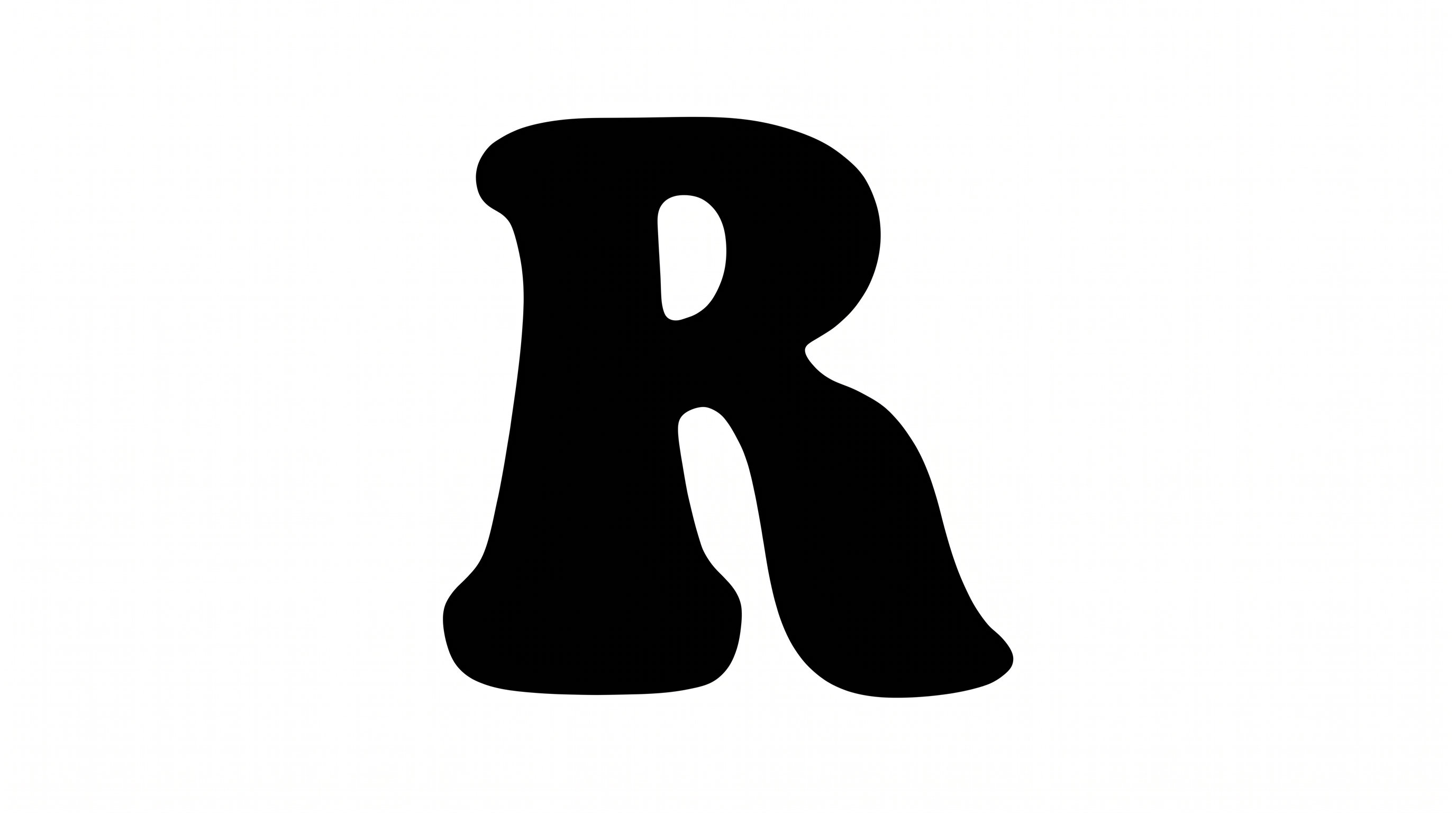
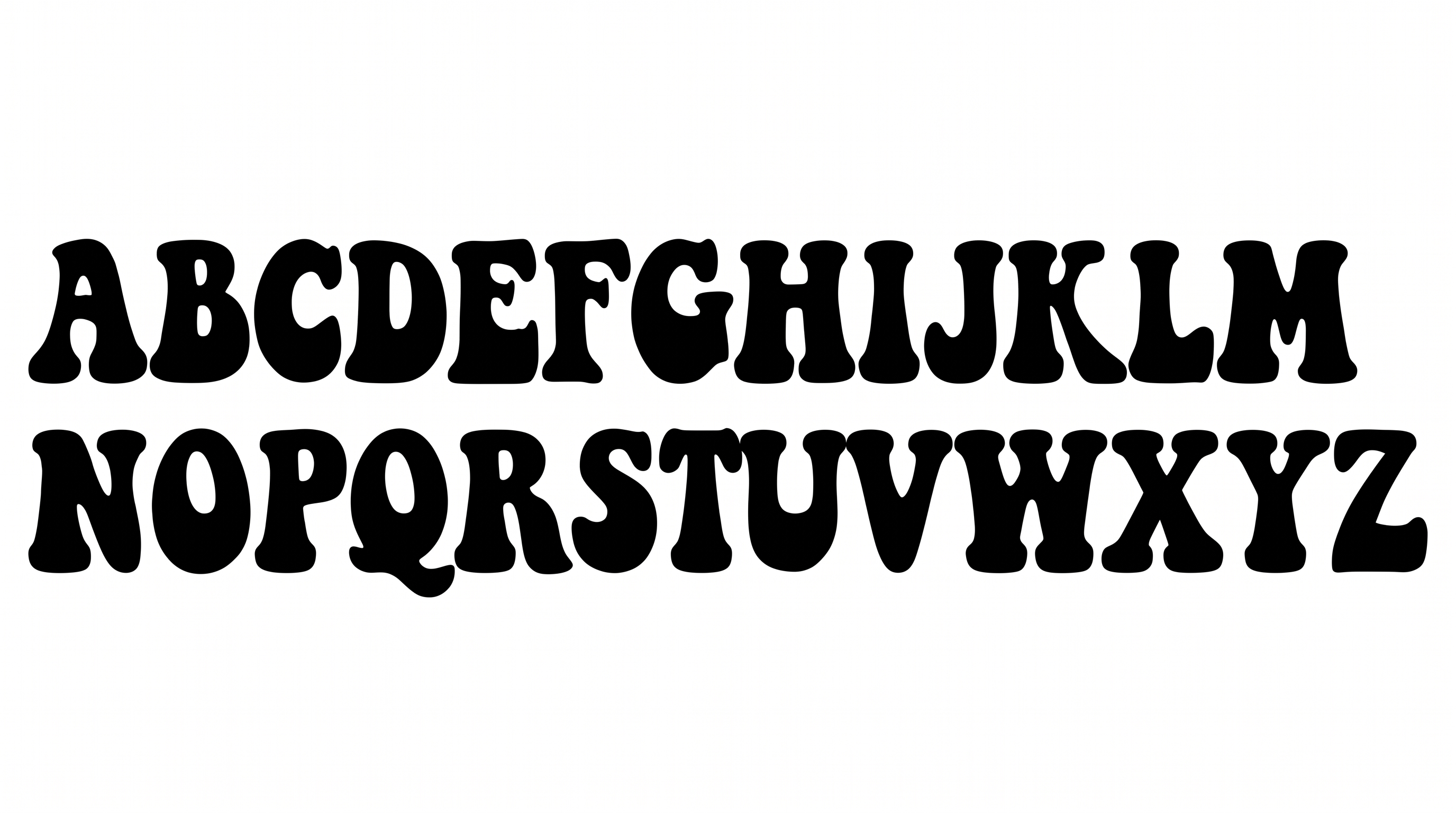
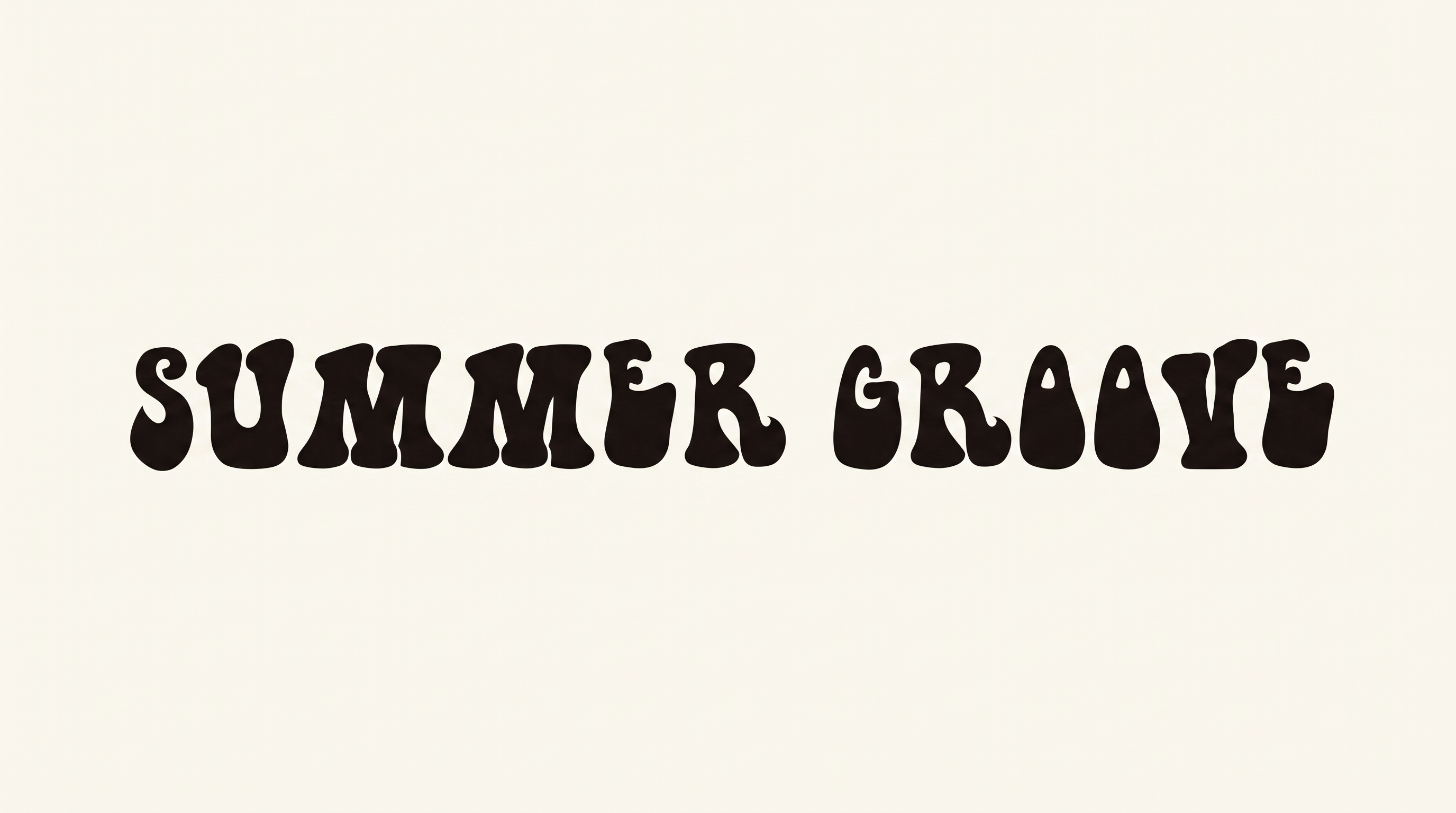
Heavy filled silhouettes, rounded corners, and irregular organic construction define the visible numerals.

  • Letter Construction

    Each numeral uses a continuous, irregular silhouette with rounded interior openings.

  • Stroke Weight

    Heavy stroke bodies give the numerals a bold, substantial presence.

  • Corner Shape

    Rounded corners soften the turns and joins throughout the visible numerals.

  • Color Treatment

    A flat solid black fill covers the visible numeral faces.

  • Letter Width

    Broad numeral bodies create wide, prominent individual forms.

  • Letter Spacing

    Clear narrow gaps keep the neighboring numerals visually separate.
Frequently asked questions about Retro Number Font Generator

It turns entered wording into a text image with heavy, rounded, irregular retro forms. The organic display style suits prominent numerals, short names, dates, and other bold graphics. You can place the finished artwork in a larger design.

Use the related tools area to browse other lettering directions. Compare their example shapes, stroke character, and overall mood against this style's heavy organic forms. Choose the treatment that best fits your design.

The minimum membership covers personal use, while a higher membership covers commercial use. Review pricing to select the membership that matches your project before using the artwork in paid, client, promotional, or product work.

Enter your text, then choose available settings such as font color, background, and image size. Generate the design and review the rendered text image. Download it as PNG or SVG. The result is image artwork rather than an installable font file.

Keep the main numeral or short name large and centered. Leave the surrounding area free of competing detail, then reserve clear zones for dates, prices, or supporting information.

The heavy rounded forms suit album covers, labels, event tickets, storefront graphics, and social announcements. In an online layout, give the lettering a prominent focal position and enough surrounding space to preserve its bold silhouette.

Pair the irregular organic shapes with a simpler supporting type style. Use the retro lettering for the main name, year, or price, while keeping detailed information in a calm, readable hierarchy.
READY TO CREATE?

Create Custom Retro Number Fonts & Text Effects

Try Retro Number Font Generator Free