
Get 5 Free Credits

Free Retro Poster Font Generator Online

Create bold retro lettering with heavy organic forms, rounded serifs, and a vintage poster feel for standout text artwork.

Enter the text to generate, e.g. Fontify.ai

Font color
Background
Templates
167
Generations
150
Downloads
202
Rating
5.0

How to Use the Retro Poster Font Generator

Shape bold organic lettering with a suitable size and background, then save the artwork for your design.

  1. 01

    Enter a bold poster phrase

    Type a short phrase that suits the broad retro lettering.

  2. 02

    Choose the composition settings

    Choose an image size such as 16:9, then select a background and font color.

  3. 03

    Generate and download the PNG

    Generate the lettering, review the result, then download the PNG image for your layout.

Retro Poster Font Style Profile

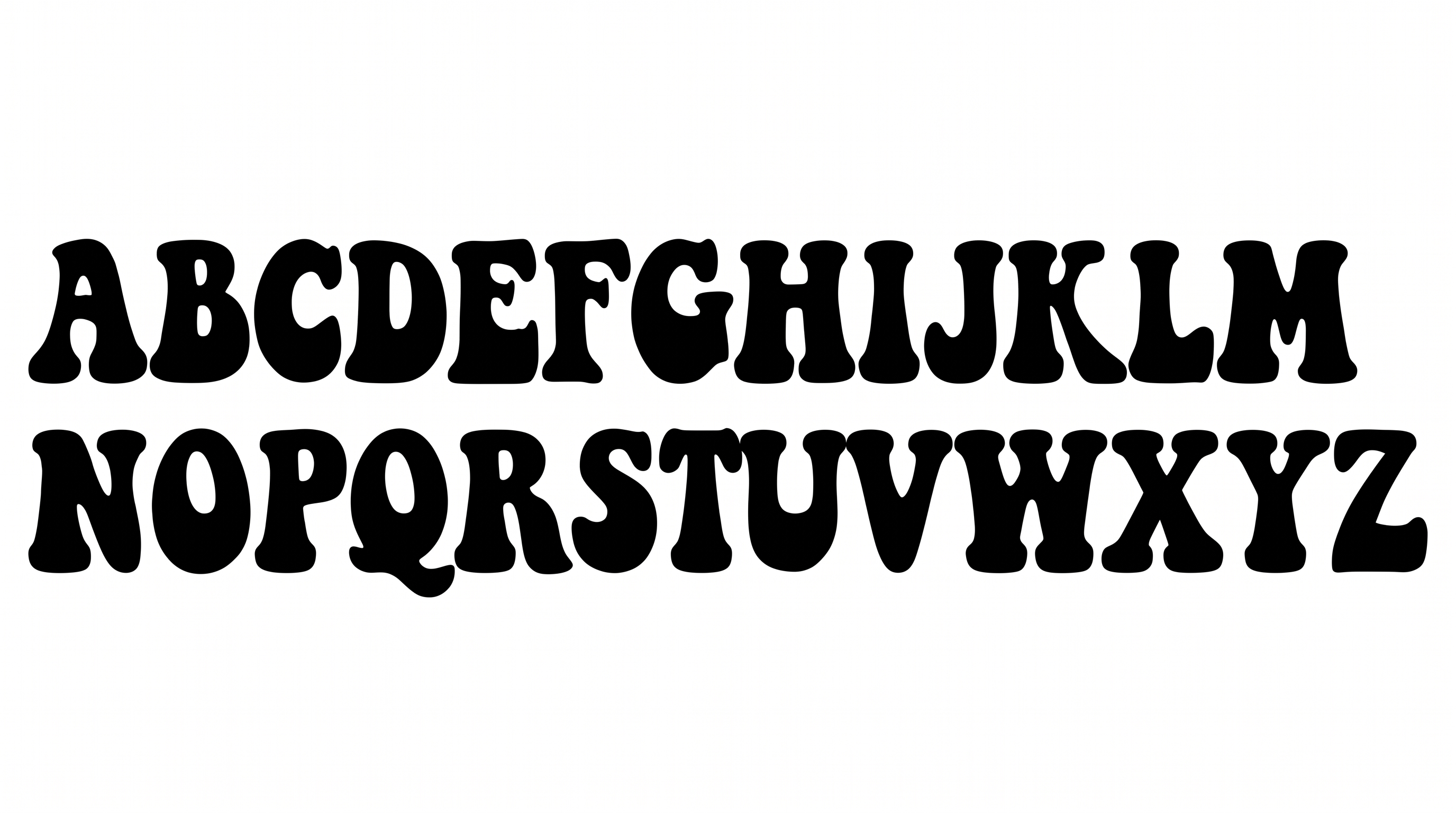
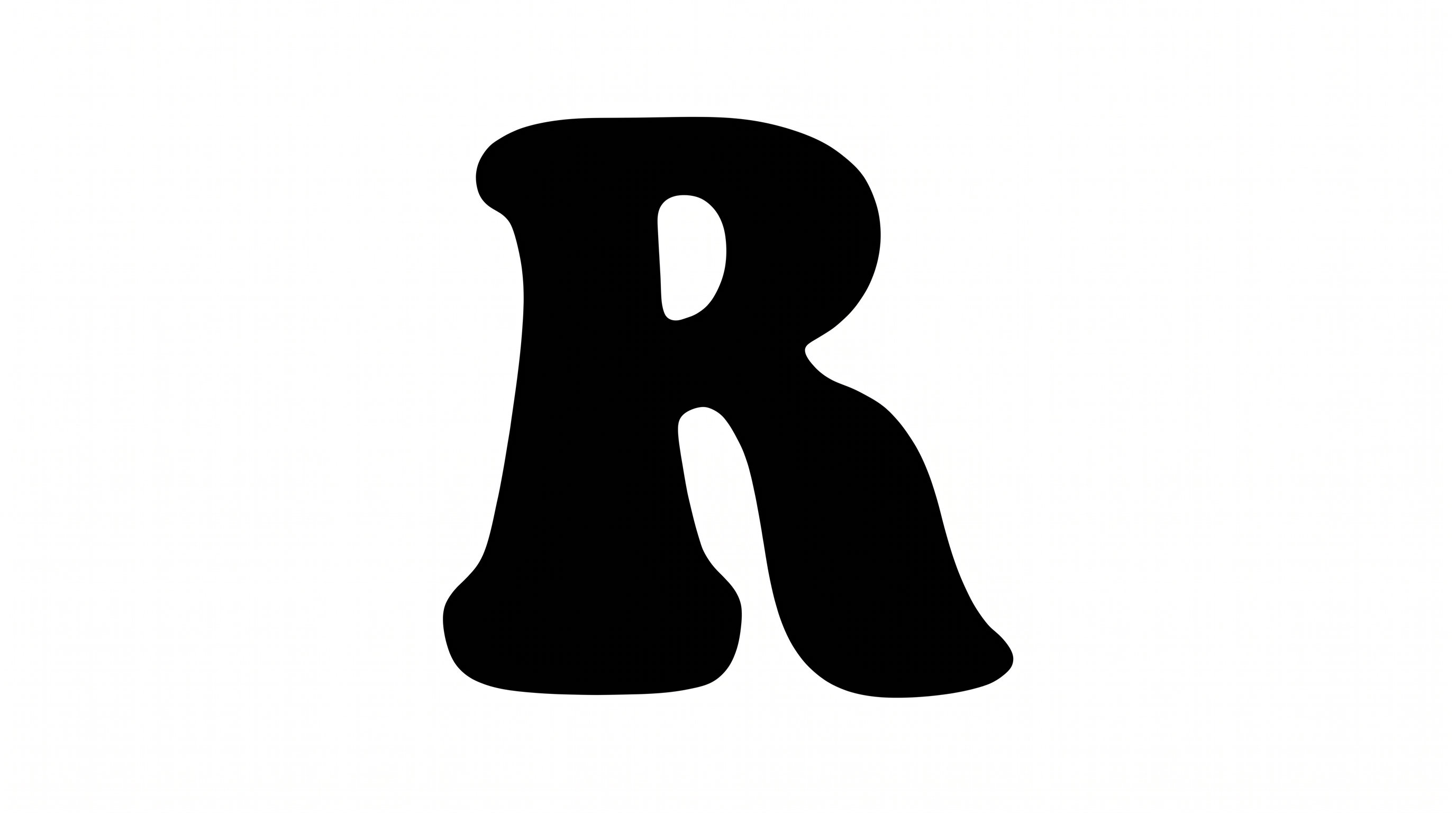
Heavy organic strokes, rounded corners, and broad letters create a compact vintage display style.

  • Stroke Weight

    Heavy stroke bodies give the lettering a substantial, inked appearance.

  • Letter Construction

    Solid continuous shapes form the visible letters with organic serif structures.

  • Corner Shape

    Rounded curves and bulbous joins shape the letters' organic silhouettes.

  • Stroke Contrast

    Thick main strokes narrow around joins and interior spaces.

  • Letter Width

    Broad individual letters create generous display-oriented proportions.

  • Letter Spacing

    Compact gaps keep neighboring letters visually close within each word.
Frequently asked questions about Retro Poster Font Generator

Download the generated PNG artwork. Upload it in Canva, insert it into Google Docs, and import it into a project in the Cricut app, also known as Cricut Design Space.

Yes. You can use the generator and download PNG or SVG artwork for free. Usage rights follow membership terms, with minimum membership covering personal use.

Browse the related tools area and compare lettering by weight, shape, spacing, and overall mood. This helps you choose a visual direction suited to your project.

Yes. Transparent-background output is supported for layering lettering over other artwork. You can also choose a font color, custom background color, uploaded background image, and image size.

Its broad organic letters suit an online poster with a short headline and generous surrounding space. A free PNG can sit above supporting details or imagery.

Use the lettering as the main display line. Arrange dates, locations, and supporting details in a quieter type treatment with ample separation from the headline.

Solid dark lettering pairs naturally with warm paper tones and muted colors. Choose a background that maintains strong contrast around the organic letter shapes.

Keep the phrase compact and centered so the broad letters remain prominent within the square cover. Leave room for artist and release details.

Use a short headline and preserve clear space around its heavy letter shapes. Place detailed event information in separate areas with strong visual contrast.
READY TO CREATE?

Create Custom Retro Poster Fonts & Text Effects

Try Retro Poster Font Generator Free