
Free Retro Font Logo Generator Online
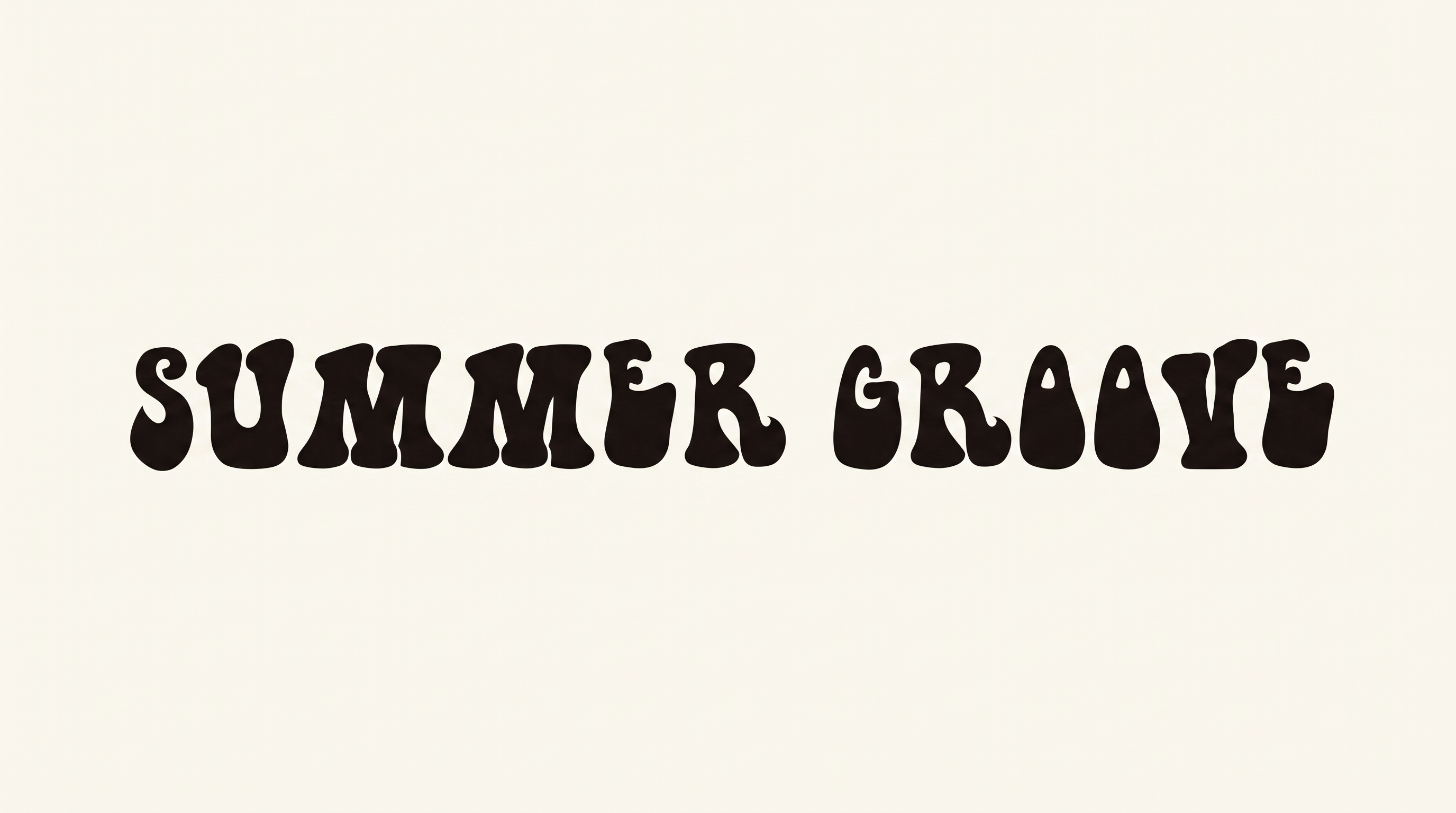
Create bold italic diner lettering with rounded script swashes and a worn printed texture for distinctive logo-style text artwork.
- Templates
- 167
- Generations
- 196
- Downloads
- 253
- Rating
- 5.0
How to Use the Retro Font Logo Generator
Shape bold, distressed diner lettering into a clear PNG mark for packaging, signs, and other branded layouts.
- 01
Enter your logo wording
Type a short name or phrase to establish the bold italic script composition.
- 02
Choose the image setup
Select a size such as 16:9, then choose a custom color or uploaded image background.
- 03
Generate and download PNG artwork
Review the rounded swashes and worn texture, then download the generated PNG image.
Retro Font Logo Generator in Use: Design Examples & Showcase
See the lettering applied to packaging, storefront signage, menu boards, apparel, vehicle panels, and other branded displays.
Retro Font Logo Style Profile
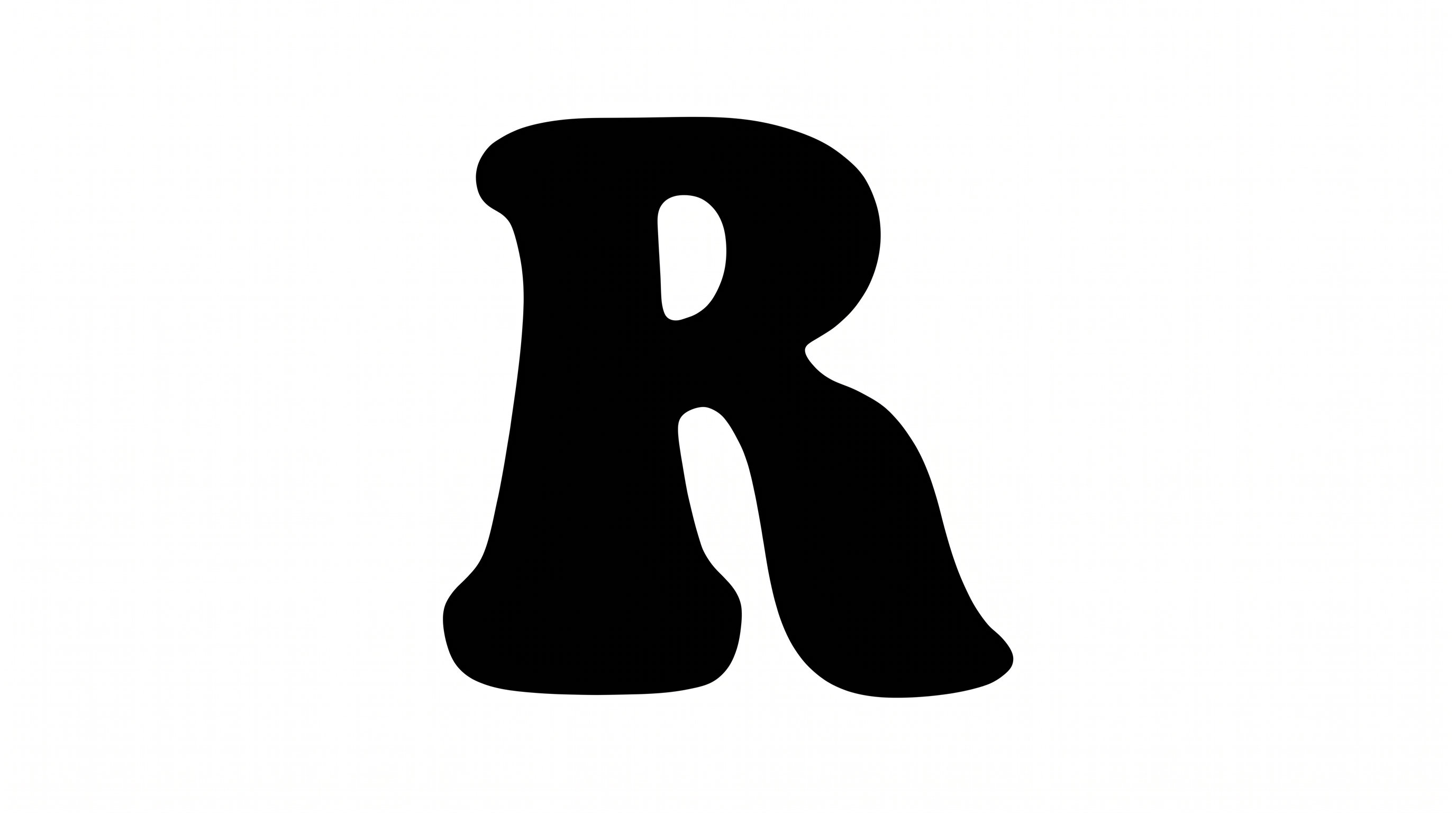
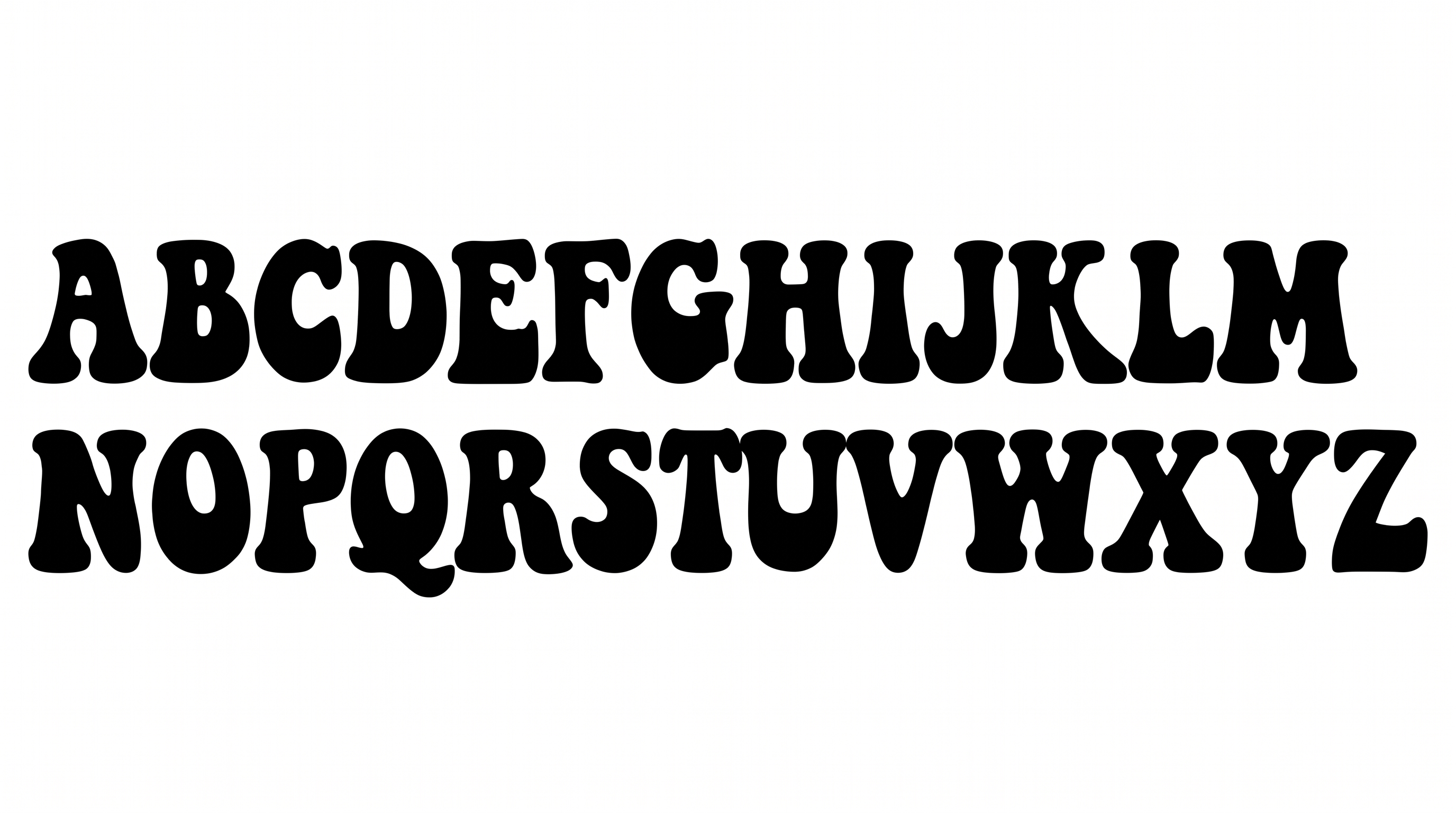
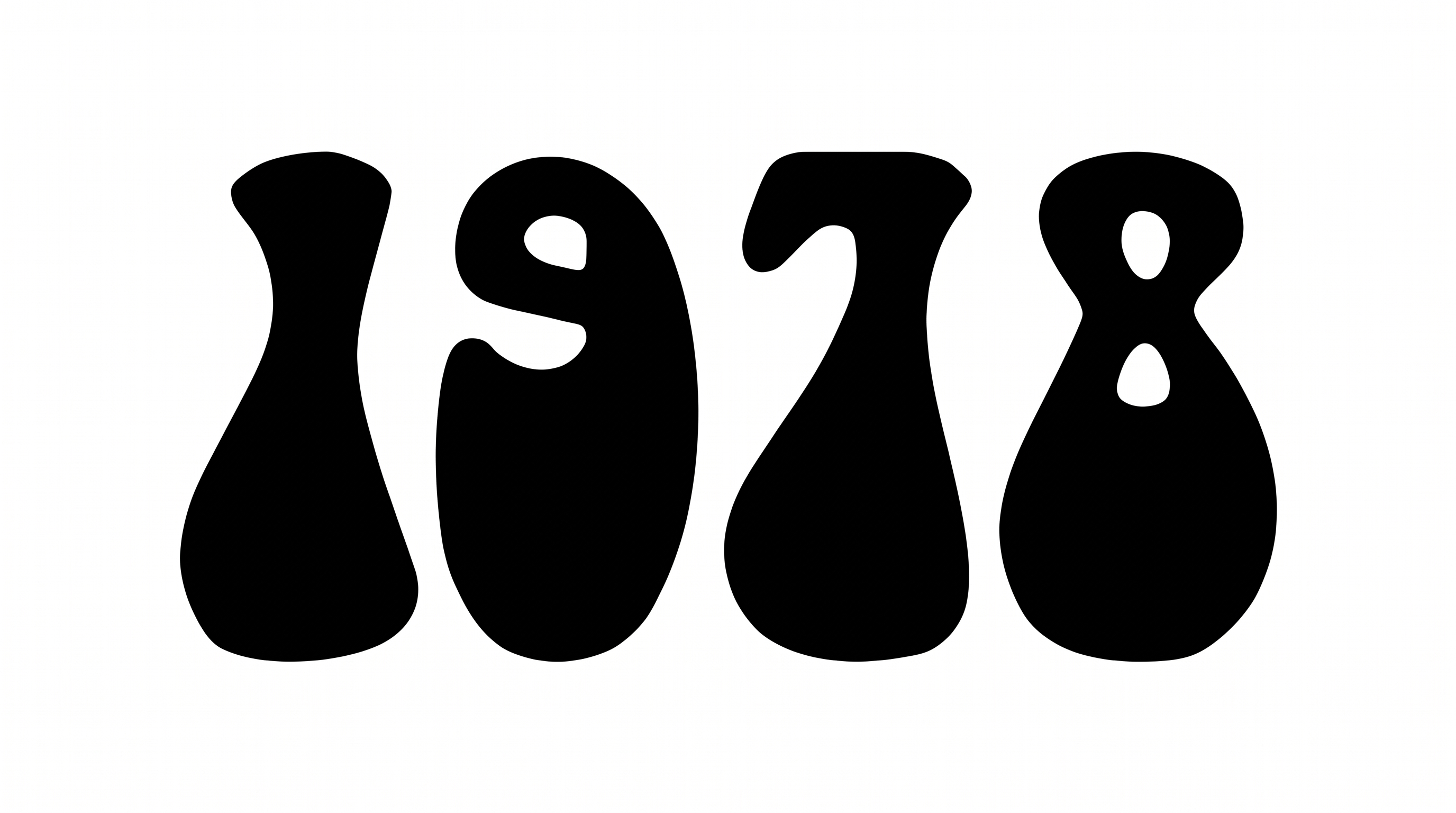
Heavy italic strokes, connected swashes, and distressed letter texture create a vintage diner appearance.
Stroke Weight
Heavy strokes give the lettering a bold, substantial body.
Slant
The letterforms lean noticeably to the right along the baseline.
Letter Connections
Curved strokes connect neighboring letters into a continuous script flow.
Flourishes
Rounded swashes extend from the script letters as restrained decorative accents.
Surface Texture
Small worn marks and speckles distress the visible letter surfaces.
Stroke Endings
Stroke endings appear rounded and smoothly tapered in the script treatment.