Get 5 Free Credits

Free Tattoo Writing Font Generator Online

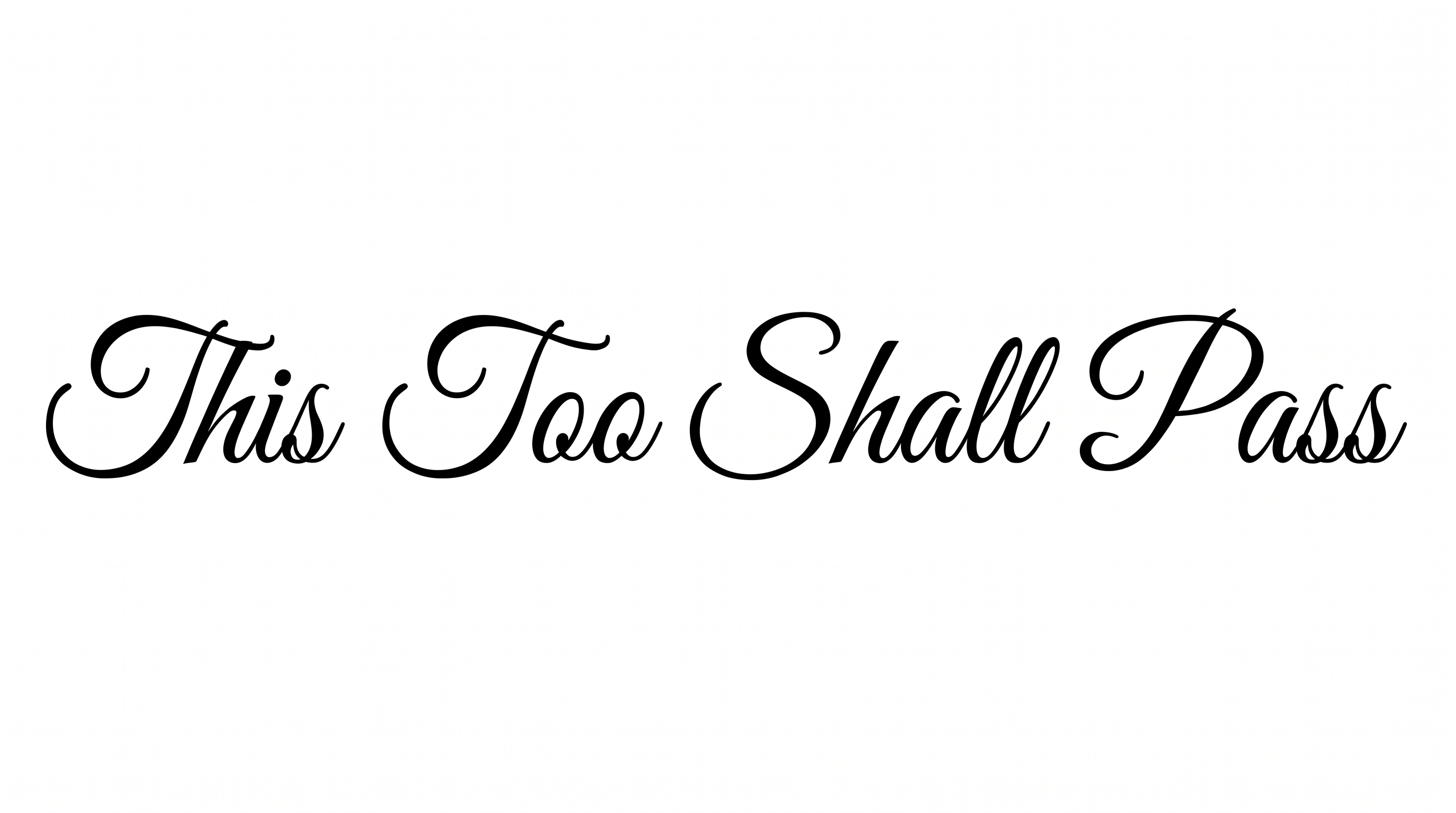
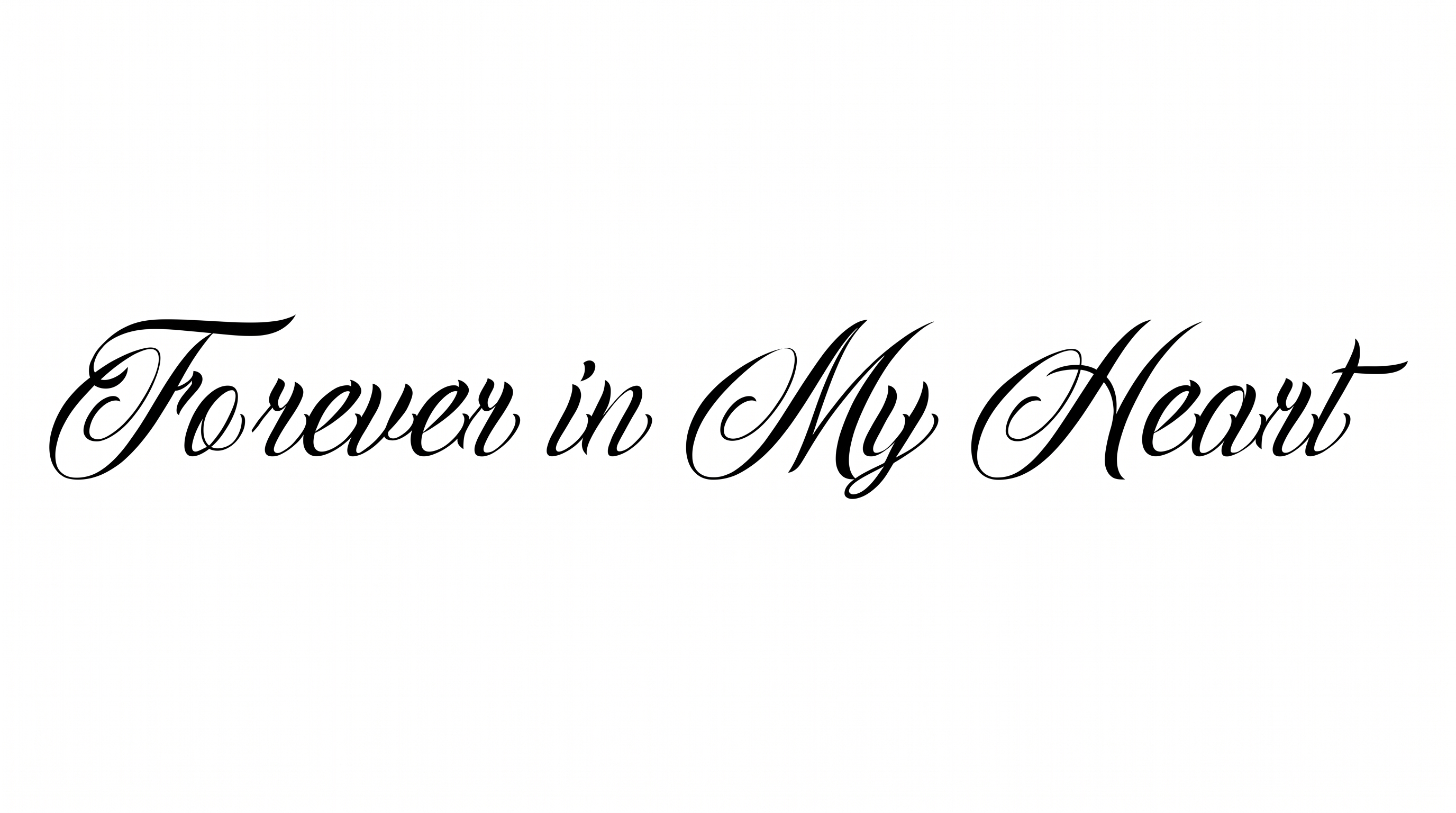
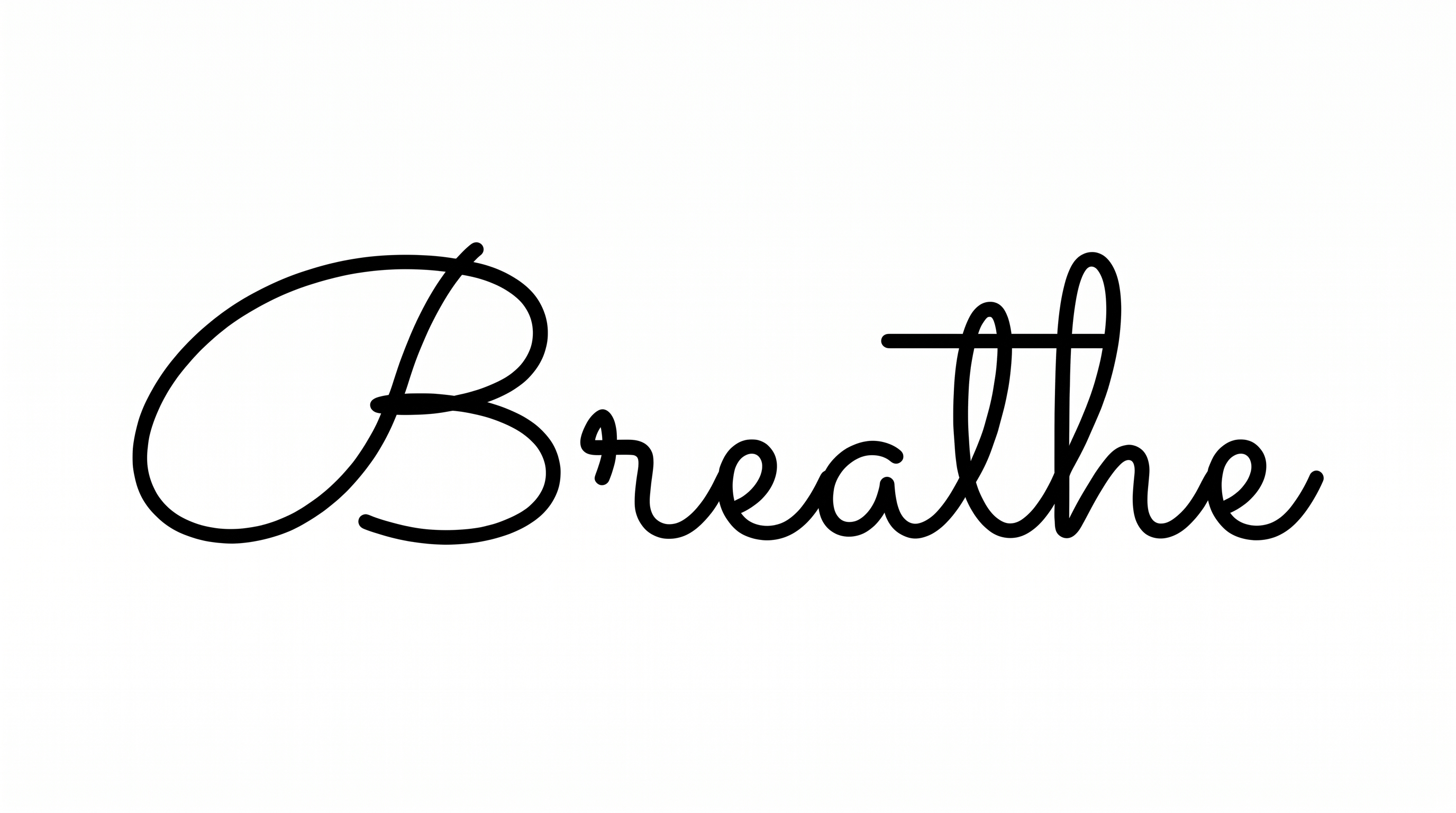
Create fluid monoline script with connected letters, dramatic loops, and deep descenders for names, stencil concepts, or elegant titles.

Enter the text to generate, e.g. Fontify.ai

Font color
Background
Templates
296
Generations
174
Downloads
217
Rating
5.0

How to Use the Tattoo Writing Font Generator

Shape a flowing script composition and save it as versatile artwork for your chosen layout.

  1. 01

    Compose your tattoo lettering

    Enter a name or phrase that suits the flowing connections and extended strokes.

  2. 02

    Set the color and layout

    Choose a font color, background, and image size such as 3:2 or 1:1.

  3. 03

    Generate and download the artwork

    Review the rendered lettering, then download the finished image as a PNG or SVG.

Tattoo Writing Font Style Profile

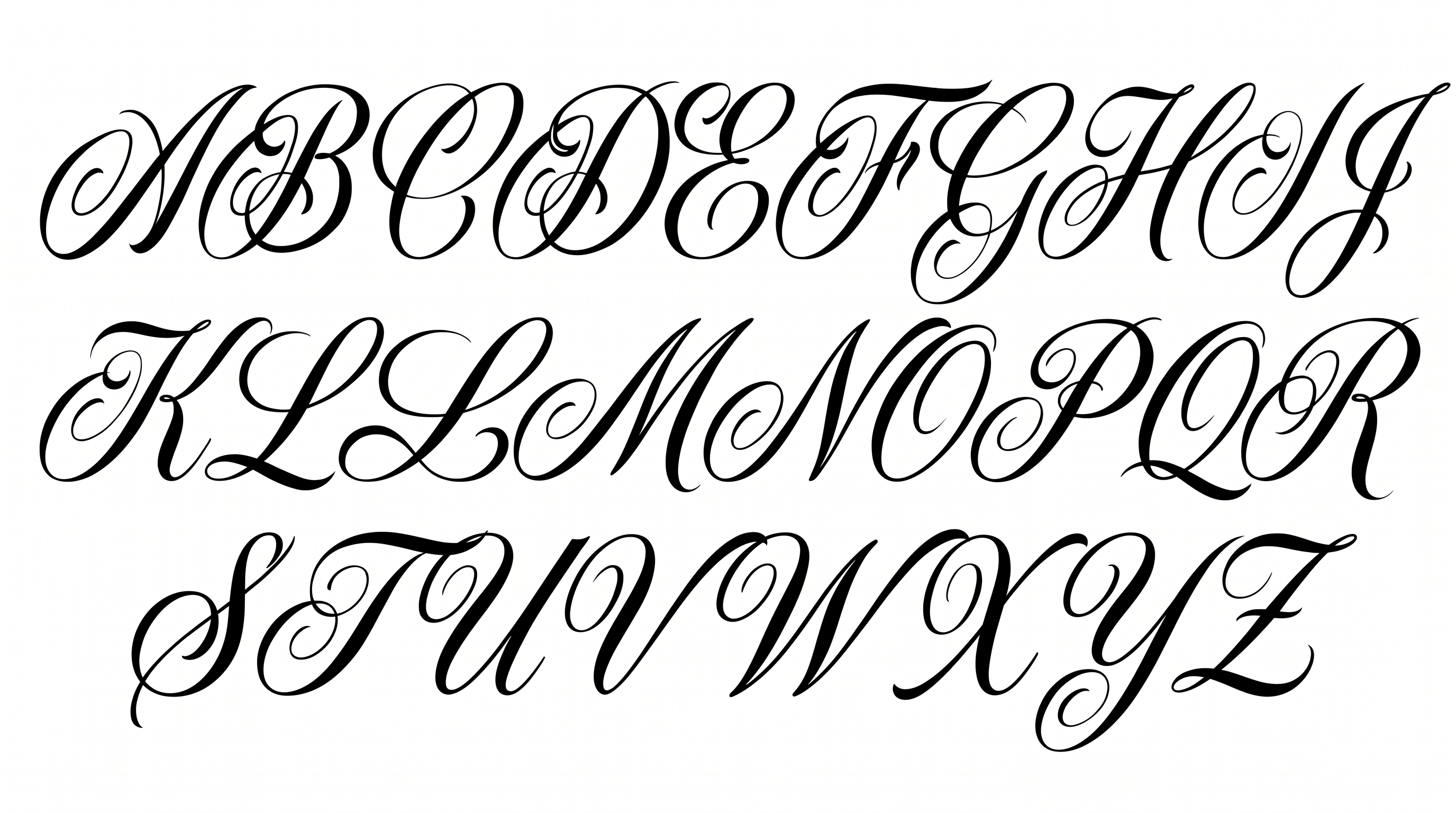
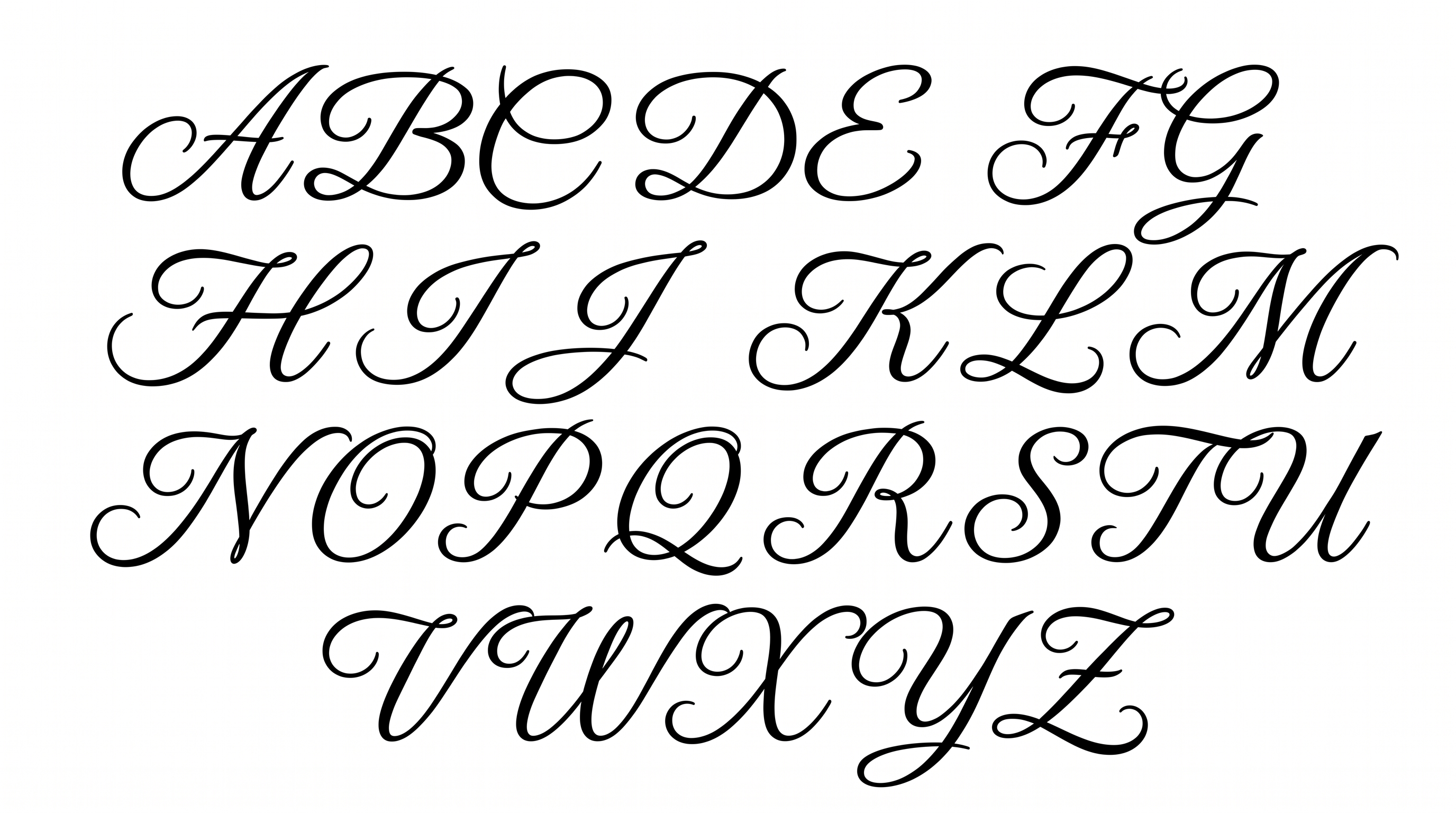
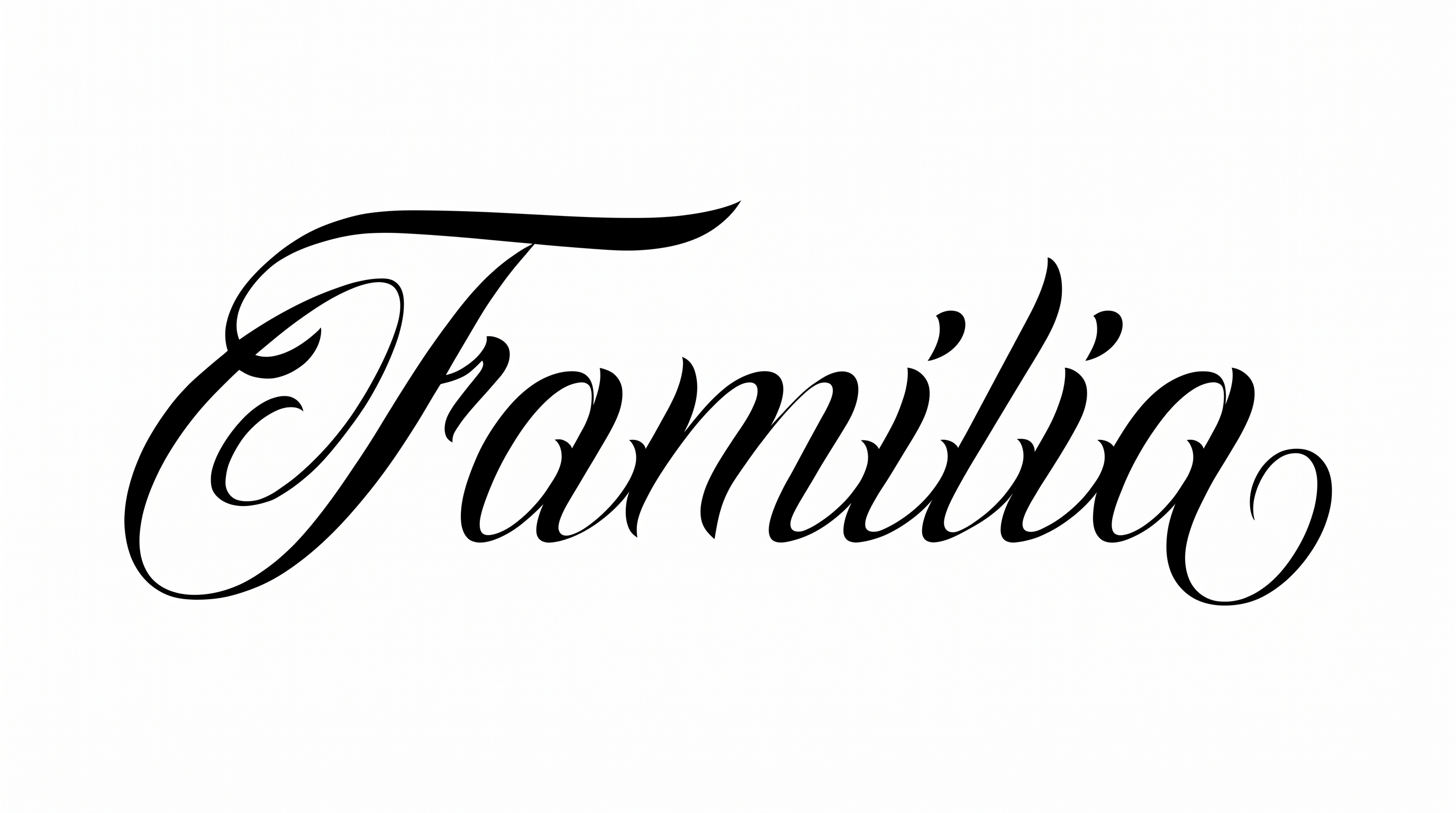
Fine monoline strokes, flowing connections, and expansive loops create an elegant handwritten rhythm.

  • Letter Connections

    Continuous curved strokes join many neighboring letters within each word.

  • Flourishes

    Large entry loops, sweeping crossbars, and deep descenders decorate the script.

  • Stroke Weight

    Fine, even stroke bodies keep the lettering light and clean.

  • Letter Construction

    Continuous monoline paths form rounded cursive letters with open interior spaces.

  • Stroke Endings

    Visible endpoints finish in smooth, rounded tips.

  • Baseline Rhythm

    Letter bodies follow a steady baseline while loops and descenders extend below it.
Frequently asked questions about Tattoo Writing Font Generator

It turns your wording into a text image featuring fluid monoline script, connected cursive forms, dramatic loops, and deep descenders. The resulting artwork suits names, short phrases, stencil concepts, invitations, labels, and decorative titles.

Yes. Transparent backgrounds are supported for layering the lettering over other artwork. This template also lets you select a font color, choose a custom background color, upload a background image, and set an available image size.

The minimum membership covers personal use, while a higher membership covers commercial use. Review pricing to select the membership that applies to your project before publishing client work, products, advertising, or other commercial designs.

Enter your name or phrase, choose options such as font color, background, and image size, then generate the design. Review the rendered text image and download it in PNG or SVG format for use as artwork.

Use the online Tattoo Writing Font Generator for a short phrase, then keep the surrounding area free of competing details. Allow extra room around long crossbars, entry loops, and deep descenders so the composition feels open and balanced.

Choose a short name or phrase and view the artwork at its intended display size. Preserve clear space around the fine strokes, especially where connected letters, large loops, and descending forms create close visual relationships.

Pair the expressive script with a simpler supporting type style for dates, descriptions, or practical details. This contrast lets the connected cursive remain the focal point while secondary information stays orderly and easy to scan.

The elegant script works naturally as a prominent title on invitations, labels, album covers, journals, signs, and personal name designs. Its extended strokes benefit from layouts that provide generous horizontal and vertical breathing room.

The fine strokes and continuous connections create a graceful, personal mood. Large loops and sweeping extensions add ceremony and expression, making the artwork especially fitting for romantic stationery, reflective titles, refined labels, and commemorative compositions.
READY TO CREATE?

Create Custom Tattoo Writing Fonts & Text Effects

Try Tattoo Writing Font Generator Free