Get 5 Free Credits

Free Traditional Tattoo Font Generator Online

Turn your words into high-contrast tattoo lettering with fine engraved strokes, dense inked sections, and flared ornamental serifs.

Enter the text to generate, e.g. Fontify.ai

Font color
Background
Templates
296
Generations
156
Downloads
275
Rating
5.0

How to Use the Traditional Tattoo Font Generator

Shape high-contrast tattoo lettering for display graphics and save the finished artwork in a supported format.

  1. 01

    Write your tattoo lettering

    Enter a short name, phrase, or headline for the ornamental serif treatment.

  2. 02

    Set the color and composition

    Choose a font color, background, and image size such as 3:2 or 16:9.

  3. 03

    Generate and save the artwork

    Render the text image, review the fine details, then download it as PNG or SVG.

Traditional Tattoo Font Style Profile

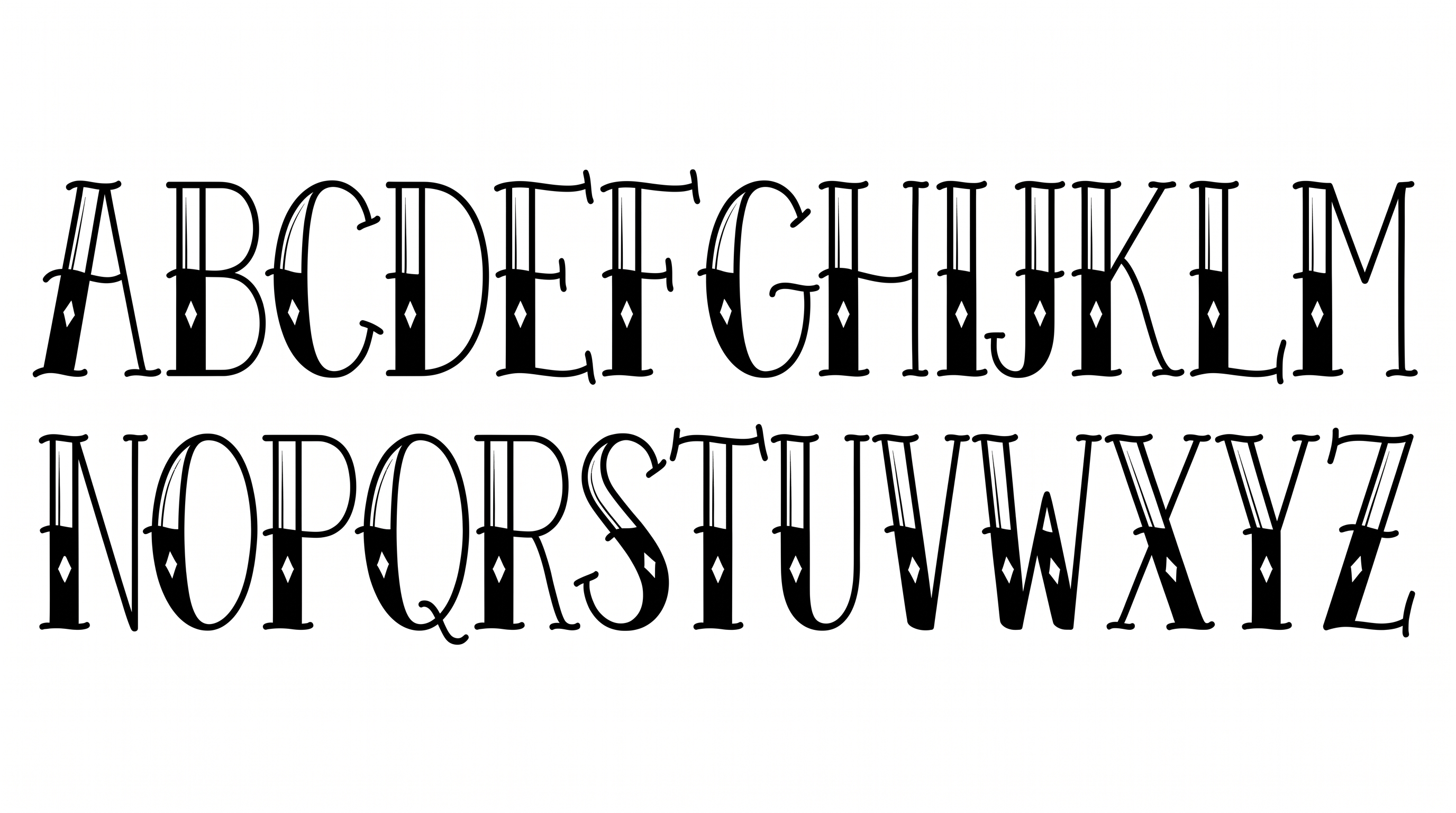
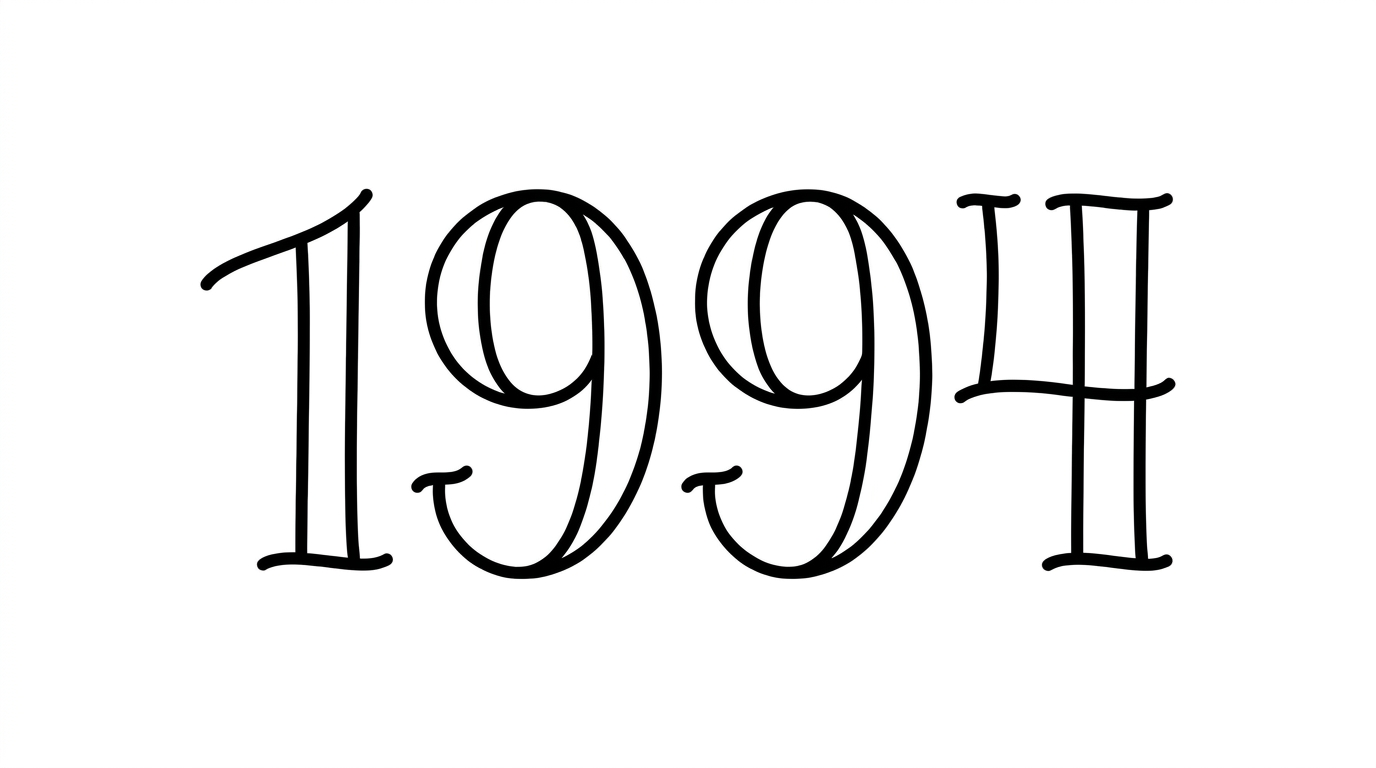
Strong stroke contrast, flared serifs, and segmented construction define the upright uppercase lettering.

  • Stroke Contrast

    Bold filled strokes alternate with fine hairlines inside the uppercase letters.

  • Letter Construction

    Each uppercase letter combines fine linear sections with dense black segments.

  • Stroke Endings

    Flared serifs and fine pointed terminals finish the visible strokes.

  • Letter Connections

    Letters remain separate, with clear breaks between neighboring characters.

  • Slant

    The uppercase letters stand upright along a level baseline.

  • Letter Spacing

    Moderate gaps keep neighboring letters distinct within each word.
Frequently asked questions about Traditional Tattoo Font Generator

It turns your wording into a text image styled as high-contrast tattoo display lettering. Fine engraved strokes, dense inked sections, flared serifs, and restrained negative-space accents shape the ornamental result.

The minimum membership covers personal use, while a higher membership covers commercial use. Review pricing to choose the membership that applies to your intended project.

Browse the related text tools and compare their visible lettering characteristics with this style. Focus on qualities such as stroke contrast, serif shape, construction, spacing, and overall mood when choosing a direction.

Download the artwork as a PNG. Upload it in Canva and insert it into a Google Docs document. Import it into a project in the Cricut app, also known as Cricut Design Space. The rendered words remain image artwork in each platform.

Its ornamental serif forms suit prominent display roles such as flash-sheet headings, storefront signs, apparel graphics, packaging labels, album covers, menus, and event banners. Short wording gives the contrasting fine and dense strokes room to register.

Give the headline a central or upper-page position with generous space around its flared serifs. For vertical compositions, split longer wording into balanced lines while keeping important supporting details visually separate.

Use the free generator to compare a short phrase at a wide image size such as 16:9 or 21:9. Keep the headline prominent so the fine engraved details remain distinct from surrounding information.

Restrained line art, small traditional motifs, simple rules, and clear supporting text complement the ornamental letterforms. Leave open space around the headline so decorative elements frame it rather than compete with its contrast.

The black-ink contrast and Western display character create a bold, heritage-inspired mood. This approach can suit event announcements that need a handcrafted visual identity and a strong central headline.
READY TO CREATE?

Create Custom Traditional Tattoo Fonts & Text Effects

Try Traditional Tattoo Font Generator Free