Get 5 Free Credits

Free Outlaw Western Font Generator Online

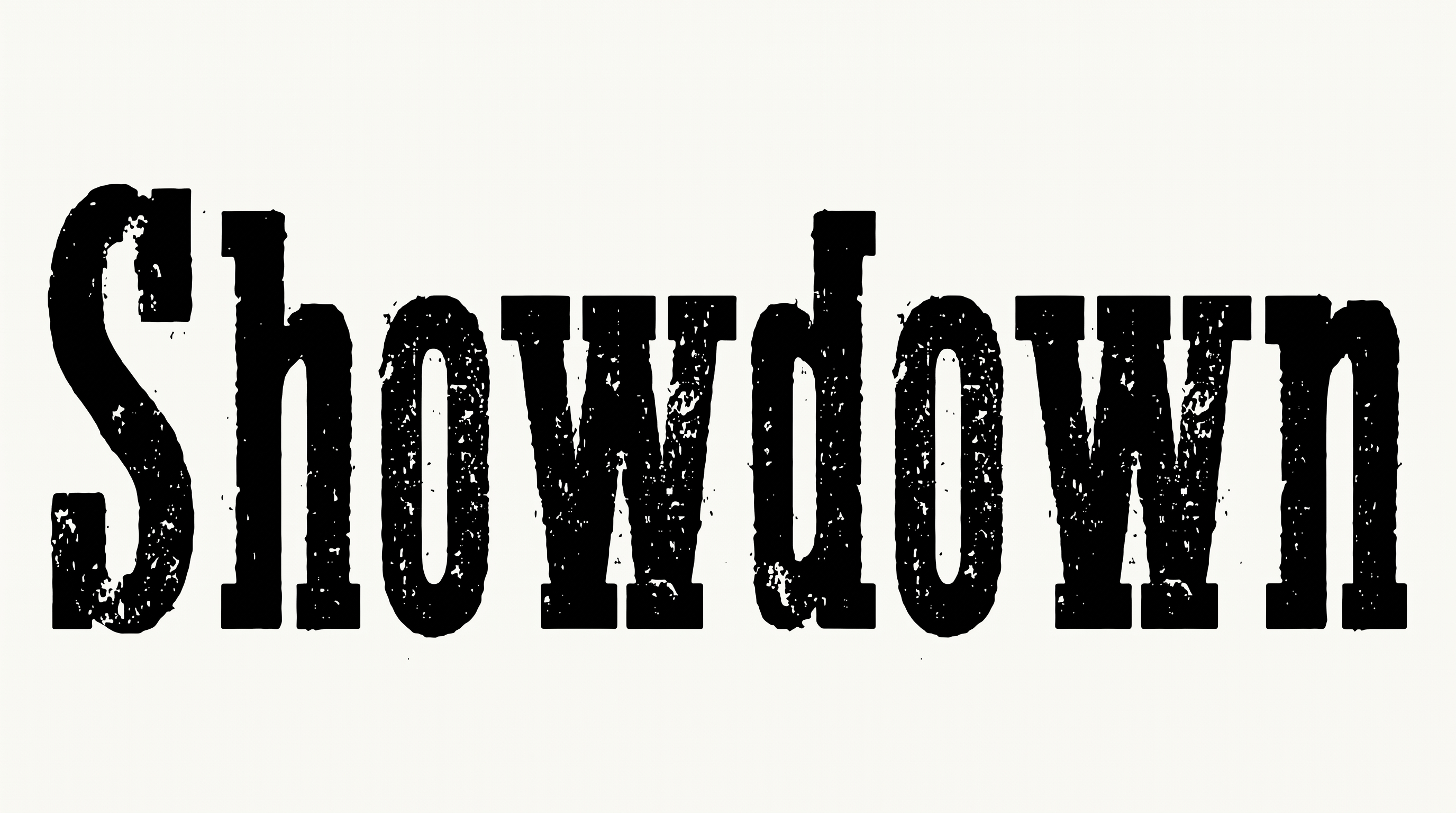
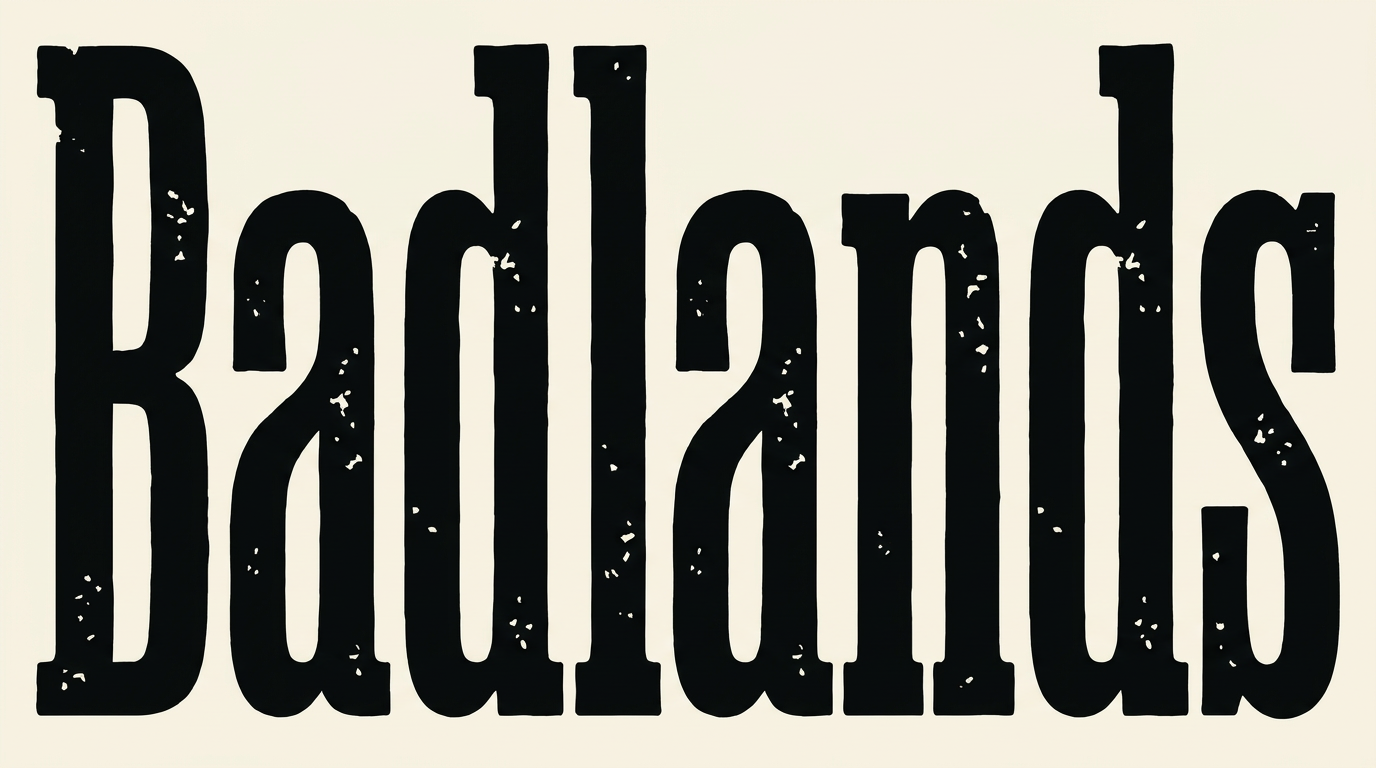
Massive ornamental capitals and distressed wood-type texture give headlines, labels, and banners a rugged vintage Western presence.

Enter the text to generate, e.g. Fontify.ai

Font color
Background
Templates
747
Generations
85
Downloads
288
Rating
5.0

How to Use the Outlaw Western Font Generator

Shape distressed Tuscan lettering for bold headlines, labels, and wide-format designs.

  1. 01

    Write a bold Western headline

    Enter a short word or headline to suit the bold uppercase Western display style.

  2. 02

    Set the colors and canvas

    Choose font color, a custom background, or a 16:9 image size, then generate the artwork.

  3. 03

    Review and download PNG or SVG artwork

    Check the distressed capitals at the intended size, then save the finished image.

Outlaw Western Font Style Profile

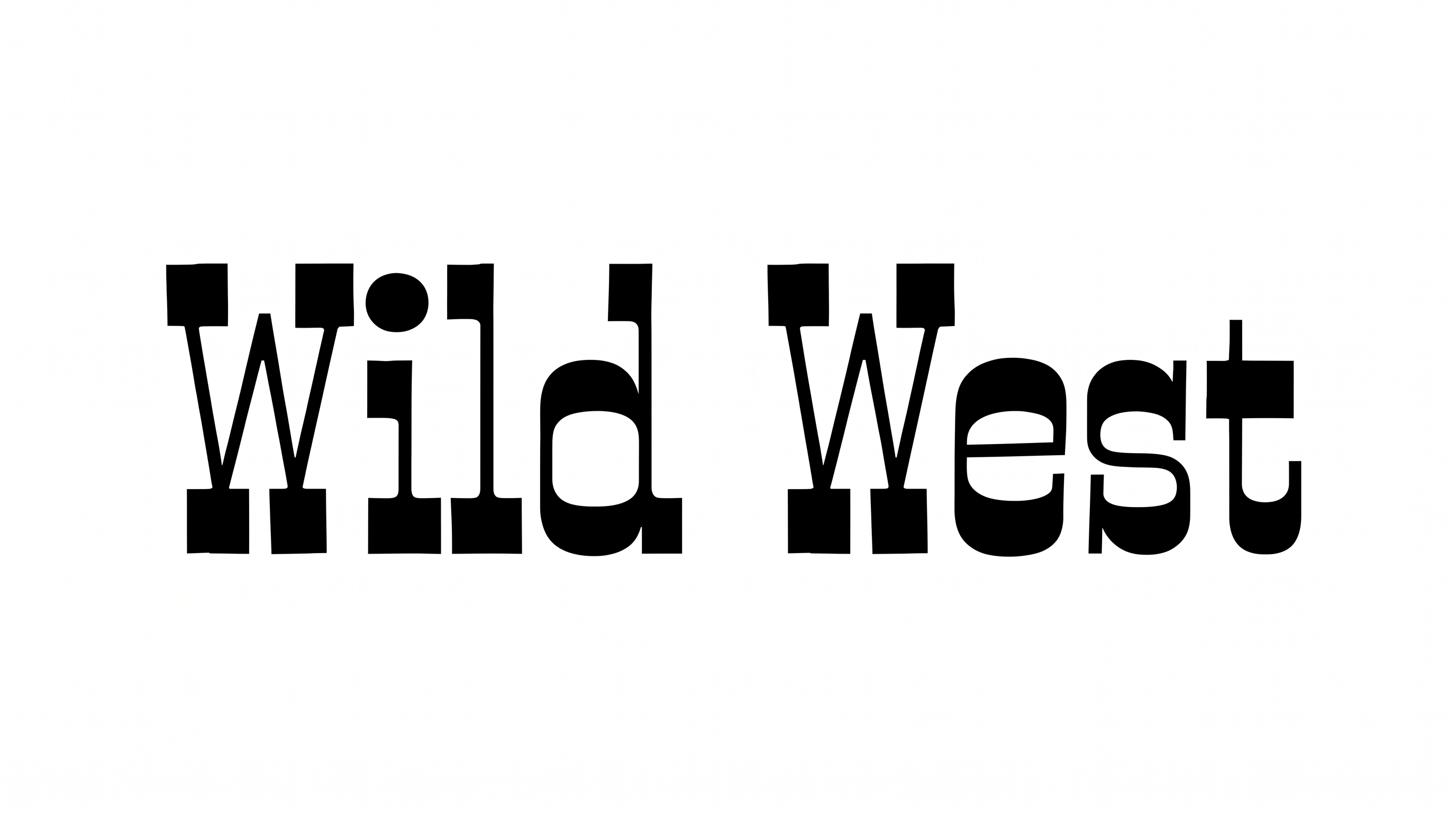
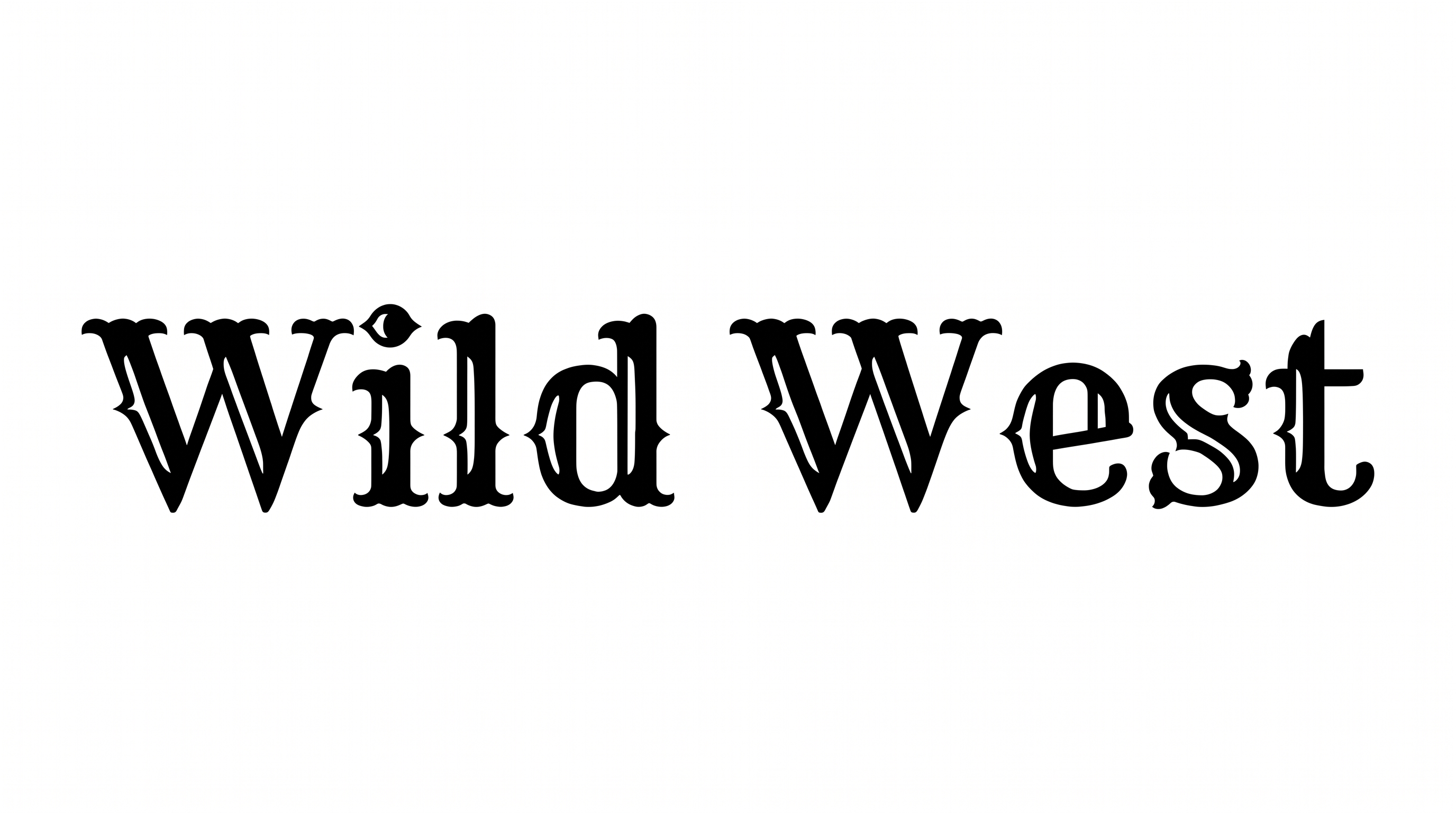
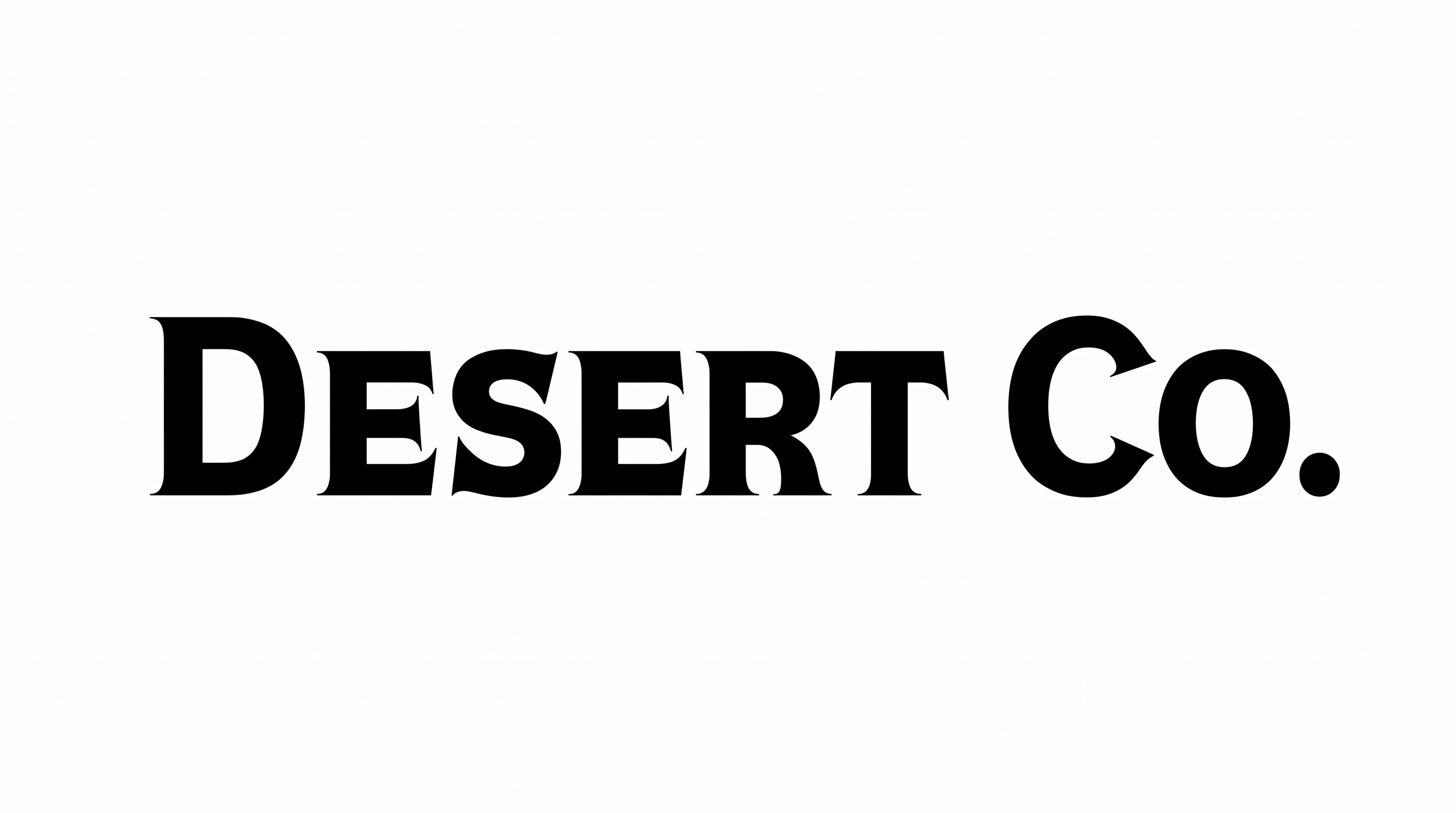
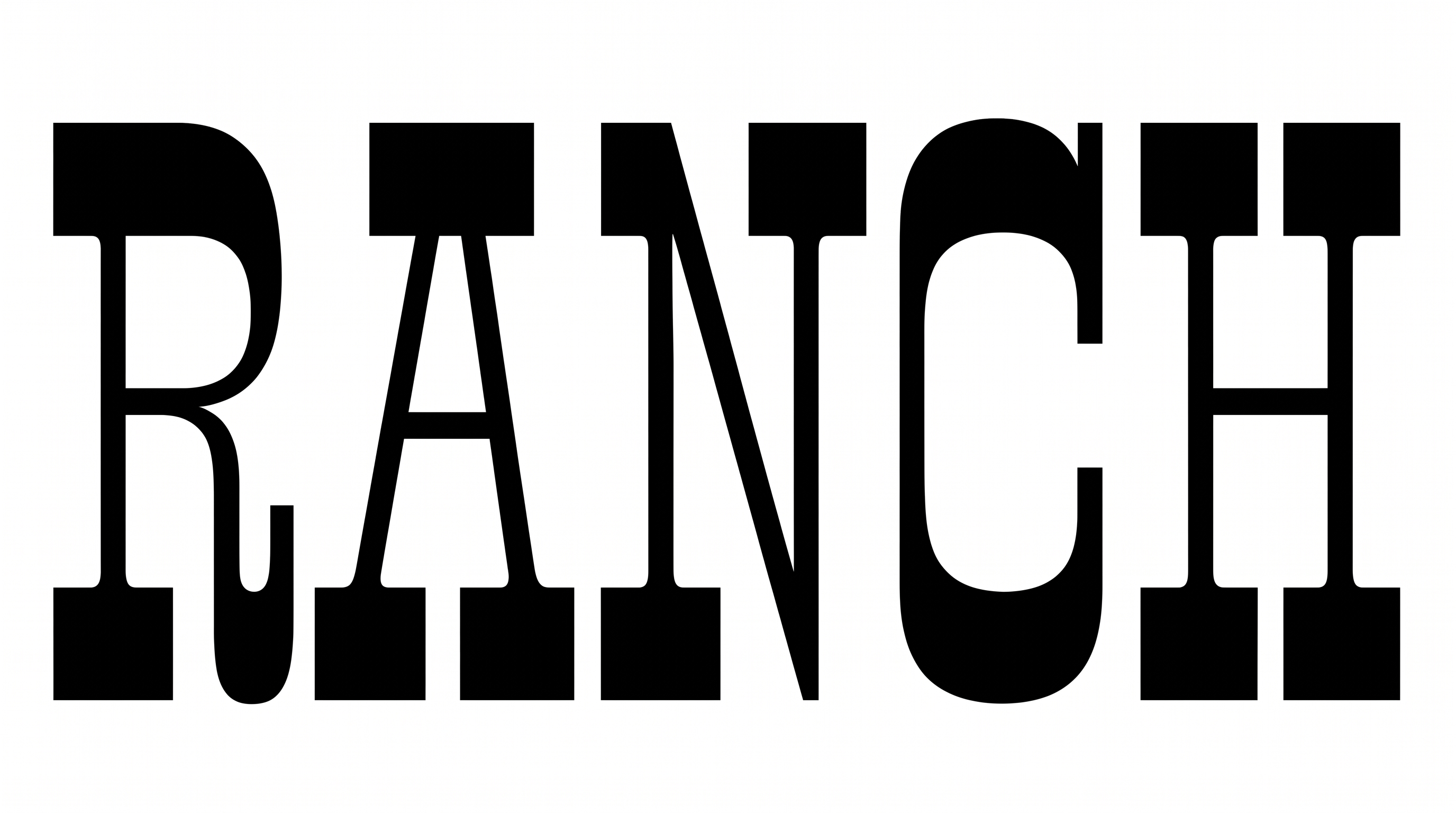
Heavy Tuscan capitals, split slab endings, and distressed surfaces create a rugged wood-type look.

  • Surface Texture

    Irregular white wear breaks across the black letter faces.

  • Stroke Endings

    Broad split serifs give visible stroke endings a decorative Tuscan shape.

  • Stroke Weight

    Heavy black stroke bodies make the capitals feel massive and sturdy.

  • Letter Construction

    Solid uppercase forms use carved-looking counters and ornamental slab structures.

  • Letter Spacing

    Clear, narrow gaps keep the separate capitals tightly arranged.

  • Letter Width

    Most capitals use broad proportions that build a wide wordmark.

Frequently asked questions about Outlaw Western Font Generator

The generator turns your wording into a text image with massive ornamental capitals, distressed black-ink texture, and a vintage Tuscan wood-type character. It suits bold display artwork such as wordmarks, labels, banners, and titles.

Minimum membership covers personal use, while higher membership covers commercial use. Review pricing to choose the membership that fits your project before using the artwork commercially.

Transparent backgrounds are supported for layering the lettering over other artwork. This template also lets you choose font color, use a custom background color, upload a background image, and select an image size.

Browse the related tools section and compare each style's letter construction, texture, and overall mood. Choose a direction that fits your layout rather than looking for one named substitute.

Use a wide aspect ratio such as 16:9 or 21:9, and keep generous margins around the broad capitals. The layout will then give the distressed wordmark room to lead a banner, title, or storefront composition.

Use a short headline and give the massive capitals enough space to retain their counters and decorative endings. At small display sizes, test the finished image where the label will appear and keep supporting details visually separate.

Its distressed ink, ornamental Tuscan forms, and vintage wood-type character create a rugged frontier mood. Pair the artwork with simple supporting text so the decorative capitals remain the clear focal point.
READY TO CREATE?

Create Custom Outlaw Western Fonts & Text Effects

Try Outlaw Western Font Generator Free