Get 5 Free Credits

Free Western Movie Font Generator Online

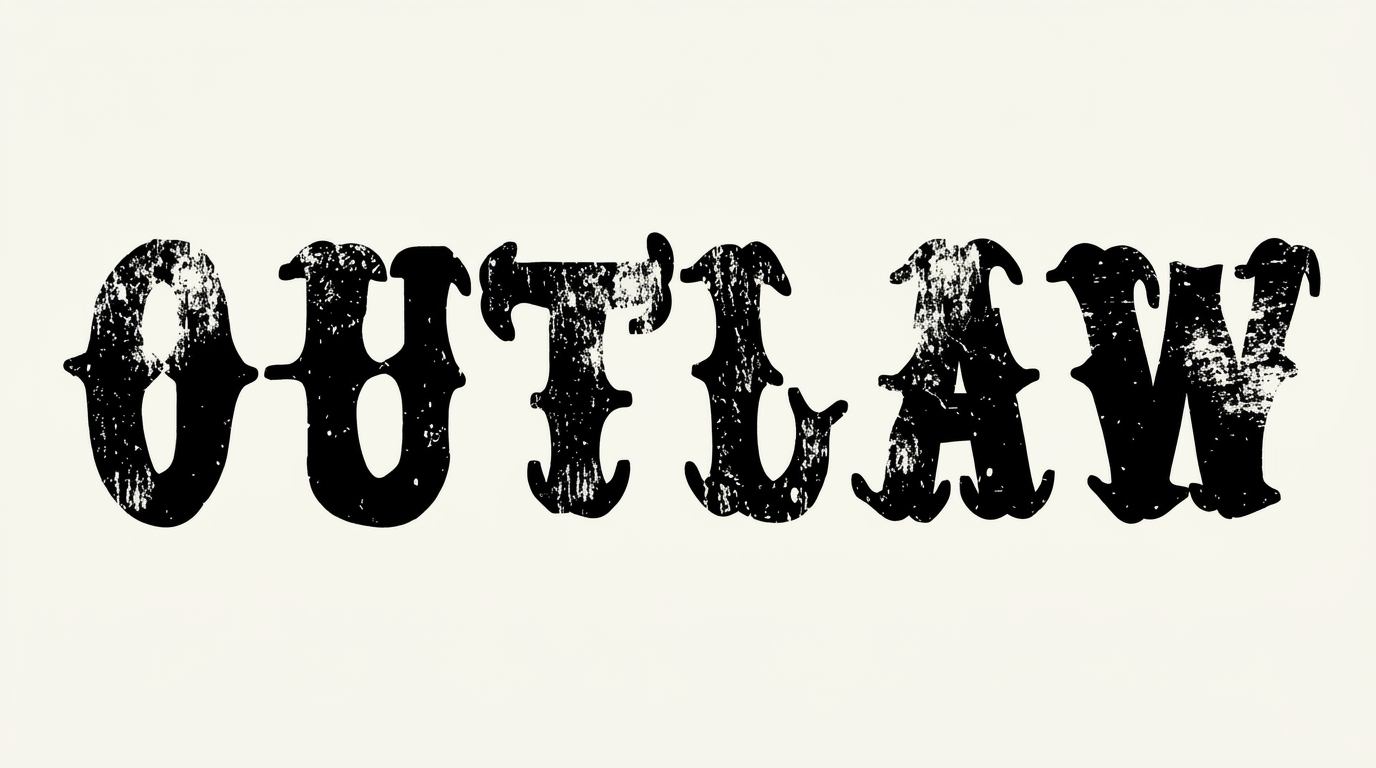
Shape bold, ornamental Tuscan wood-type lettering for cinematic titles with a crisp black-and-white poster character.

Enter the text to generate, e.g. Fontify.ai

Font color
Background
Templates
747
Generations
83
Downloads
268
Rating
5.0

How to Use the Western Movie Font Generator

Build a bold Tuscan title while matching the image shape to its final layout.

  1. 01

    Enter your title wording

    Type a name or short phrase suited to the bold ornamental display style.

  2. 02

    Set the composition

    Choose a 16:9 image size, font color, and background to fit your layout.

  3. 03

    Generate and download PNG or SVG

    Generate the text image, review its title balance, then download your preferred format.

Western Movie Font Style Profile

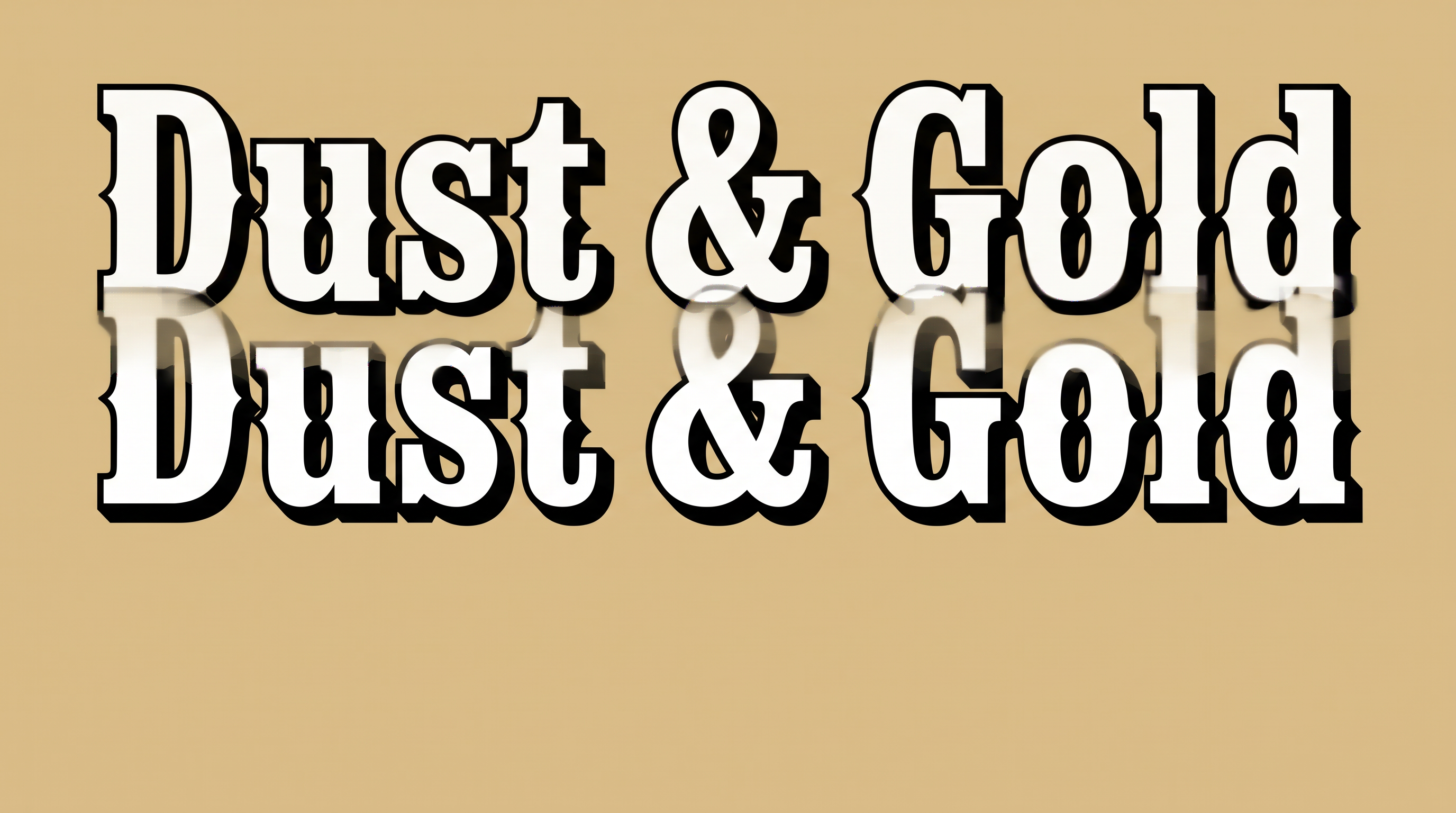
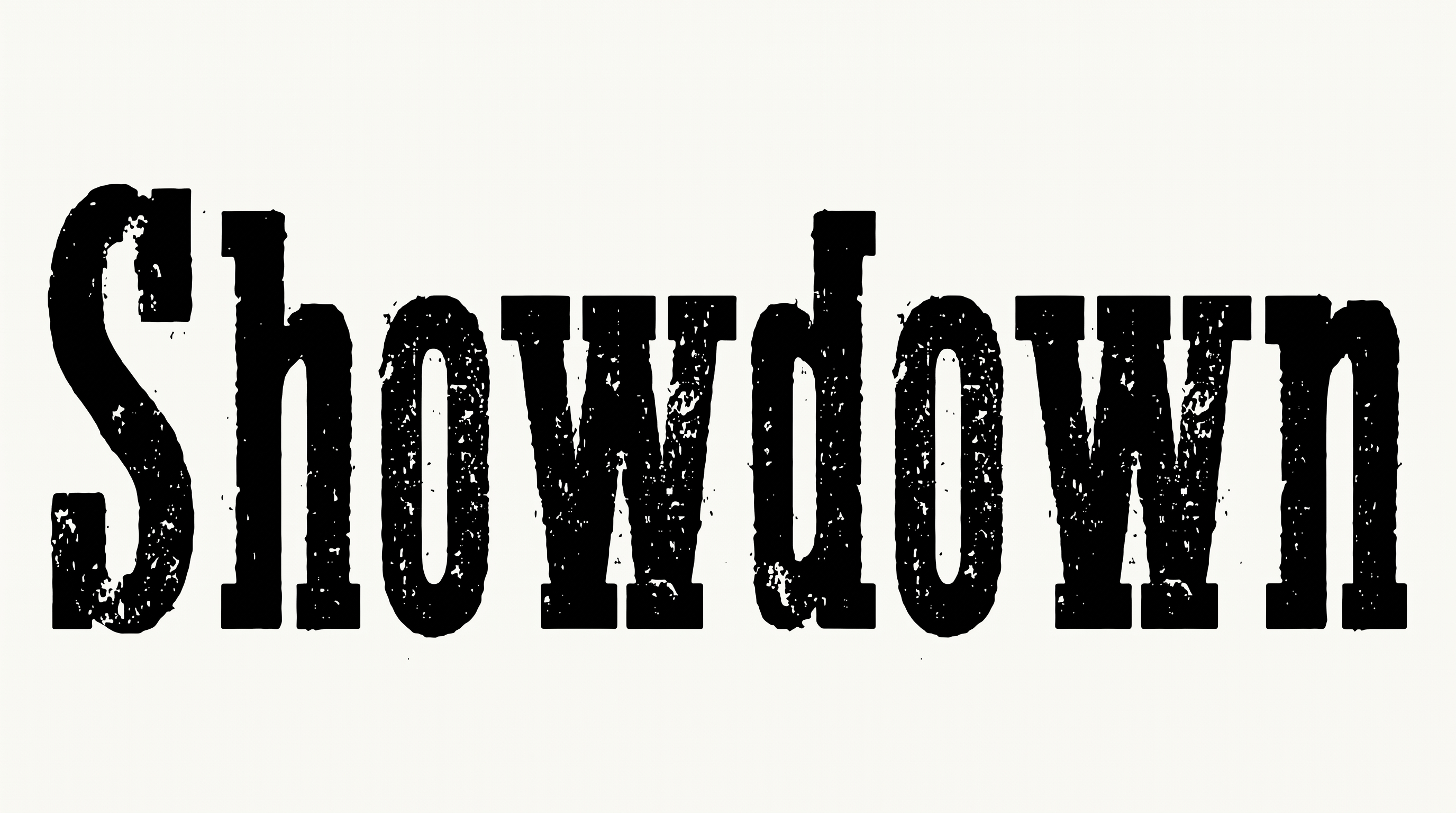
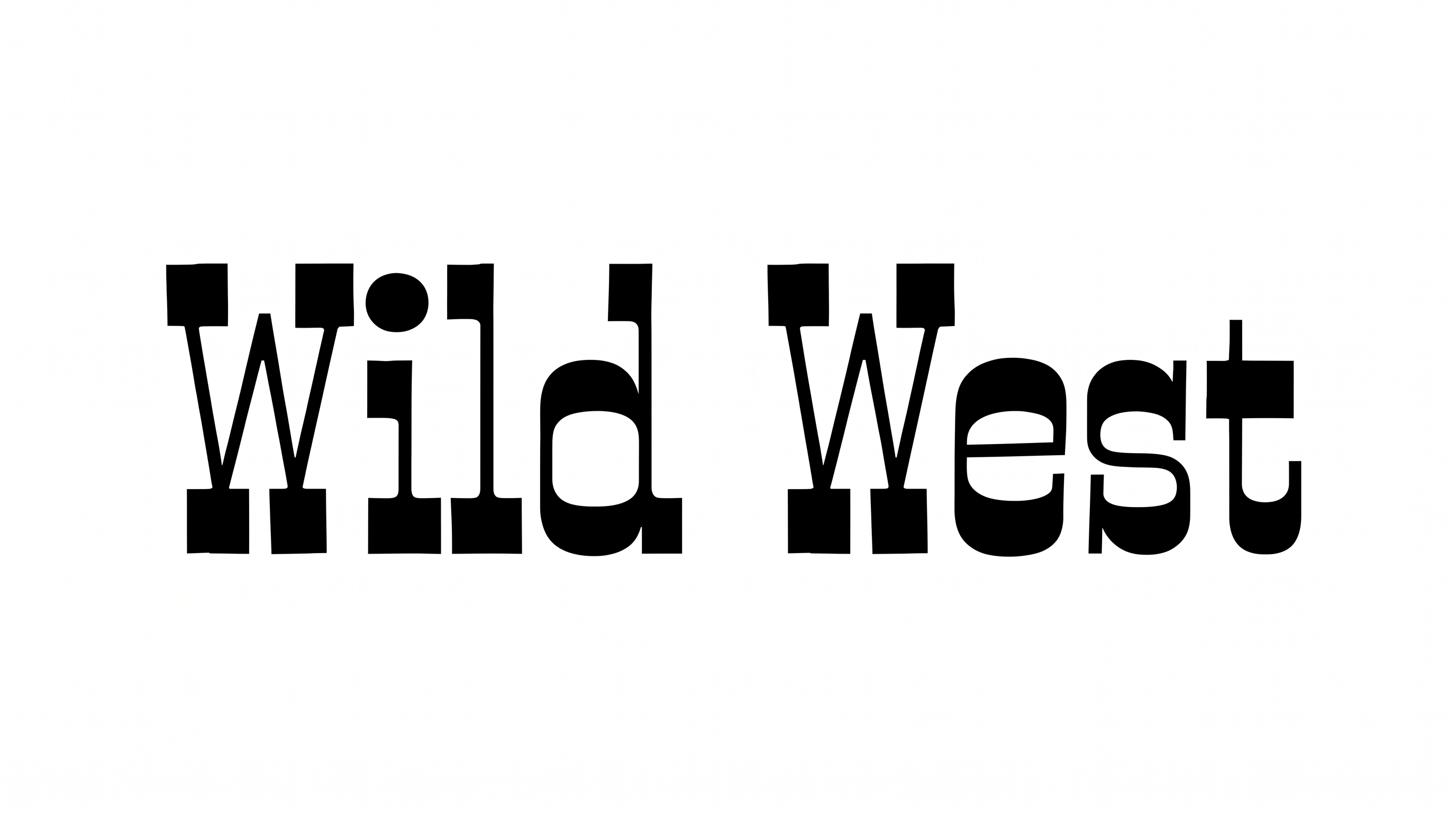
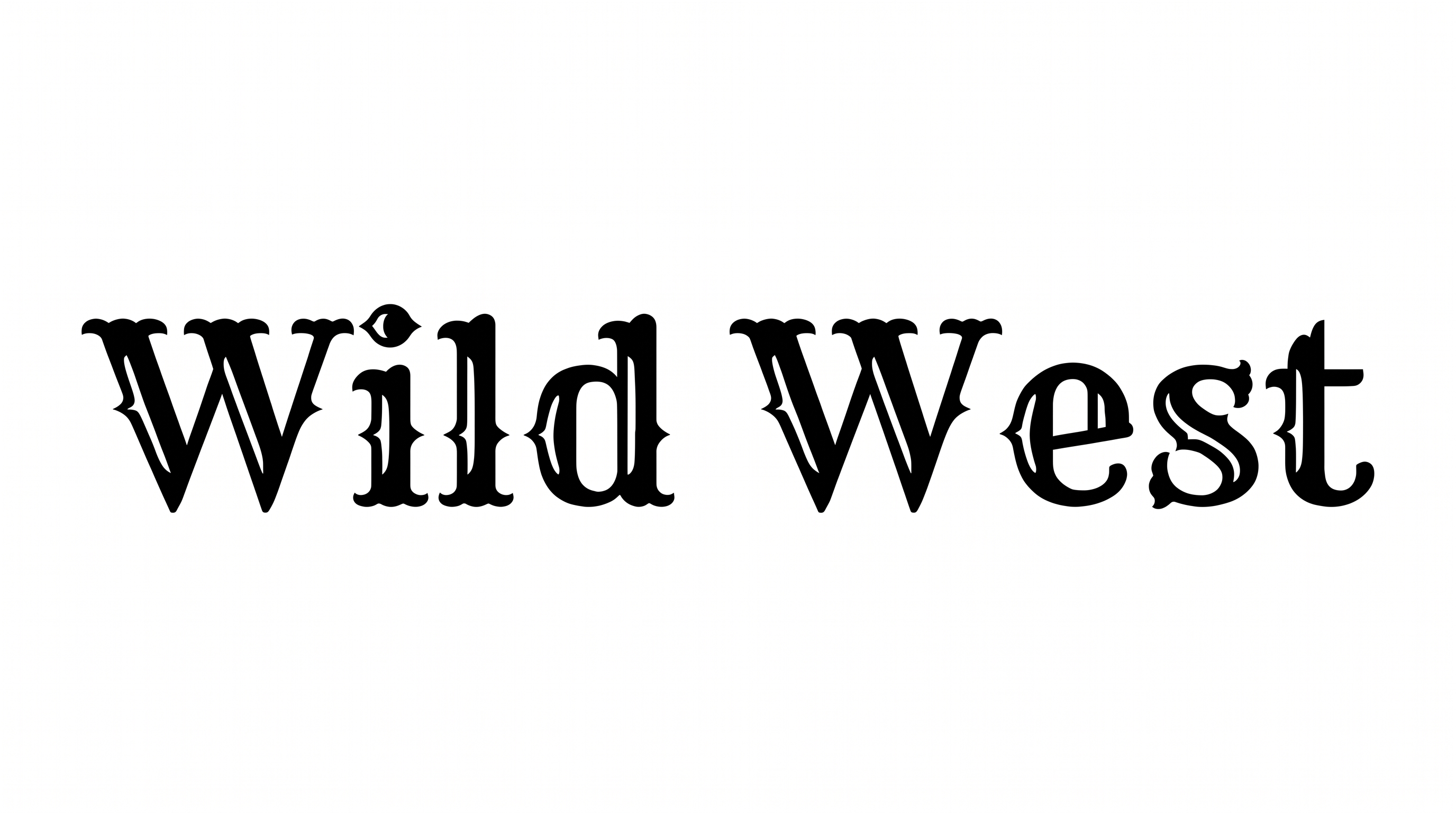
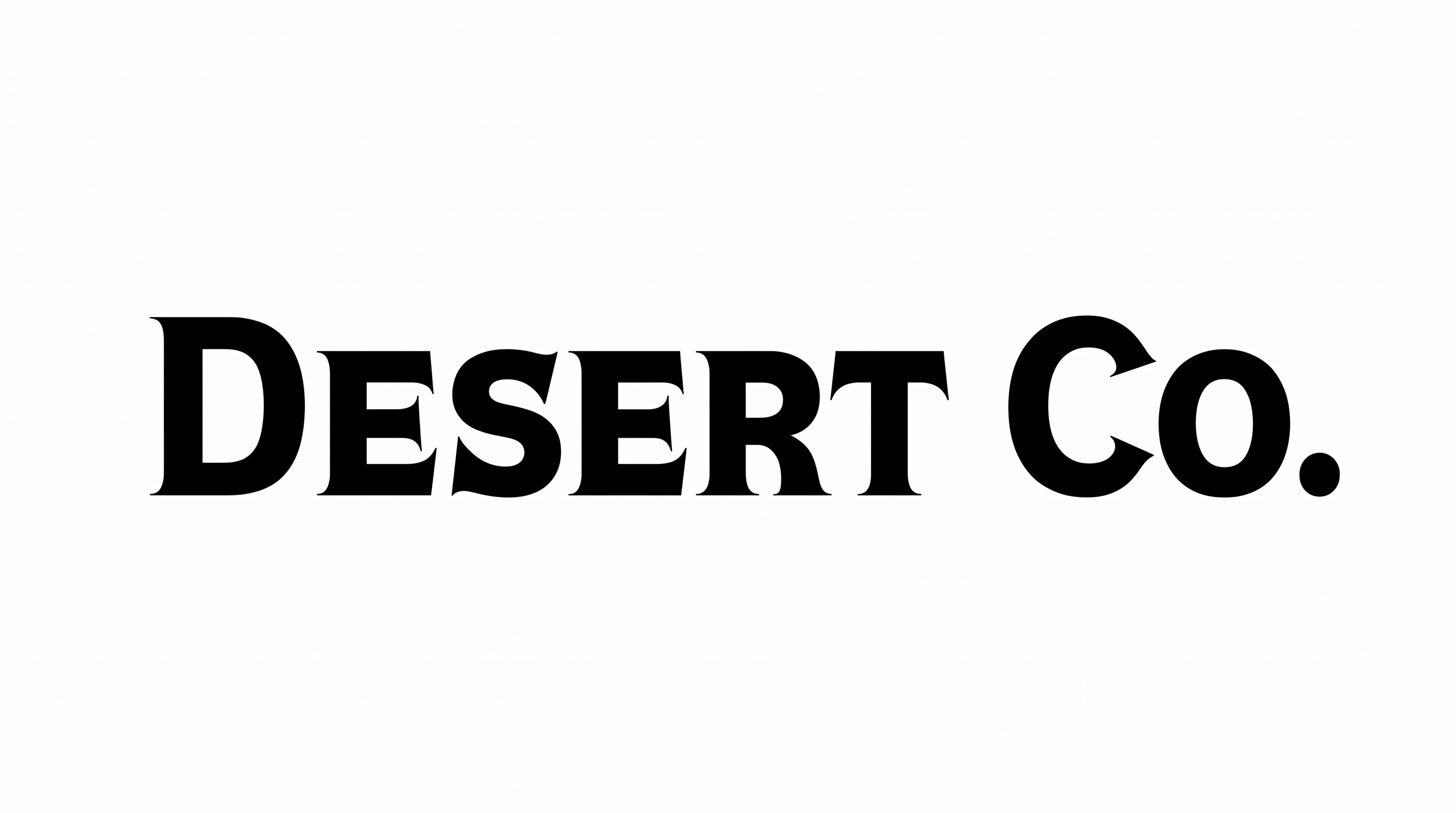
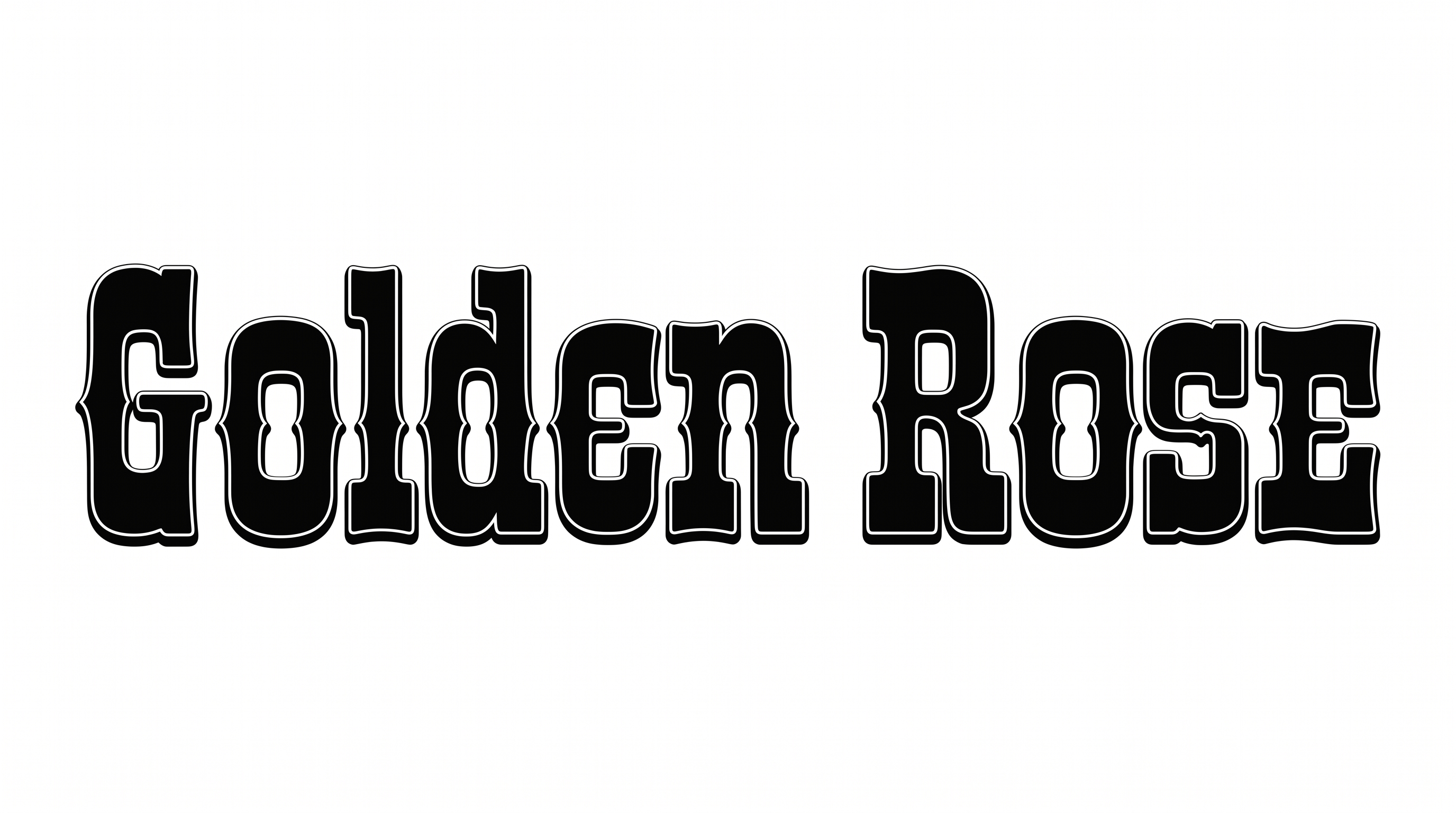
Tall, heavy letterforms pair split ornamental serifs with layered outlines and compact spacing.

  • Letter Construction

    Tall serif forms use solid strokes with decorative split projections.

  • Stroke Endings

    Split, bracketed serifs give visible stroke endings an ornamental character.

  • Outline

    Fine light and dark borders trace the letterforms in distinct layers.

  • Letter Width

    Most visible characters have tall, relatively narrow proportions.

  • Stroke Weight

    Heavy black stroke bodies give the letters a substantial presence.

  • Letter Spacing

    Compact gaps keep neighboring letters close while preserving clear separation.
Frequently asked questions about Western Movie Font Generator

Enter your wording, then choose an available font color, background, and image size. Generate the design and review the rendered text image. Download the finished artwork as PNG or SVG; the output is image artwork rather than an installable font file.

Yes. You can use the generator and download PNG or SVG artwork through the supported free-use options. Minimum membership covers personal use, while higher membership covers commercial use; check pricing for the membership that fits your project.

Browse the related tools section and compare each style’s letter construction, stroke endings, spacing, and overall mood. Choose a direction that suits your project’s setting and hierarchy, then test your own wording before deciding.

Download the generated PNG artwork. Upload it in Canva or insert it into a Google Docs document. For Cricut, import the PNG into a project in the Cricut app, also known as Cricut Design Space. The Western Movie Font remains image artwork in each layout.

Its bold ornamental lettering suits movie titles, frontier-fiction covers, album sleeves, tickets, heritage signs, and themed packaging. Give the text a prominent display role so its Tuscan details establish the scene before smaller supporting information.

Keep the main phrase concise and let it occupy the strongest area of the frame. Match the composition to its destination, using wider framing for a cinematic title or square framing for compact artwork.

Desert landscapes, canyons, railway motifs, vintage poster shapes, and restrained frontier illustrations reinforce its period display character. Keep imagery secondary around the letter edges so the decorative serifs remain distinct from nearby details.

Use strong contrast between the letters and background, and reserve a calmer area for the title. At small display sizes, shorten the wording and check that the ornamental serifs stay clearly distinct within the final composition.
READY TO CREATE?

Create Custom Western Movie Fonts & Text Effects

Try Western Movie Font Generator Free