Free Sans Serif Font Generator Online
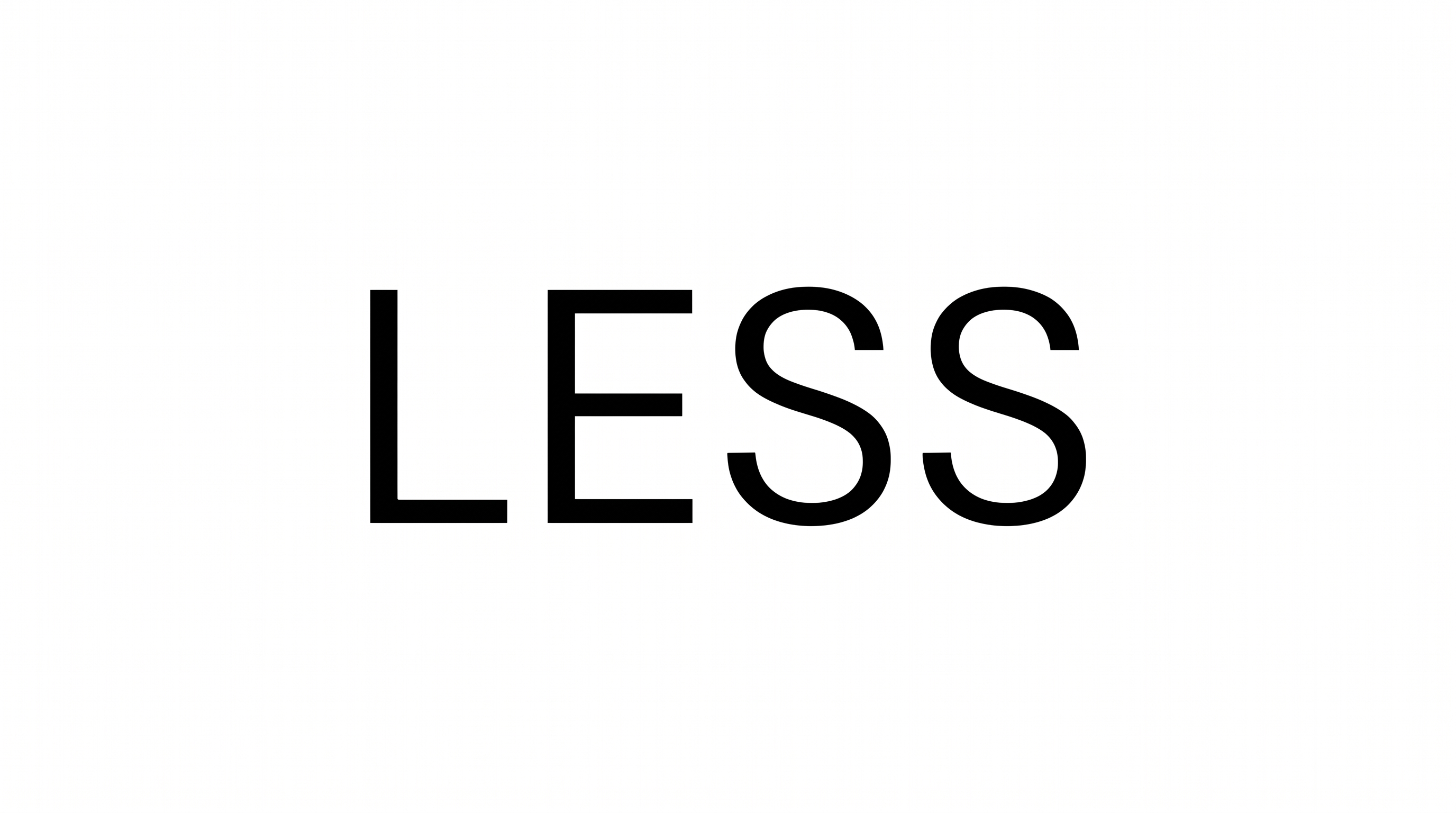
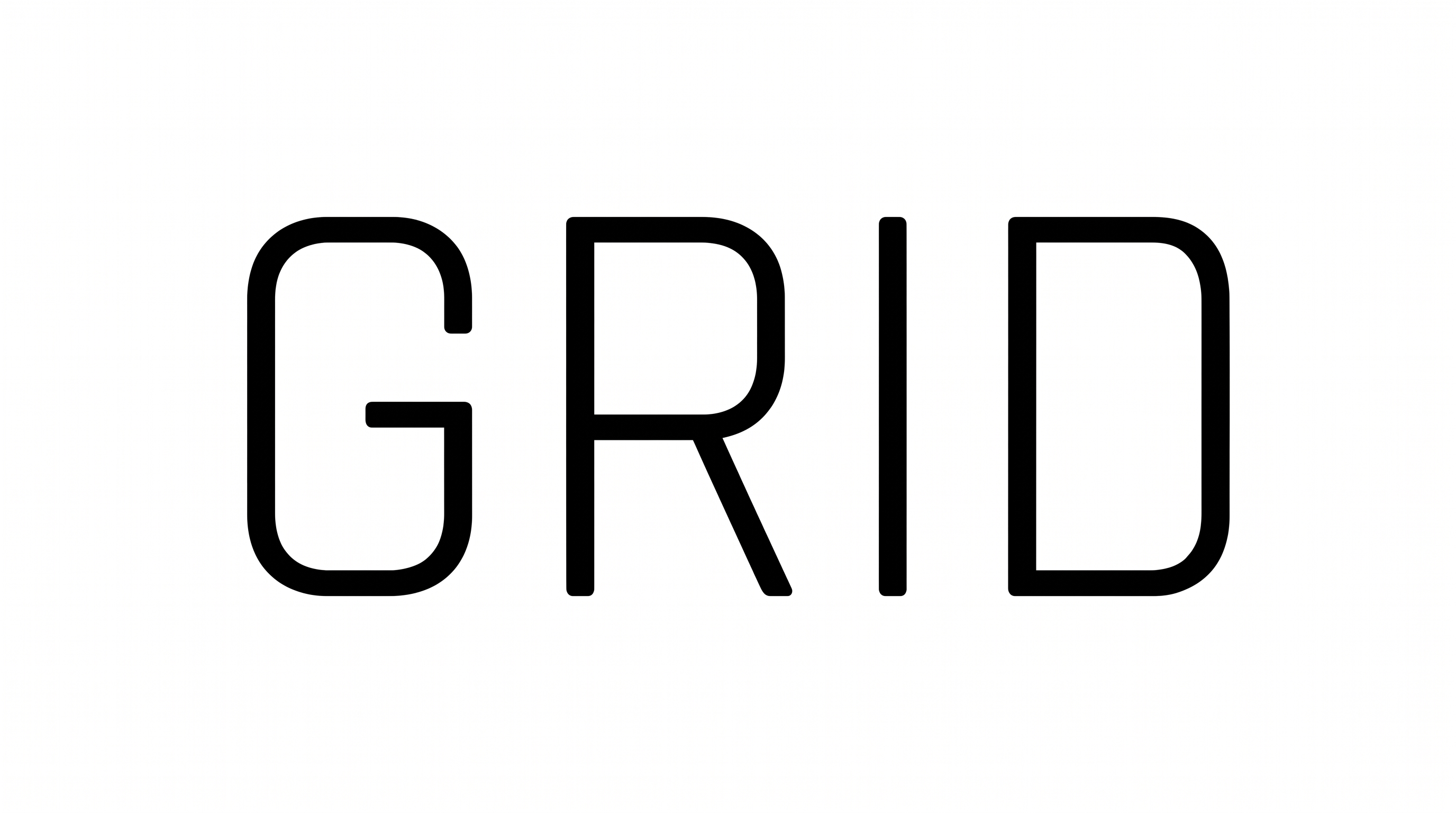
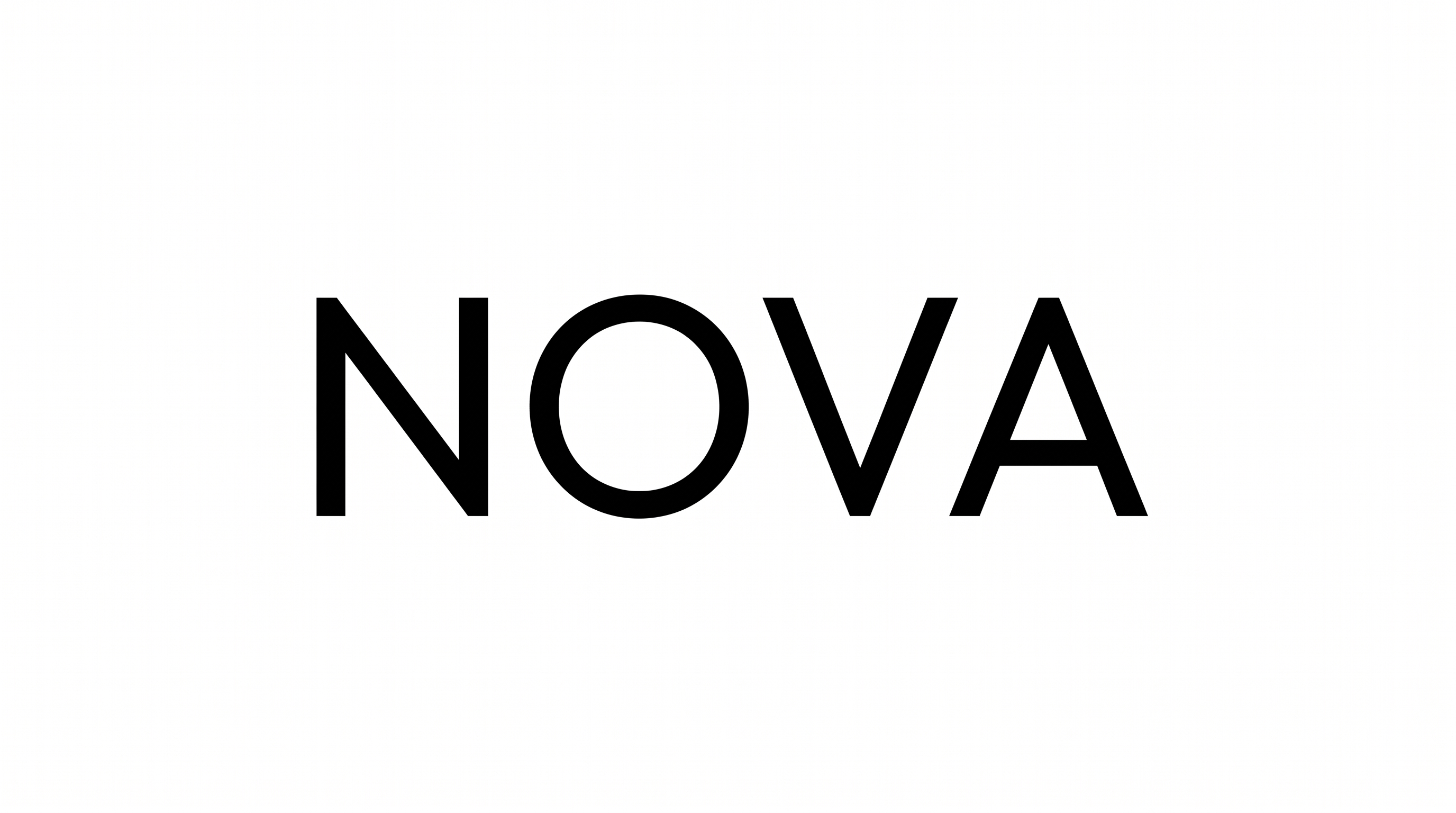
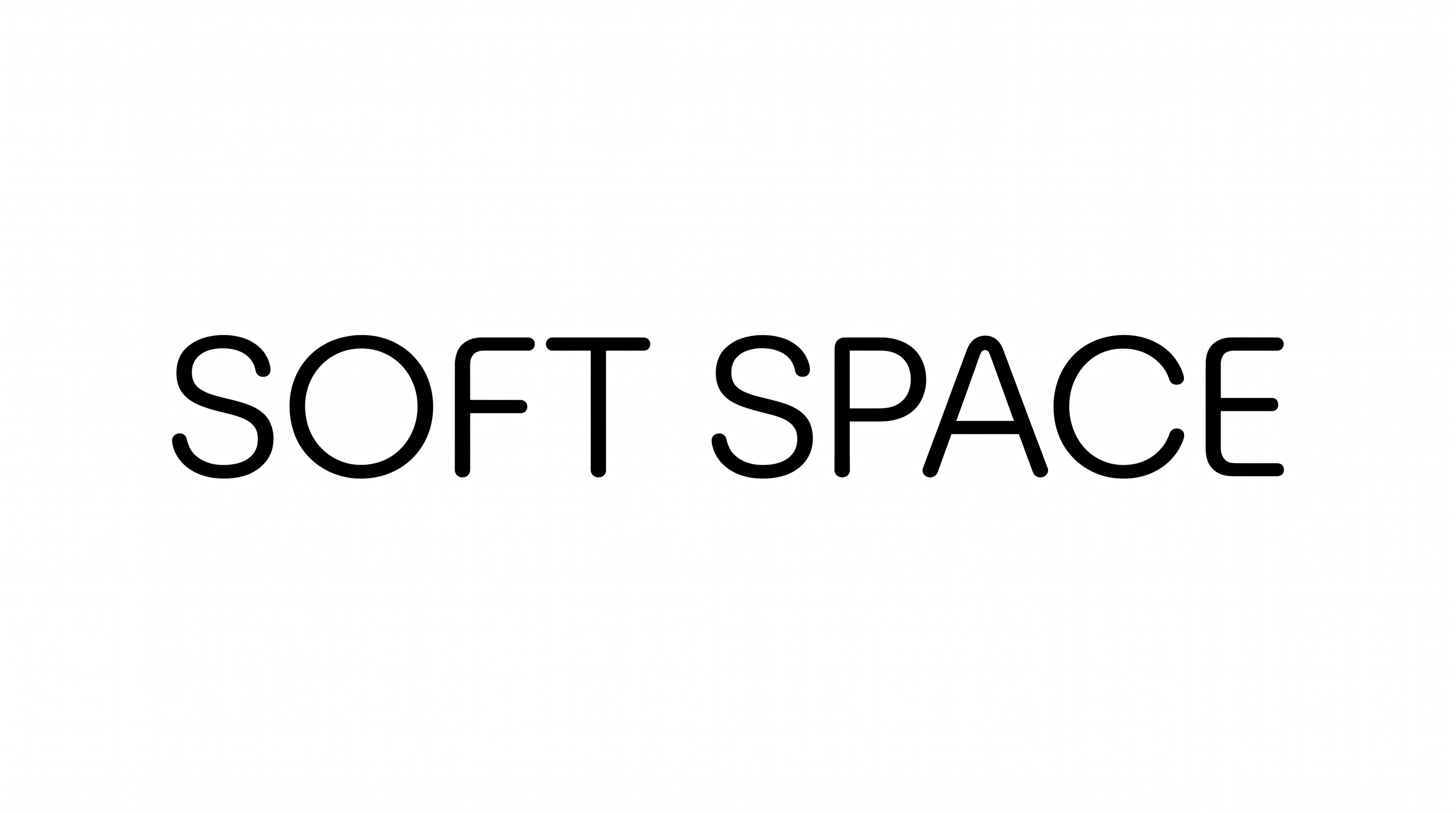
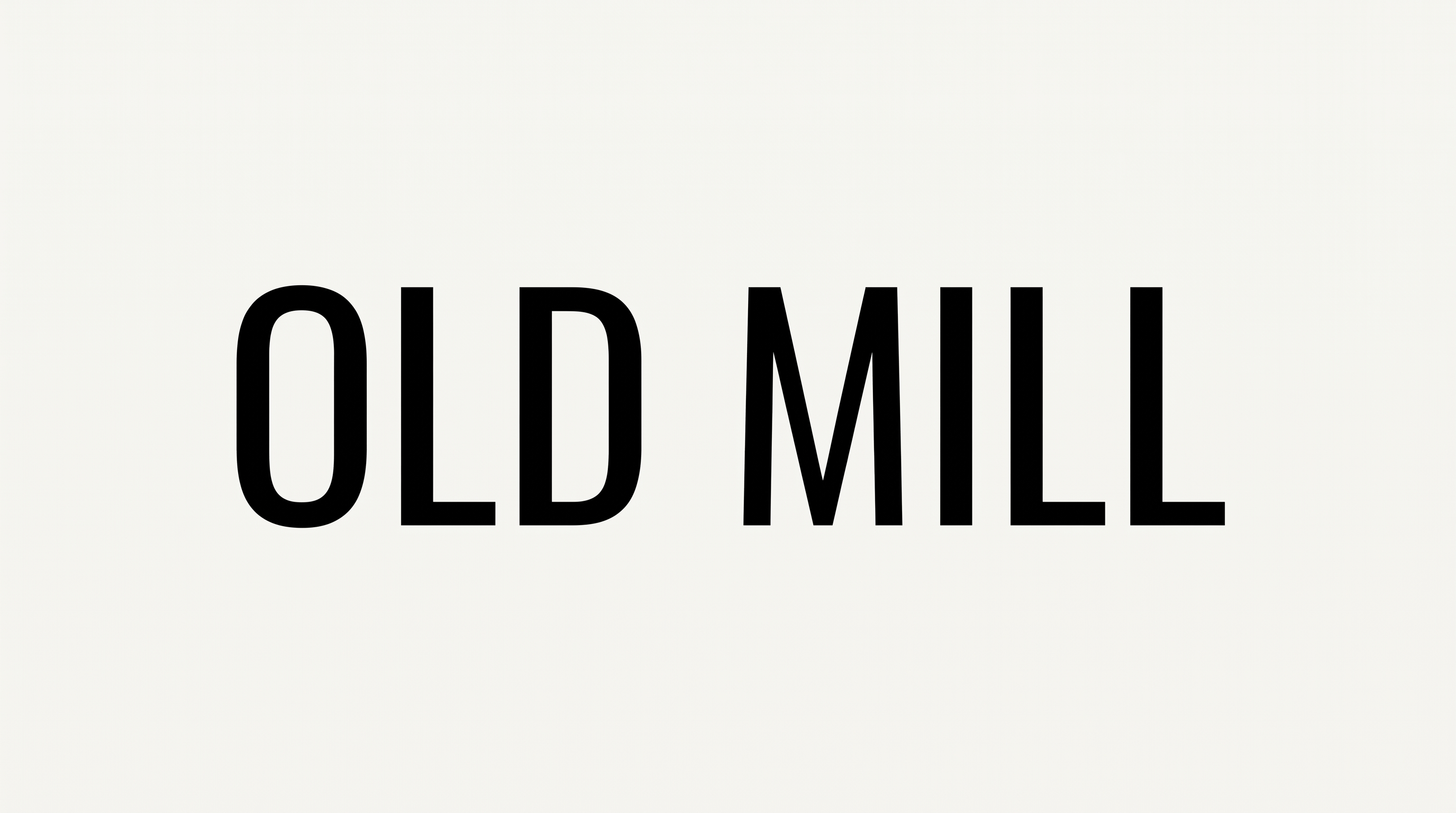
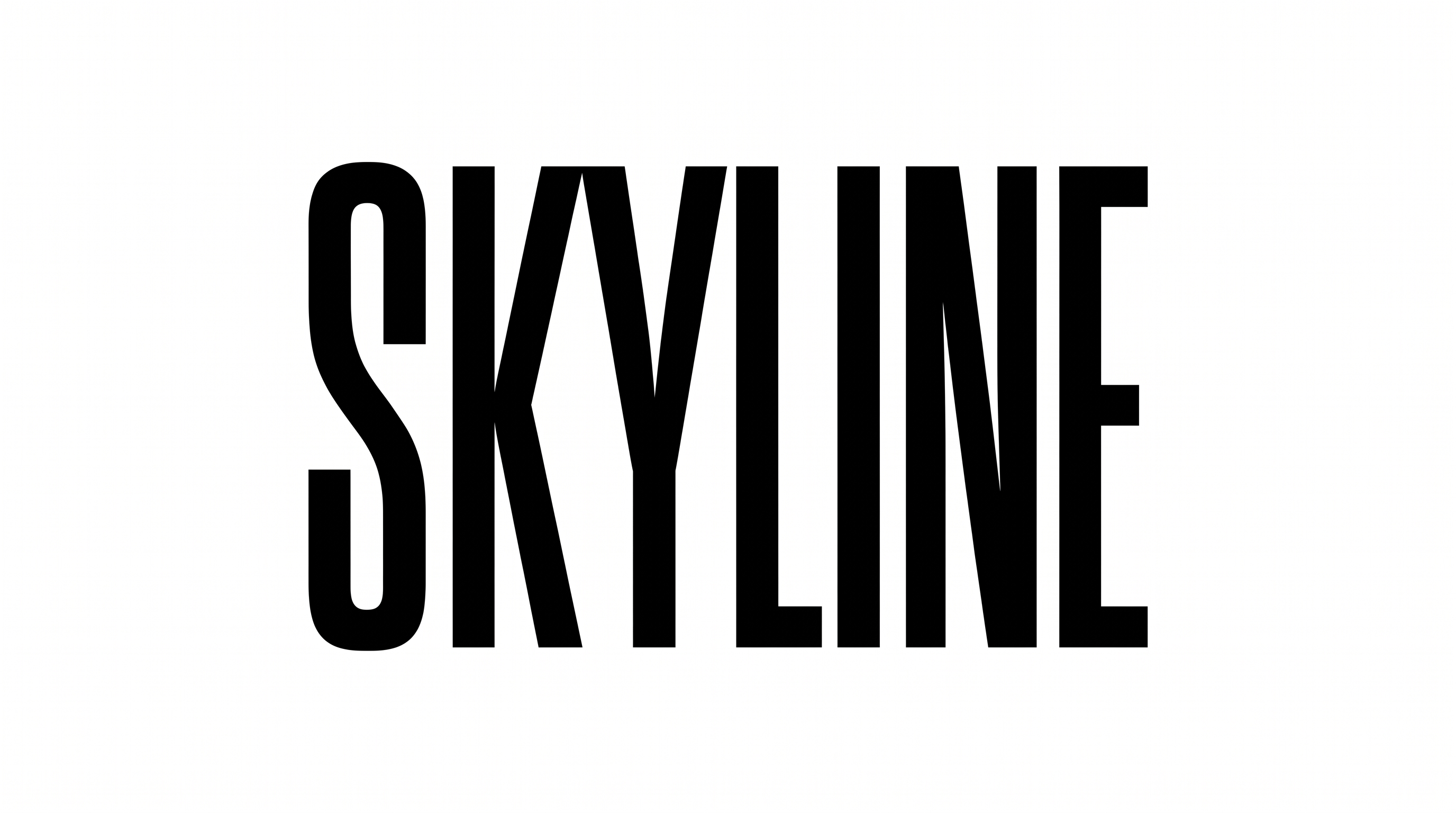
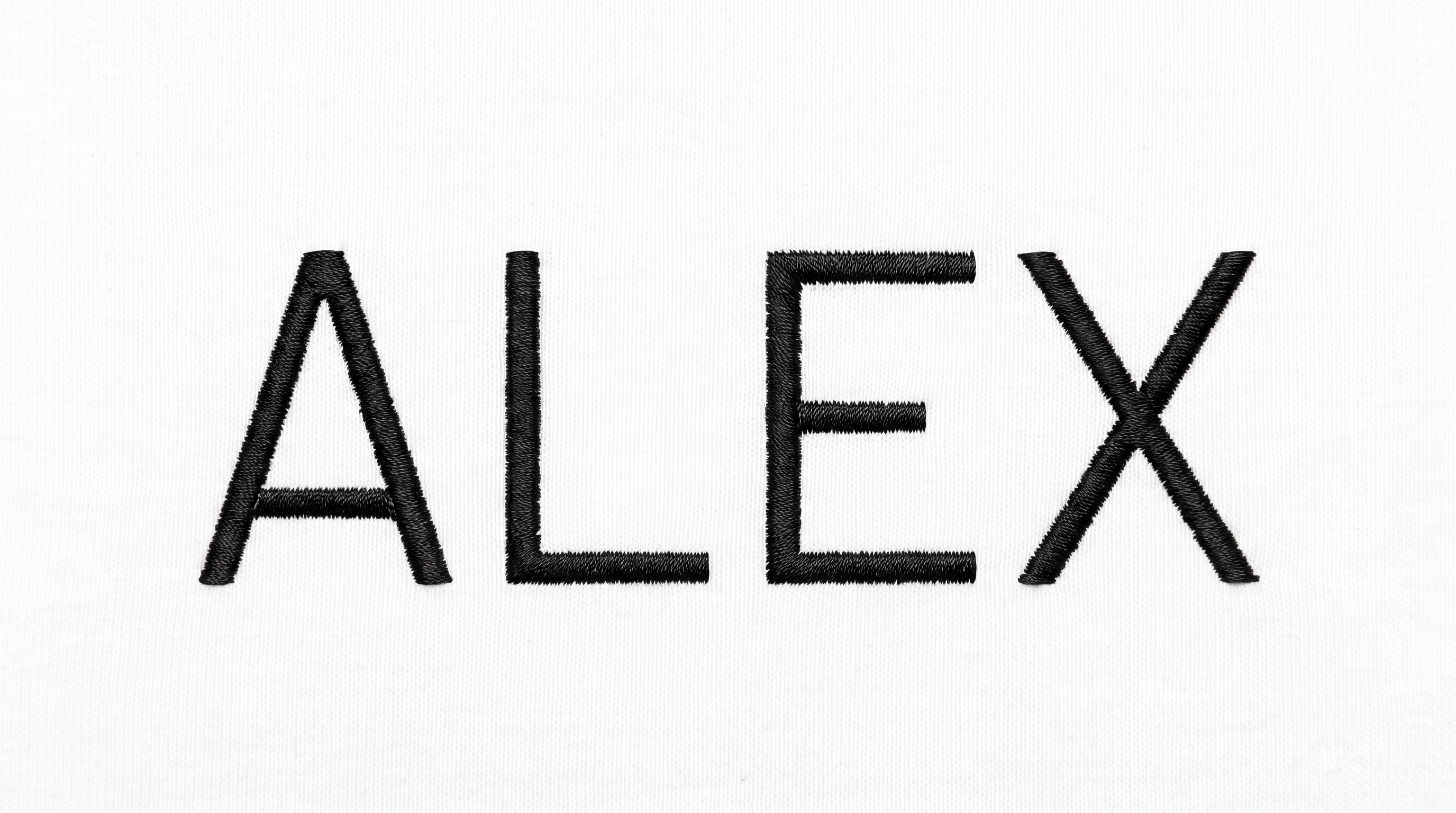
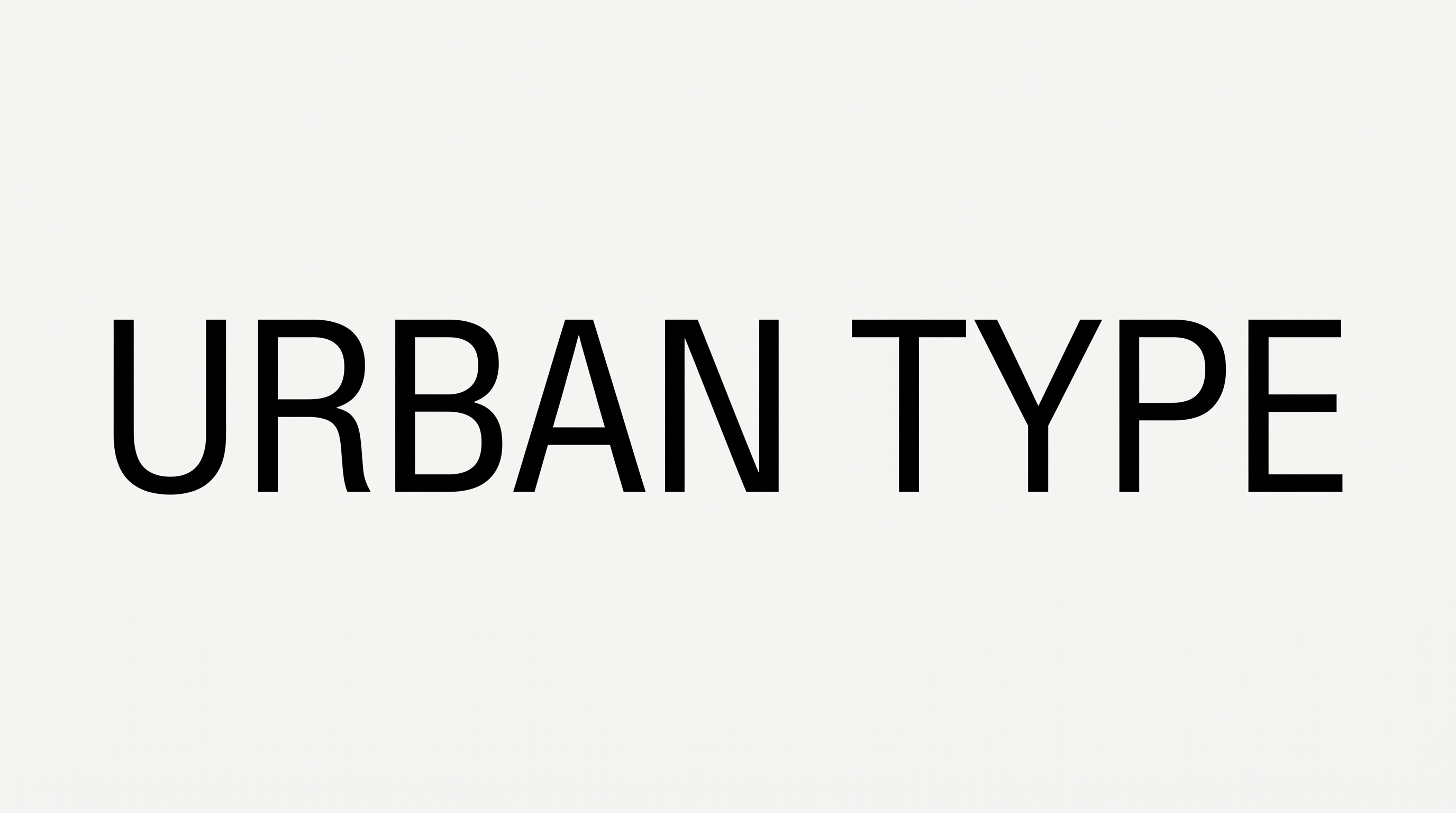
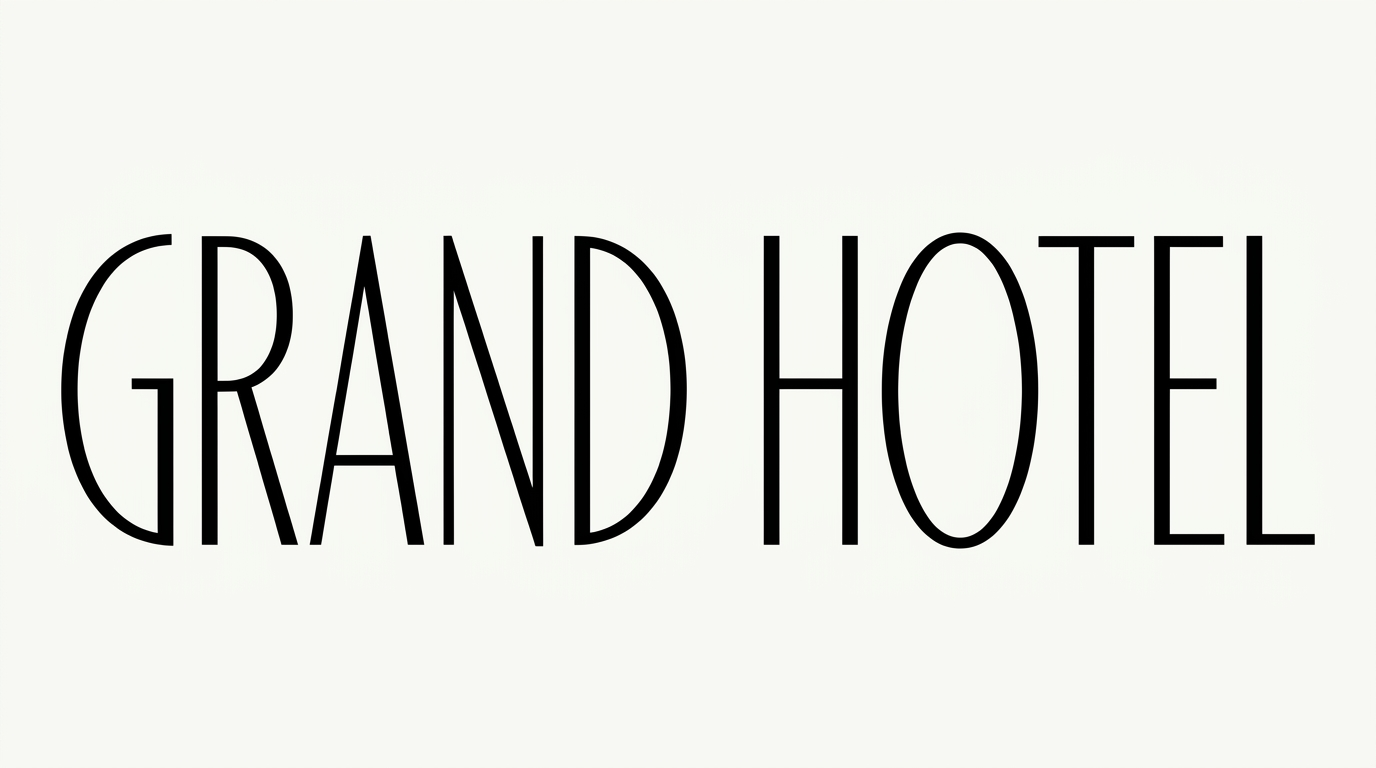
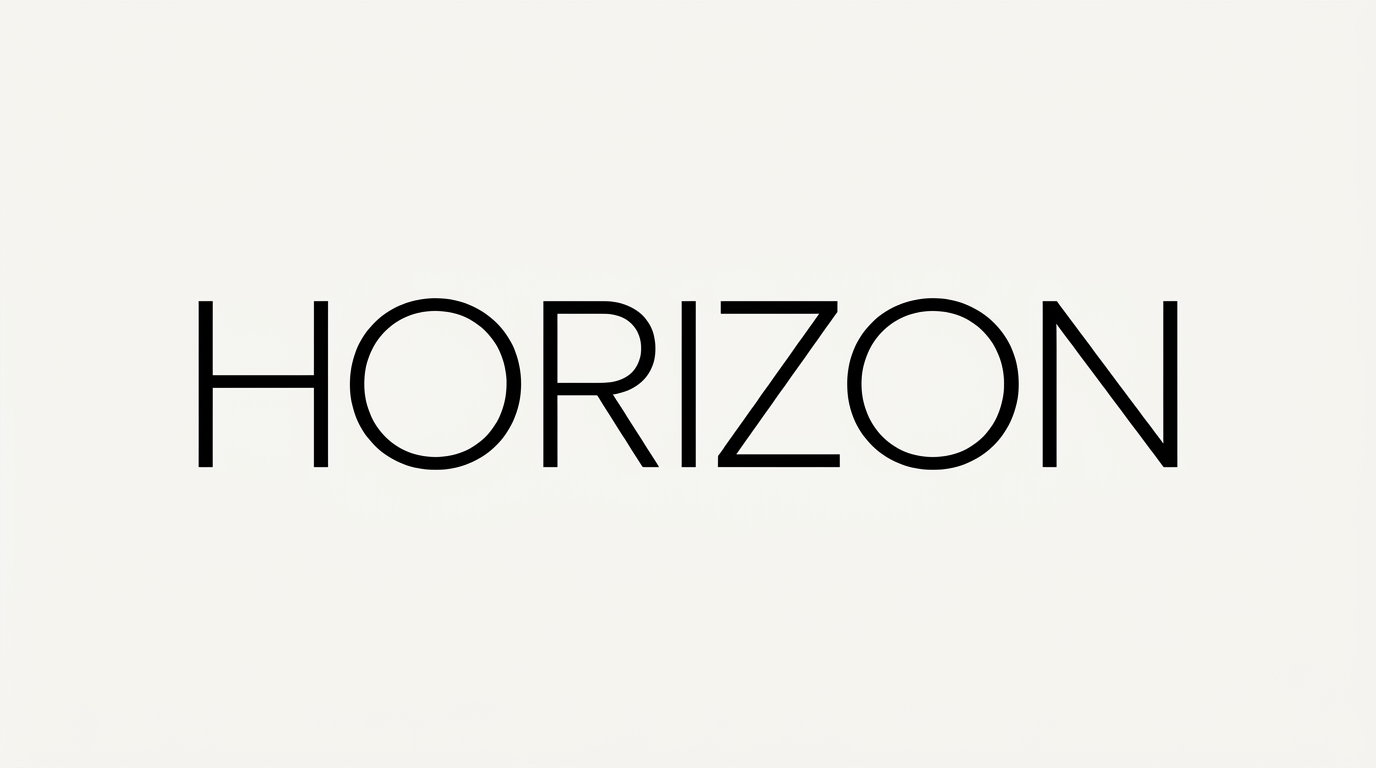
Create broad uppercase sans-serif lettering with balanced spacing for clean event banners, signage, and other minimal typographic layouts.
- Templates
- 769
- Generations
- 177
- Downloads
- 259
- Rating
- 5.0
More Sans Serif Font Generator Tools and Sans Serif Font Alternative
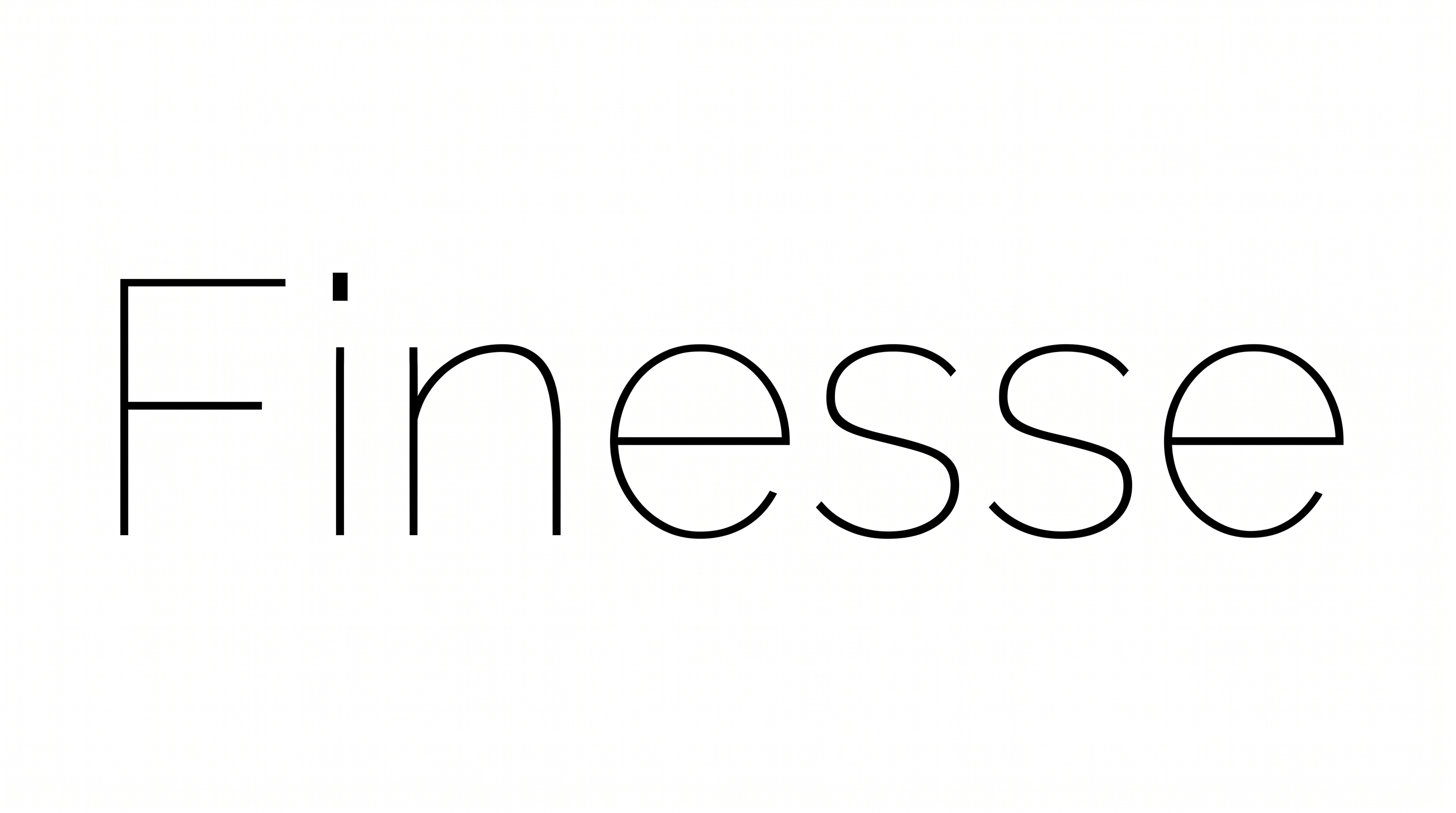
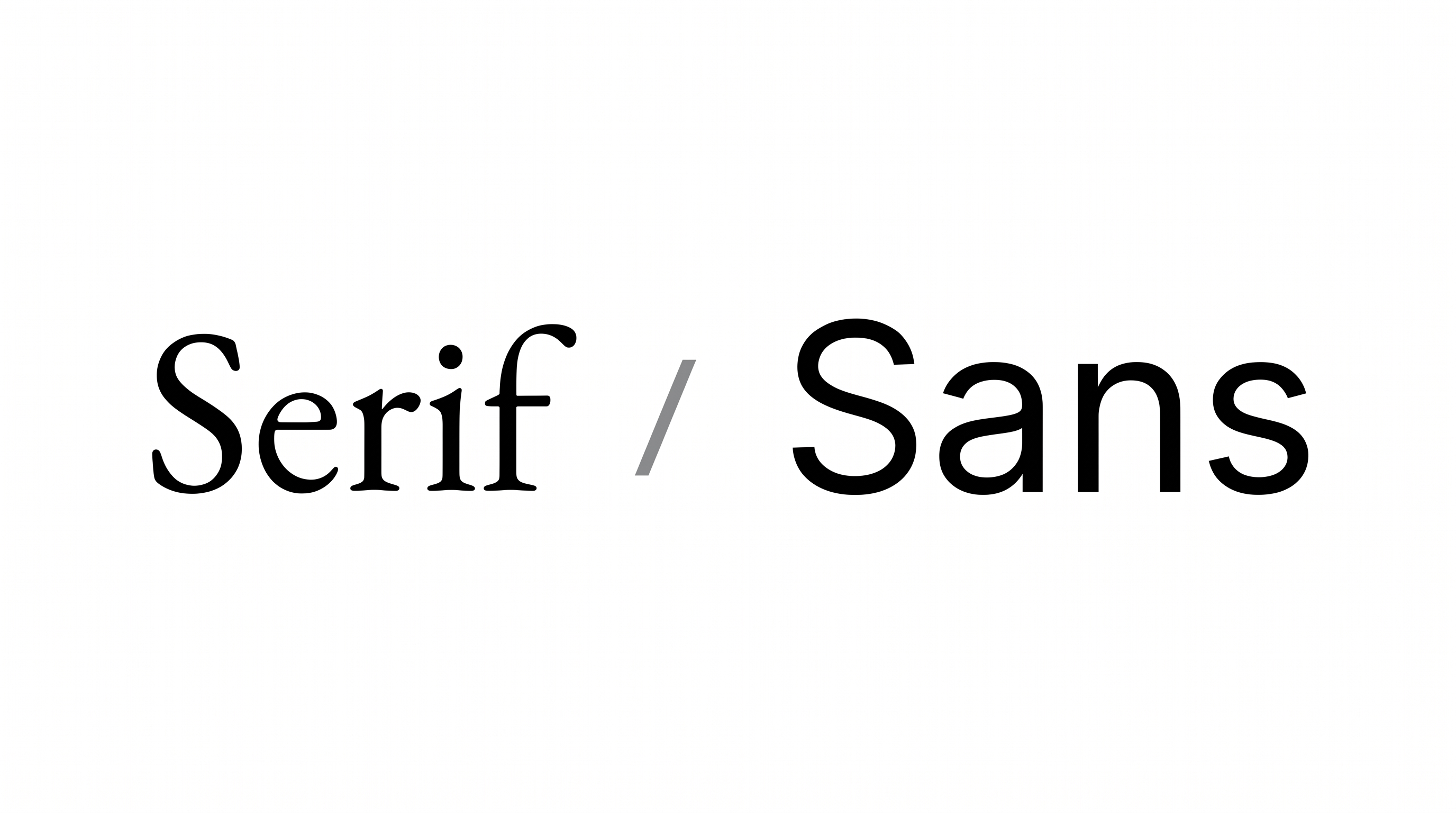
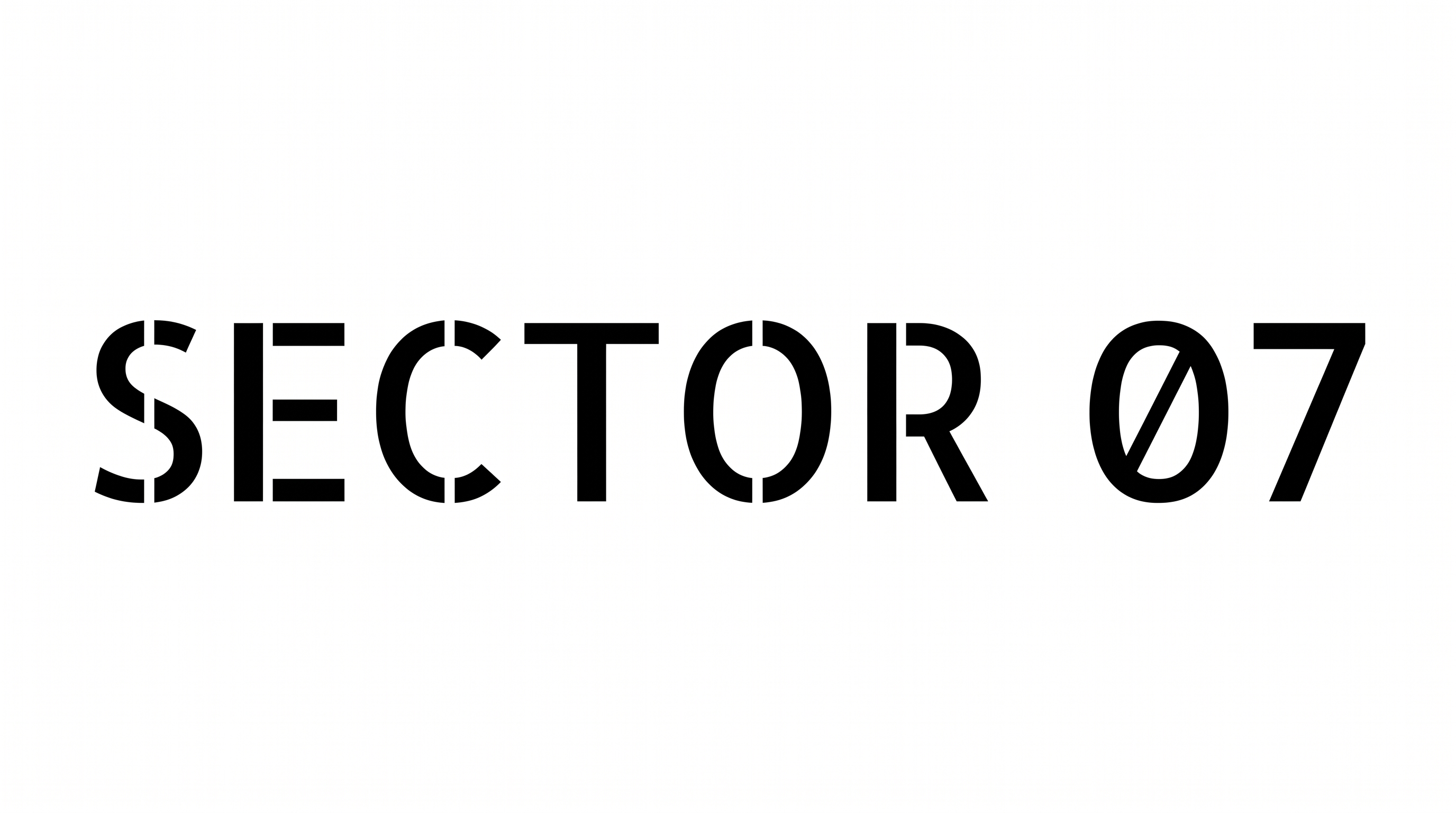
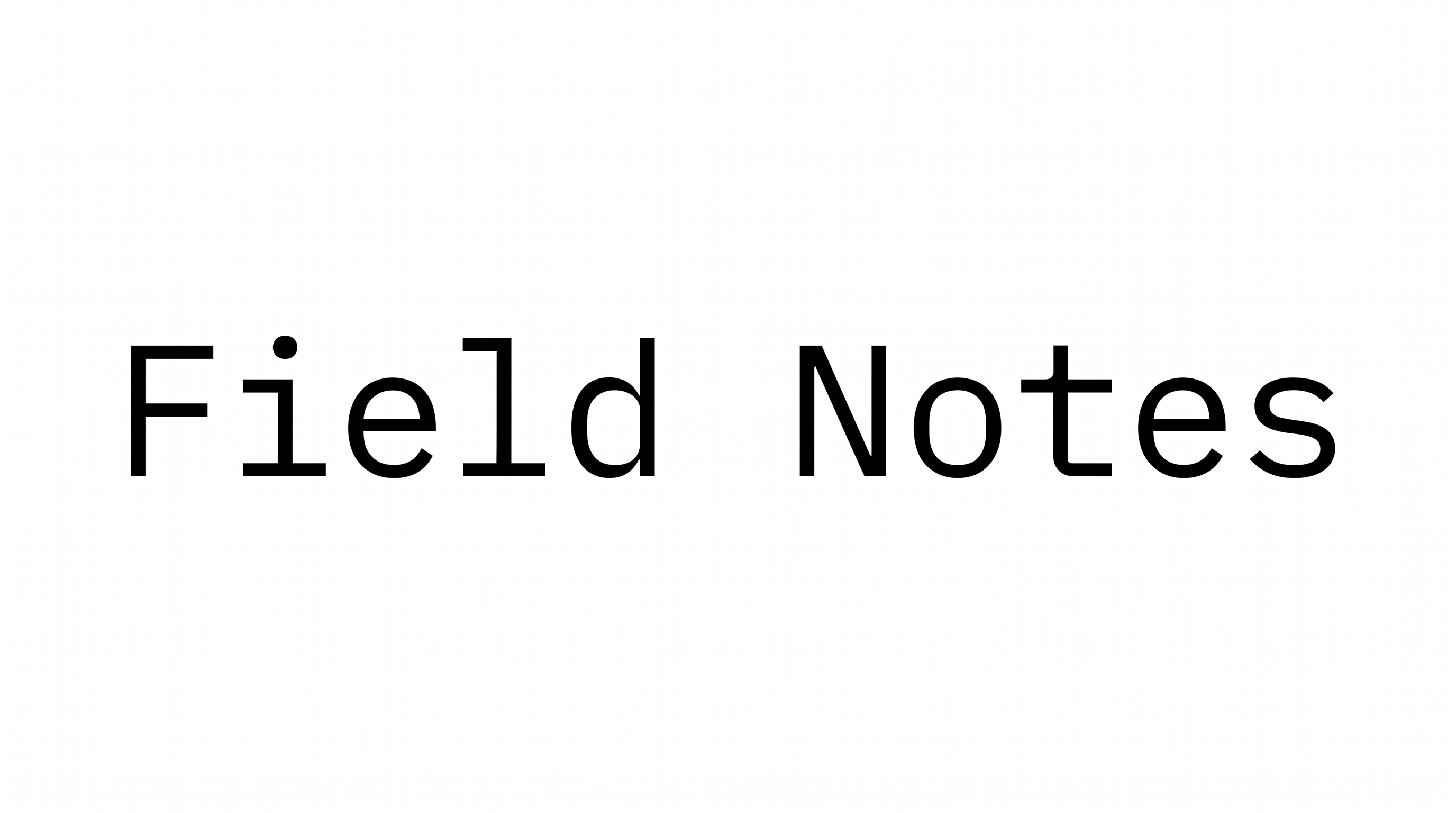
Explore related text tools for creating polished lettering in different visual directions.



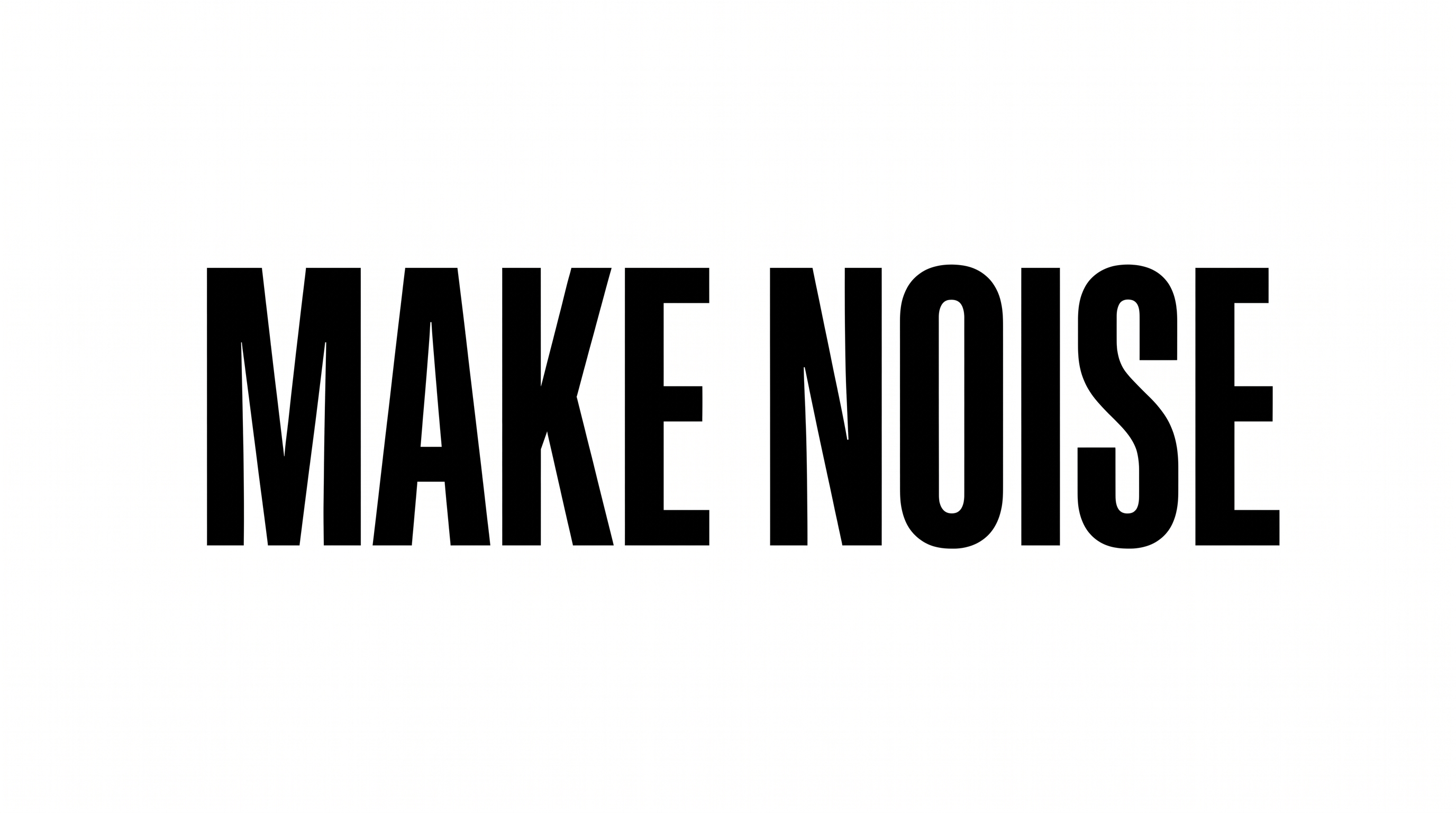
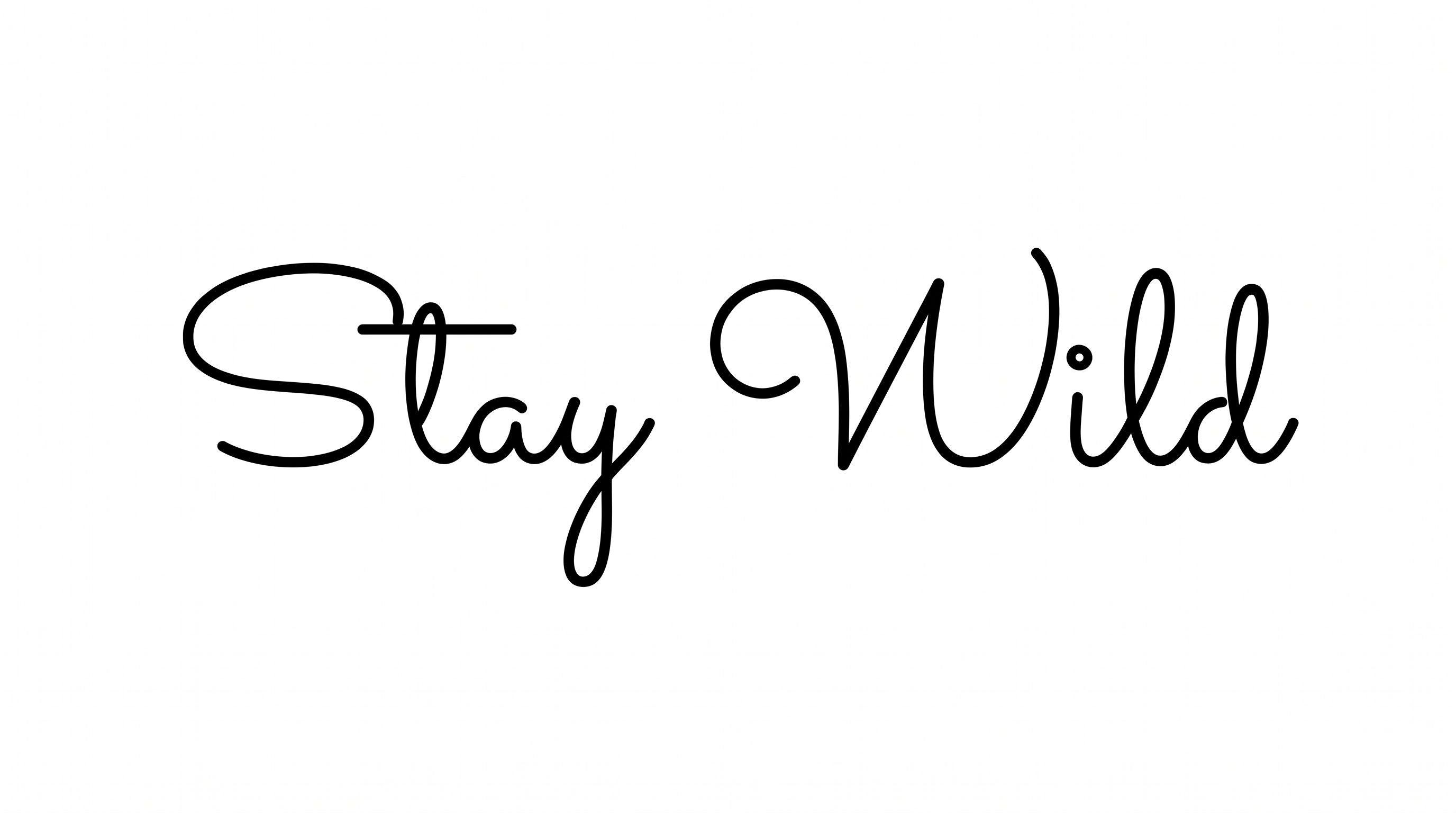

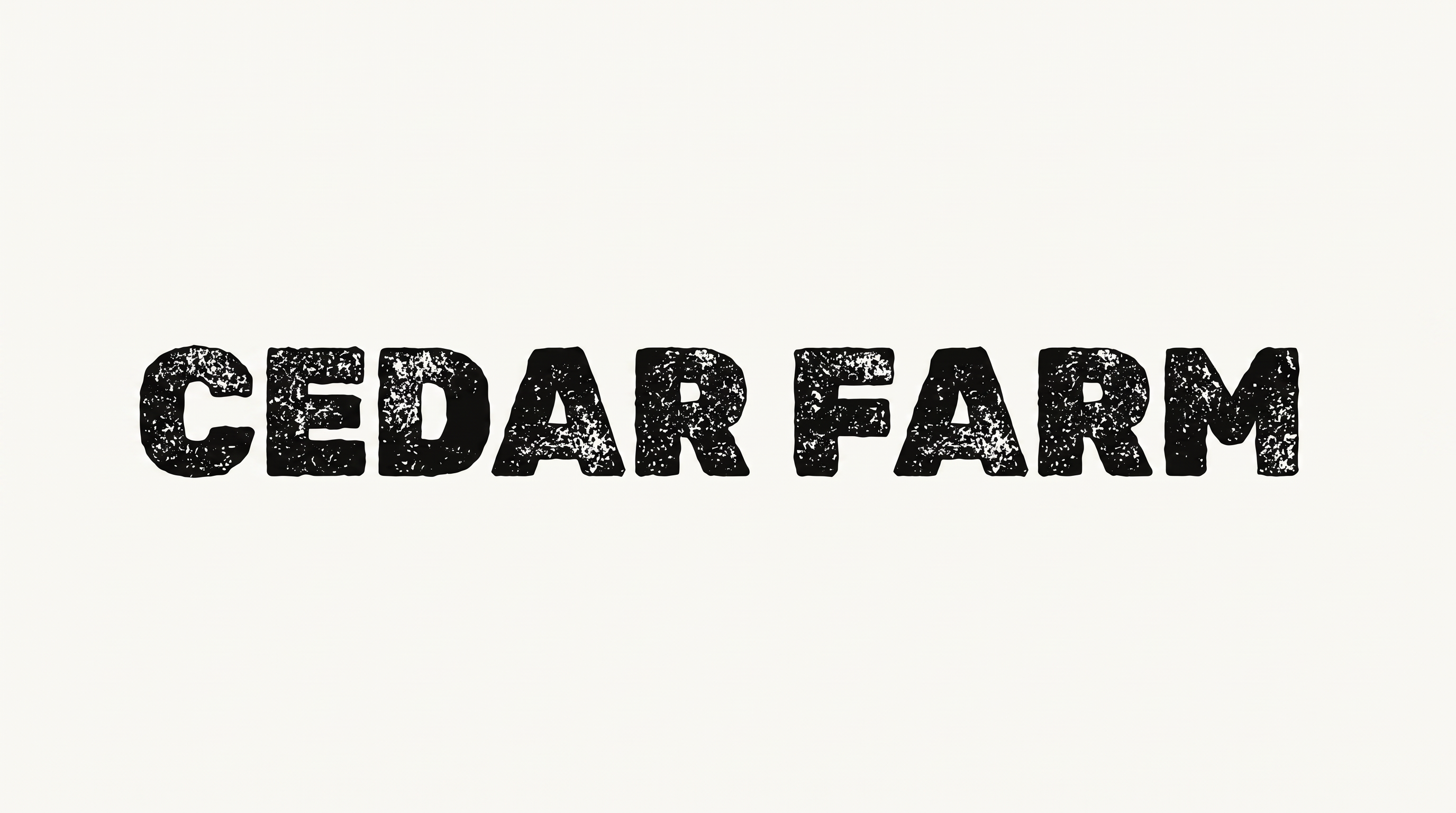

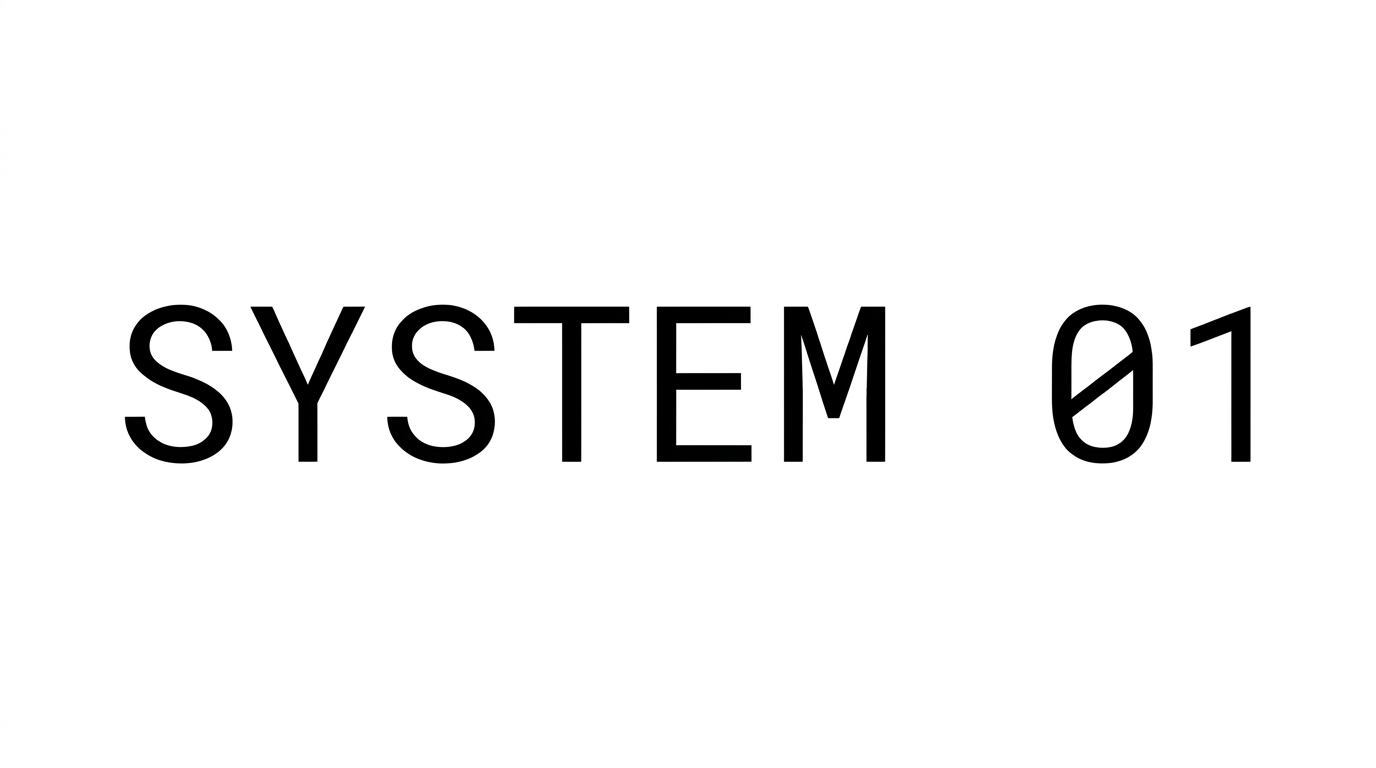





How to Use the Sans Serif Font Generator
Use broad uppercase forms and balanced spacing to create a clean image for signage or editorial design.
- 01
Enter your uppercase wording
Type a short phrase and keep the broad letterforms clear for your intended layout.
- 02
Choose the image setup
Select an image size such as 16:9 and adjust custom font or background color when useful.
- 03
Generate and download the artwork
Review the rendered lettering, then download the result as a PNG or SVG image.
Sans Serif Font Generator in Use: Design Examples & Showcase
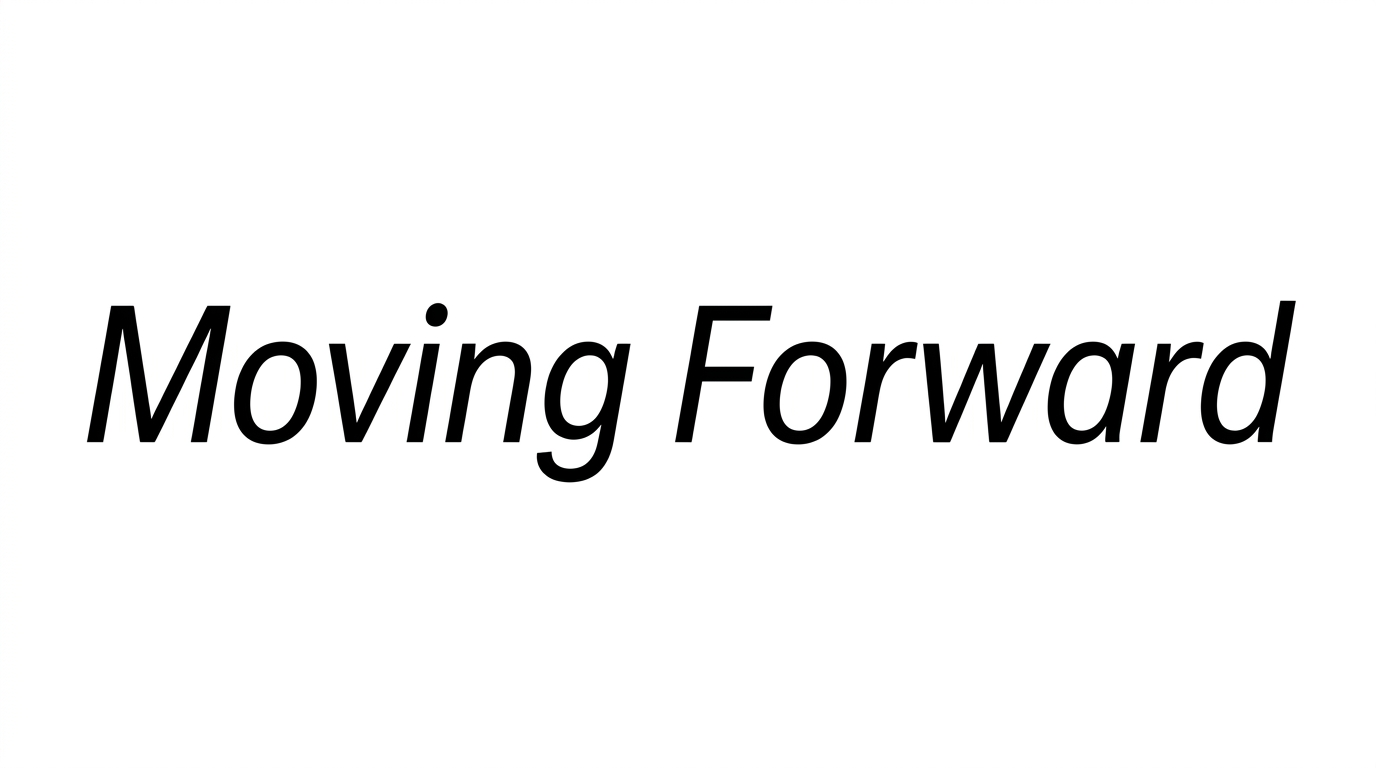
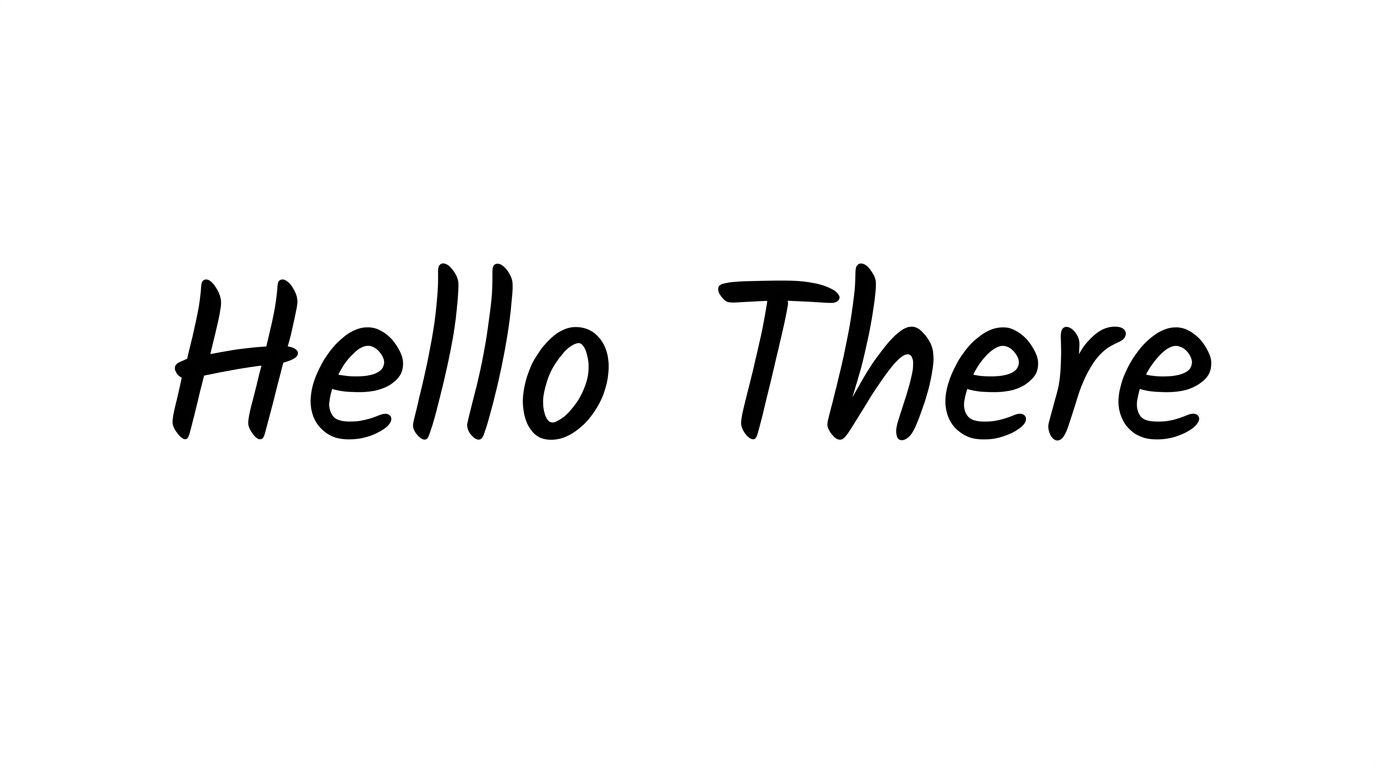
See how the clean uppercase forms and balanced spacing work in specimen layouts, event banners, and architectural signage.
Sans Serif Font Style Profile
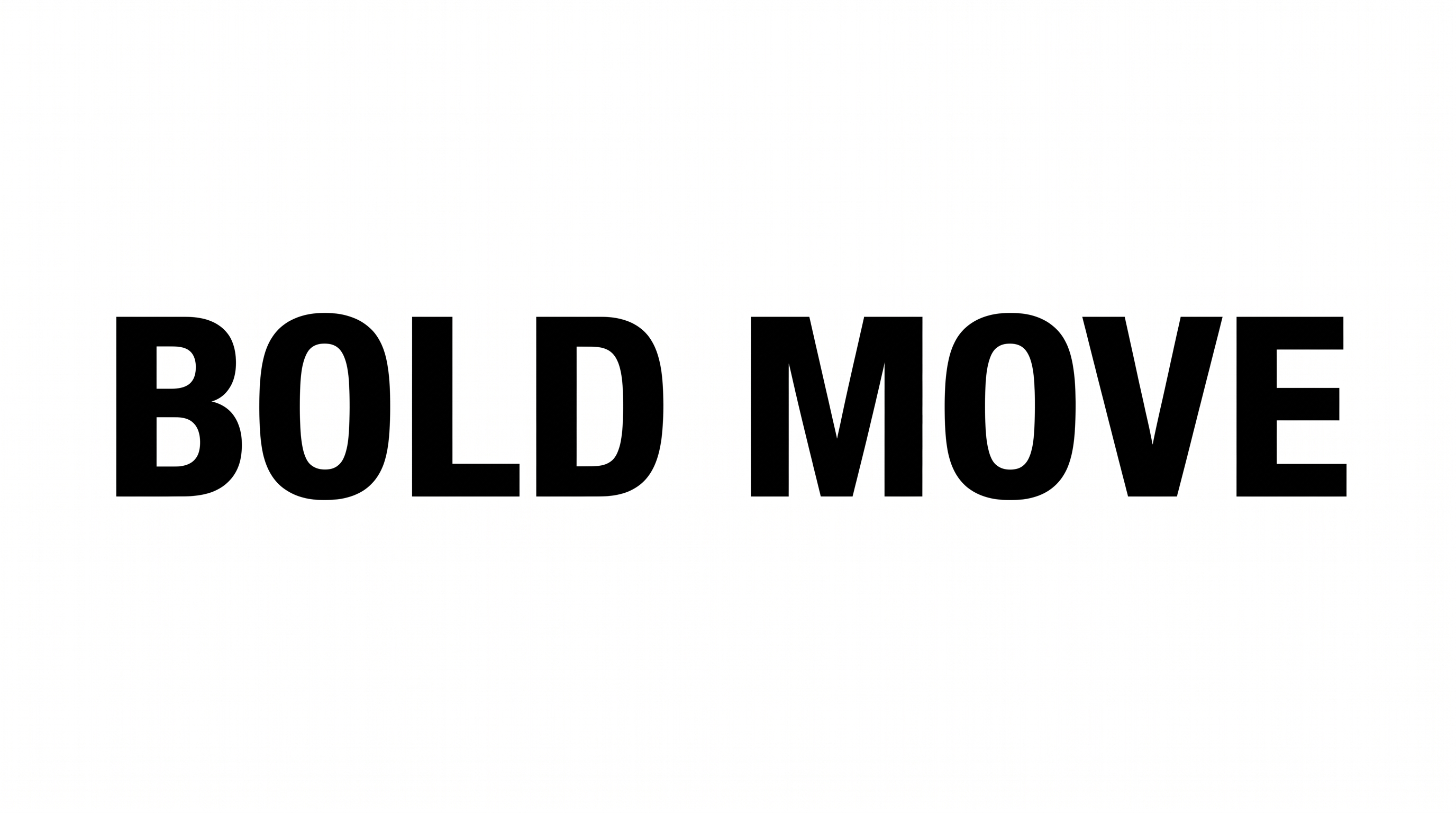
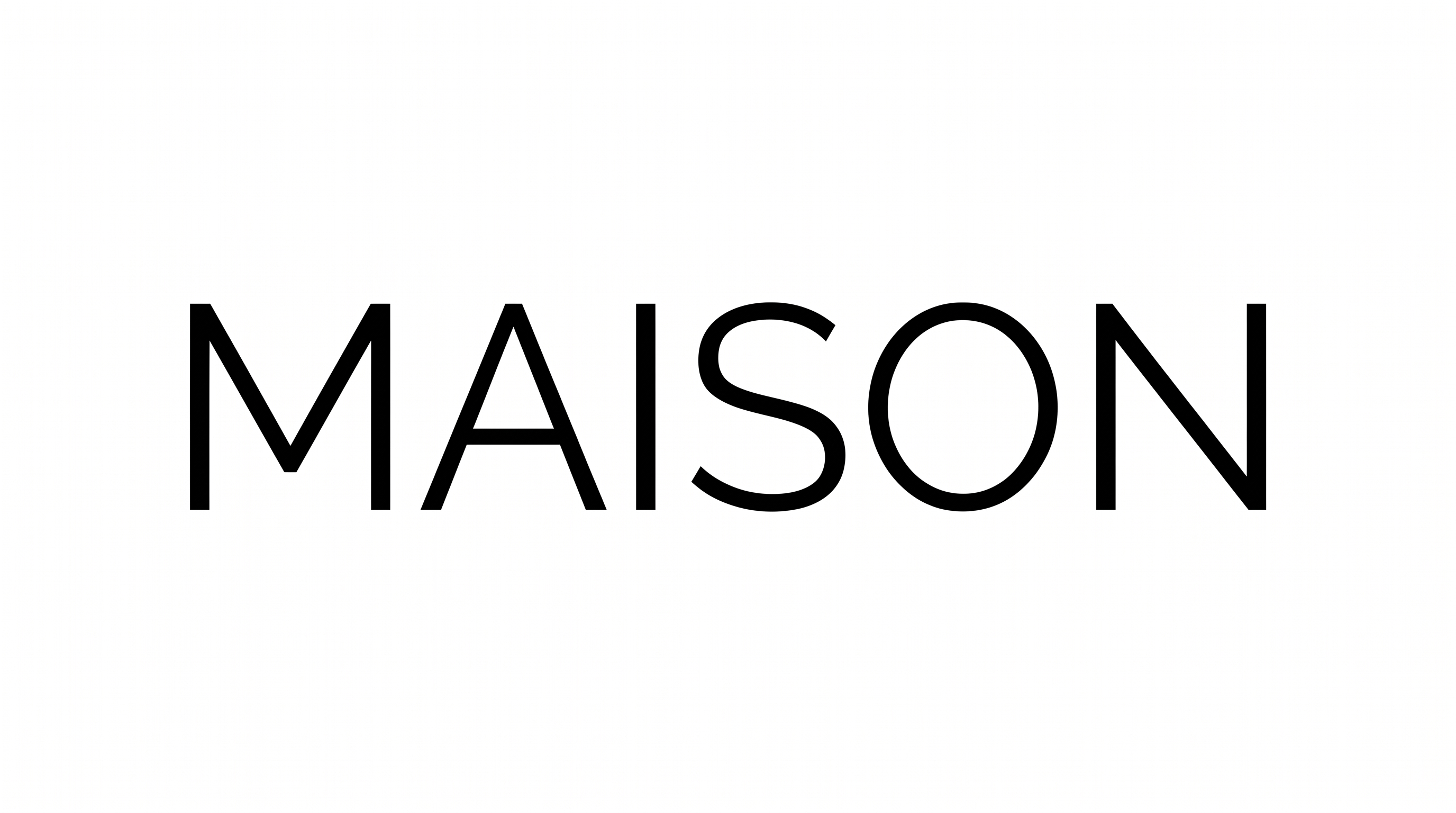
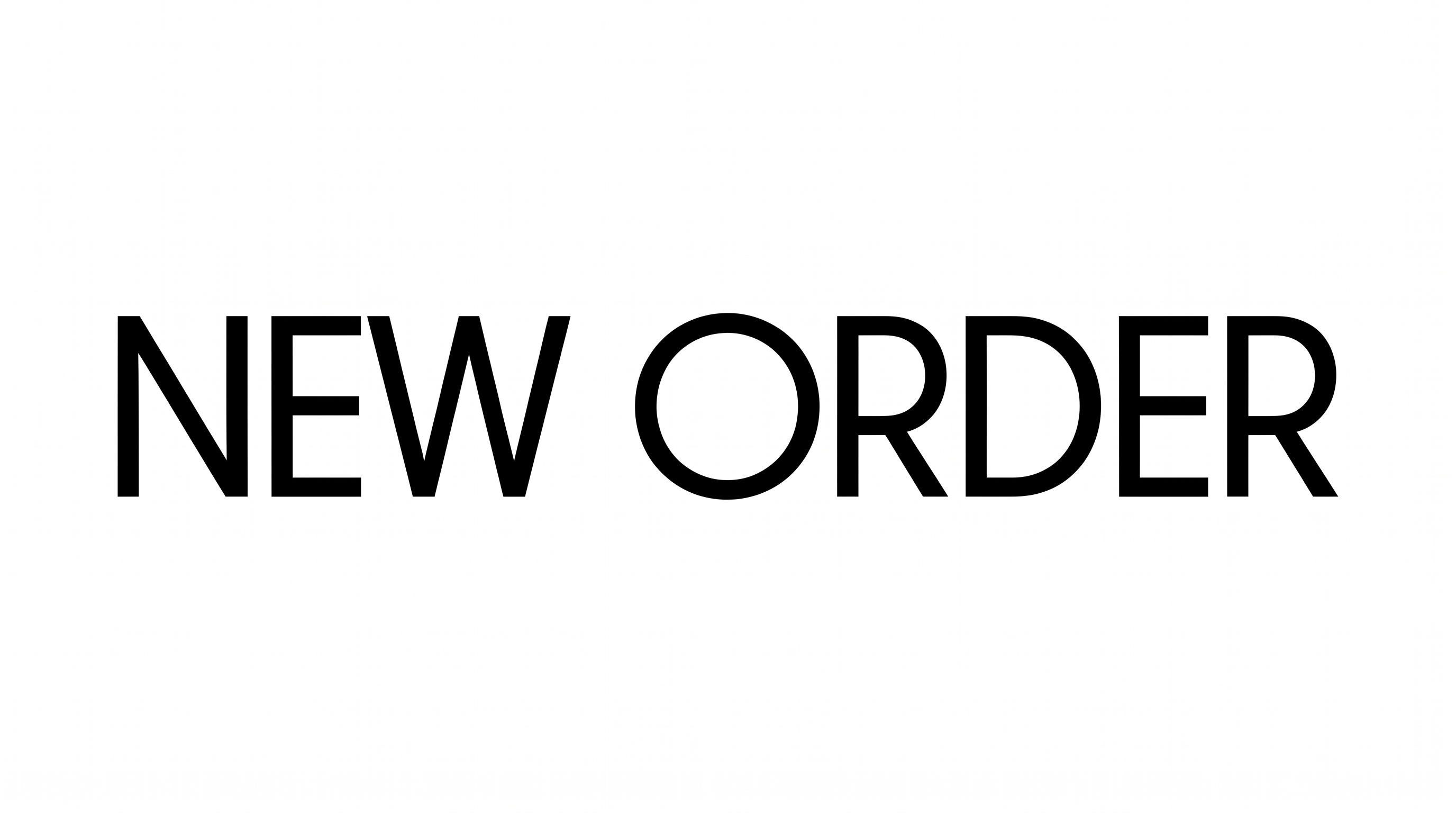
Broad uppercase forms, even strokes, and balanced spacing create a clean modern appearance.
Letter Construction
Continuous strokes build clear, simple uppercase letterforms.
Letter Width
The individual uppercase characters have broad, open proportions.
Stroke Weight
The visible letter bodies use a medium, mostly even stroke weight.
Letter Spacing
Balanced gaps separate neighboring letters within each word.
Corner Shape
Letter turns use clean, mostly square corners and joins.
Stroke Endings
The visible strokes finish with crisp, flat endpoints.