Free Medieval Font Generator Online
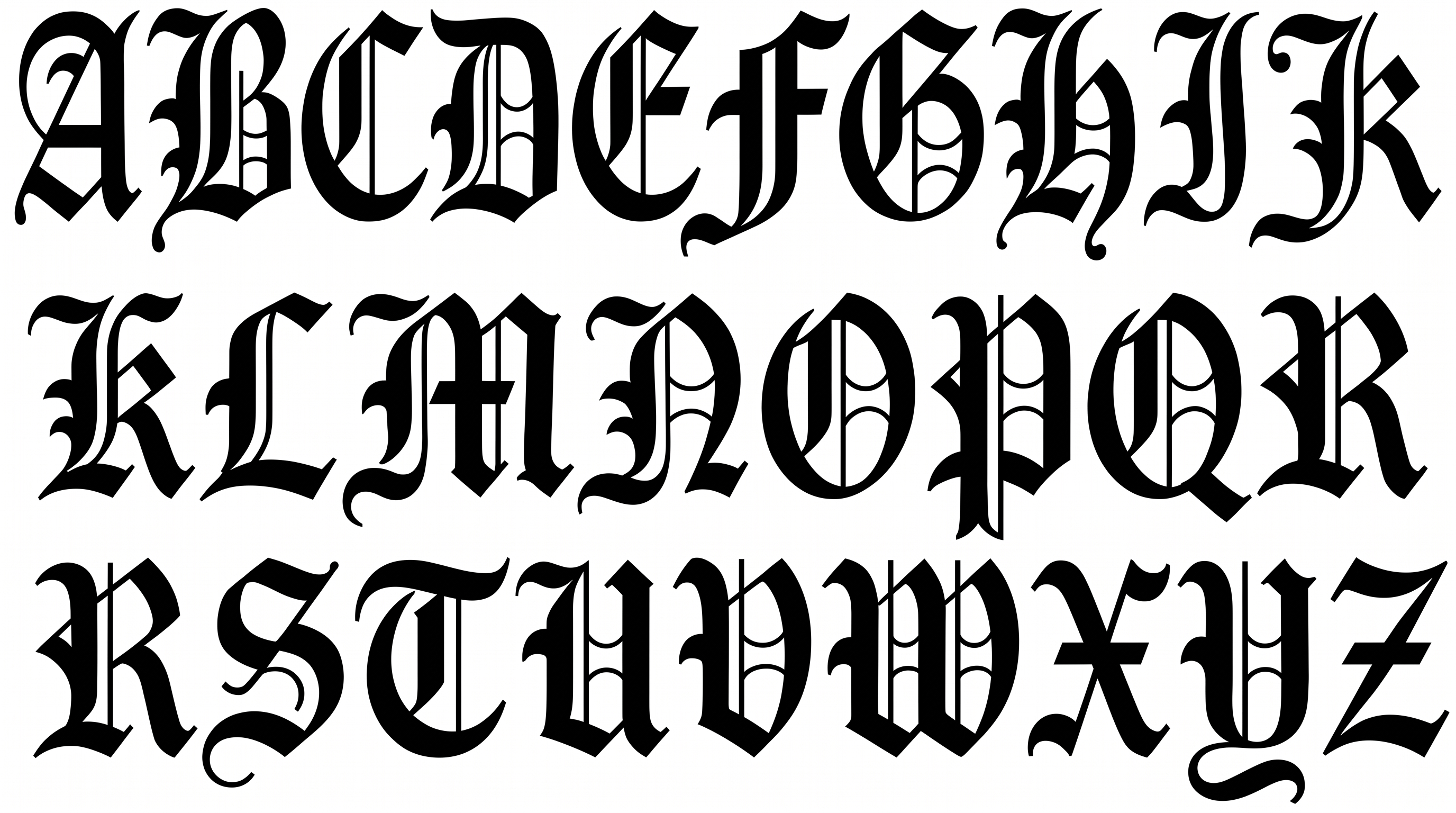
Turn your words into crisp blackletter with ornate capitals and high-contrast strokes, suited to fantasy titles and formal display designs.
- Templates
- 260
- Generations
- 174
- Downloads
- 213
- Rating
- 5.0
More Medieval Font Generator Tools and Medieval Font Alternative
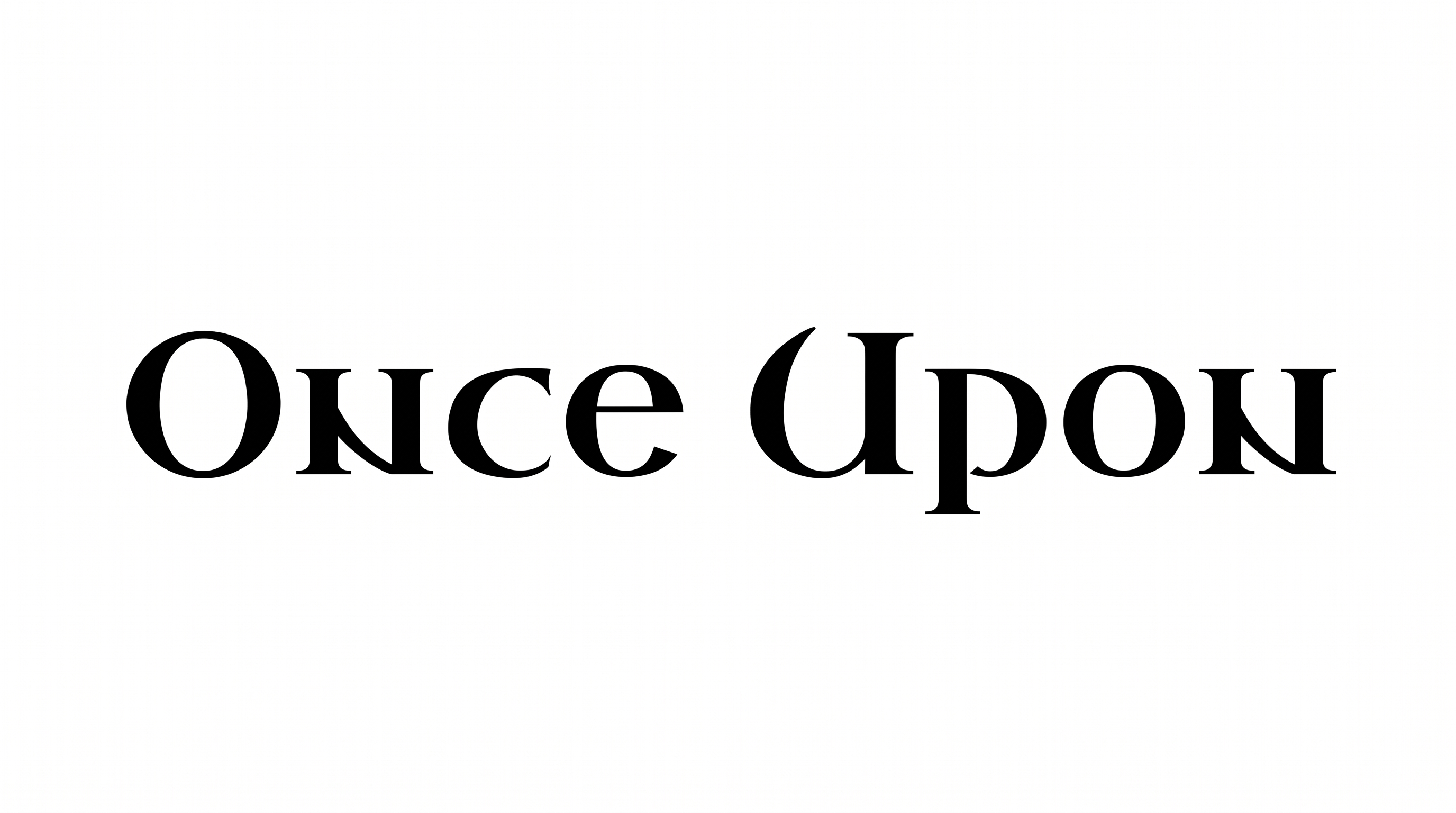
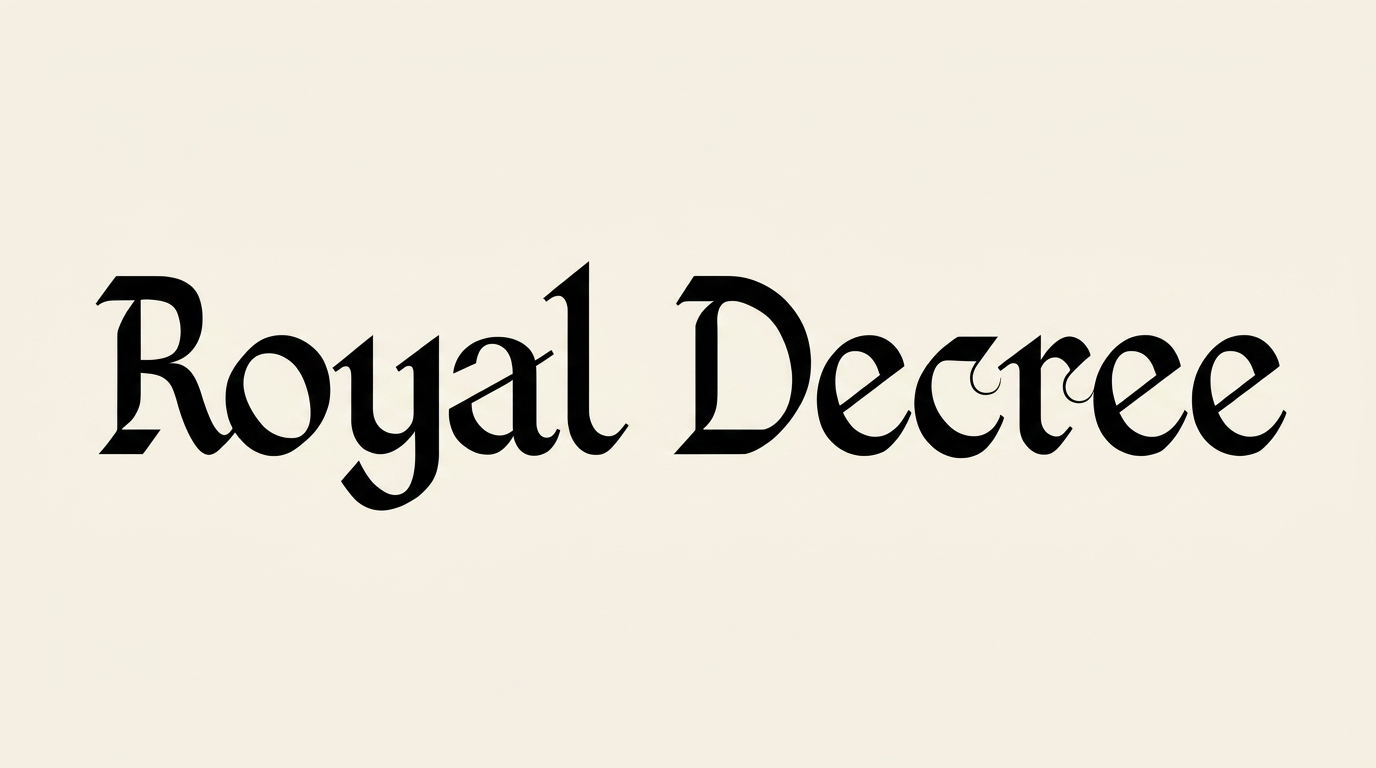
Explore more lettering tools and compare visual directions for your next text image.






How to Use the Medieval Font Generator
Shape ornate blackletter for clear display use, then save the finished text image for your layout.
- 01
Write your blackletter text
Enter a short title or name that suits the ornate blackletter treatment.
- 02
Set the image presentation
Choose a 16:9 image size, then set the font color and background.
- 03
Generate and download PNG or SVG
Generate and review the rendered text image, then download it as PNG or SVG.
Medieval Font Generator in Use: Design Examples & Showcase
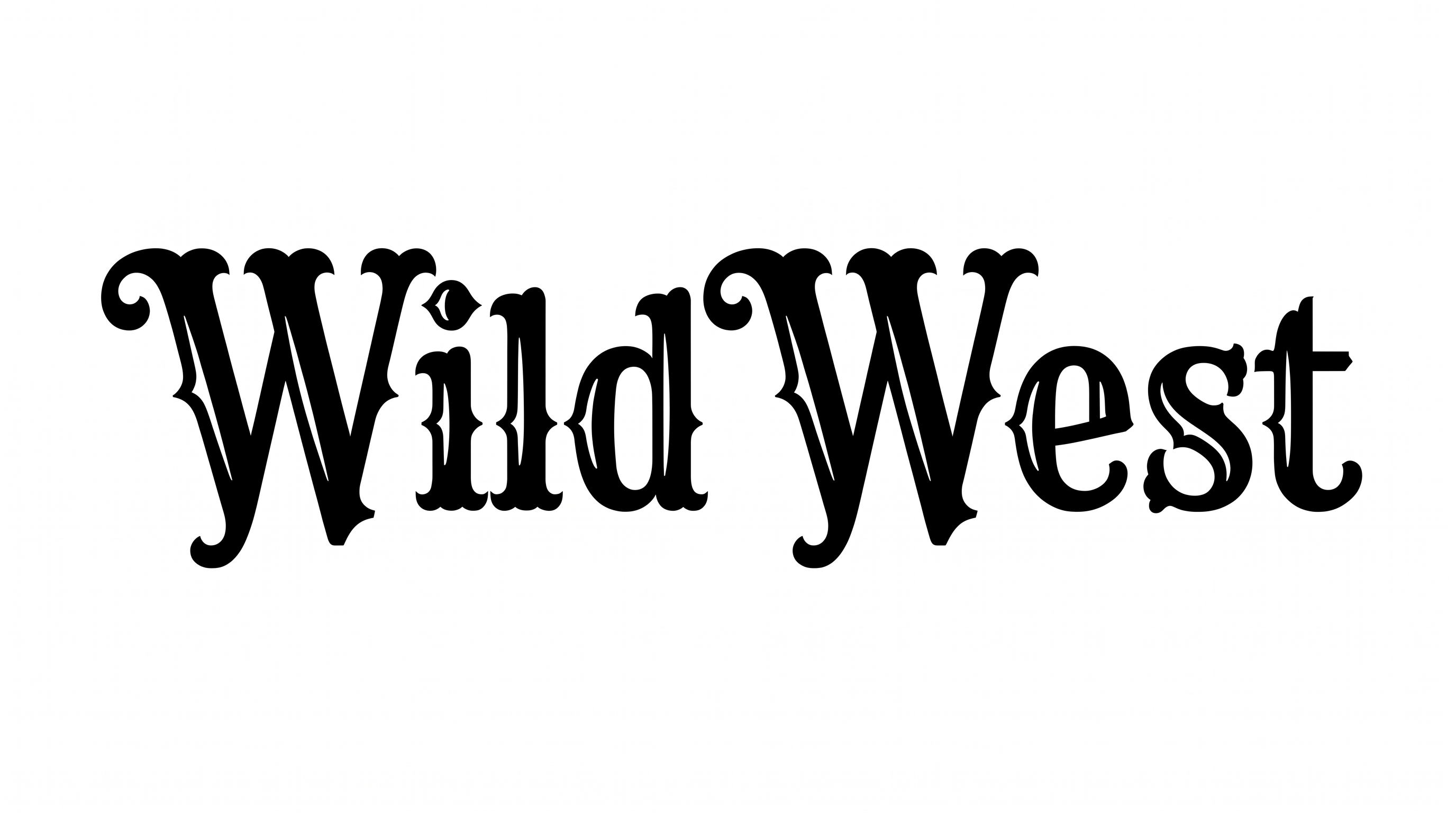
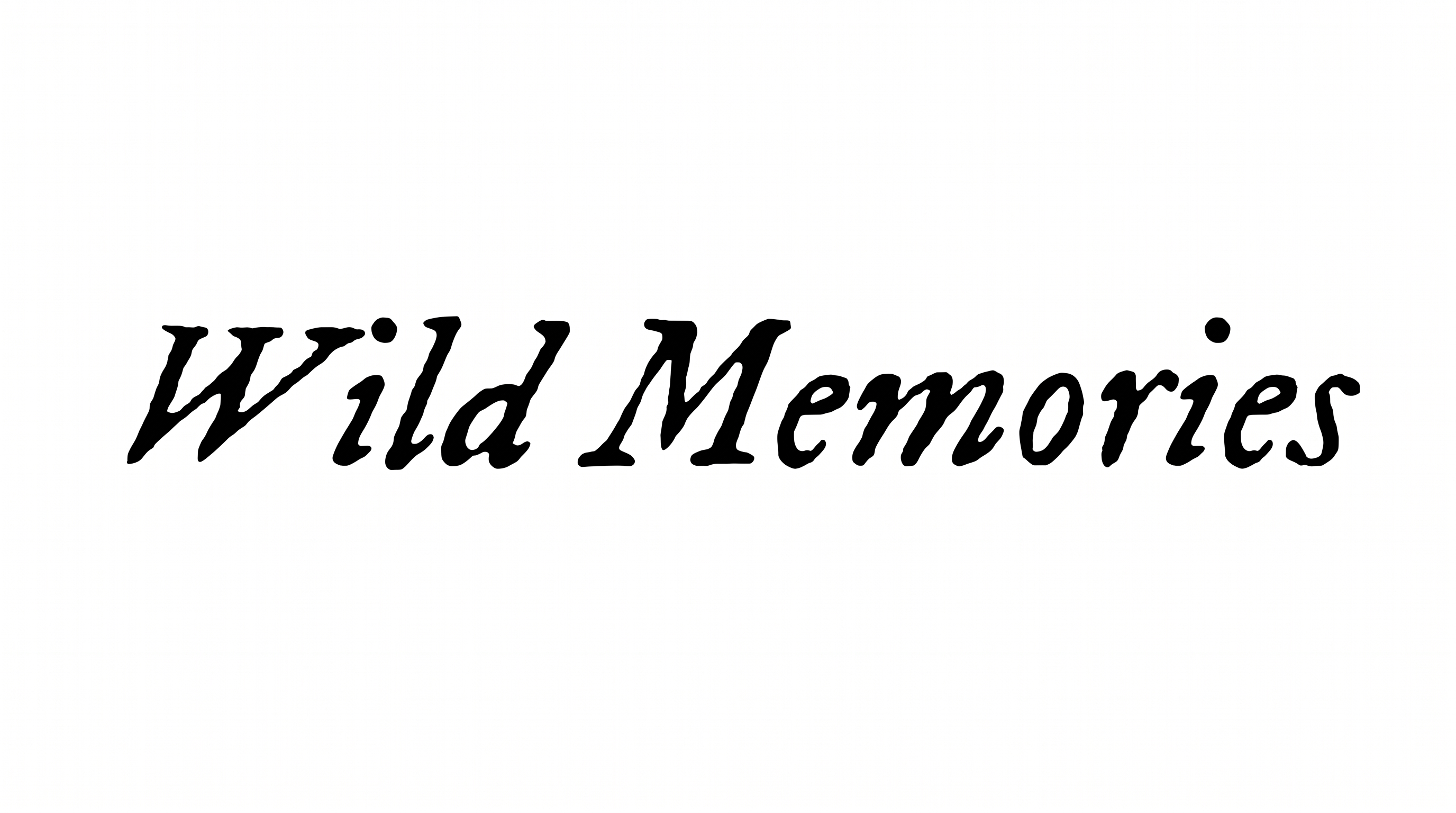
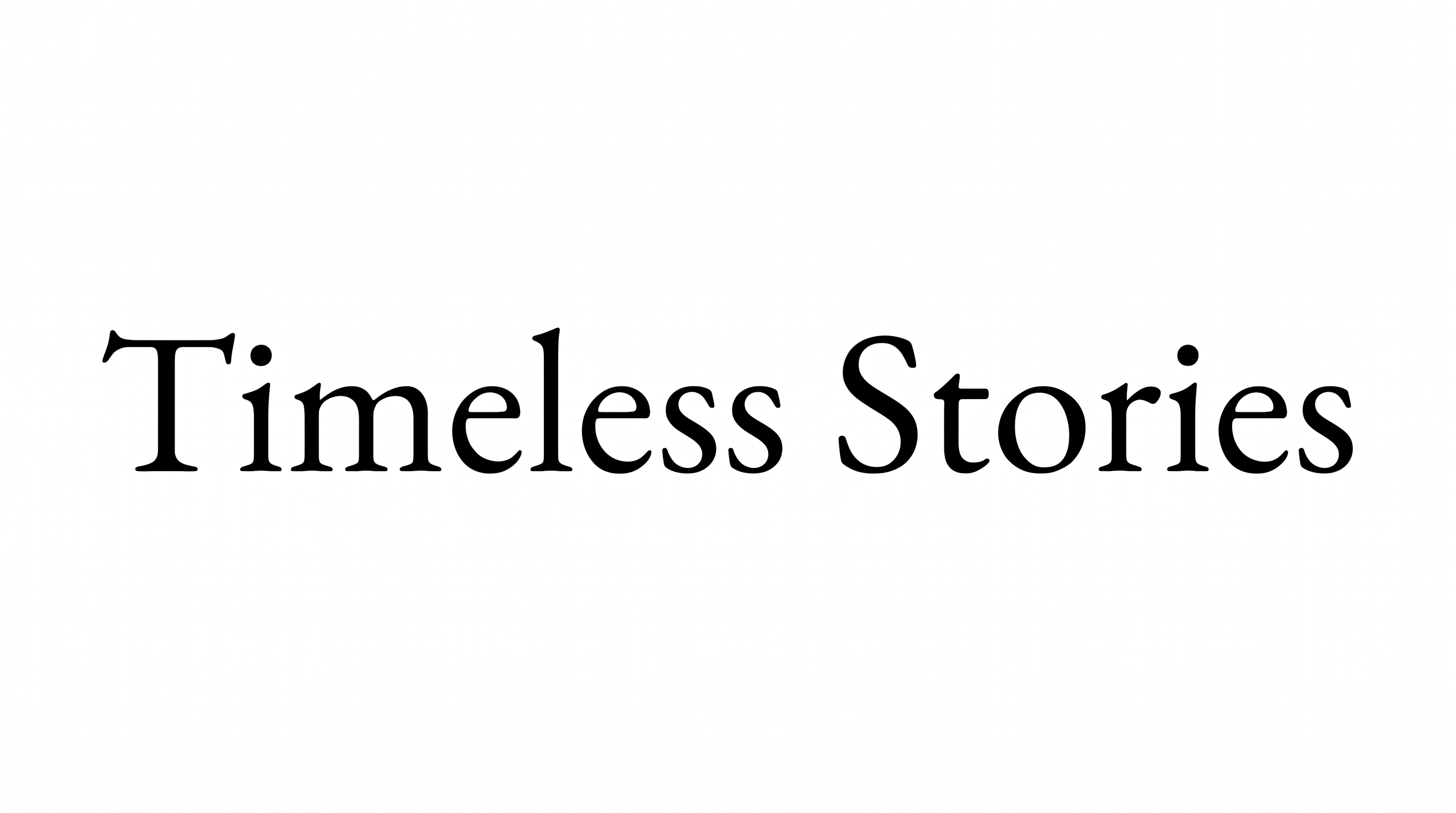
Compare how ornate blackletter works across book covers, labels, certificates, game screens, invitations, maps, apparel, and compact name designs.
Medieval Font Style Profile
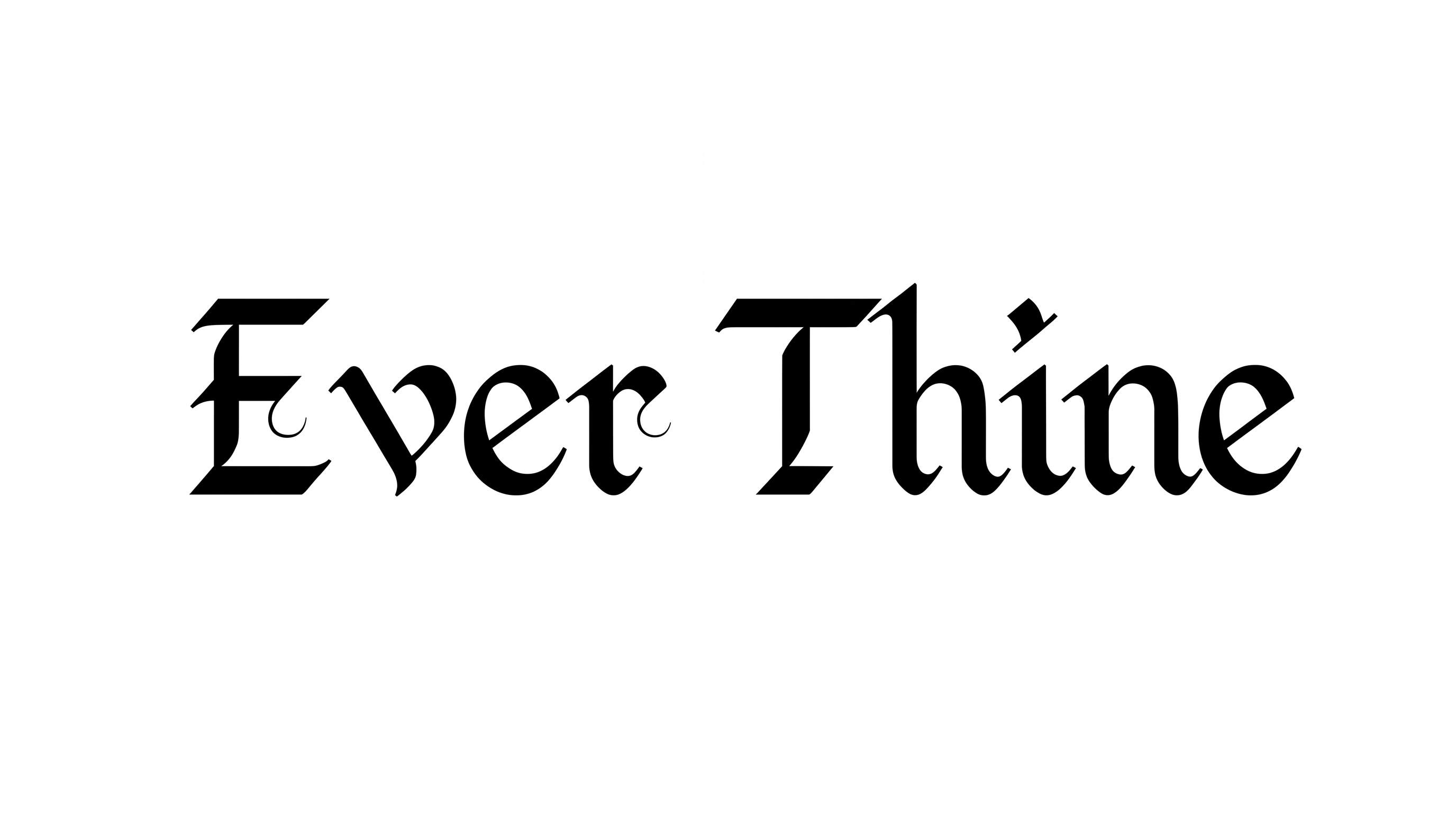
High stroke contrast, angular construction, and pointed endings give the blackletter forms a formal, ornate character.
Letter Construction
Broken, angular strokes build the letters into dense blackletter forms.
Stroke Contrast
Broad black stems alternate with fine hairline strokes inside the letters.
Corner Shape
Sharp corners and pointed joins define the letterforms.
Stroke Endings
Strokes finish in pointed tips and crisp, serif-like terminals.
Flourishes
Ornate capitals carry sweeping decorative extensions around their main strokes.
Letter Spacing
Clear gaps separate neighboring letters while each word remains visually cohesive.