Get 5 Free Credits

Free Death Metal Logo Font Generator Online

Build an aggressive wordmark with interlocking black strokes and needle-like spikes for album artwork, merchandise, or event branding.

Enter the text to generate, e.g. Fontify.ai

Font color
Background
Templates
140
Generations
164
Downloads
209
Rating
5.0

How to Use the Death Metal Logo Font Generator

Shape a jagged extreme-metal wordmark for a wide composition, then save the finished artwork for your layout.

  1. 01

    Write your wordmark

    Type a short name or phrase that suits the dense, interlocking wordmark.

  2. 02

    Set the image composition

    Choose a 16:9 image size, then set a custom font color or upload a background image.

  3. 03

    Generate and download the artwork

    Generate the artwork, review its spiked silhouette, and download it as PNG or SVG.

Death Metal Logo Font Style Profile

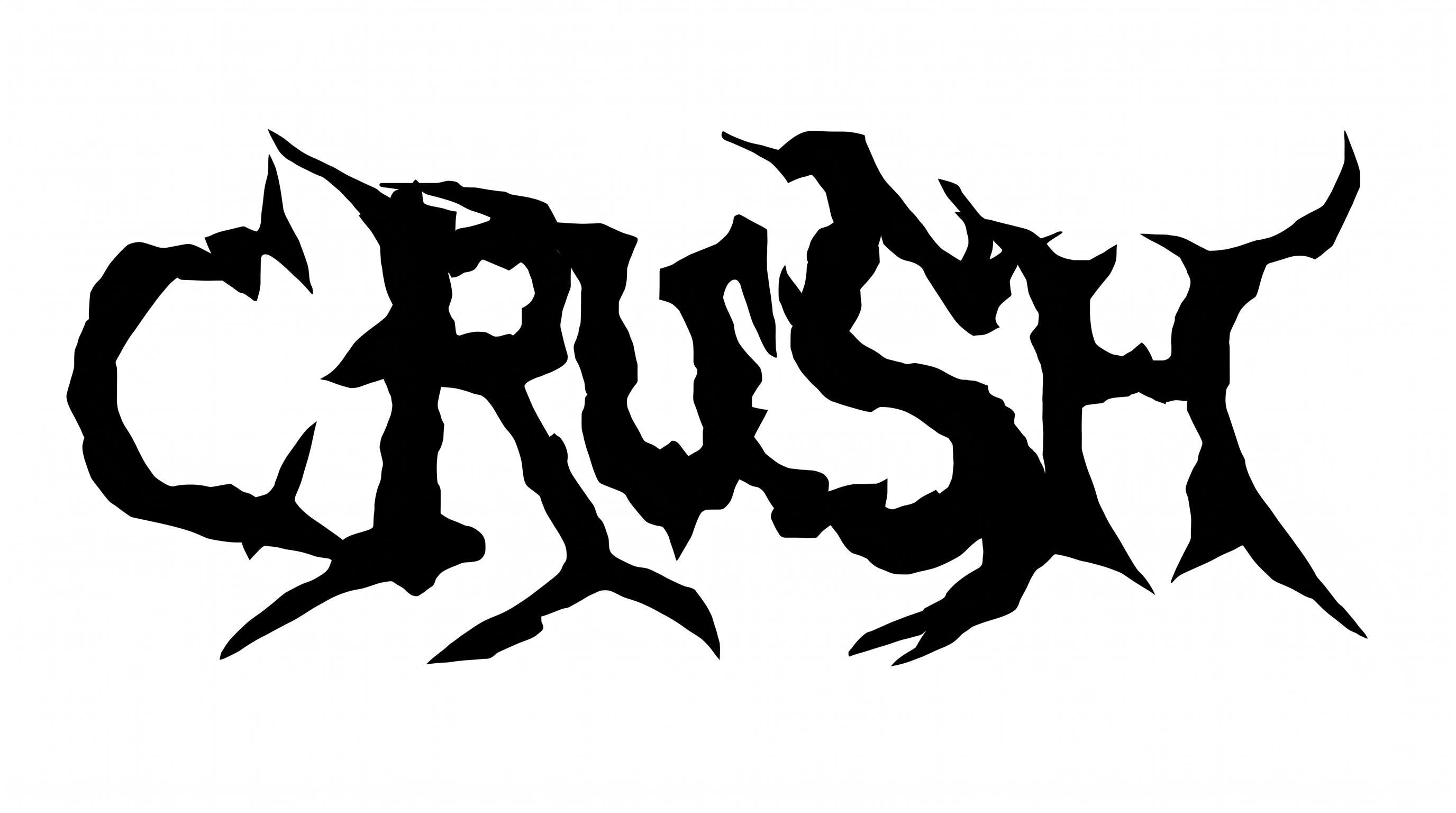
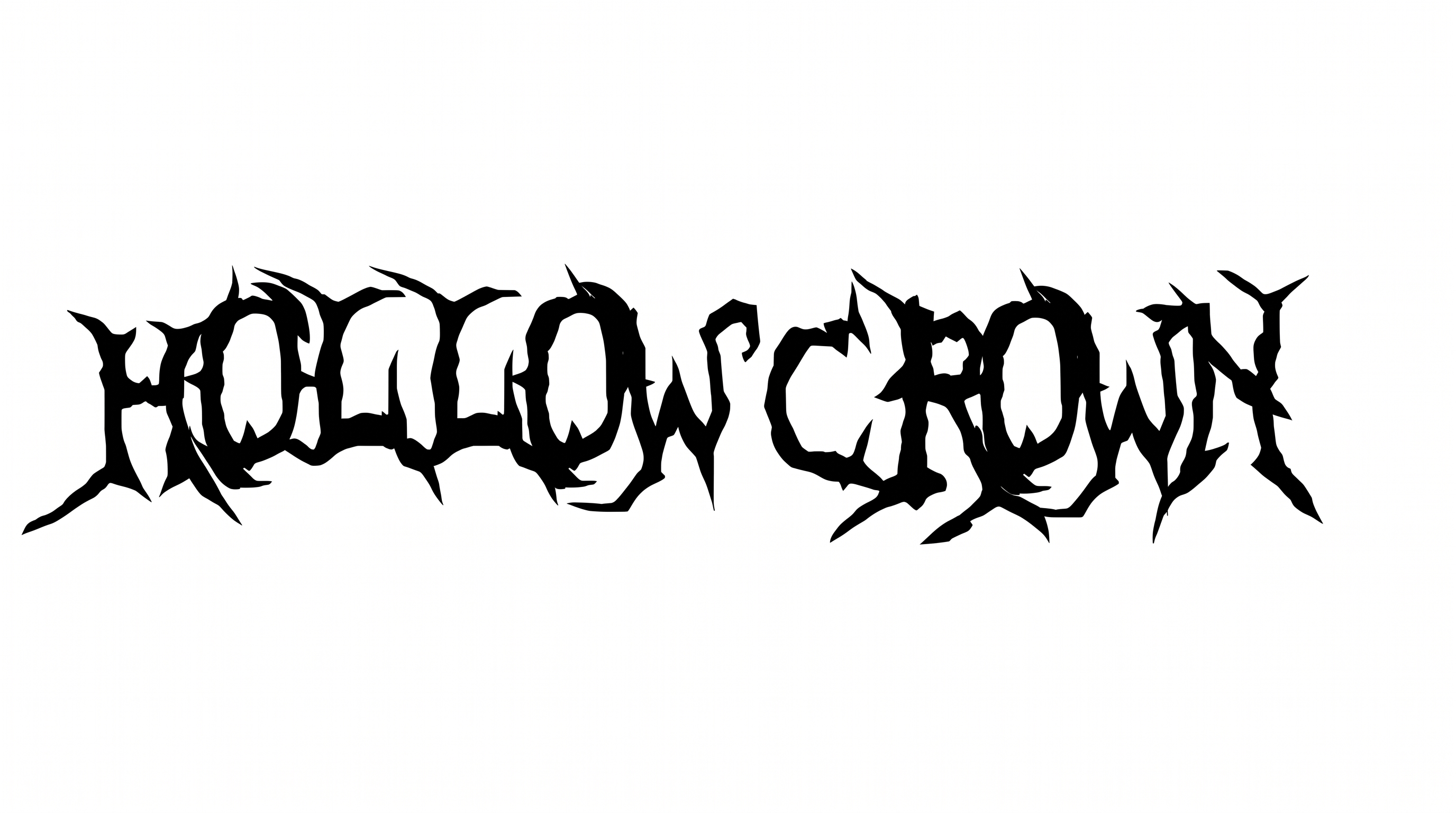
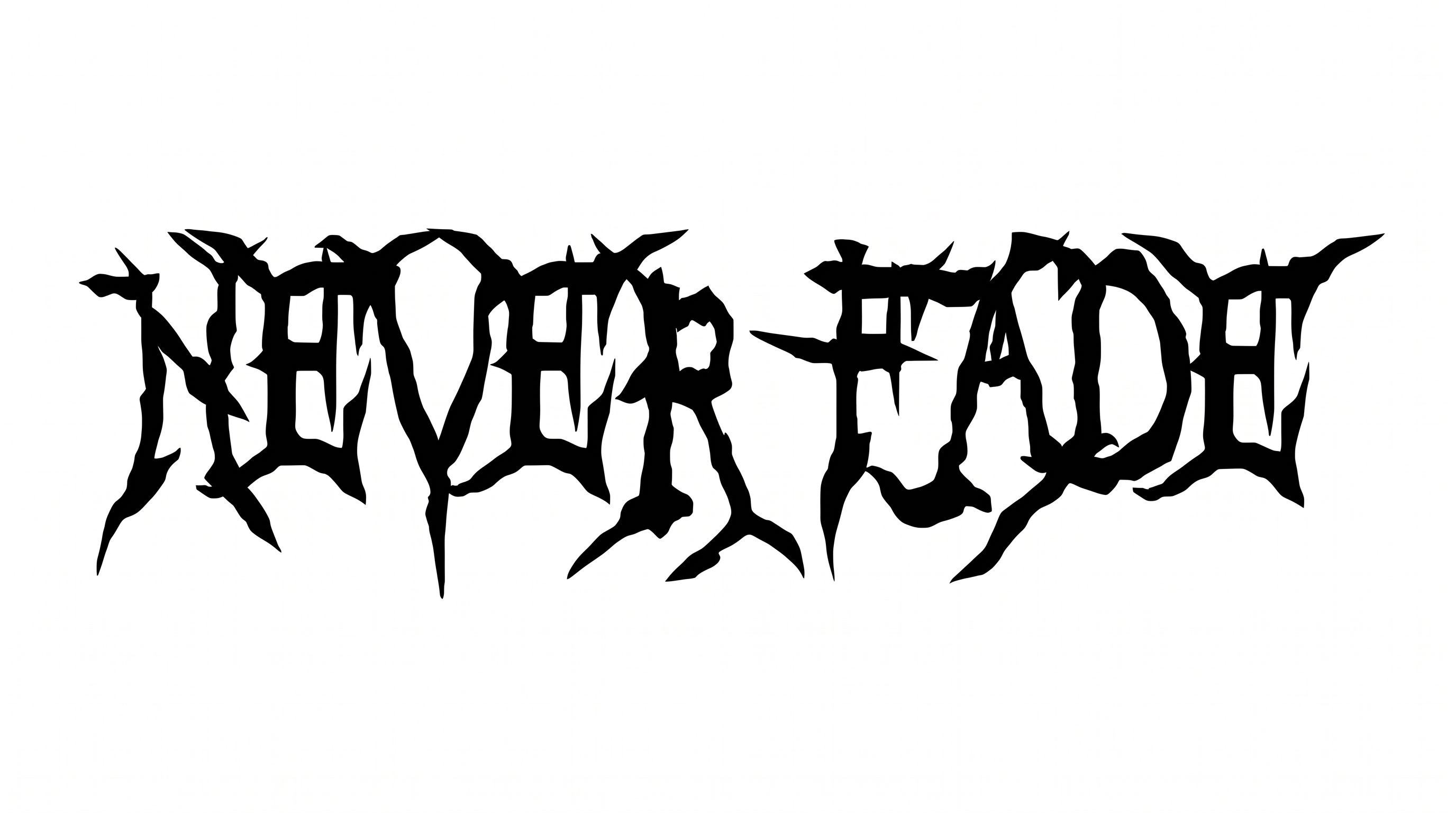
Angular construction, dramatic stroke contrast, and needle-like endings create a dense, aggressive silhouette.

  • Letter Construction

    Intersecting angular strokes build dense, jagged letter skeletons.

  • Stroke Contrast

    Heavy central strokes alternate with fine, scratch-like lines.

  • Stroke Endings

    Many strokes taper into long, needle-like points.

  • Corner Shape

    Sharp corners and acute joins give the letters a fractured geometry.

  • Flourishes

    Extended spikes project from the letters as aggressive decorative accents.

  • Letter Spacing

    Letters sit tightly within each word, creating a compact interlocked mass.
Frequently asked questions about Death Metal Logo Font Generator

It creates text-image artwork with dense angular strokes, interlocking forms, and needle-like spikes associated with extreme-metal wordmarks. Enter a name or phrase to produce a bold visual mark for album artwork, merchandise concepts, banners, or other music-focused layouts.

The minimum membership covers personal use of the generated artwork. Commercial projects require a higher membership. Review pricing to choose the membership that matches how you plan to use the design.

Download the artwork as a PNG. Upload it in Canva or insert it into a Google Docs document. For Cricut, import the PNG into a project in the Cricut app, also known as Cricut Design Space.

Yes. The generator is free to use and supports free image downloads in PNG and SVG formats. Usage rights still follow the membership terms, with personal and commercial projects covered at different membership levels.

Keep the Death Metal Logo Font wording short when it appears in a small online graphic. Give the jagged silhouette generous surrounding space, then compare it at the final display size so the dense spikes remain distinguishable.

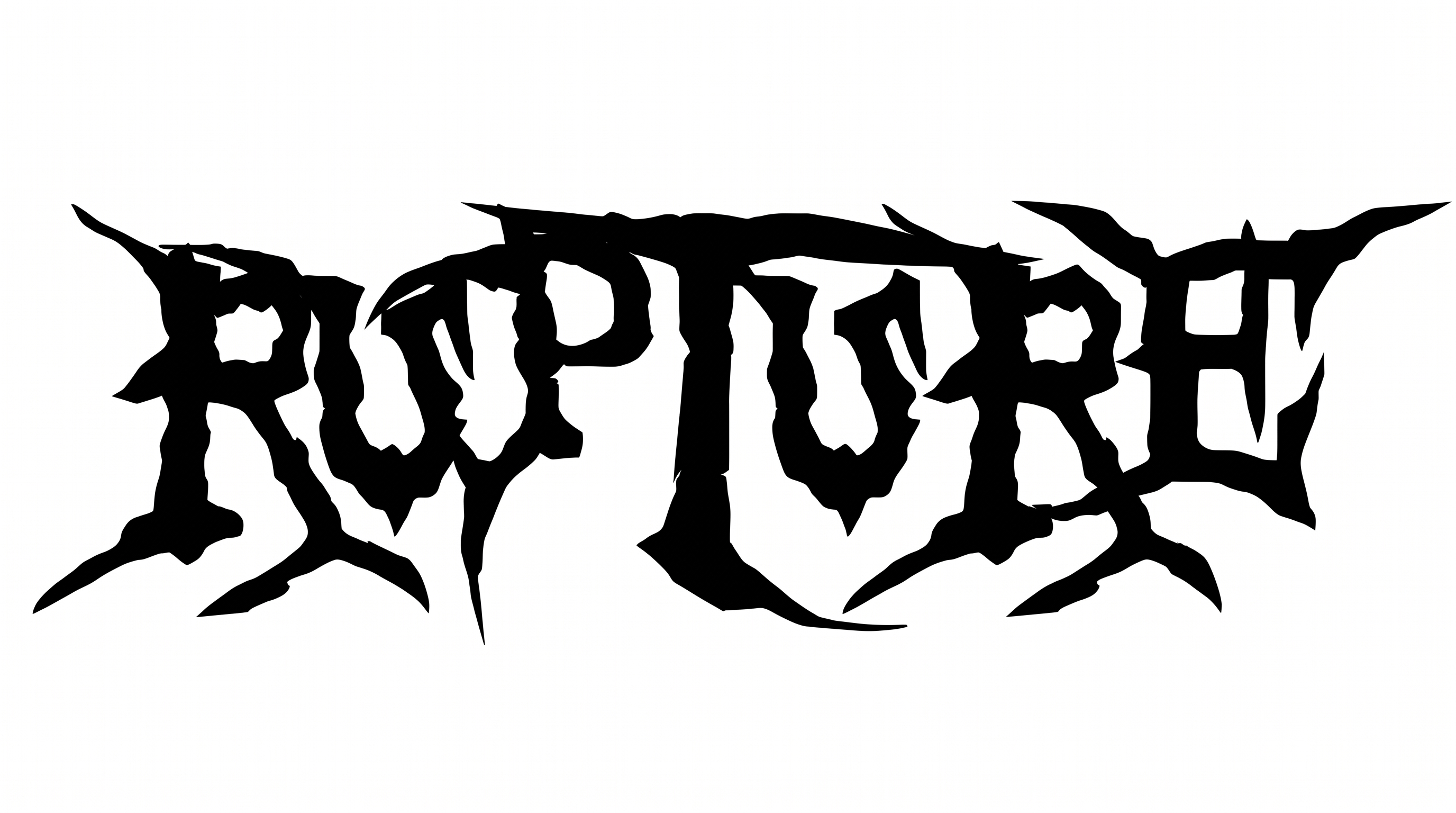
Place the artwork in a dominant logo area, then use free space to separate it from dates, credits, or product details. A centered horizontal arrangement suits the broad, interlocking silhouette shown in the main wordmark.

Pair the black-and-white spiked mark with restrained supporting type and simple shapes. The contrast lets the angular wordmark carry the visual emphasis while practical information remains easy to scan on album covers, tickets, or merchandise layouts.

The dense scratches, sharp points, and interlocking strokes create an aggressive extreme-metal mood. Use that visual intensity for band identities, horror-leaning title cards, festival banners, or underground editorial designs where a confrontational centerpiece fits.
READY TO CREATE?

Create Custom Death Metal Logo Fonts & Text Effects

Try Death Metal Logo Font Generator Free