Free Death Metal Font Generator Online
Create a stark wordmark with fused black silhouettes, irregular negative spaces, and thorn-like terminals for album art or band graphics.
- Templates
- 140
- Generations
- 128
- Downloads
- 264
- Rating
- 5.0
More Death Metal Font Generator Tools and Death Metal Font Alternative
Browse related text tools to compare other visual directions for Death Metal Font artwork.
How to Use the Death Metal Font Generator
Shape a thorned wordmark for album art, merchandise, packaging, or other bold graphic layouts.
- 01
Enter your wordmark text
Type a short name or title suited to the dense, thorned lettering.
- 02
Set the color and composition
Choose a font color, background style, and image size such as 1:1 or 16:9.
- 03
Generate and download PNG or SVG
Review the rendered wordmark, then download the image in your preferred supported format.
Death Metal Font Generator in Use: Design Examples & Showcase
Compare how the thorned wordmark adapts to album covers, apparel, stage backdrops, packaging, and compact branding.
Death Metal Font Style Profile
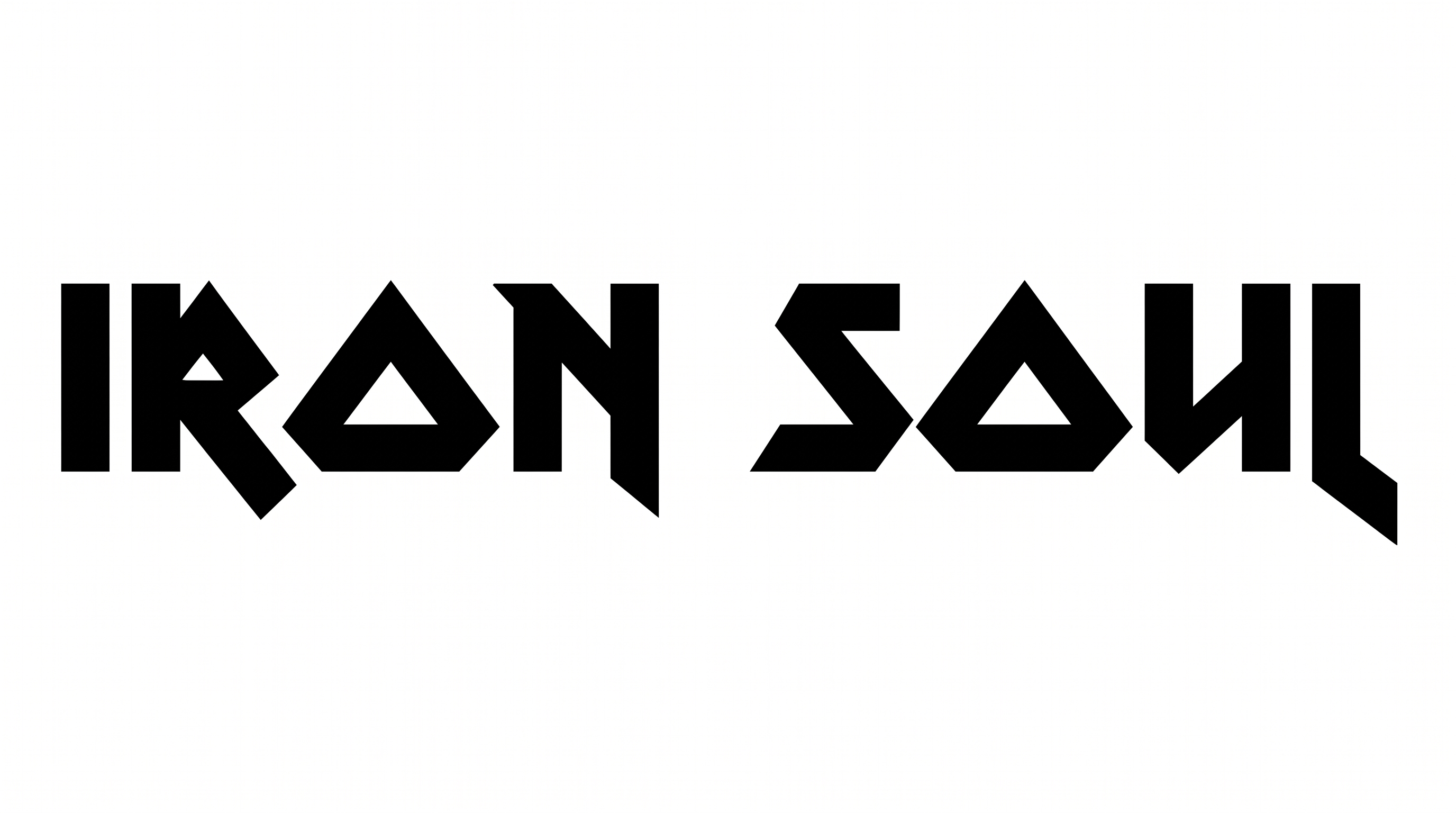
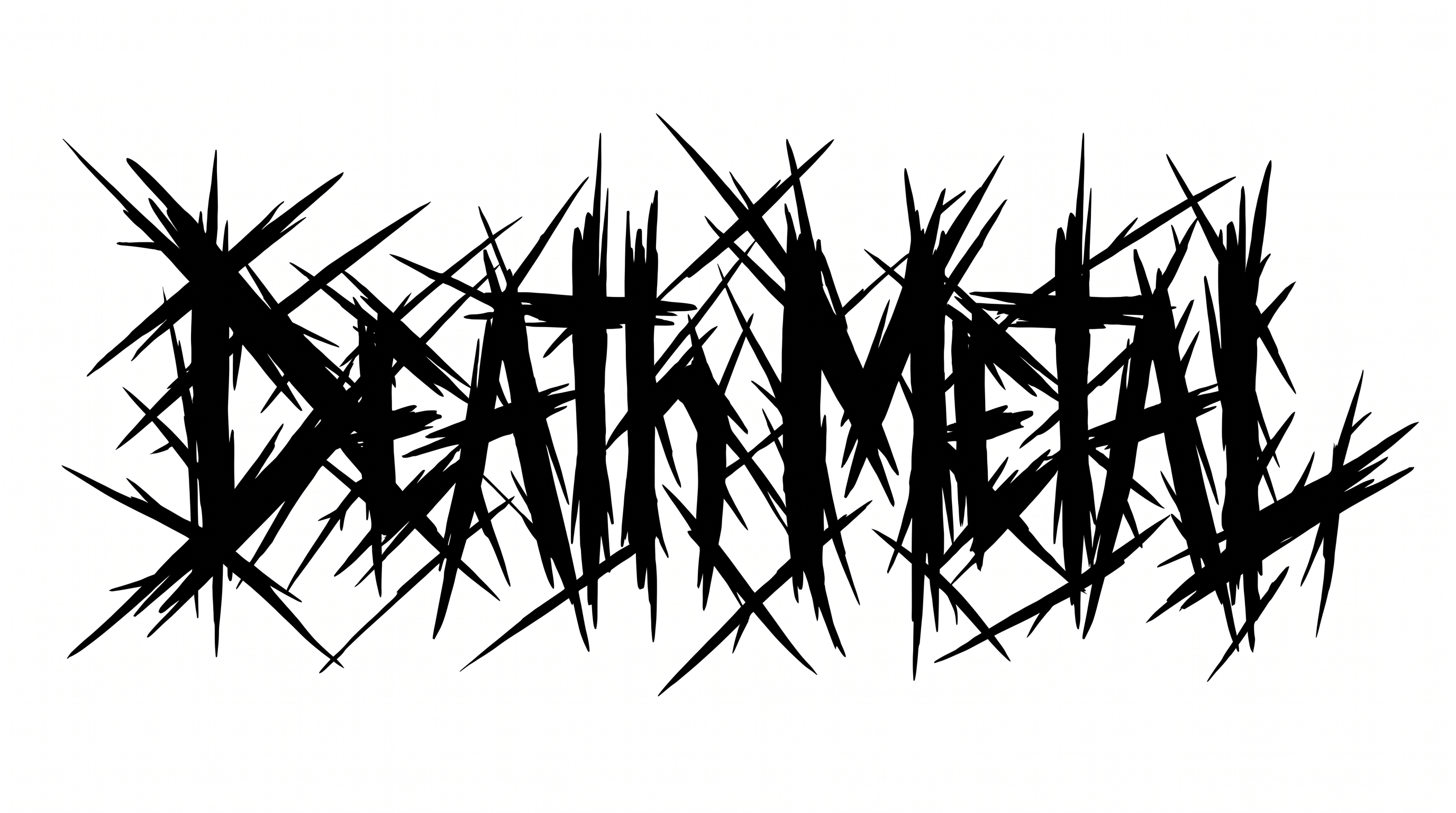
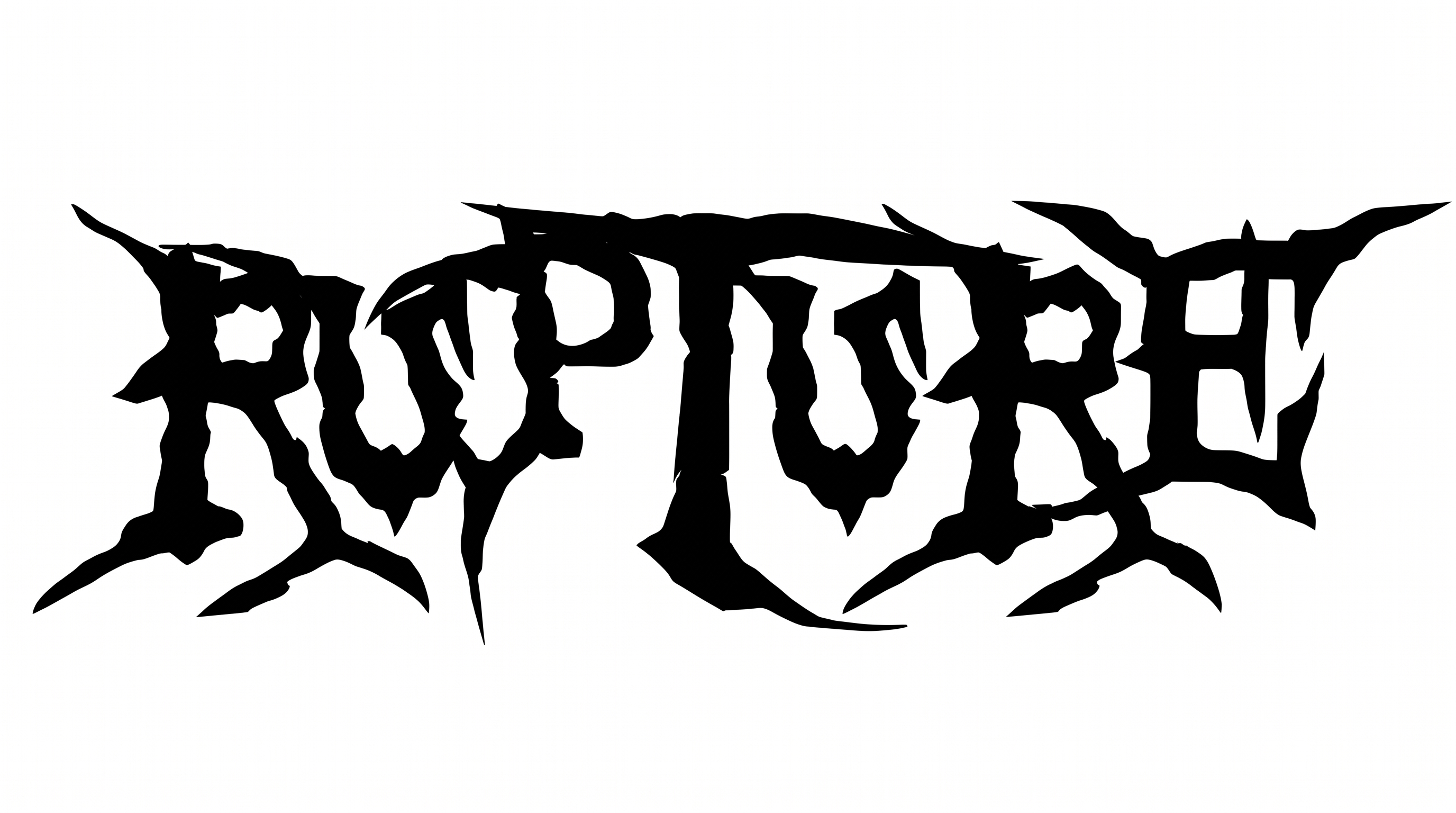
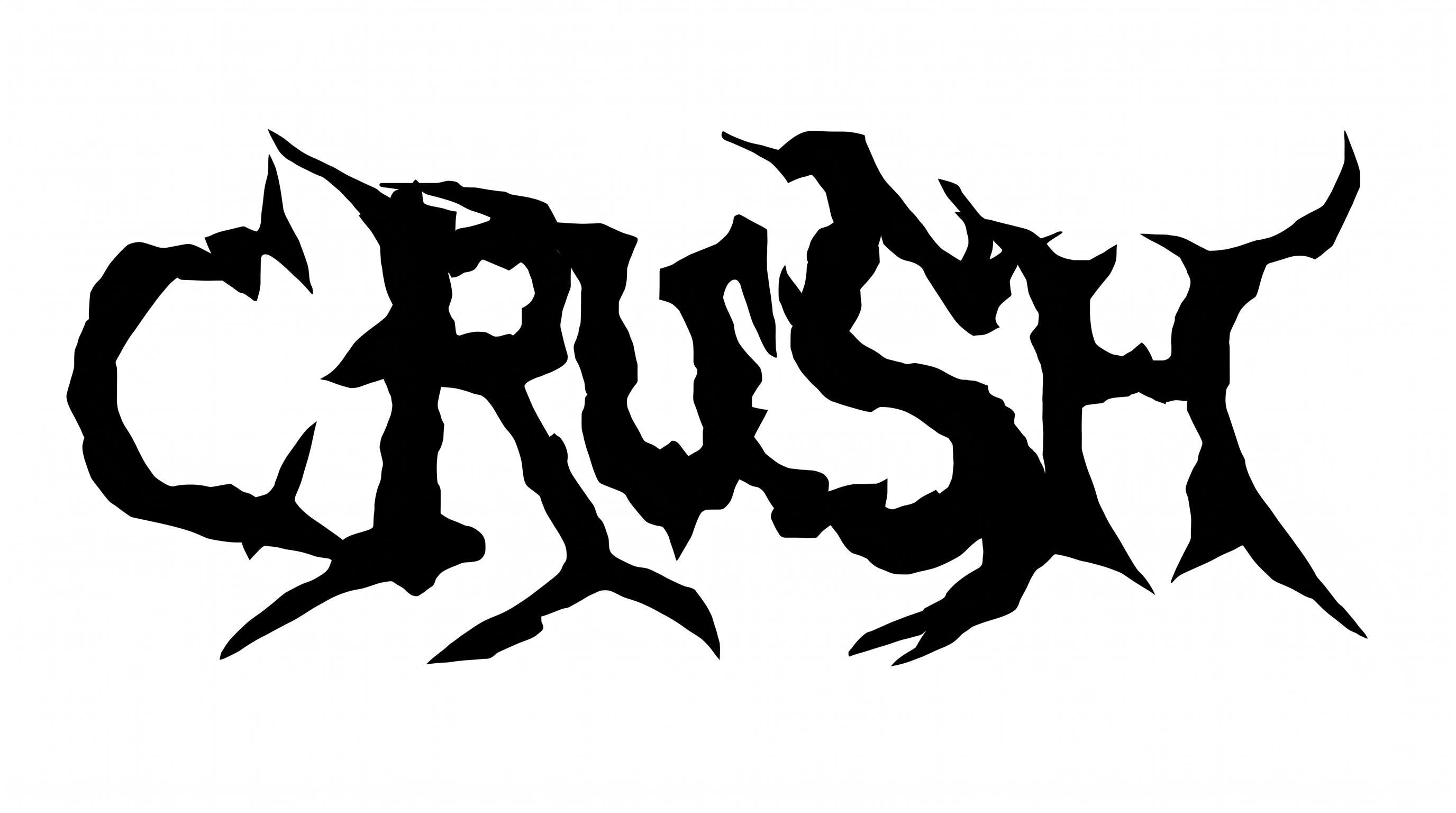
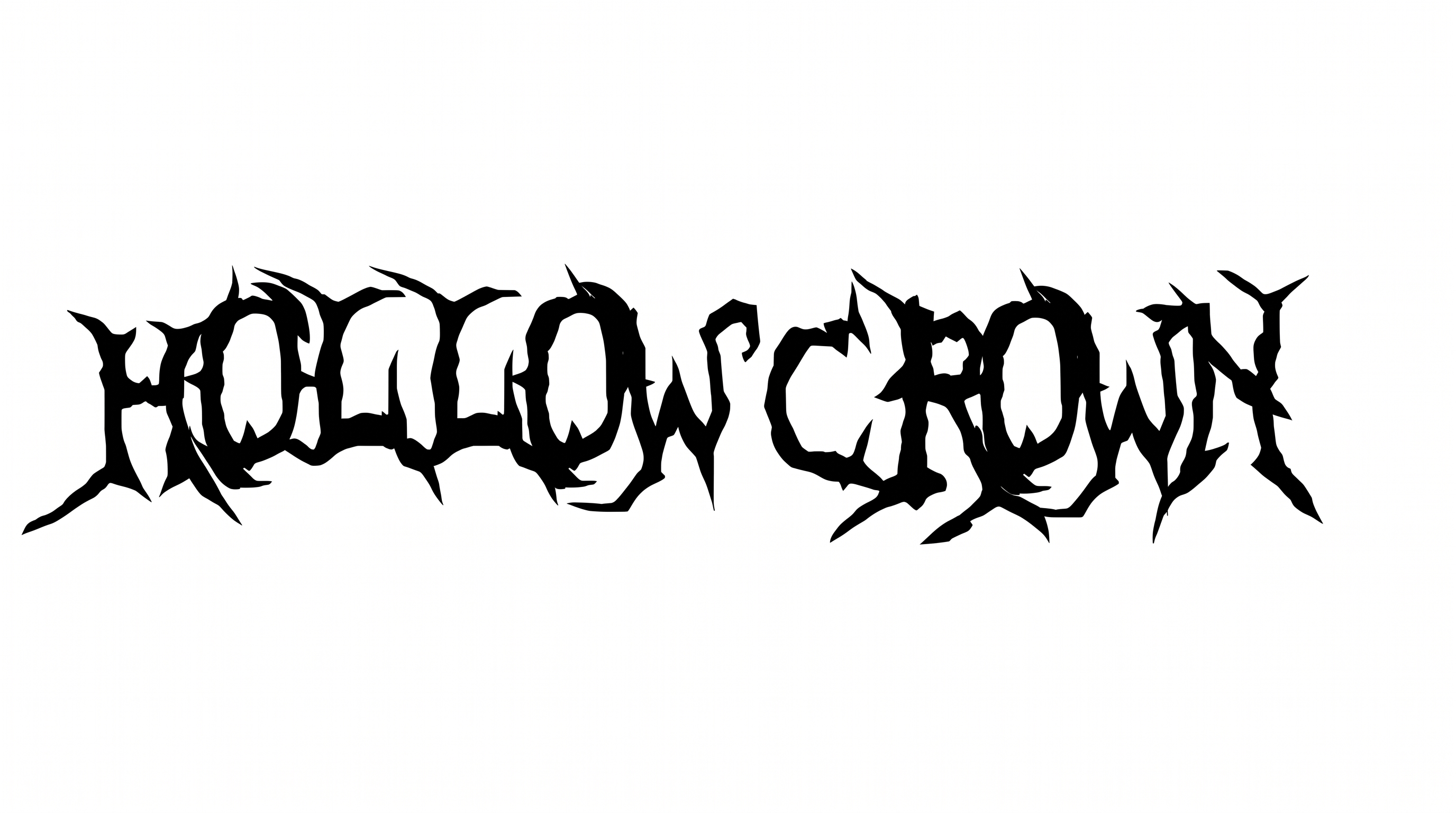
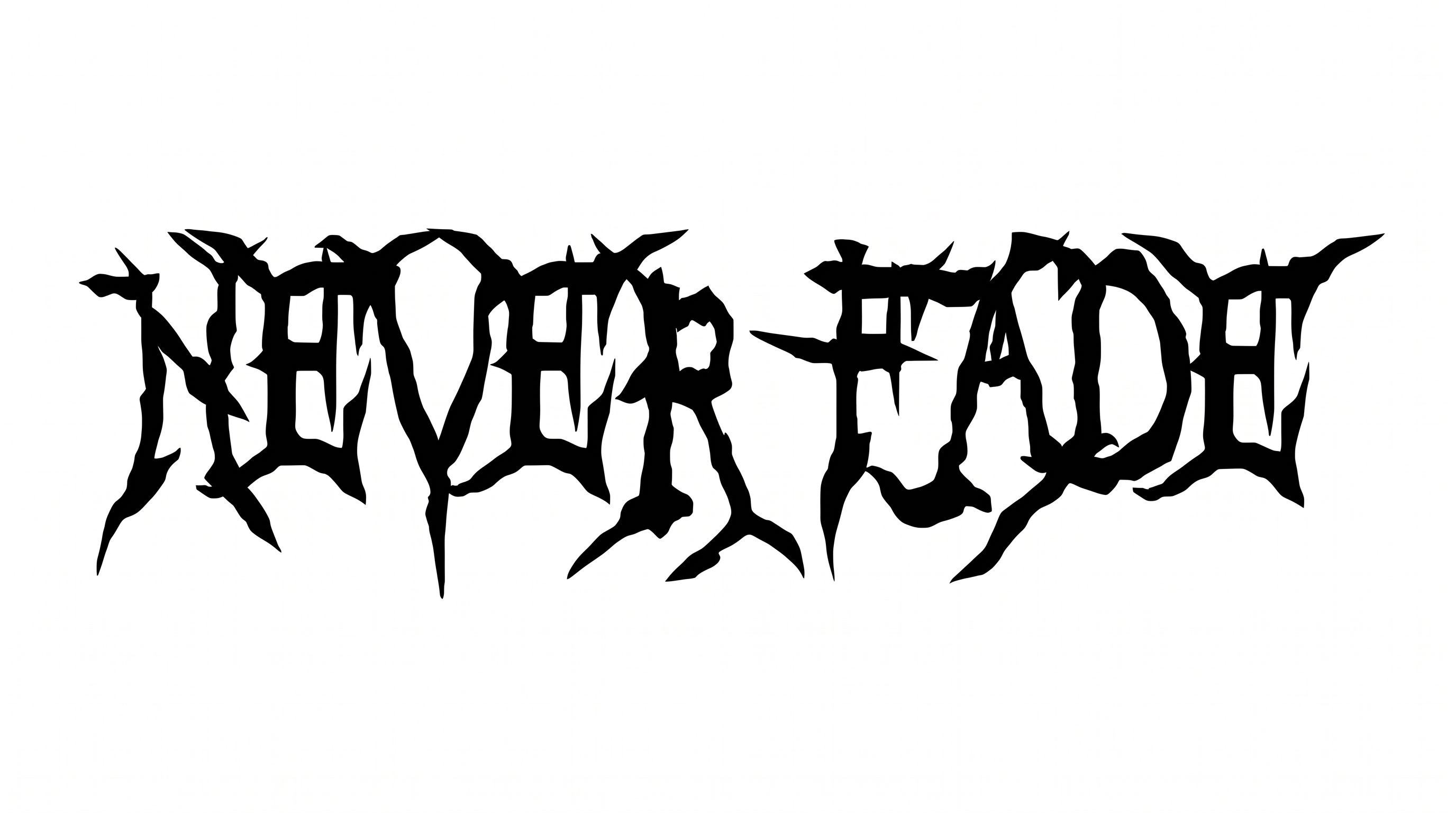
Irregular fused silhouettes, sharp corners, and tapered thorn-like endings define the stark wordmark.
Stroke Endings
Long, tapered points extend from many visible stroke ends.
Letter Construction
Irregular black silhouettes form the visible letters around cutout counters.
Stroke Contrast
Broad black masses narrow abruptly into fine, thorn-like strokes.
Letter Connections
Several neighboring letters merge through continuous black strokes.
Corner Shape
Sharp, uneven corners give the letterforms a jagged contour.
Flourishes
Extended spikes and hooked tails add aggressive decoration to the letters.