Get 5 Free Credits

Free Slam Metal Font Generator Online

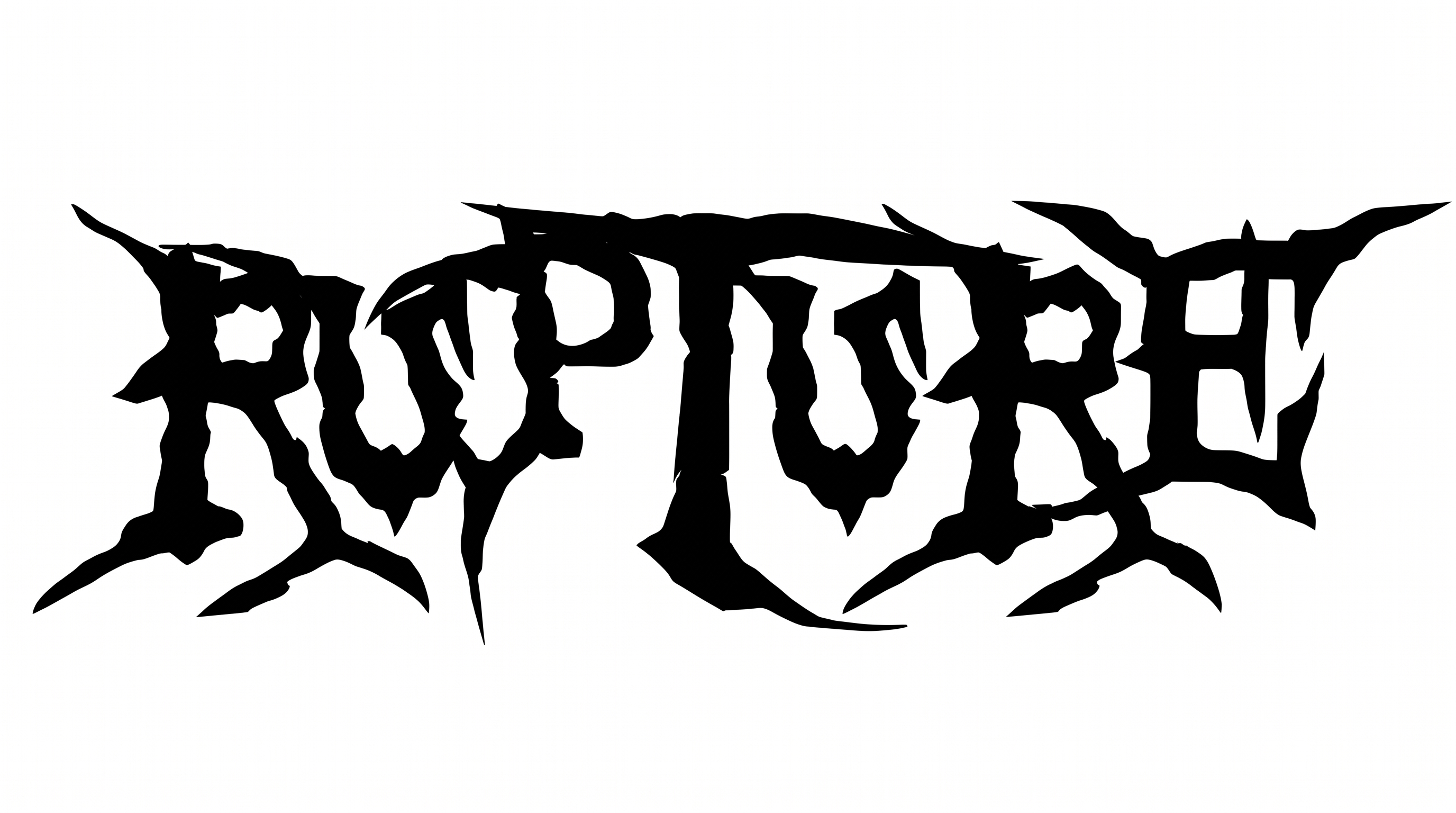
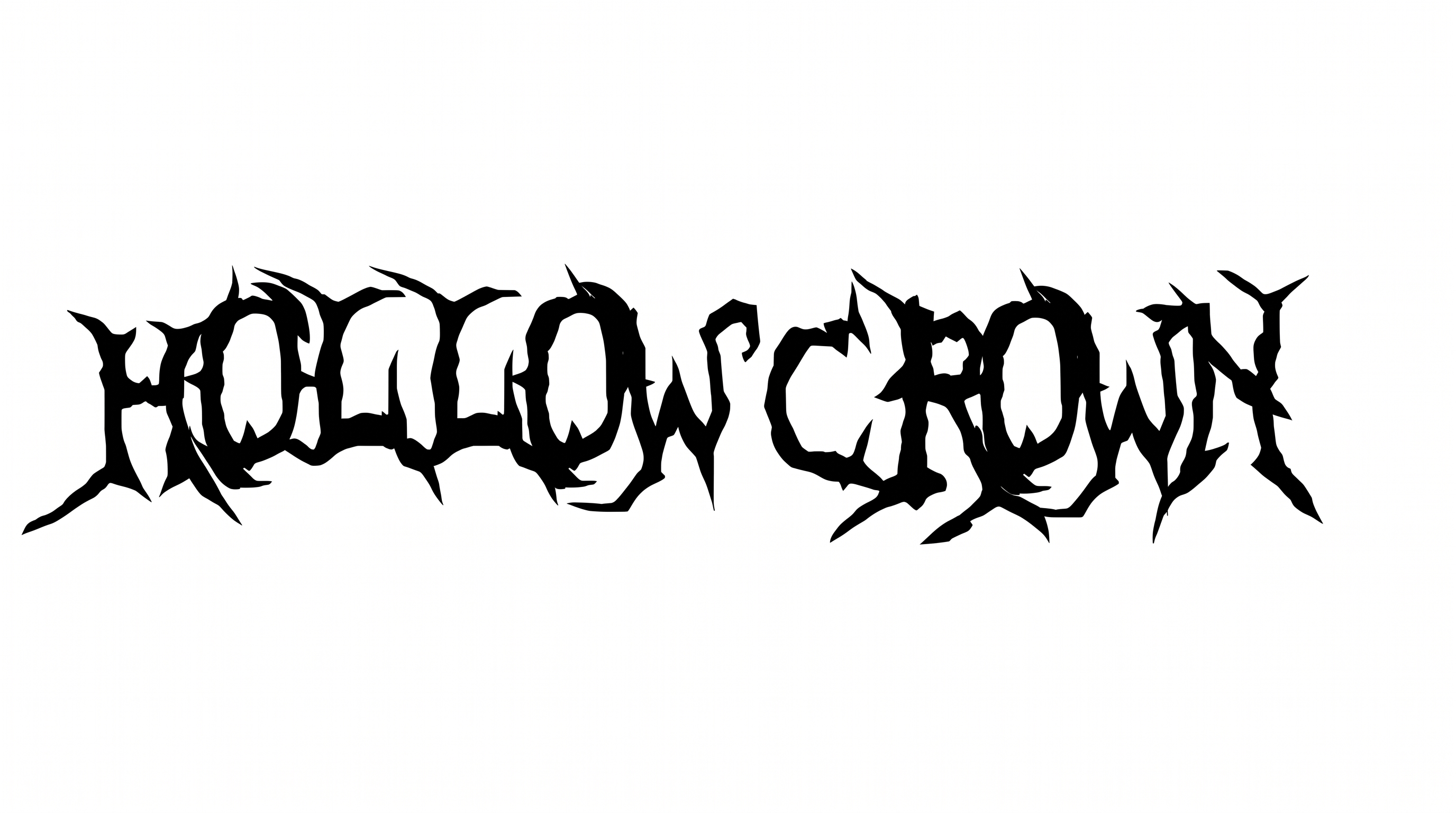
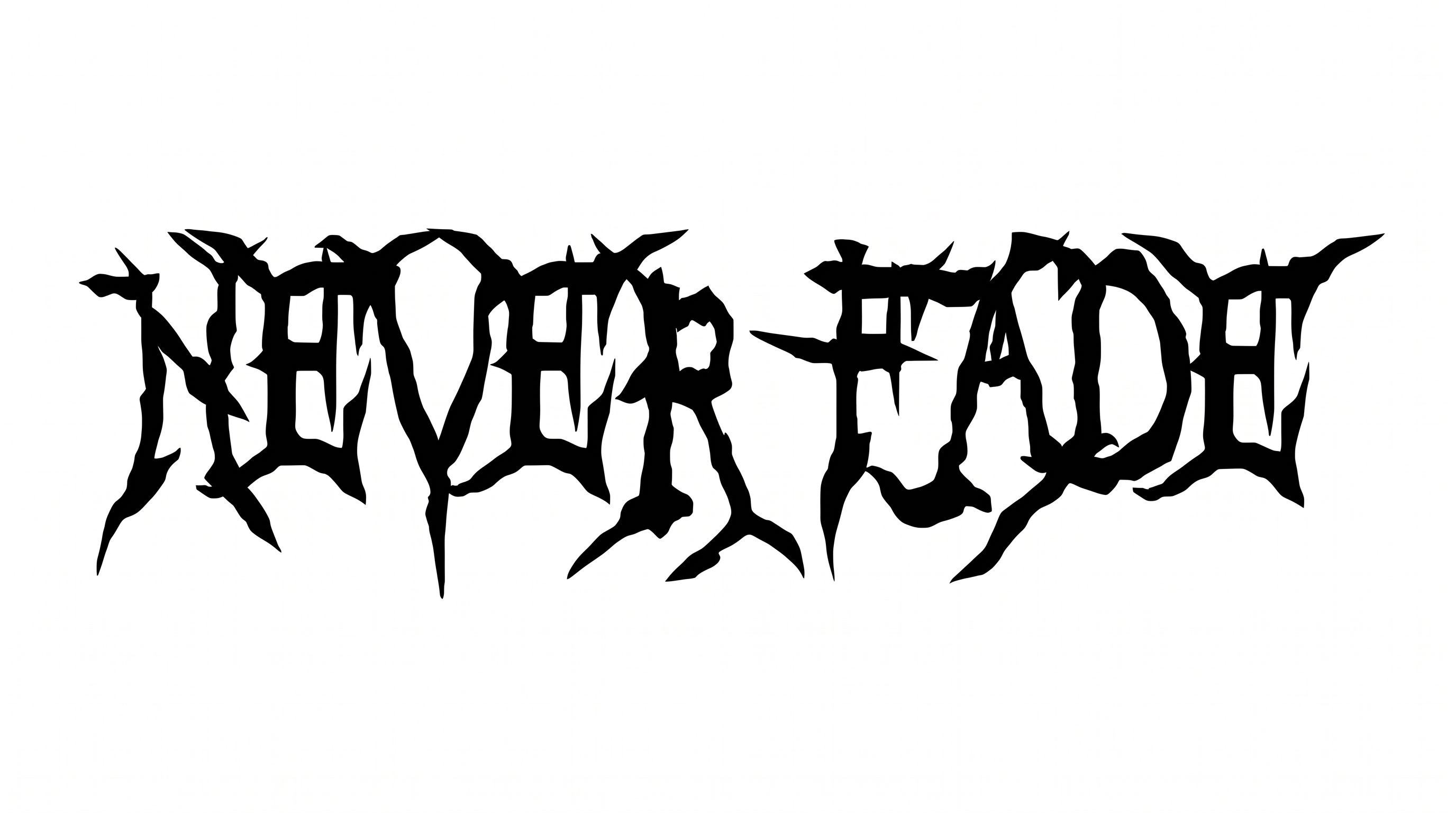
Create dense extreme-metal wordmarks with jagged black masses and blade-like terminals, suited to album covers and band graphics.

Enter the text to generate, e.g. Fontify.ai

Font color
Background
Templates
140
Generations
184
Downloads
299
Rating
5.0

How to Use the Slam Metal Font Generator

Build a compact, jagged wordmark and size the resulting artwork for music or merchandise layouts.

  1. 01

    Enter your wordmark

    Enter a short name or title so the dense, thorned shapes stay distinct.

  2. 02

    Choose the composition

    Choose a custom font color, background image, and an aspect ratio such as 16:9.

  3. 03

    Generate and save the artwork

    Generate the artwork, review its jagged silhouette, then download a PNG or SVG.

Slam Metal Font Style Profile

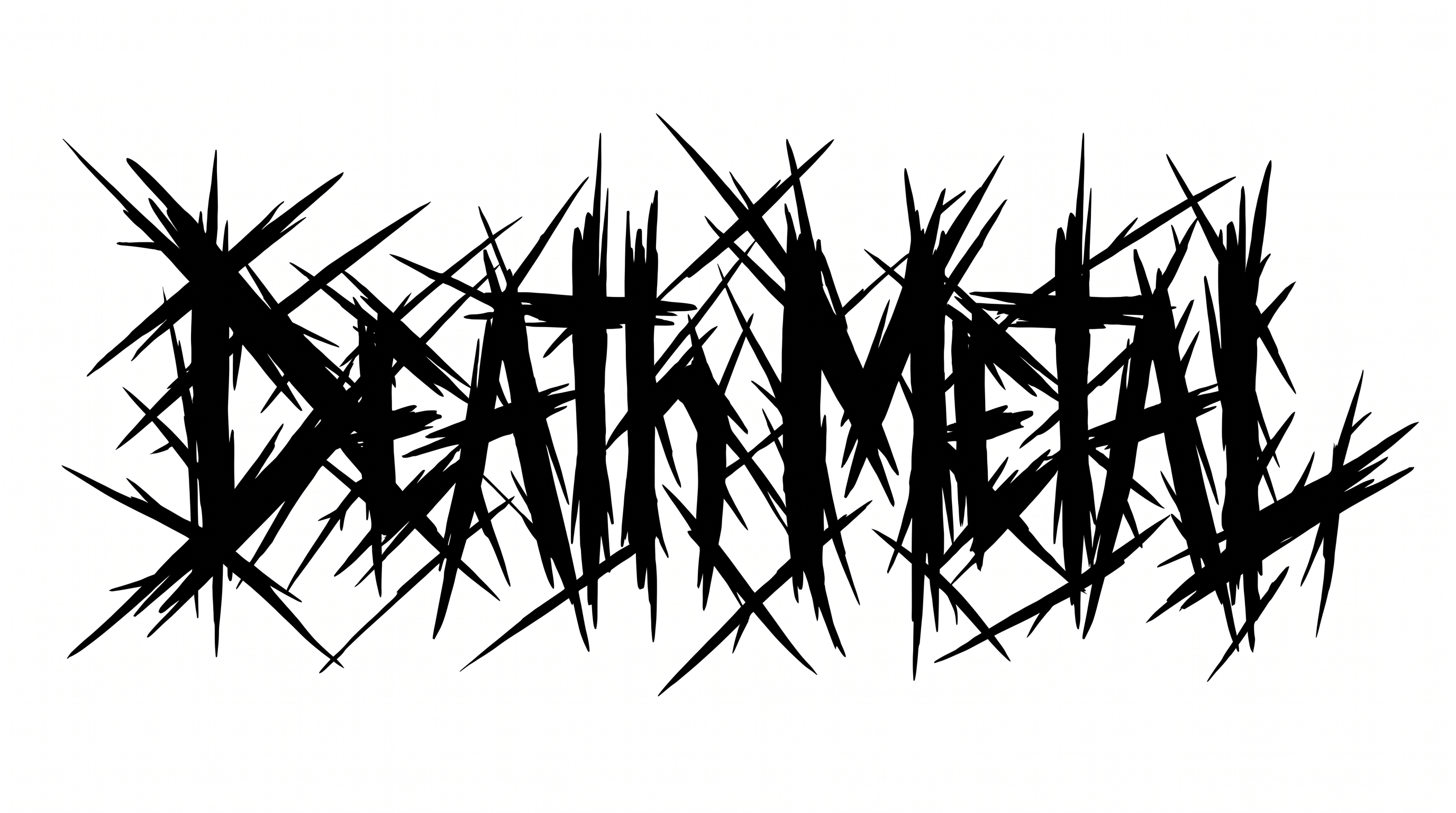
Angular construction, blade-like endings, and dense black color give the lettering a harsh, thorned silhouette.

  • Letter Construction

    Irregular black shapes and internal cuts build each distorted letter.

  • Stroke Endings

    Many strokes taper into long, blade-like points.

  • Corner Shape

    Sharp angular corners dominate the visible turns and joins.

  • Stroke Contrast

    Broad black masses narrow abruptly into thin spikes.

  • Letter Spacing

    Tight gaps pack neighboring letters into a dense wordmark.

  • Color Treatment

    Solid black fills the letters against the pale field.
Frequently asked questions about Slam Metal Font Generator

Download the Slam Metal lettering as a PNG. Upload it in Canva, insert it into Google Docs, or import it into a project in the Cricut app, also known as Cricut Design Space. In each platform, treat the result as image artwork.

The minimum membership covers personal use, while a higher membership covers commercial use. Review pricing to select the membership that matches your project. This distinction applies to how you plan to use the generated artwork.

Transparent backgrounds are supported for layering the lettering over other artwork. This template also lets you select a font color, choose a custom background color, or upload a background image. Support for transparency does not mean every result is transparent by default.

Enter your text, choose an available font color, background, and image size, then generate the design. Review the rendered preview and download the result as PNG or SVG artwork. The output is an image rather than an installable font file.

Keep the wording short and preserve clear space around the outer spikes. Check the PNG or SVG at its final display size, especially on picks, tickets, or other compact formats.

Use the Slam Metal Font Generator to make a wide title image, then position it as the main focal point. A 16:9 or 21:9 size suits broad online banners and leaves room for supporting details.

Pair the dense, jagged wordmark with simpler supporting text for dates, track names, or event details. Strong contrast keeps the decorative title dominant while the supporting information remains clear.

Place the black silhouette above a fractured landscape or at the center of a stage backdrop. Generous free space around the thorned shapes preserves their outline and reinforces an intense extreme-metal mood.
READY TO CREATE?

Create Custom Slam Metal Fonts & Text Effects

Try Slam Metal Font Generator Free