Get 5 Free Credits

Free Groovy Bubble Font Generator Online

Create rounded, organic bubble lettering with a playful retro feel for posters, covers, signs, and other bold text artwork.

Enter the text to generate, e.g. Fontify.ai

Font color
Background
Templates
350
Generations
198
Downloads
209
Rating
5.0

How to Use the Groovy Bubble Font Generator

Shape playful rounded lettering, choose a suitable layout, and save the generated artwork for your design.

  1. 01

    Enter a short phrase

    Type a heading or name that suits the bold organic bubble lettering style.

  2. 02

    Choose the image settings

    Select a 1:1 image size and adjust font color or background options when useful.

  3. 03

    Download the PNG artwork

    Generate the result, review its rounded letter shapes, then download the PNG image.

Groovy Bubble Font Style Profile

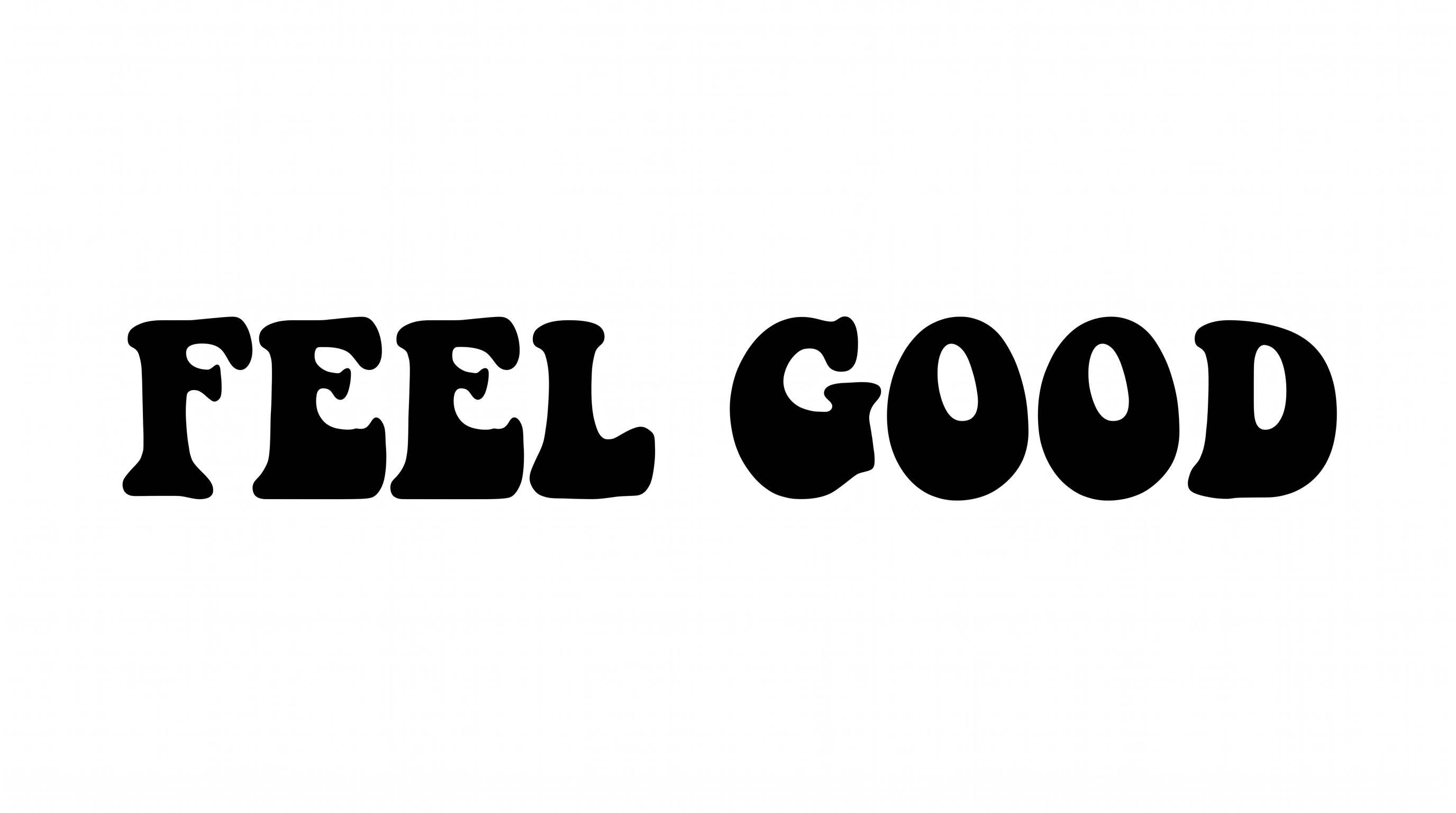
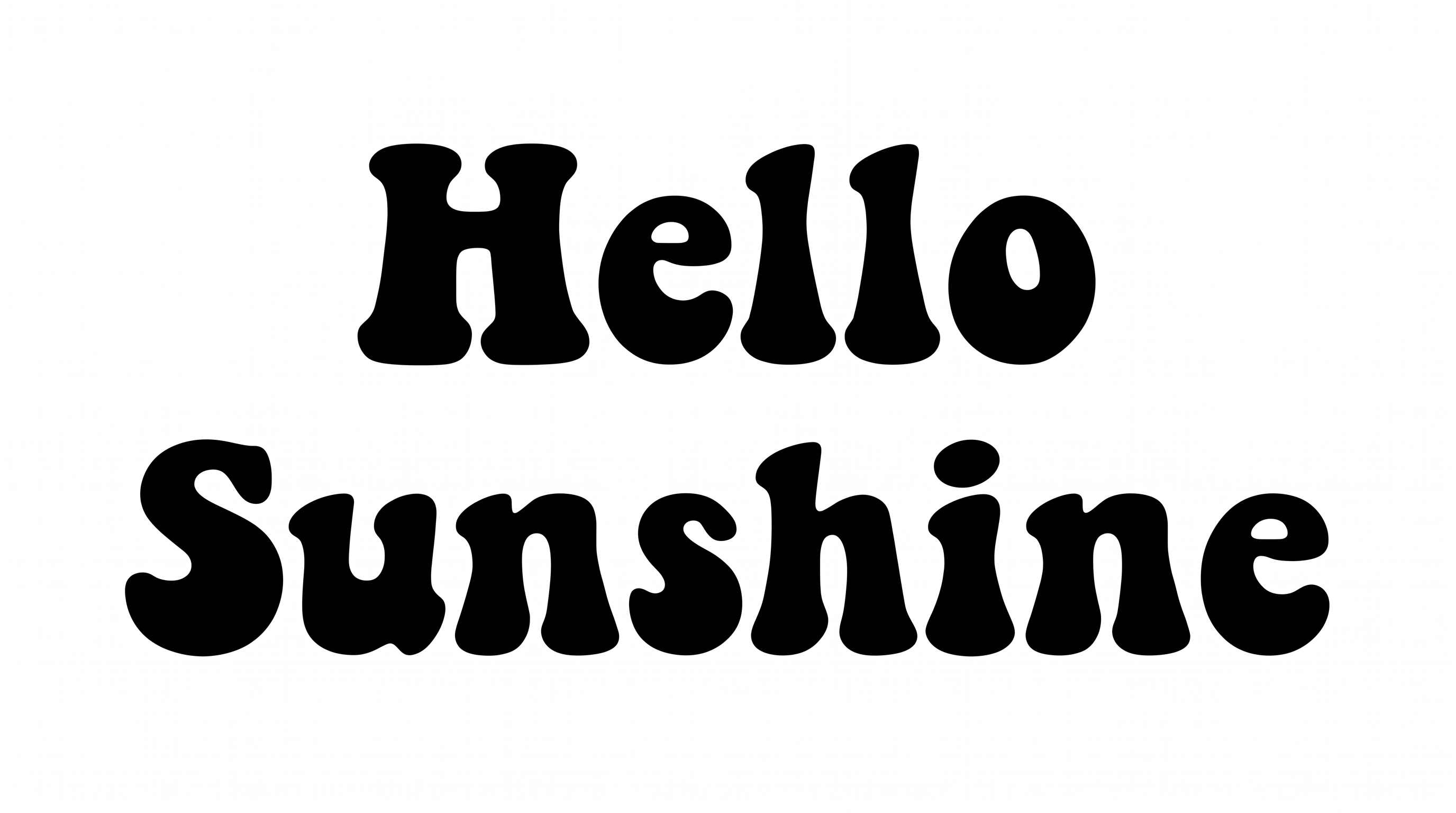
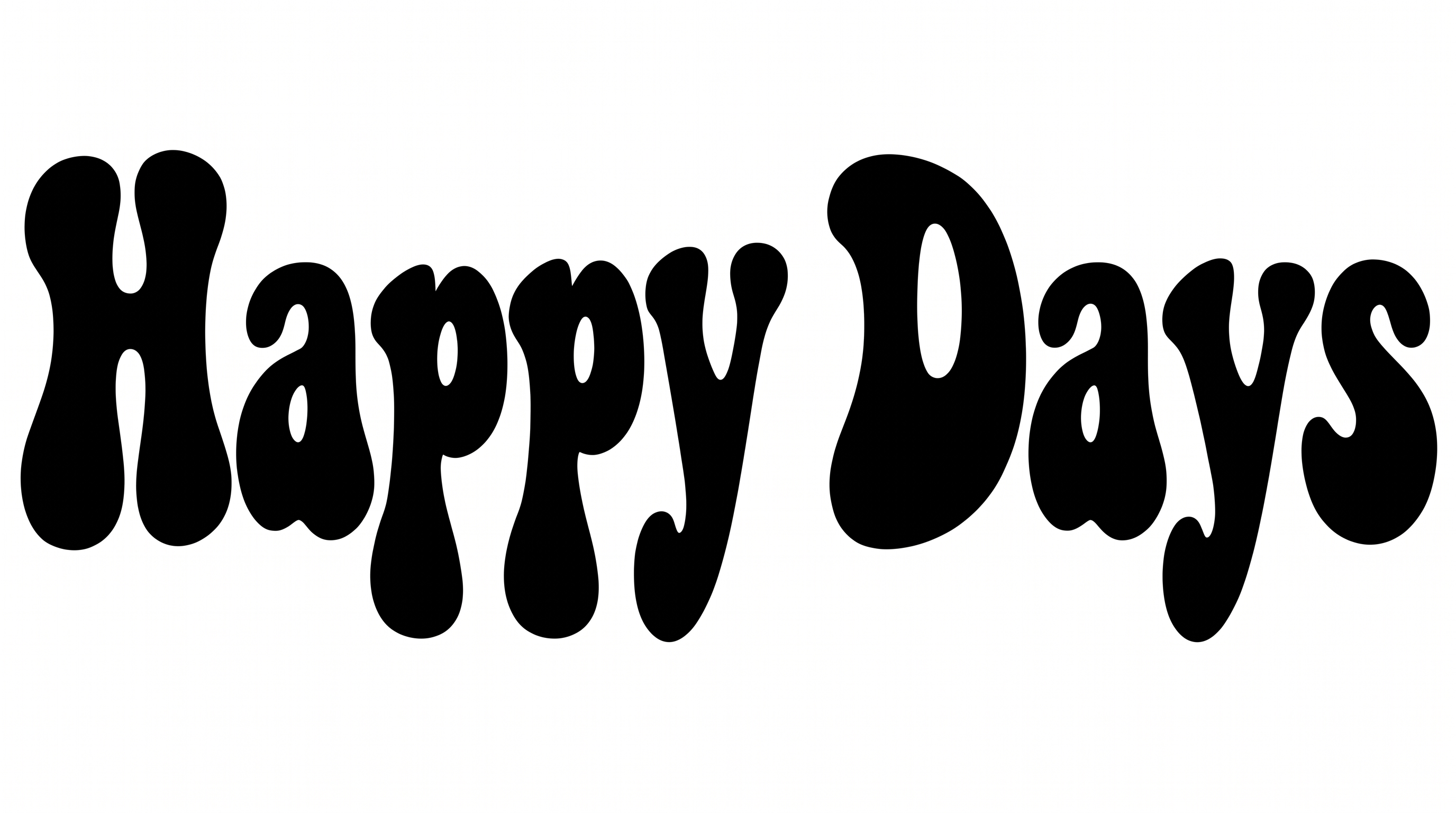
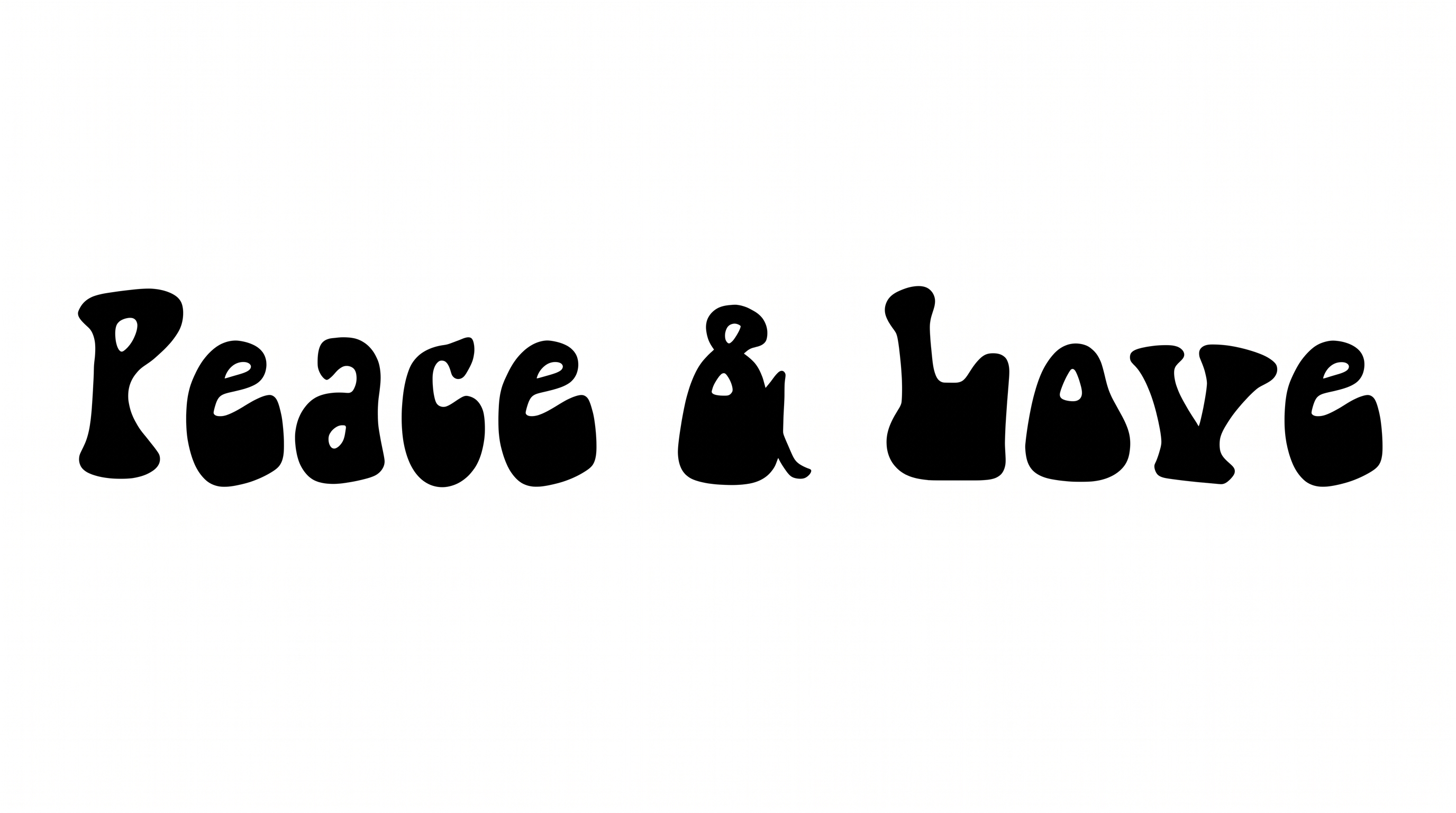
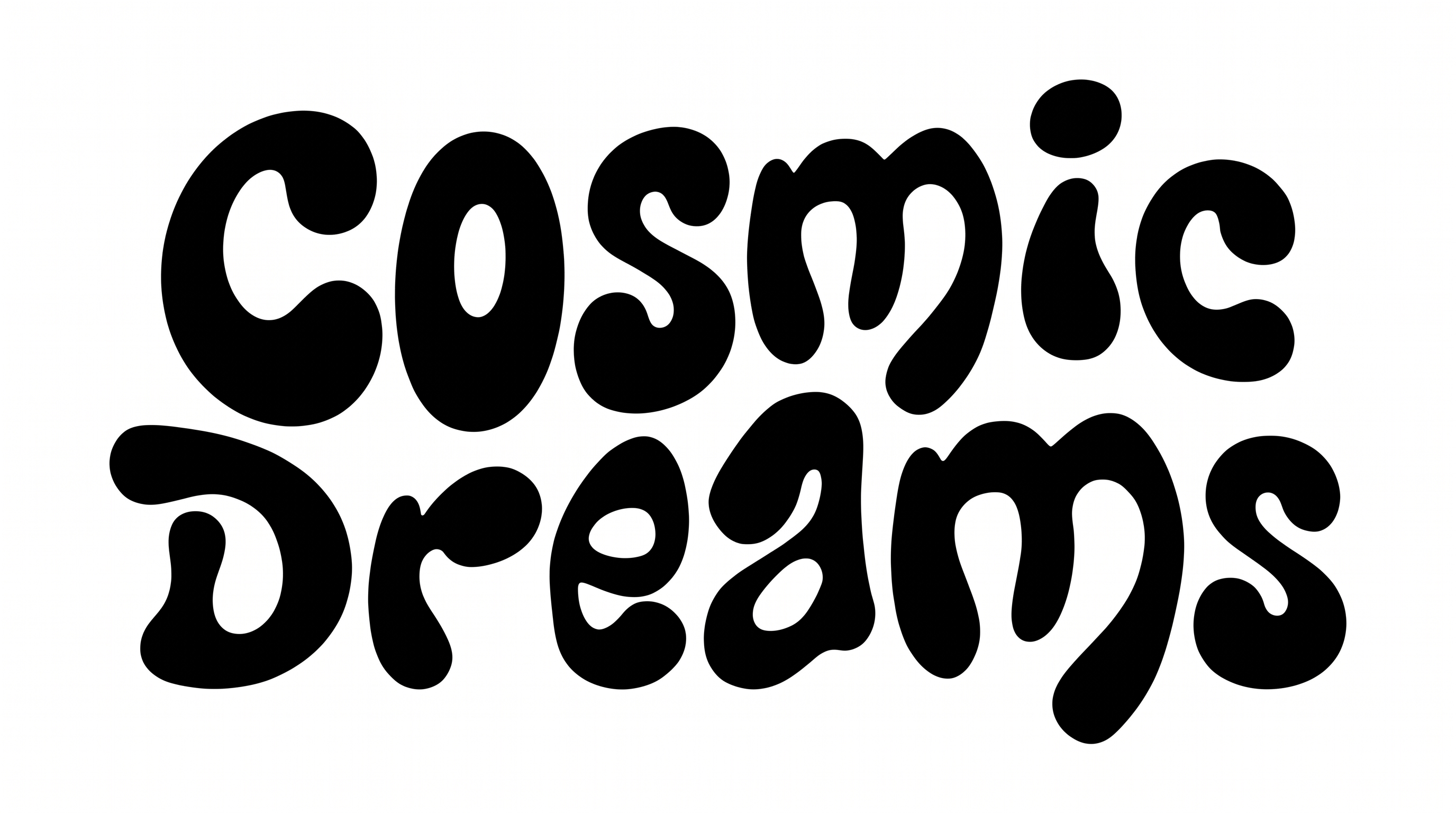
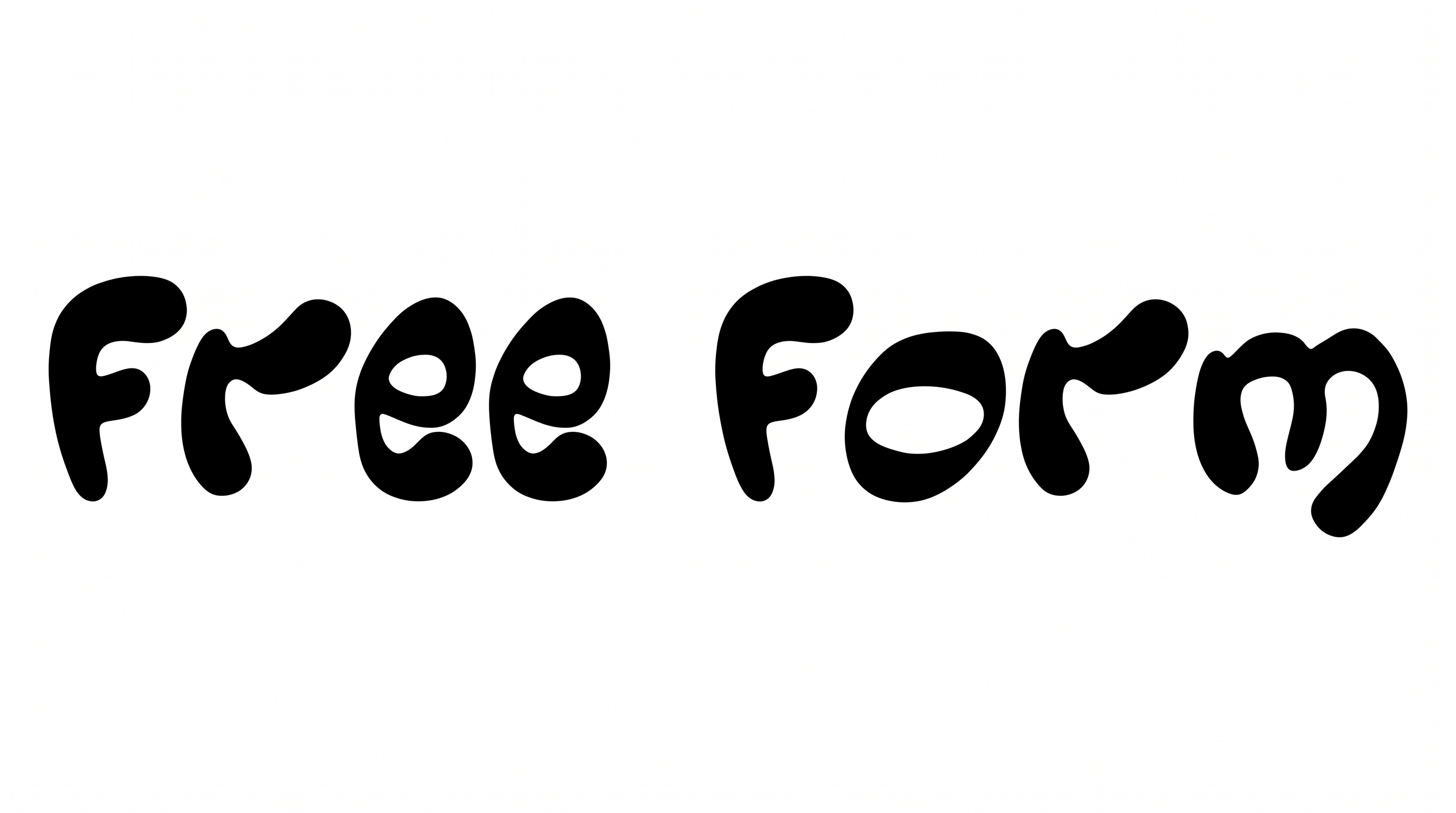
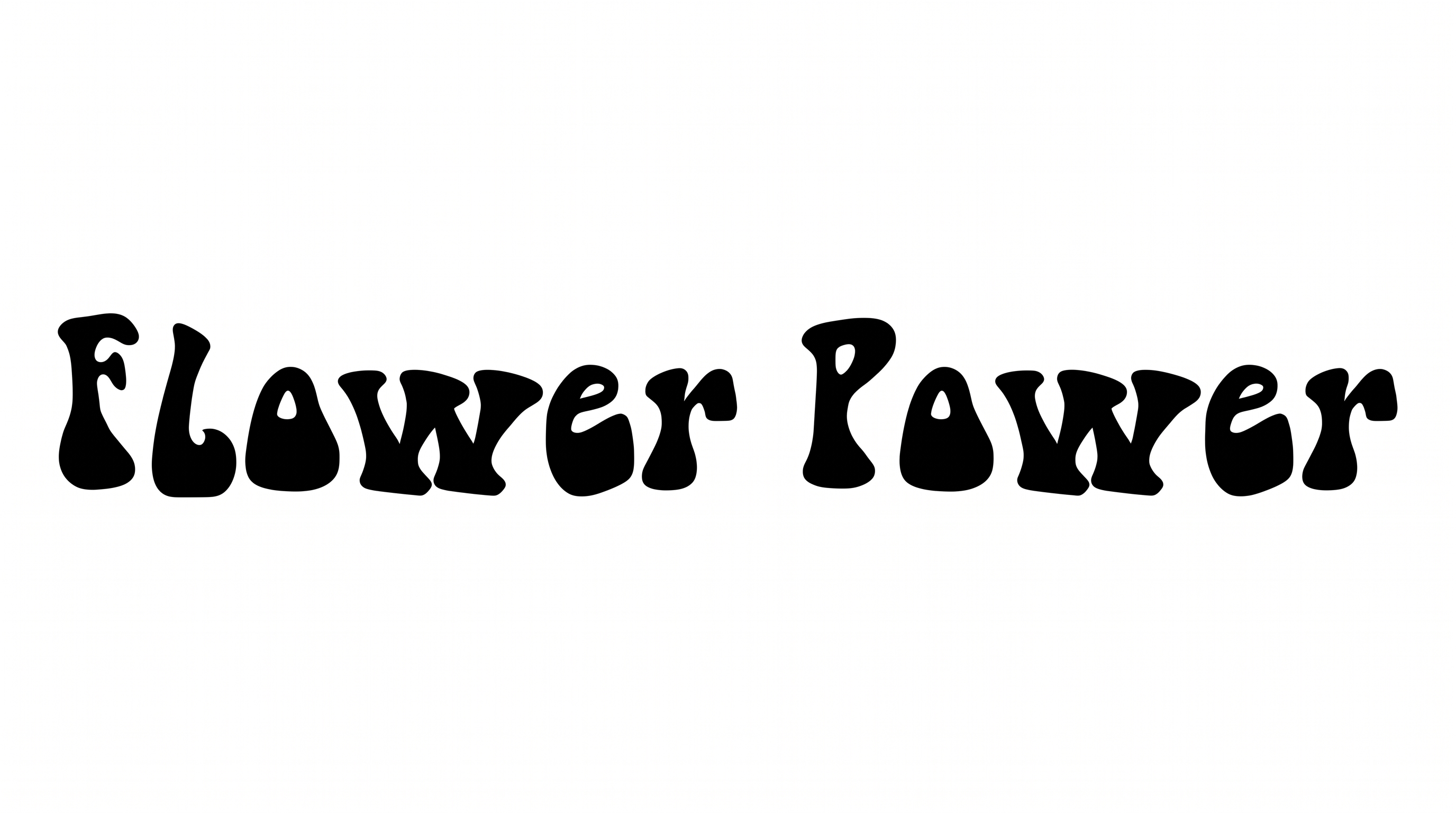
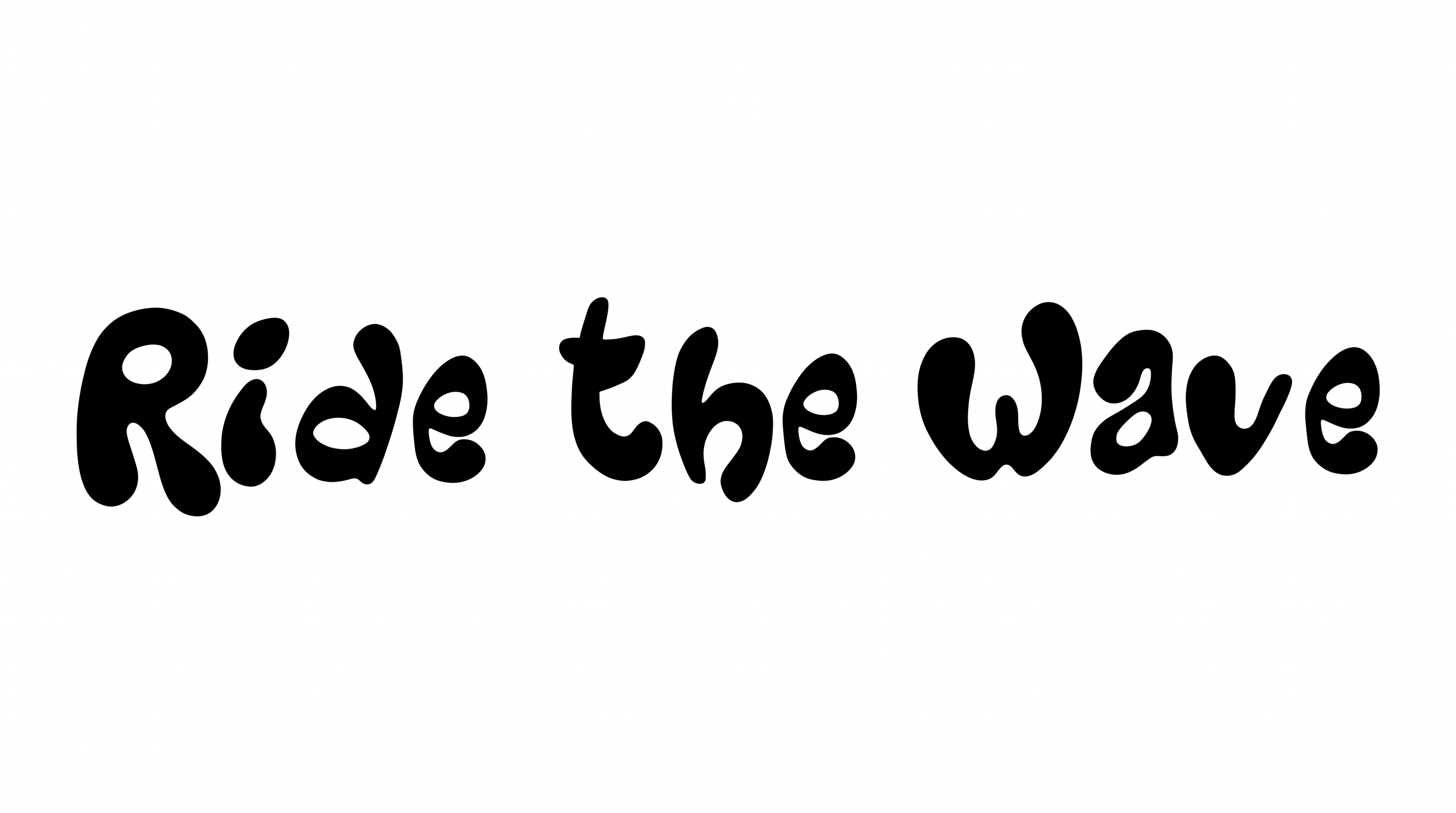
Heavy rounded forms, organic construction, and compact spacing create a playful bubble-lettered appearance.

  • Stroke Weight

    Heavy stroke bodies give the lettering a bold, substantial appearance.

  • Corner Shape

    Rounded turns soften the letterforms and reinforce their bubble-like character.

  • Letter Construction

    Continuous organic shapes build the letters with smooth, inflated-looking forms.

  • Letter Width

    The individual letters use broad, compact proportions suited to bold display wording.

  • Letter Spacing

    Close gaps between neighboring letters create a compact arrangement within each word.

  • Baseline Rhythm

    Small height and position changes give the lettering a lively hand-shaped rhythm.
Frequently asked questions about Groovy Bubble Font Generator

Enter your words, choose available background, font color, and image size options, then generate the design. Review the result and download it as a PNG or SVG image.

Upload the generated PNG artwork in Canva, or insert it into a Google Docs document. Import it into a project in the Cricut app, also known as Cricut Design Space. These workflows use the lettering as image artwork.

Browse the related tools area to compare other text-image directions and find a visual approach that suits your project. Use the examples to judge rounded forms, spacing, and overall mood.

Yes. Transparent-background output is supported for layering the lettering over other artwork. This template also provides selectable font color, background, uploaded background image, and image-size options.

Yes. The heavy rounded shapes can make a short headline prominent in an online poster. Keep the wording compact and leave enough surrounding space for supporting details.

Use the organic bubble lettering as a prominent short label or product phrase. A centered arrangement can work well on packaging, while the broad forms keep the main wording visually clear.

Short names, phrases, and headlines generally give the rounded forms room to remain distinct. Check the generated image at its intended display size before placing supporting information nearby.

The organic shapes pair naturally with simple high-contrast backgrounds and cheerful accent colors. Keep the lettering and surrounding elements visually distinct so the playful mood stays clear.
READY TO CREATE?

Create Custom Groovy Bubble Fonts & Text Effects

Try Groovy Bubble Font Generator Free