Get 5 Free Credits

Free Groovy Happening Font Generator Online

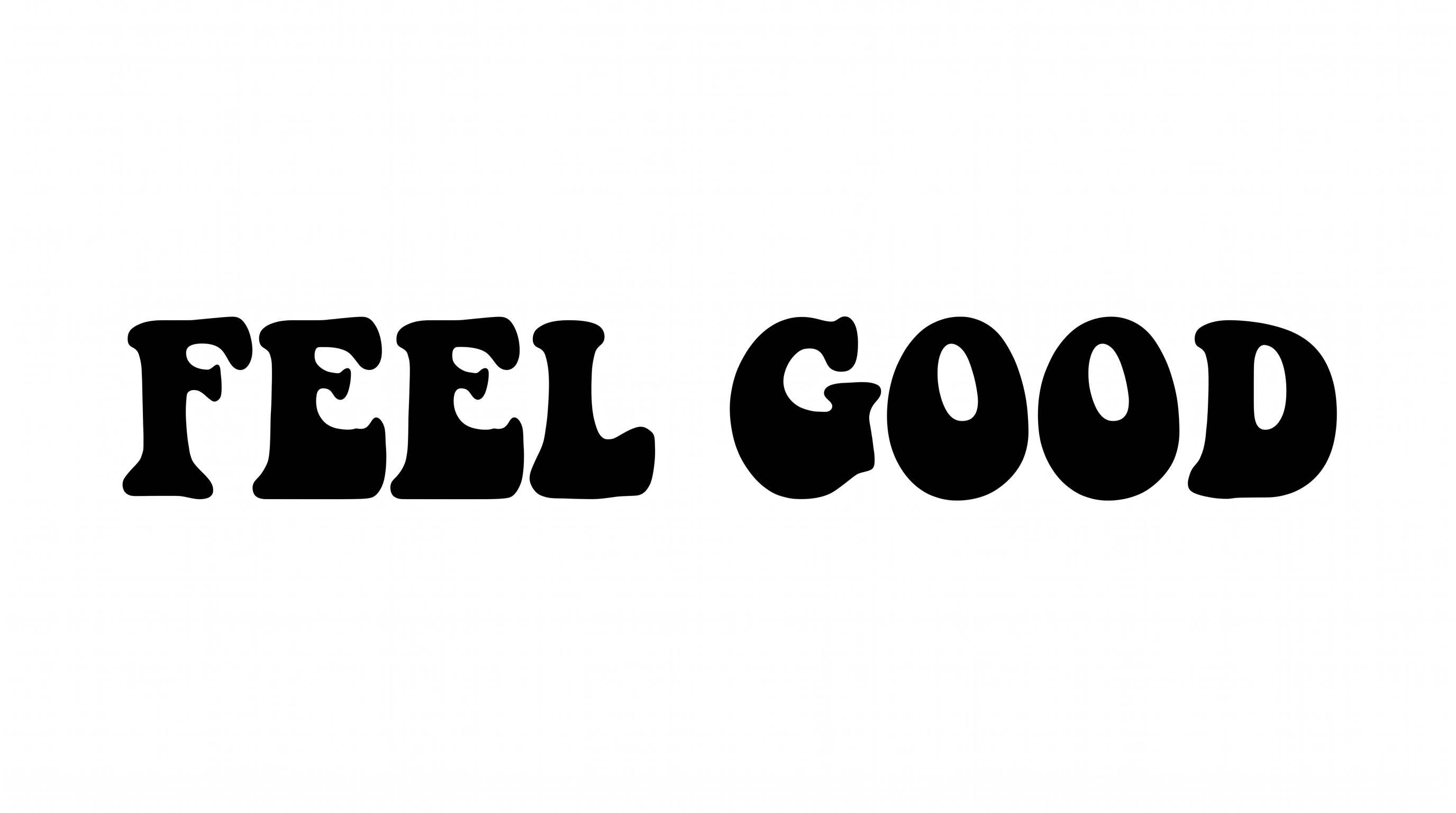
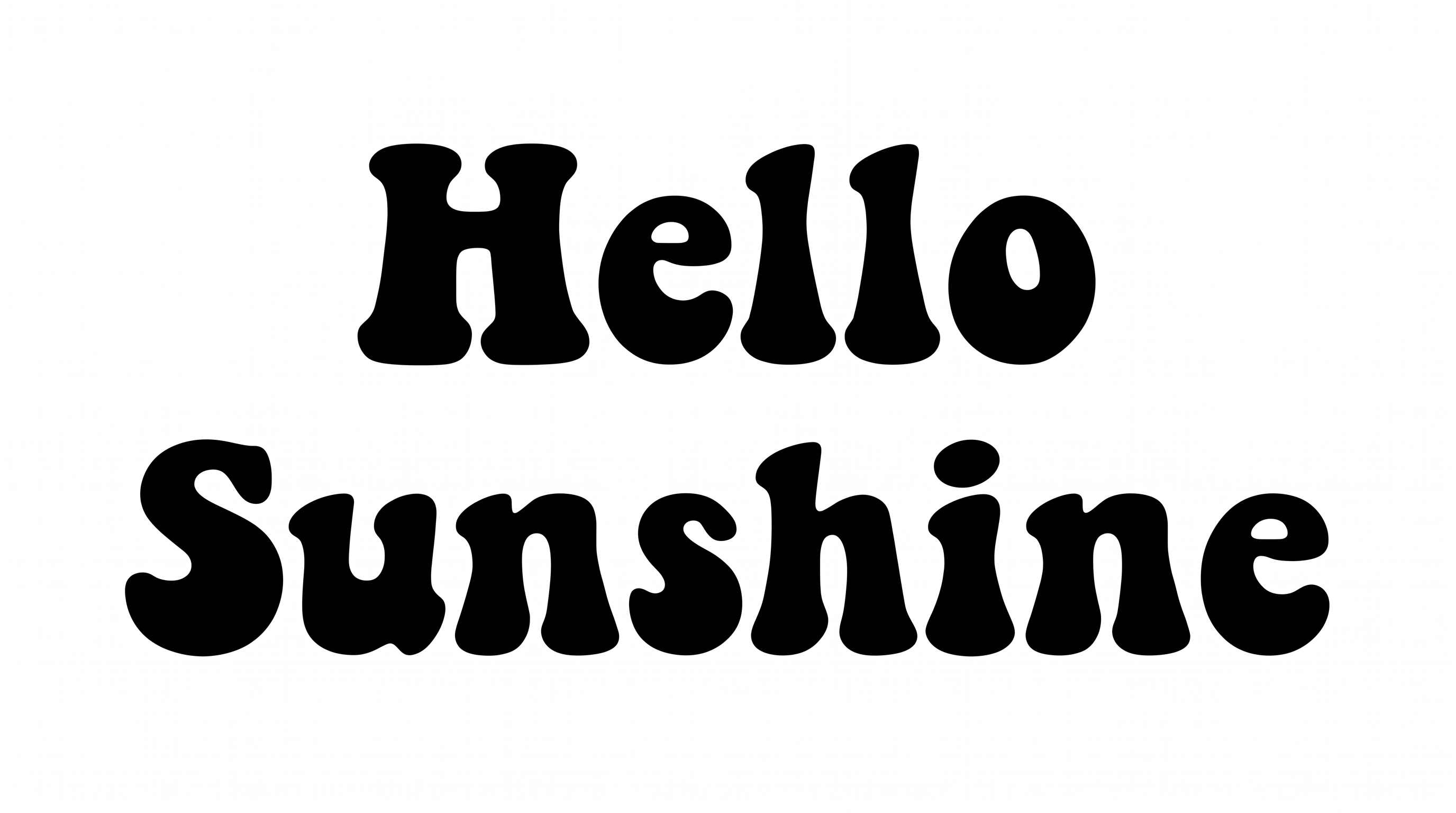
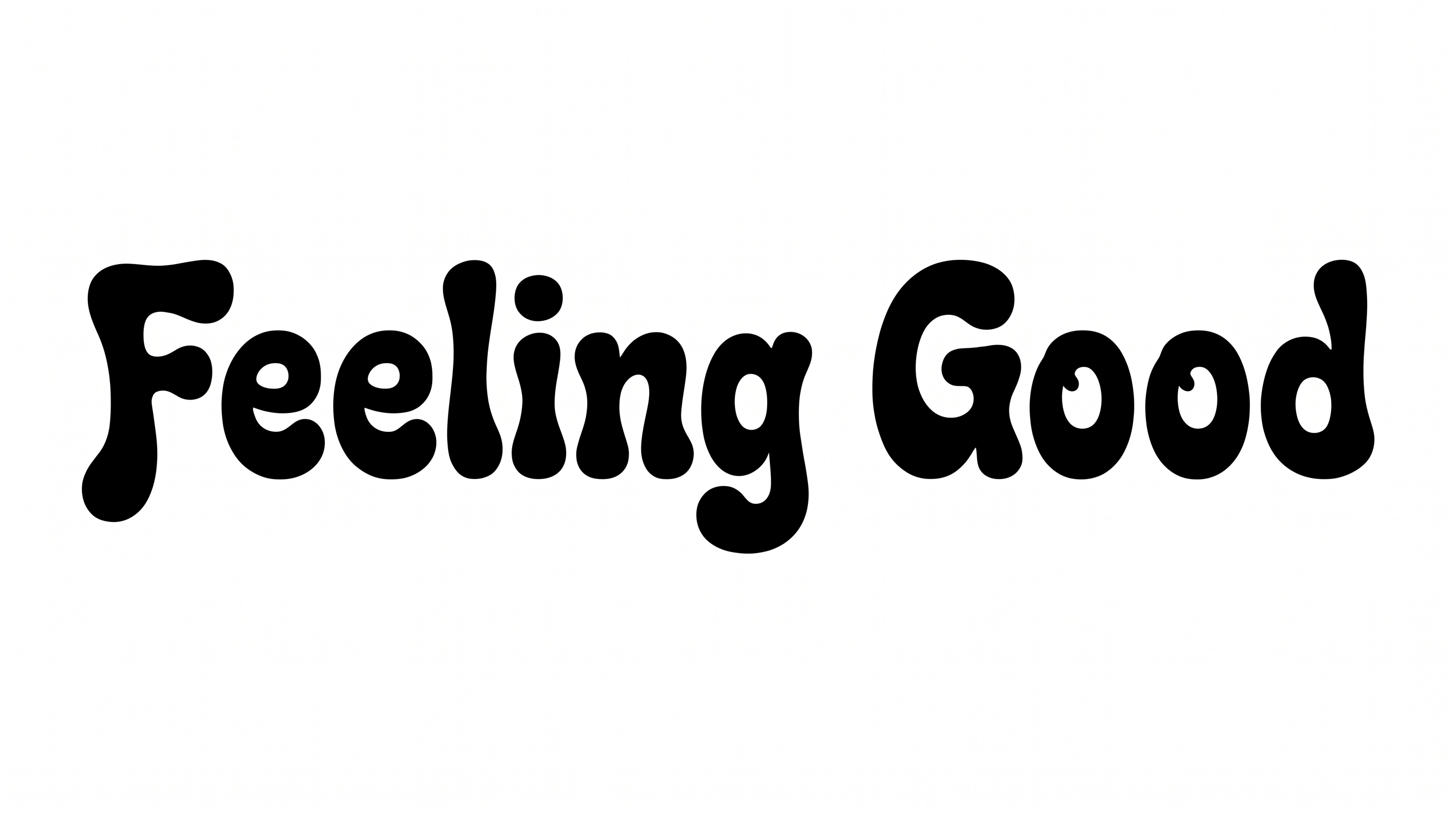
Turn your words into dense retro lettering with swollen organic forms, ideal for playful poster and album-cover headlines.

Enter the text to generate, e.g. Fontify.ai

Font color
Background
Templates
350
Generations
140
Downloads
273
Rating
5.0

How to Use the Groovy Happening Font Generator

Shape a bold retro phrase for posters, covers, merchandise, or social artwork.

  1. 01

    Enter your retro headline

    Type a short phrase and select an image size such as 1:1 or 16:9.

  2. 02

    Style and generate the artwork

    Choose a font color and use the template background, a custom color, or an uploaded image.

  3. 03

    Download the PNG or SVG

    Review the bold organic lettering, then save the finished image in a supported format.

Groovy Happening Font Style Profile

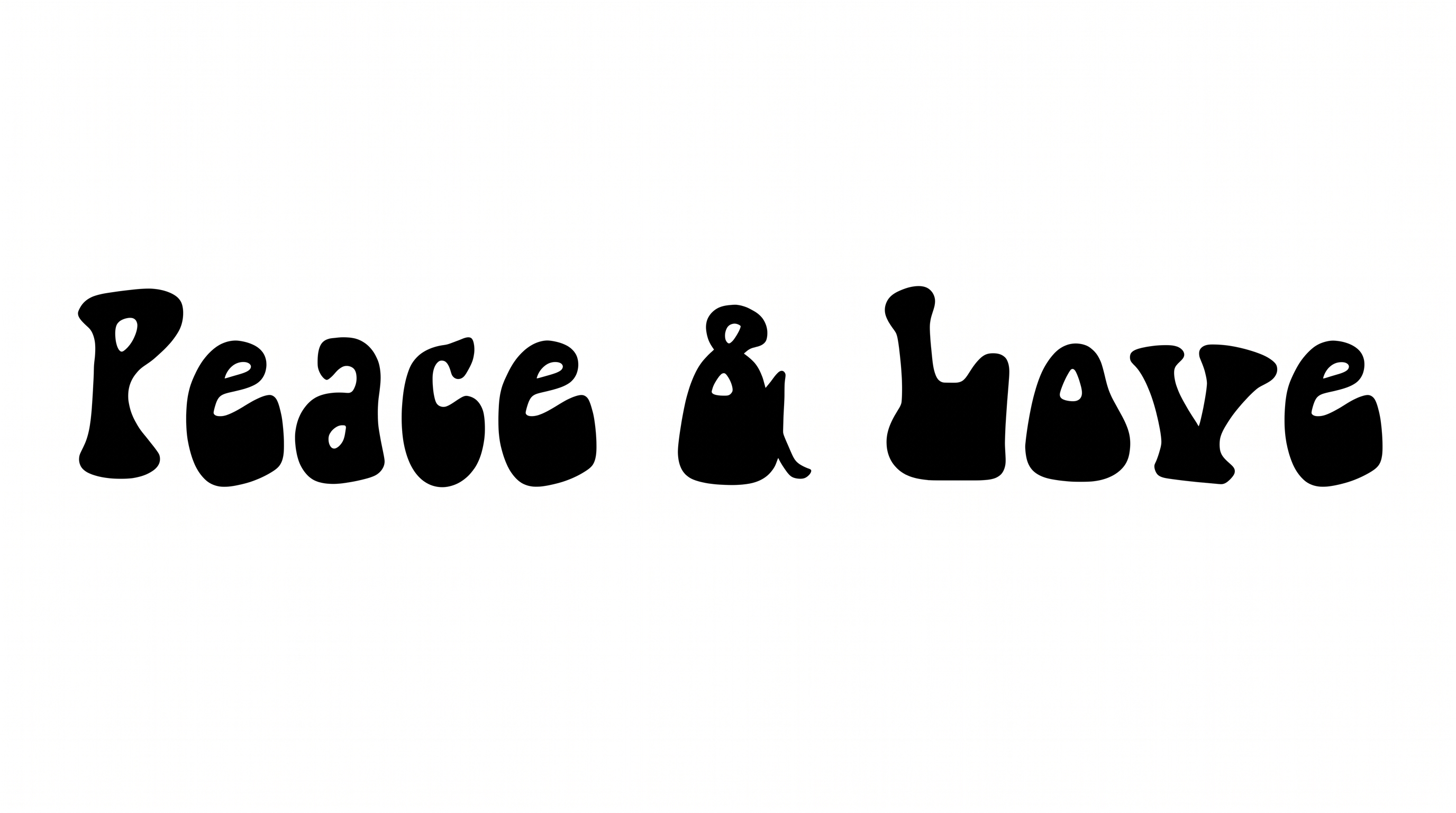
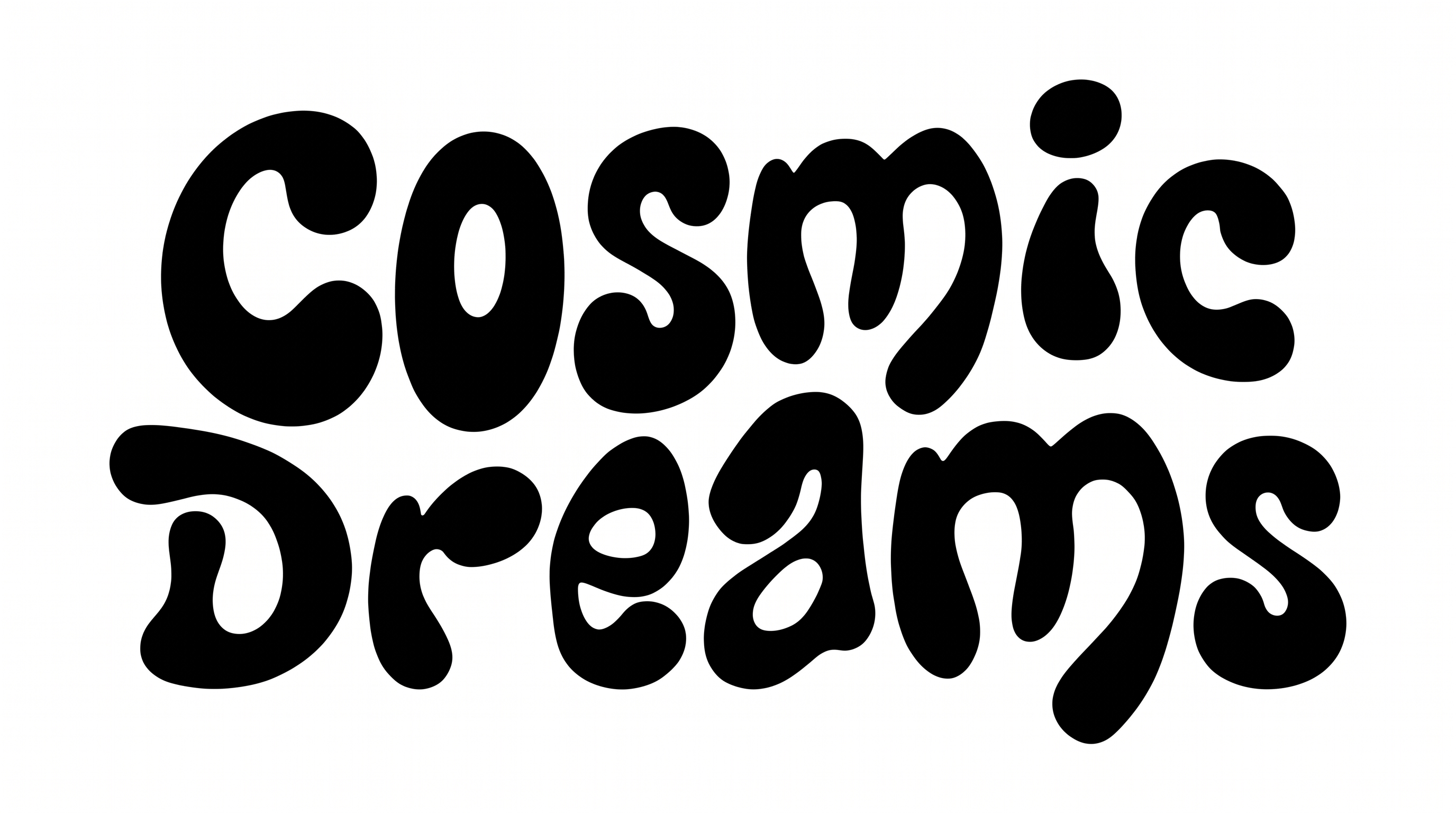
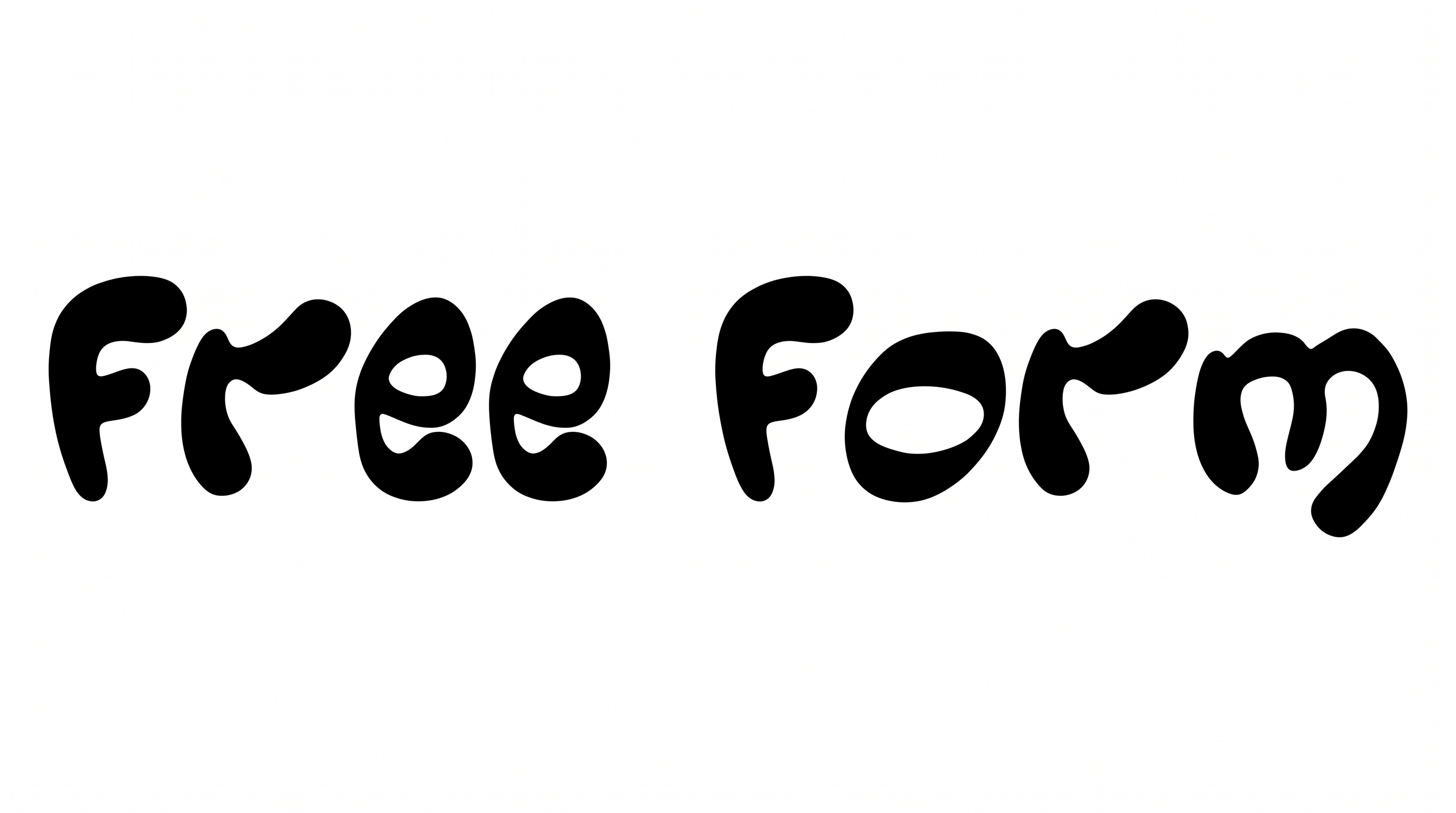
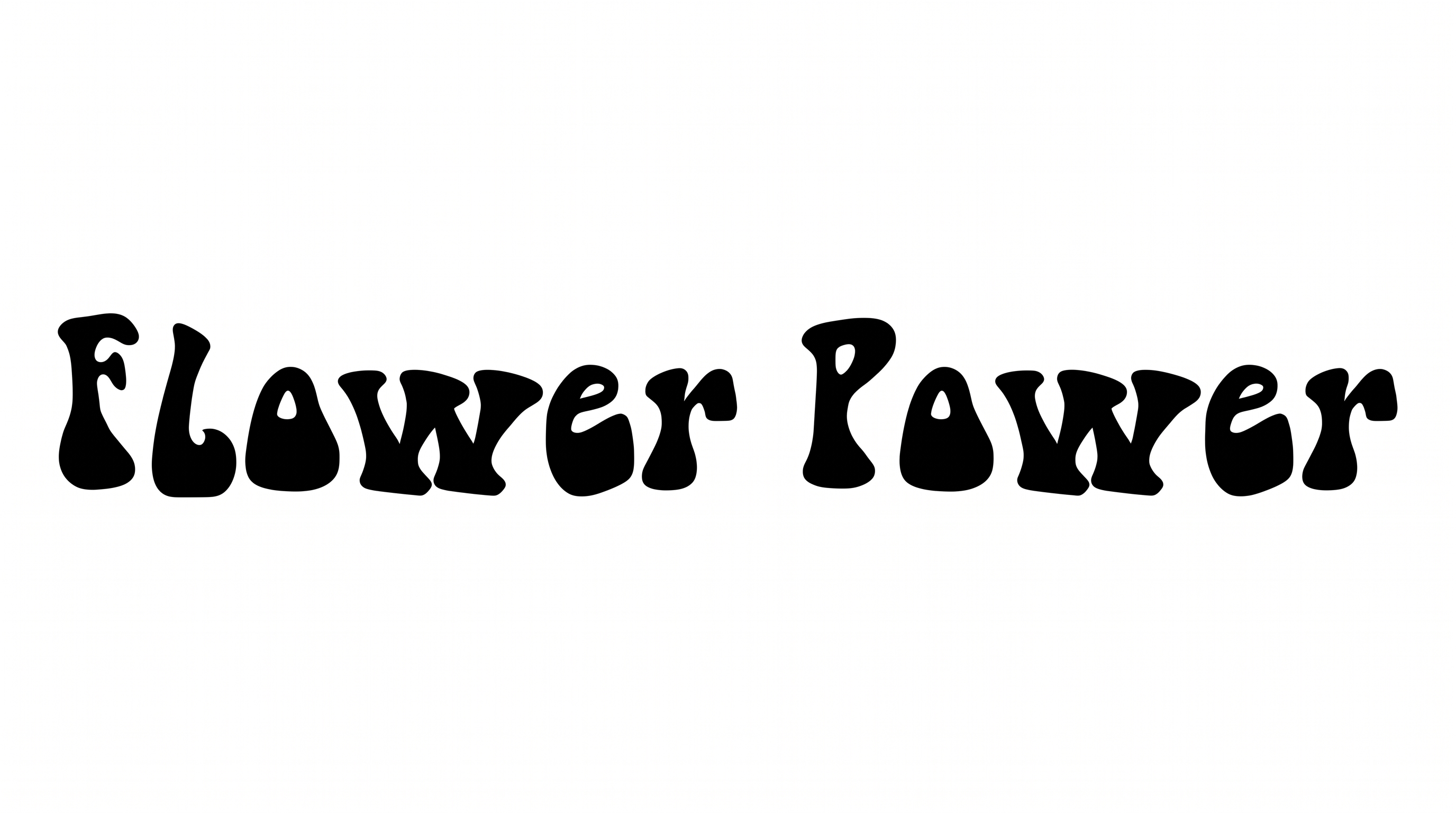
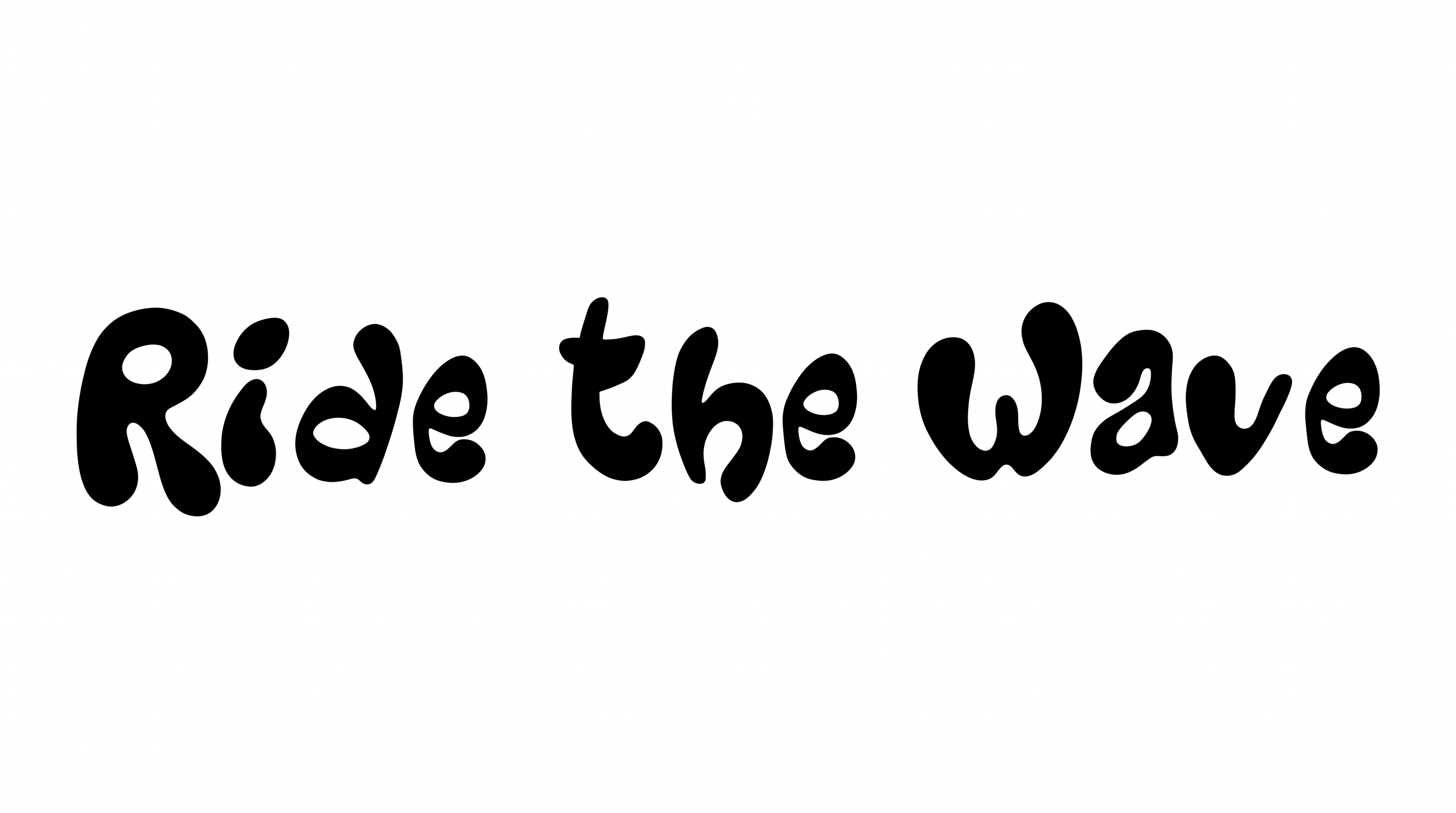
Heavy strokes, rounded forms, and tight spacing create a dense organic display style.

  • Letter Construction

    Continuous organic shapes give each letter a swollen, hand-drawn structure.

  • Stroke Weight

    Heavy black stroke bodies give the words a dense display presence.

  • Corner Shape

    Rounded turns and soft interior curves keep the letterforms organic.

  • Stroke Contrast

    Broad bowls narrow sharply at joins and interior openings.

  • Stroke Endings

    Visible terminals finish in rounded, bulbous forms.

  • Letter Spacing

    Narrow gaps keep neighboring letters tightly packed while preserving clear breaks.
Frequently asked questions about Groovy Happening Font Generator

Enter your text, select an image size, and choose from the available font color and background options. Generate the artwork, review the rendered result, and download it as a PNG or SVG image. The result is image artwork rather than an installable font file.

The minimum membership covers personal use, while a higher membership covers commercial use. Review pricing to choose the membership that matches your project before using the artwork commercially.

Open the related tools area and compare how each option handles weight, shape, spacing, and overall mood. Focus on the style that best fits your headline length, intended scene, and supporting graphics.

Download the generated PNG artwork, then upload it in Canva for a design. Insert the image into a Google Docs document, or import it into a project in the Cricut app, also known as Cricut Design Space. These workflows use the rendered lettering as image artwork.

Use a short headline and give the swollen letterforms generous room around the edges. Check the graphic at its intended display size, especially for mobile layouts where tightly packed letters can dominate a small composition.

Place the lettering as the main focal point and reserve quieter areas for dates, details, or supporting copy. A wide layout suits a single-line phrase, while stacked wording can fit portrait covers and posters.

Its dense display shapes work well on record covers, posters, apparel graphics, packaging, signs, and event materials. Keep free space around the headline so its broad forms remain distinct from nearby imagery and secondary text.

Pair artwork from the Groovy Happening Font Generator with a simpler supporting type style for details and longer copy. The contrast lets the organic headline establish the retro mood while practical information stays easy to scan.
READY TO CREATE?

Create Custom Groovy Happening Fonts & Text Effects

Try Groovy Happening Font Generator Free