Get 5 Free Credits

Free Groovy 60S Font Generator Online

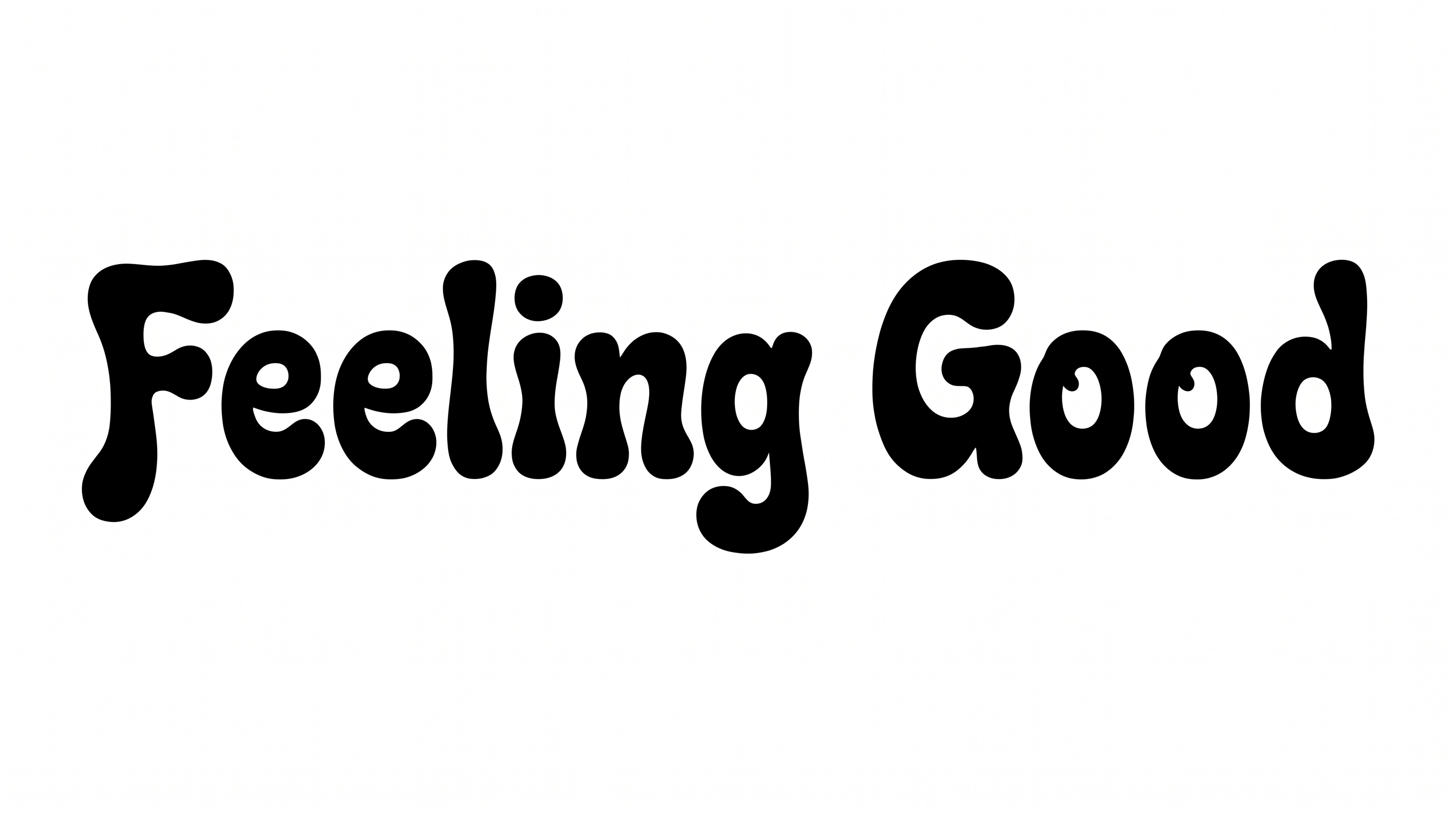
Shape bold, hand-drawn psychedelic lettering with swollen serifs and playful irregularity for retro posters or album art.

Enter the text to generate, e.g. Fontify.ai

Font color
Background
Templates
350
Generations
68
Downloads
202
Rating
5.0

How to Use the Groovy 60S Font Generator

Create bold, organic lettering in a composition sized for posters, covers, or social graphics.

  1. 01

    Compose and size your wording

    Enter a short phrase, then choose an image size such as 1:1 for a compact composition.

  2. 02

    Choose colors and a background

    Select a font color and use the template background, a custom color, or an uploaded image.

  3. 03

    Generate and download PNG or SVG artwork

    Generate the artwork, review the organic letter shapes, then download it as PNG or SVG.

Groovy 60S Font Style Profile

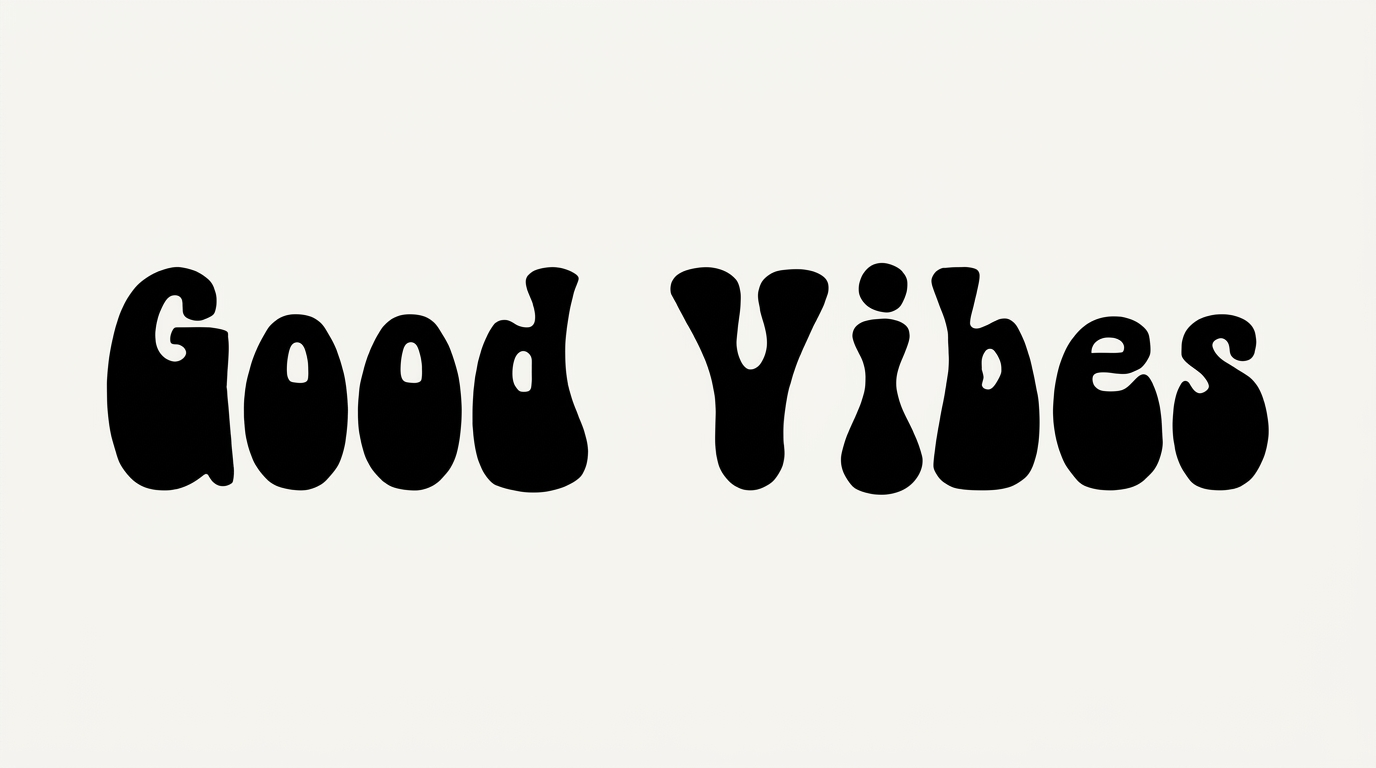
Heavy strokes, bulging organic construction, and pinched joins create a playful psychedelic display style.

  • Letter Construction

    Bulging, hand-shaped forms use irregular curves and pinched joins.

  • Stroke Weight

    Heavy black strokes give the letters a dense, substantial presence.

  • Stroke Contrast

    Thick rounded bodies narrow sharply at interior joins.

  • Corner Shape

    Rounded corners soften the turns and joins throughout the letterforms.

  • Stroke Endings

    Broad, flared serif endings reinforce the swollen organic shapes.

  • Letter Connections

    Letters remain separate, with clear breaks between neighboring characters.
Frequently asked questions about Groovy 60S Font Generator

Minimum membership covers personal use, while a higher membership covers commercial use. Check pricing to choose the membership that matches your project.

Download the generated PNG artwork, then upload it in Canva or insert it into a Google Docs document. For Cricut, import the PNG into a project in the Cricut app, also known as Cricut Design Space.

Transparent backgrounds are supported for layering the lettering over other artwork. This template also lets you select font color, a custom background color, or an uploaded background image. Available image sizes include square, portrait, landscape, and ultrawide ratios.

Browse the related tools section and compare letter construction, weight, spacing, and overall mood. Choose a direction that fits your project while keeping the wording and intended placement in view.

Its bold, organic display lettering works especially well for album covers, posters, record labels, apparel graphics, and festival designs. Short phrases let the swollen serifs and playful irregularity remain prominent.

Use the lettering as the main focal point and give its broad shapes generous surrounding space. A centered composition suits square covers, while wider ratios accommodate longer headlines and banners.

Choose a short phrase, maintain strong contrast, and leave free space around the irregular letter edges. Preview the artwork at its intended size before placing smaller supporting details nearby.

Pair the playful display lettering with simple supporting type and uncluttered information blocks. Abstract sunbursts, restrained geometric shapes, or solid color fields can reinforce its energetic 1960s mood.
READY TO CREATE?

Create Custom Groovy 60S Fonts & Text Effects

Try Groovy 60S Font Generator Free