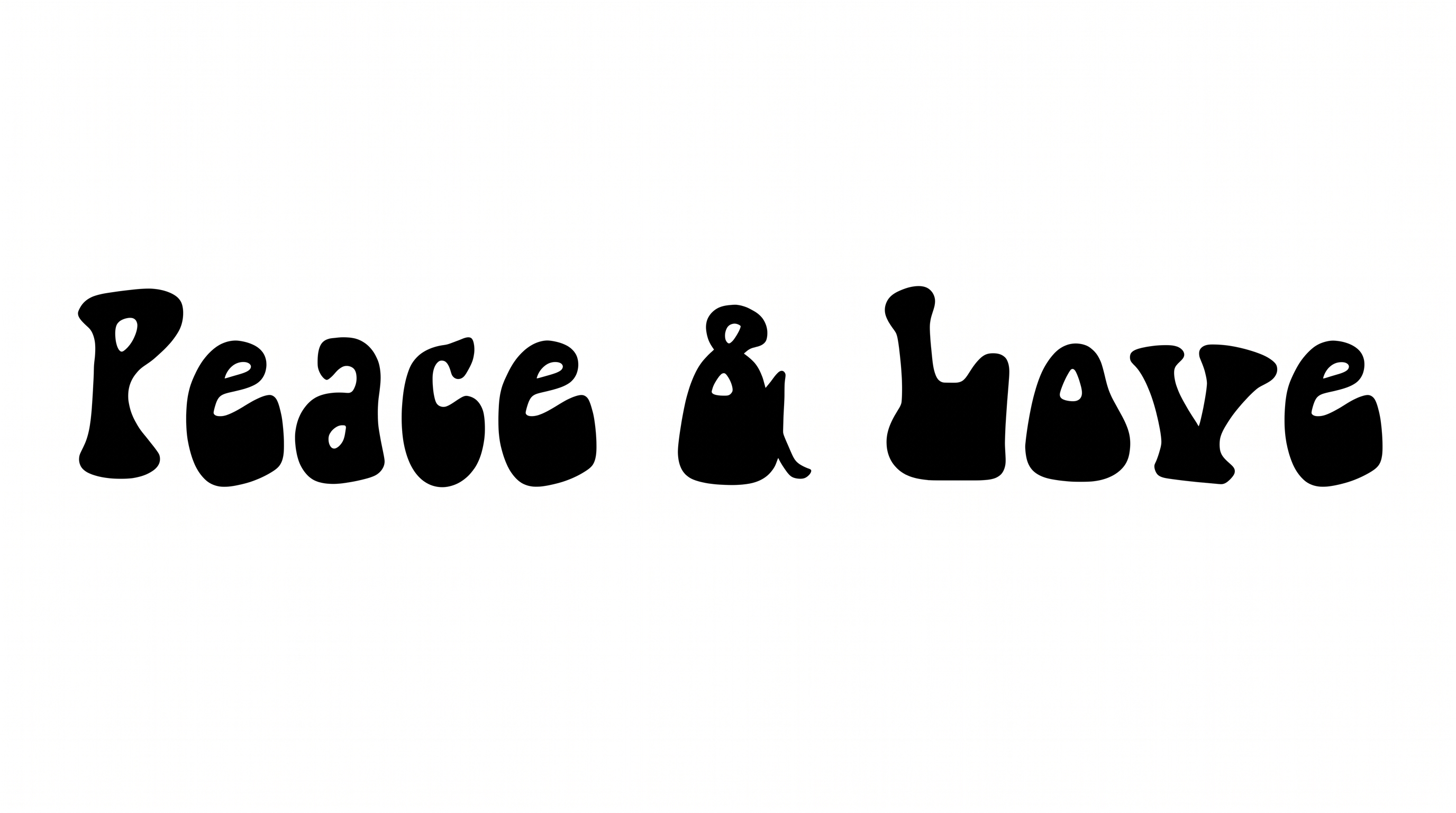
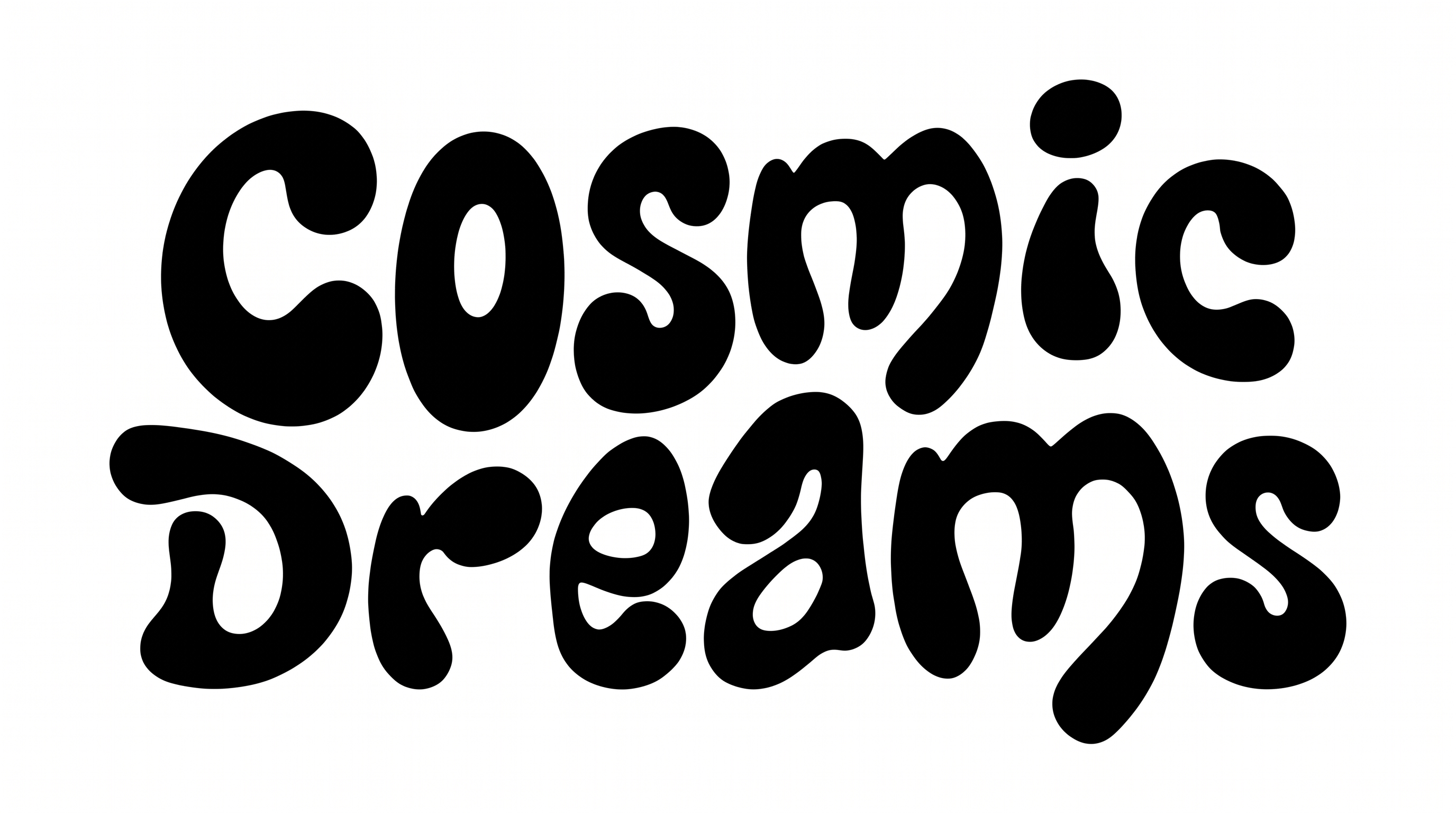
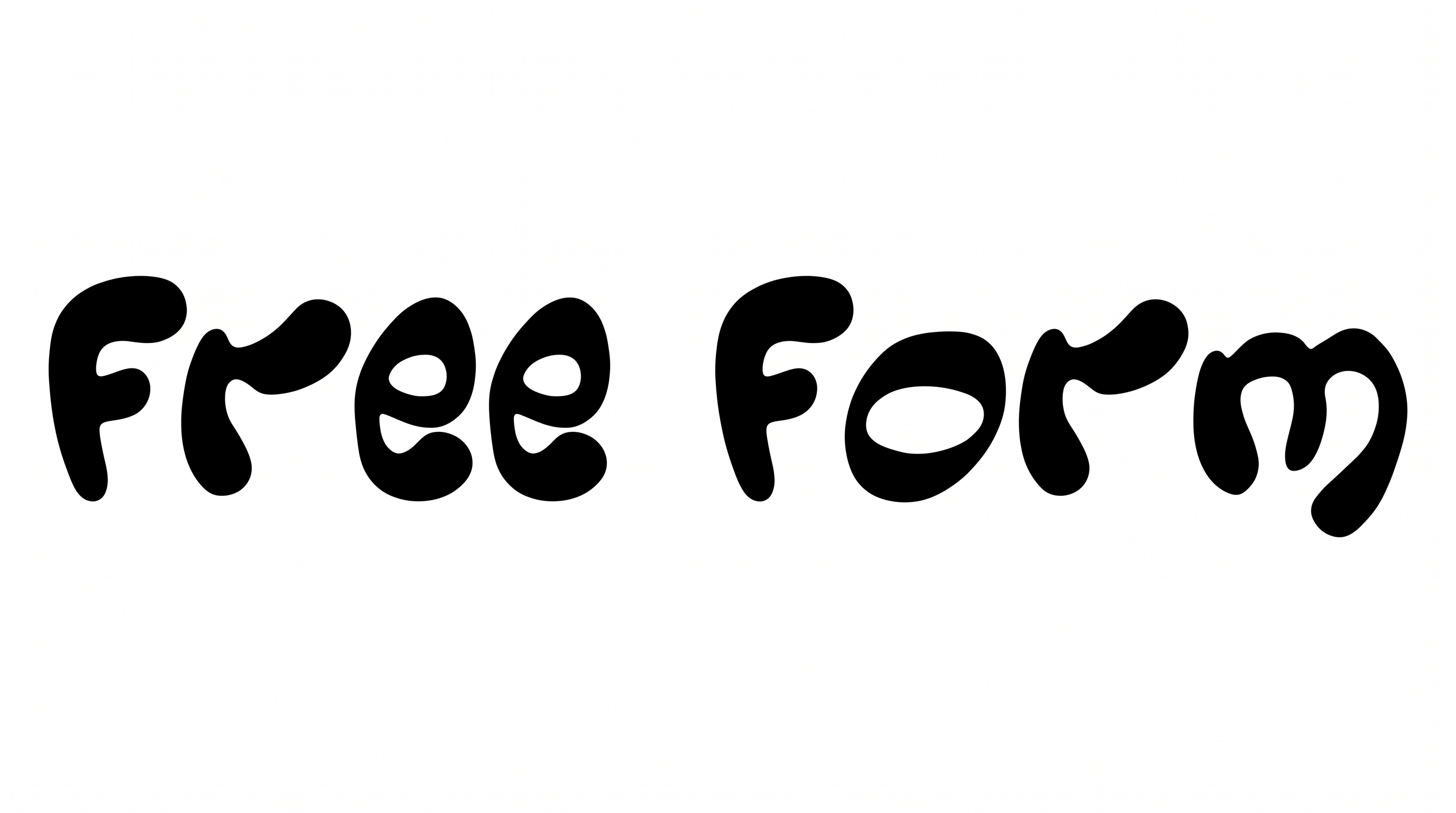
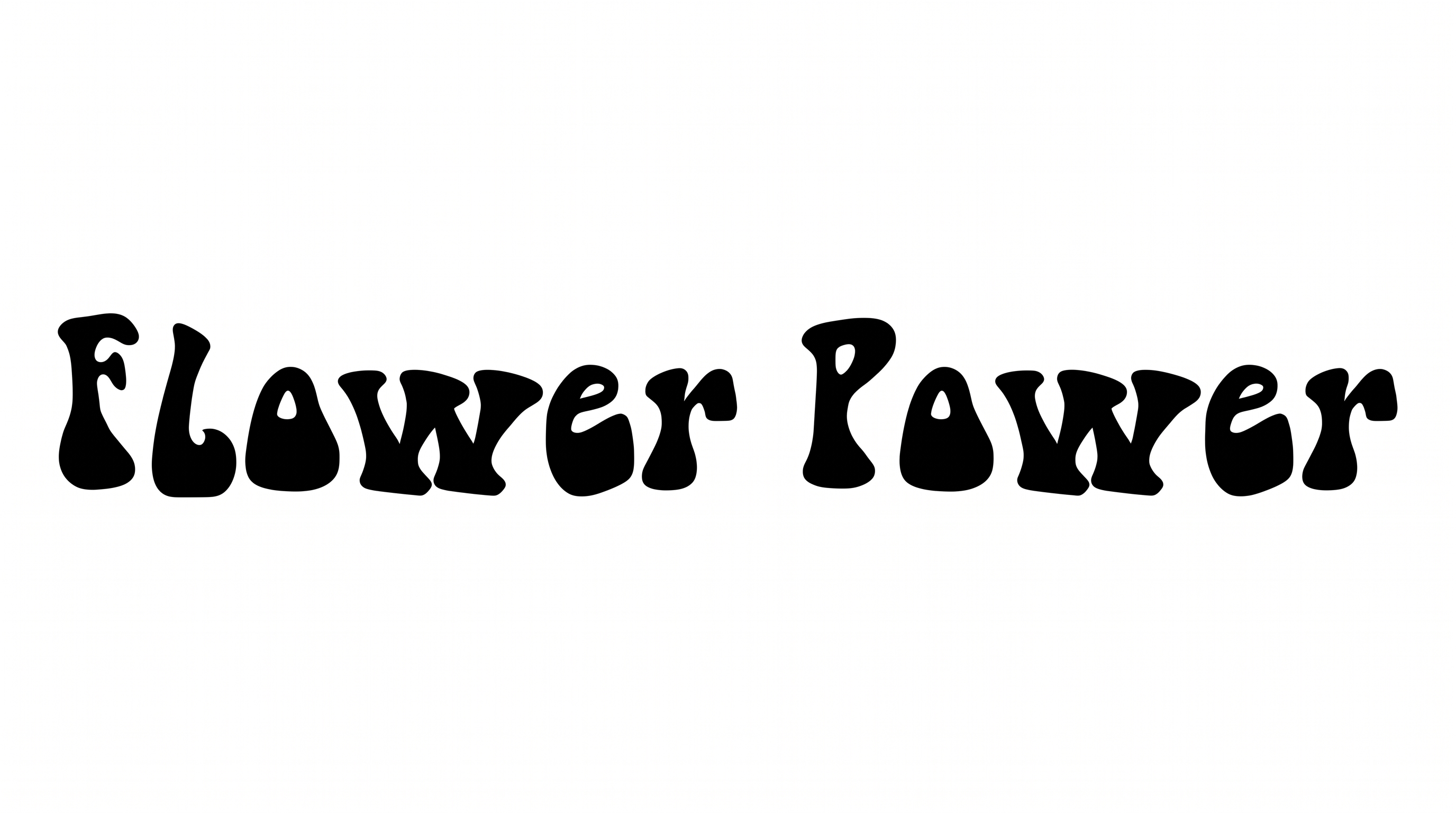
Free Groovy Script Font Generator Online
Bold connected brush script gives short phrases a retro wordmark look, suited to album art, signs, and statement headlines.
- Templates
- 350
- Generations
- 166
- Downloads
- 229
- Rating
- 5.0
How to Use the Groovy Script Font Generator
Shape bold connected lettering for a fitting canvas, then save it as reusable image artwork.
- 01
Enter your wordmark text
Type a short name or phrase that suits the bold, connected brush lettering.
- 02
Set the canvas and colors
Choose a 16:9 image size, then select a font color and background option.
- 03
Generate and save PNG or SVG
Generate the image, review the script connections, then download it as PNG or SVG.
Groovy Script Font Generator in Use: Design Examples & Showcase
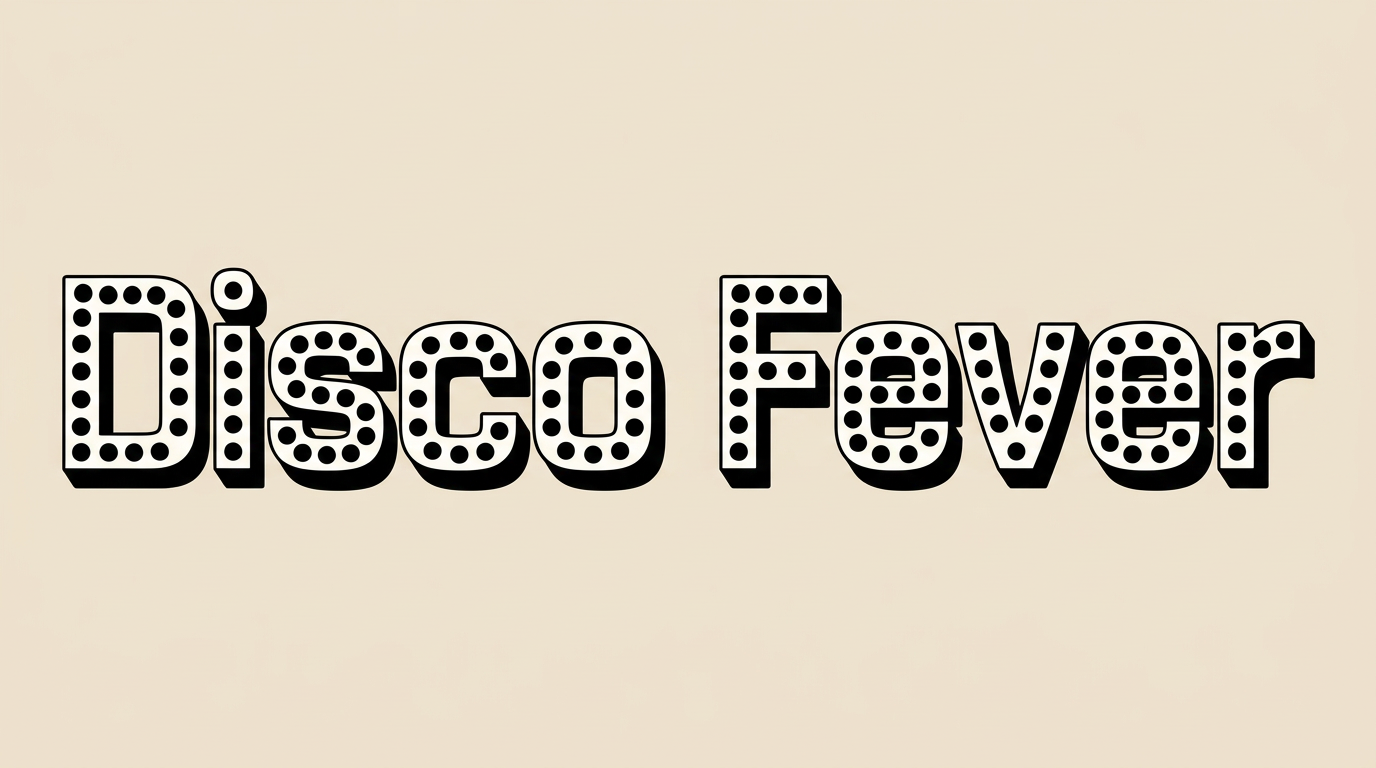
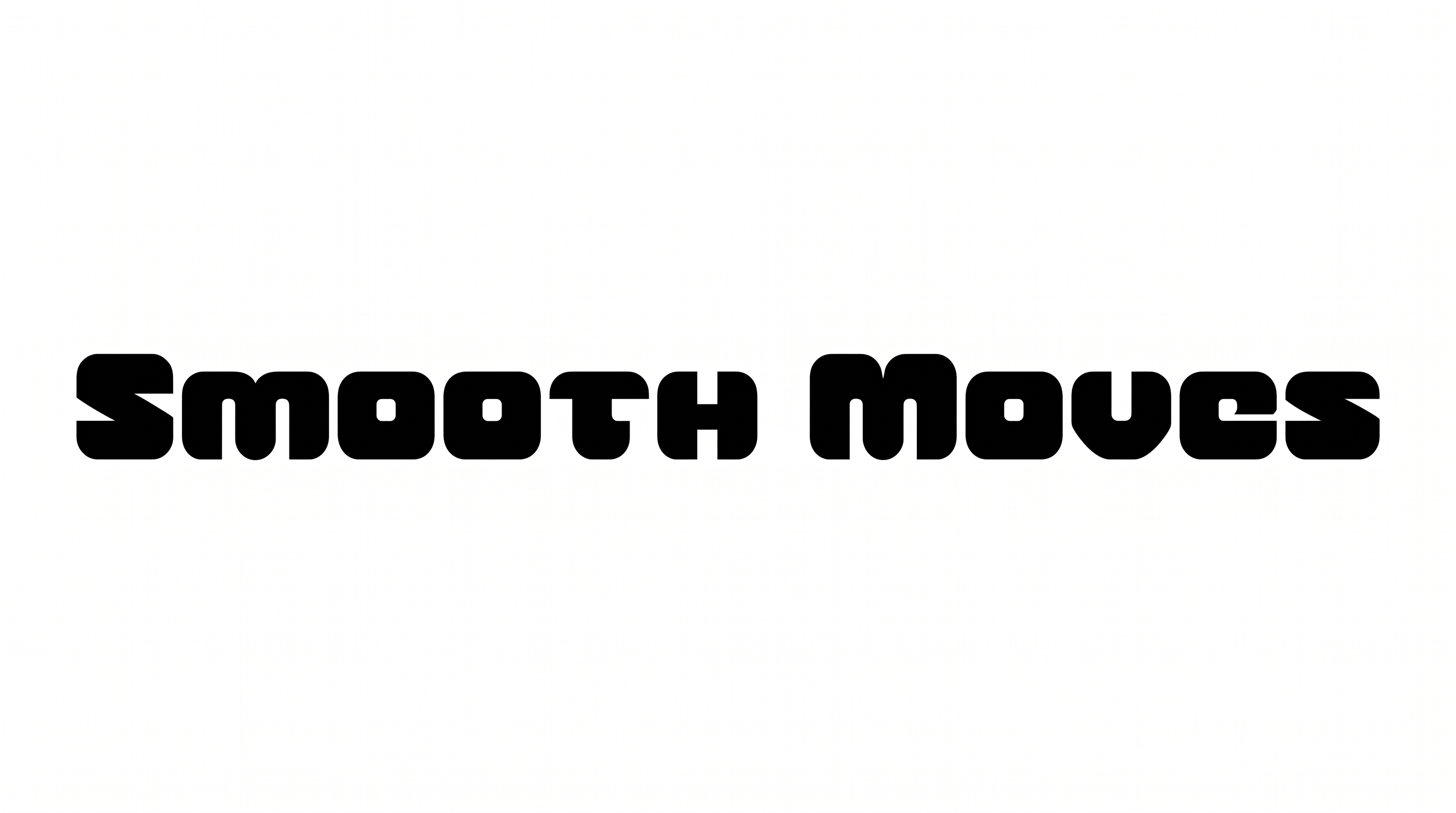
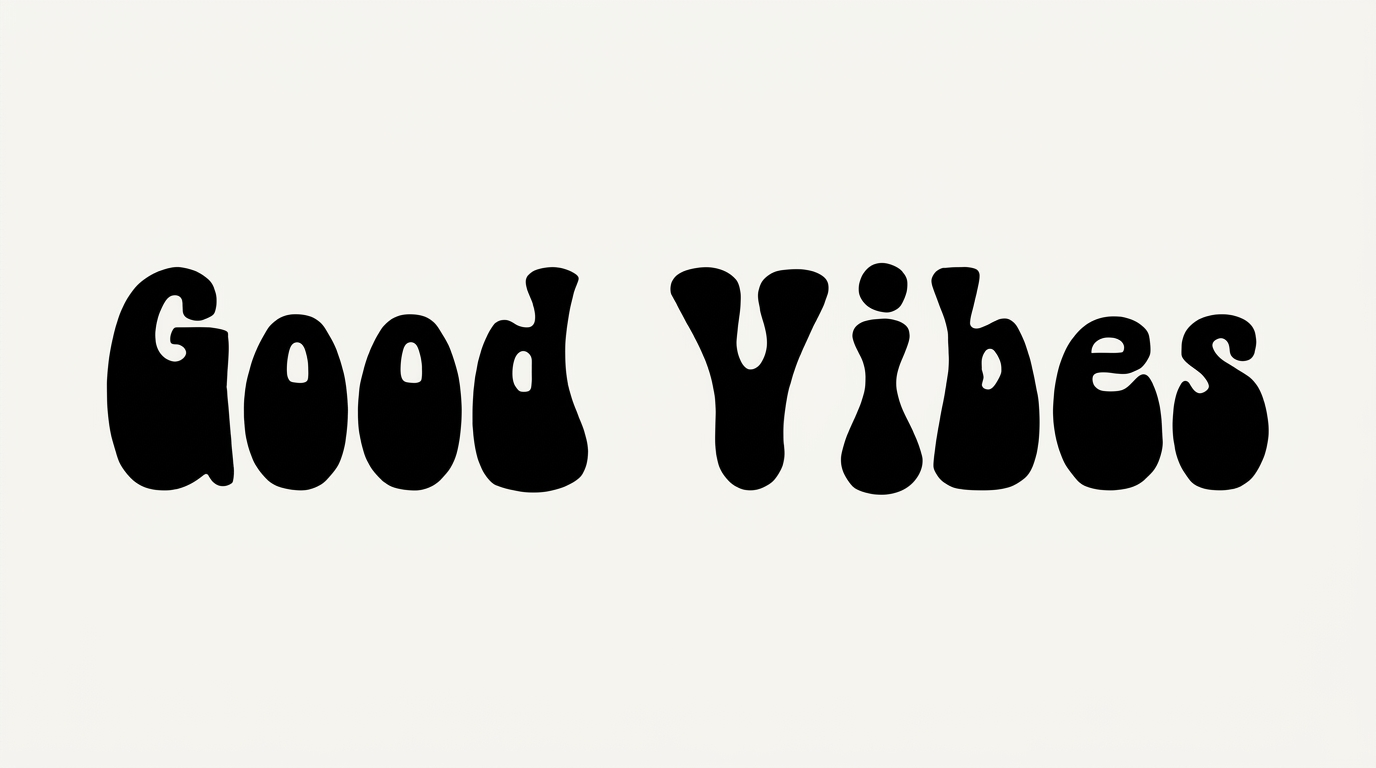
See bold connected lettering across album covers, signs, packaging, apparel, stationery, posters, and digital headline layouts.
Groovy Script Font Style Profile
Heavy connected strokes, pronounced contrast, and looping flourishes shape this expressive script.
Letter Connections
Continuous joining strokes link many neighboring letters across the shown words.
Stroke Weight
Heavy black stroke bodies give the script a bold, substantial presence.
Stroke Contrast
Broad downstrokes shift into noticeably finer curves and connecting strokes.
Flourishes
Looped capitals and extended terminal swashes add expressive decoration.
Slant
Most letters lean gently to the right along the horizontal baseline.
Stroke Endings
Visible terminals taper into rounded brush-like tips and sweeping tails.