Get 5 Free Credits

Free Txt Groovy Smooth Font Generator Online

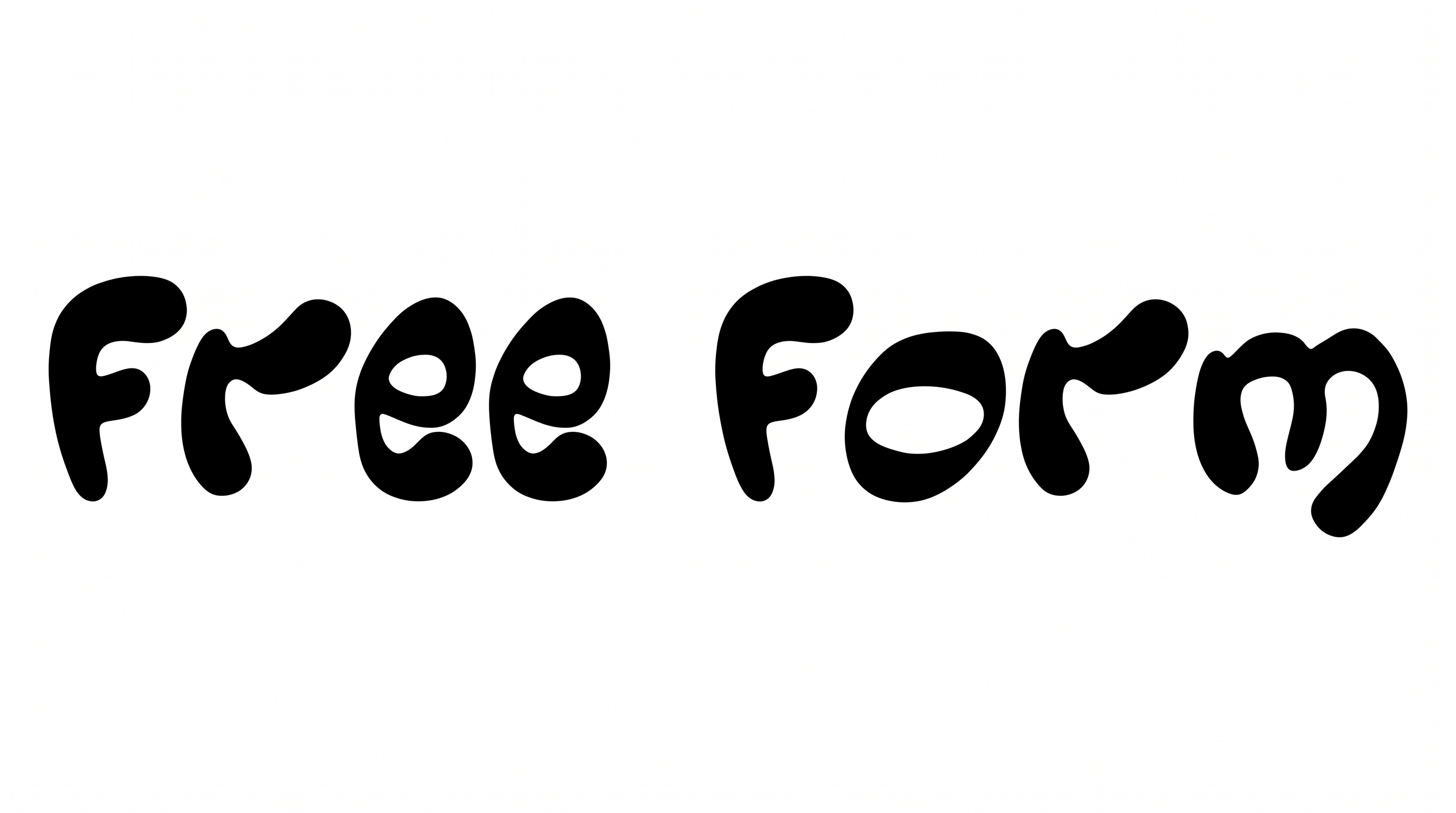
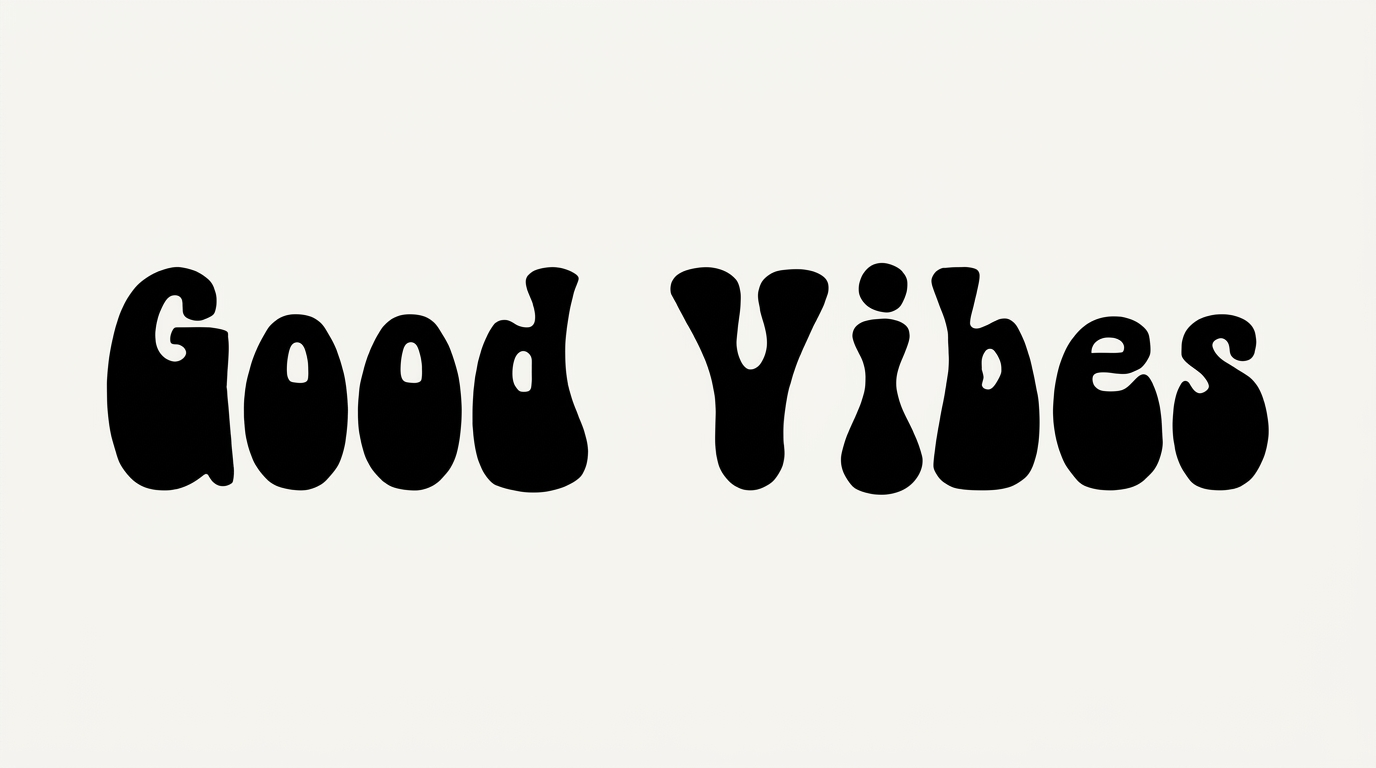
Ultra-heavy rounded geometric letters create a compact retro wordmark suited to album covers, posters, and bold display headlines.

Enter the text to generate, e.g. Fontify.ai

Font color
Background
Templates
350
Generations
152
Downloads
276
Rating
5.0

How to Use the Txt Groovy Smooth Font Generator

Shape bold rounded lettering for a chosen layout, then save polished text artwork for your design.

  1. 01

    Write a bold display phrase

    Enter a short phrase to emphasize the broad, ultra-heavy display shapes.

  2. 02

    Set the color and layout

    Choose a font color, background, and image size such as 1:1, then generate the image.

  3. 03

    Download PNG or SVG artwork

    Review the rounded lettering, then download the finished text artwork as PNG or SVG.

Txt Groovy Smooth Font Style Profile

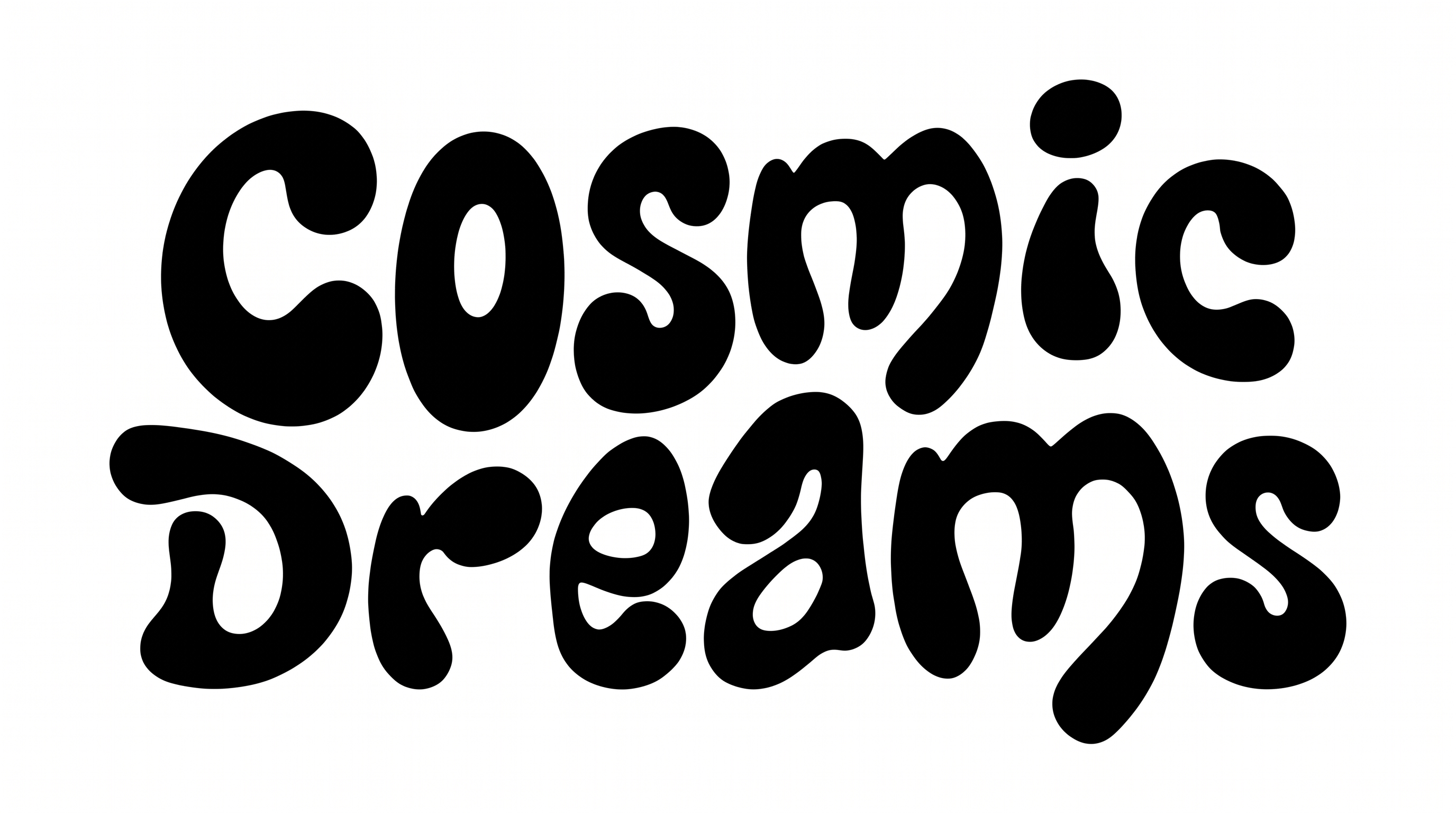
Ultra-heavy strokes, rounded corners, and compact geometric forms define the lettering.

  • Stroke Weight

    Ultra-heavy stroke bodies give the visible letters a dense, substantial presence.

  • Corner Shape

    Strongly rounded corners soften the geometric turns and joins.

  • Letter Construction

    Simple geometric forms build each letter around compact internal counters.

  • Letter Width

    Broad letterforms create wide, substantial character shapes.

  • Letter Spacing

    Narrow gaps keep neighboring letters closely packed within each word.

  • Stroke Contrast

    Stroke thickness stays largely consistent across the visible letterforms.
Frequently asked questions about Txt Groovy Smooth Font Generator

Enter your text, then choose a font color, background, and image size. Generate the rounded text image and review the rendered result. Download it as PNG or SVG, or copy the supported plain or styled text output.

Download the generated PNG artwork and upload it in Canva. Insert the image into a Google Docs document, or import it into a project in the Cricut app, also known as Cricut Design Space. The result remains image artwork rather than an installed, natively editable font.

Transparent-background output is supported for layering the lettering over other artwork. This template also lets you select a font color, custom background color, uploaded background image, and image size. Transparency is an output capability rather than a guarantee that every result uses it by default.

The minimum membership covers personal use, while a higher membership covers commercial use. Review pricing and choose the membership that matches your intended project before using the artwork commercially.

The Txt Groovy Smooth Font Generator suits designs that need a dominant display title. Its ultra-heavy rounded geometry works especially well for posters, album covers, app icons, product labels, editorial mastheads, and compact wordmarks.

Start with a free, open area around the title so the broad letters remain distinct. Use the lettering as the main visual anchor, then reserve separate zones for dates, locations, credits, or supporting information.

Use a short phrase and check the artwork at its intended display size. The letters have compact counters and close spacing, so generous surrounding space helps preserve their shapes in app icons, thumbnails, and profile graphics.

Pair the dense rounded lettering with simple supporting type, clear spacing, and structured geometric graphics. A restrained secondary style keeps attention on the display title while complementing its smooth retro mood.
READY TO CREATE?

Create Custom Txt Groovy Smooth Fonts & Text Effects

Try Txt Groovy Smooth Font Generator Free