Get 5 Free Credits

Free Impact Condensed Font Generator Online

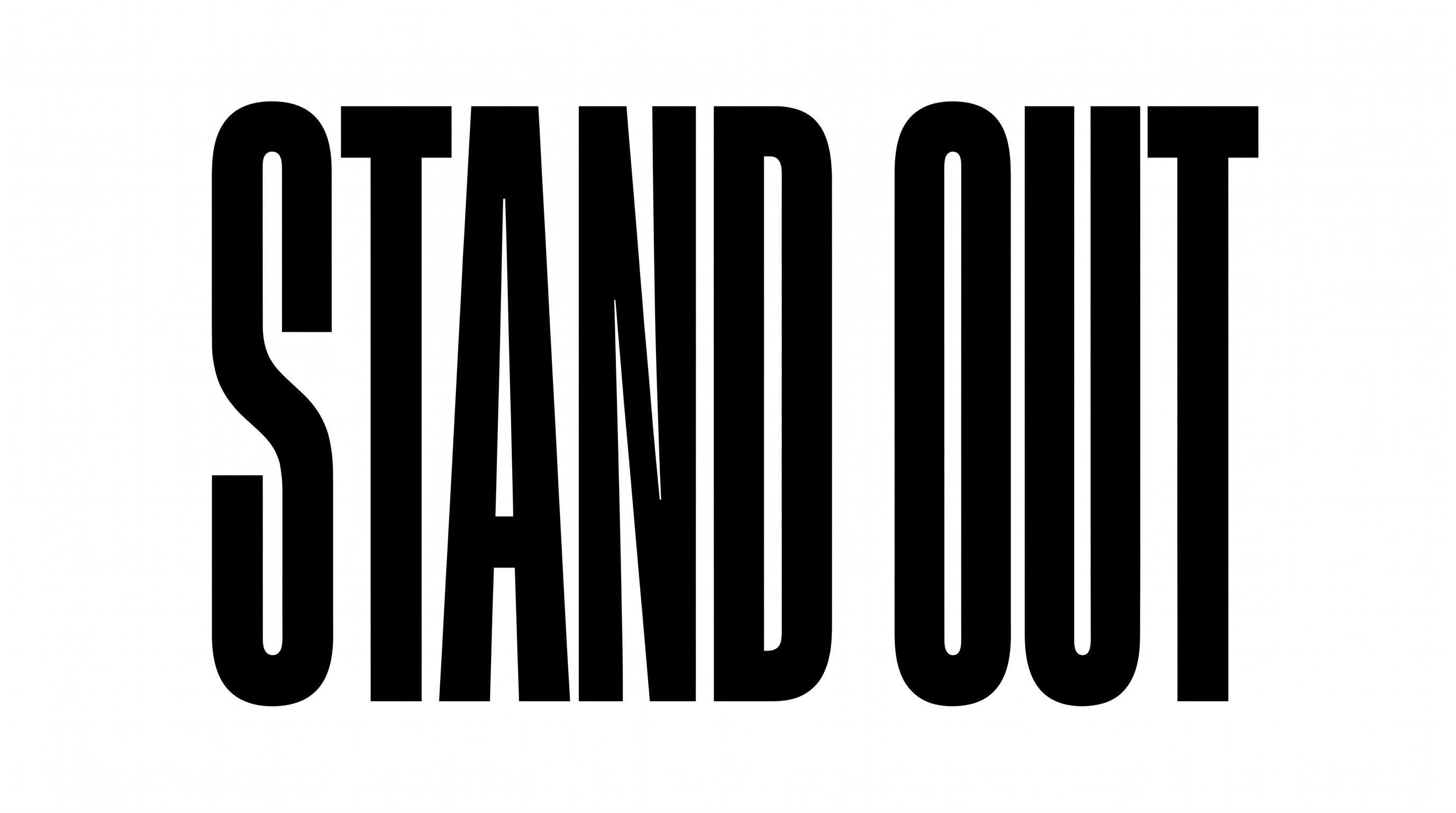
Turn short phrases into ultra-bold, condensed uppercase artwork suited to commanding headlines, posters, and display graphics.

Enter the text to generate, e.g. Fontify.ai

Font color
Background
Templates
92
Generations
170
Downloads
296
Rating
5.0

How to Use the Impact Condensed Font Generator

Shape an ultra-bold condensed headline for a chosen layout, then save the finished artwork.

  1. 01

    Write a concise headline

    Enter a short phrase that suits the style's tall, tightly arranged uppercase letters.

  2. 02

    Set the visual format

    Select a font color, choose a custom or uploaded background, and set a 16:9 image size.

  3. 03

    Generate and download the artwork

    Review the rendered headline, then download the finished text image as a PNG or SVG.

Impact Condensed Font Style Profile

Tall narrow letters, heavy strokes, and close spacing create a forceful display style.

  • Letter Width

    Individual letters have notably narrow proportions that support compact headlines.

  • Stroke Weight

    Heavy stroke bodies give the uppercase letters a strong visual presence.

  • Letter Spacing

    Small gaps keep neighboring letters closely arranged within each word.

  • Slant

    The letters stand upright relative to the text baseline.

  • Letter Connections

    Letters remain separate, with clear breaks between neighboring characters.

  • Stroke Endings

    Visible strokes finish with broad, flat cuts.
Frequently asked questions about Impact Condensed Font Generator

It turns your wording into an image featuring ultra-bold, condensed uppercase sans-serif lettering. The dense proportions make short phrases especially effective as headlines and display artwork.

Browse the related tools and compare visible traits such as letter width, stroke weight, spacing, and overall mood. Choose a direction that suits the scale and purpose of your design.

Download the generated PNG artwork, then upload it in Canva and insert it into a Google Docs document. Import the same image into a project in the Cricut app, also known as Cricut Design Space.

Enter your wording and choose an available font color, background, and image size. Generate the design, review the rendered image, then download it as a supported PNG or SVG.

Its ultra-bold condensed lettering suits poster headlines, editorial covers, product labels, event tickets, storefront graphics, and presentation titles. Short statements benefit most from its dense visual presence.

Give the headline a dominant position and preserve clear space around its tall letters. Use a wide image ratio when the phrase needs to span the banner.

Use a concise phrase, maintain strong contrast between the lettering and background, and review the artwork at its intended display size. Avoid crowding essential details against the headline.

Pair the dense uppercase headline with simpler supporting text that establishes a clear hierarchy. Keep secondary copy smaller and more open so the main statement remains dominant.

The heavy strokes and narrow proportions create a direct, assertive mood. It works well when a design needs urgency, confidence, or a strong editorial voice.
READY TO CREATE?

Create Custom Impact Condensed Fonts & Text Effects

Try Impact Condensed Font Generator Free