Get 5 Free Credits

Free Impact Font Generator Online

Turn short phrases into ultra-bold, condensed uppercase headlines suited to posters, covers, social graphics, and high-visibility signs.

Enter the text to generate, e.g. Fontify.ai

Font color
Background
Templates
92
Generations
200
Downloads
284
Rating
5.0

How to Use the Impact Font Generator

Shape an ultra-bold condensed headline for clear placement across editorial, social, or display layouts.

  1. 01

    Enter a concise headline

    Type your wording and keep the phrase concise for the condensed uppercase headline style.

  2. 02

    Choose color and canvas options

    Select font color, a custom or uploaded background, and an image size such as 16:9.

  3. 03

    Generate and save PNG or SVG artwork

    Generate the text image, review the headline, then download it as PNG or SVG.

Impact Font Style Profile

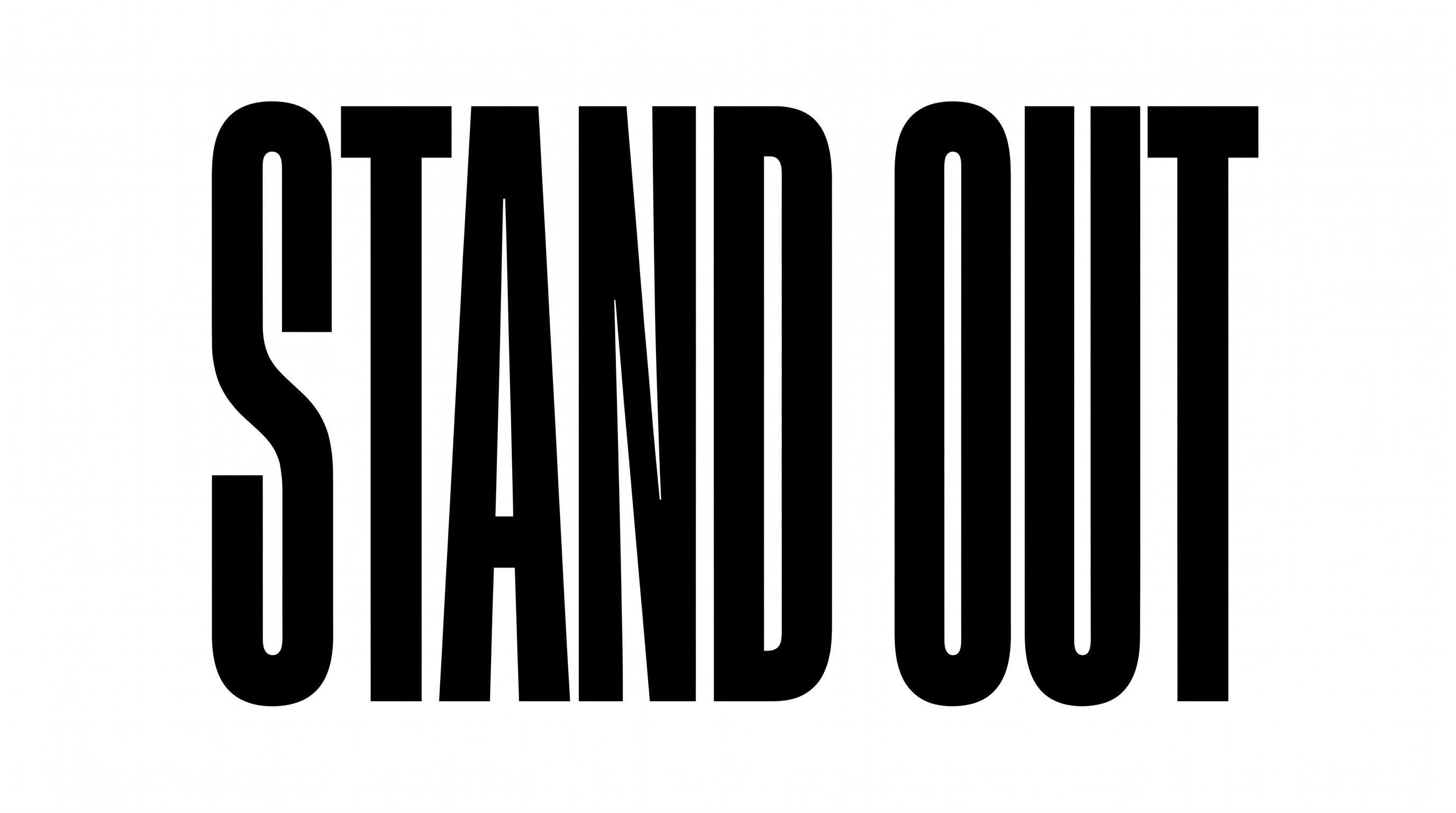
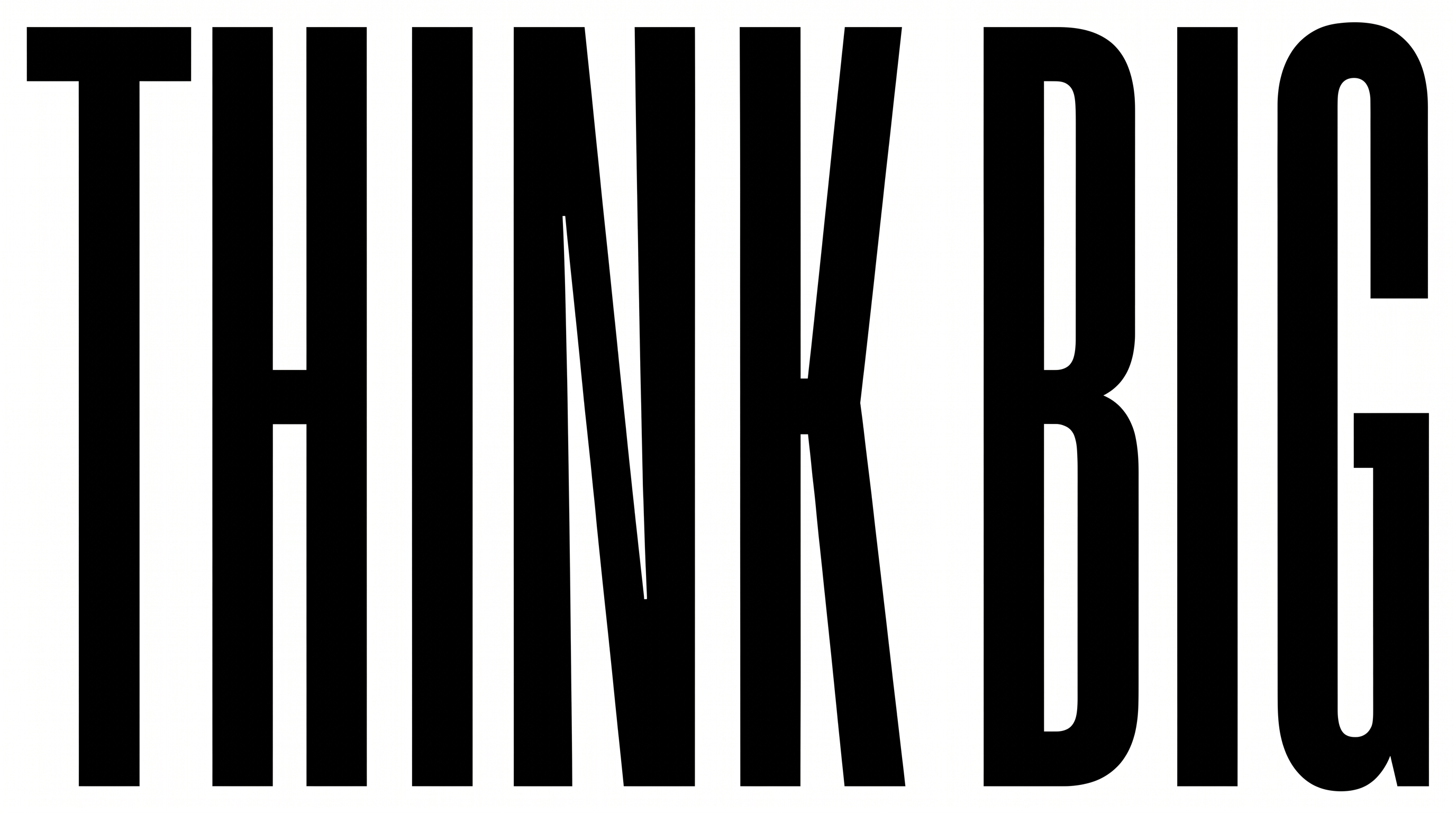
Heavy, narrow, upright letters form a tightly arranged and forceful headline style.

  • Letter Width

    Tall, narrow letterforms create the strongly condensed appearance.

  • Stroke Weight

    Heavy black stroke bodies give the uppercase letters a forceful presence.

  • Letter Spacing

    Narrow gaps pack neighboring letters closely within each word.

  • Slant

    The letters stand upright relative to the baseline.

  • Letter Connections

    Letters remain separate, with clear breaks between characters.

  • Color Treatment

    Solid black fills create a stark, consistent treatment across the letters.
Frequently asked questions about Impact Font Generator

It creates text images with ultra-bold, condensed uppercase lettering and a strong headline presence. The resulting artwork suits posters, covers, signs, social posts, and other graphic layouts.

Transparent backgrounds are supported, allowing the lettering to be layered over other artwork. This template also lets you choose font color, use a custom background color or uploaded image, and select an image size.

Enter your text, choose the available color, background, and image-size options, then generate the design. After reviewing the result, download the image as PNG or SVG. The output is image artwork rather than an installable font file.

Browse the related tools section and compare visible qualities such as letter width, stroke weight, spacing, and overall mood. Choose a direction that fits the hierarchy and visual tone of your layout.

Keep the main phrase concise and give the tall, condensed letters a prominent area. Leave clear space around the headline so supporting details remain distinct in an online post, banner, or thumbnail.

The heavy uppercase lettering suits magazine and book covers, album art, apparel graphics, packaging, placards, scoreboards, and video thumbnails. Its narrow proportions are especially useful when a strong headline must fit limited horizontal space.

Use a short phrase, maintain strong contrast between the letters and background, and avoid crowding the headline with nearby details. Review the finished image at its intended display size before placing it in the final layout.

Pair the headline with a simpler, lighter supporting type style for dates, captions, and body copy. A clear difference in weight and scale preserves hierarchy while letting the condensed uppercase lettering remain the focal point.

The heavy strokes, narrow proportions, and compact spacing create a direct, forceful mood. It can bring urgency to news graphics, energy to sports or music artwork, and authority to signs and editorial covers.
READY TO CREATE?

Create Custom Impact Fonts & Text Effects

Try Impact Font Generator Free