Get 5 Free Credits

Free Impact Regular Font Generator Online

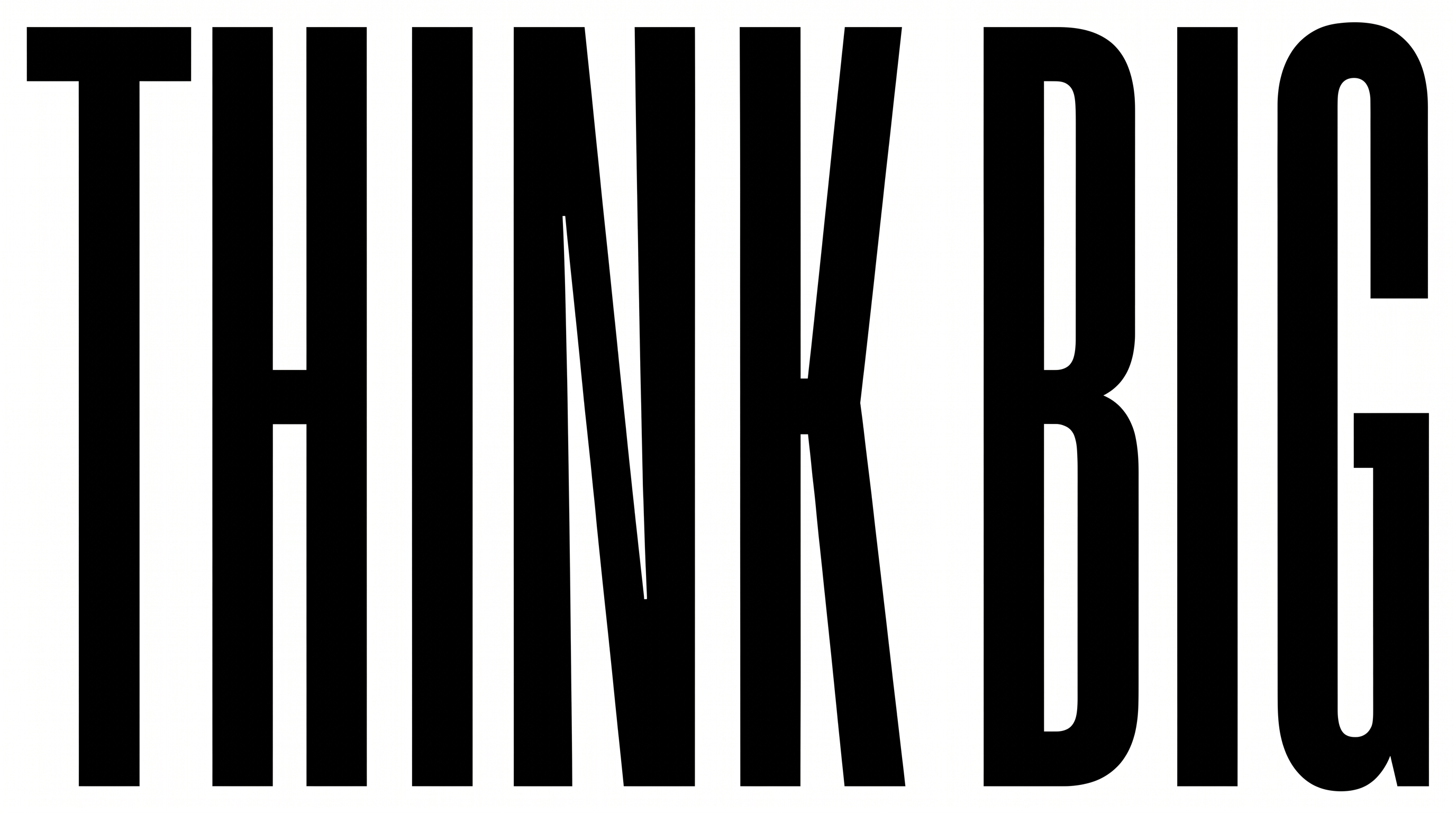
Massive, tightly set uppercase sans serif lettering gives short headlines commanding presence across posters, covers, and signage.

Enter the text to generate, e.g. Fontify.ai

Font color
Background
Templates
92
Generations
137
Downloads
275
Rating
5.0

How to Use the Impact Regular Font Generator

Turn short phrases into bold, condensed artwork sized for clear display across print and digital layouts.

  1. 01

    Enter a compact message

    Type the short headline or phrase you want to render in bold uppercase lettering.

  2. 02

    Choose the canvas and colors

    Select a 16:9 image size, then choose the font color and a custom or uploaded background.

  3. 03

    Generate and save PNG or SVG artwork

    Generate the preview, review the uppercase forms, then download the finished image as PNG or SVG.

Impact Regular Font Style Profile

Heavy strokes, narrow proportions, and tight spacing shape the bold uppercase lettering.

  • Stroke Weight

    Heavy, solid strokes give the uppercase letters a forceful display presence.

  • Letter Width

    Tall, narrow letterforms create a strongly condensed silhouette.

  • Letter Spacing

    Small gaps keep neighboring letters tightly packed within each word.

  • Stroke Contrast

    Strokes remain mostly uniform in thickness across the visible capitals.

  • Slant

    The letters stand upright relative to the baseline.

  • Letter Connections

    Letters remain separate, with clear breaks between neighboring characters.
Frequently asked questions about Impact Regular Font Generator

Enter your wording, choose an available font color, background, and image size, then generate the design. Review the rendered text image and download it as a PNG or SVG for use in your layout.

Yes. Transparent-background output is supported for layering the lettering over other artwork. This template also lets you select a font color, choose a custom background color, upload a background image, and set an available image size.

Yes. The generator is free to use, and you can download the resulting image in a supported format. Usage terms still apply to the artwork, so choose the membership appropriate for your intended personal or commercial project.

Browse the related text tools and compare their visible letter shapes, spacing, weight, and overall mood. Generate the same short phrase in several styles to judge which direction best fits your layout and message.

Its bold, condensed uppercase forms suit short display messages on posters, covers, packaging, signage, apparel, and event graphics. Use it where a compact headline needs to occupy a prominent visual position.

Use the Impact Regular Font Generator to create a short headline and choose an aspect ratio that matches the banner. Place the lettering in a dominant area while reserving clear space for supporting details.

Keep surrounding space free of competing details and limit the message to a few direct words. The narrow letterforms can support compact layouts, while sufficient image size helps the tightly set characters remain distinct.

The heavy strokes, upright stance, and compressed proportions create a direct, assertive mood. Pair Impact Regular Font artwork with simple supporting text and restrained imagery so the main message remains the visual focus.
READY TO CREATE?

Create Custom Impact Regular Fonts & Text Effects

Try Impact Regular Font Generator Free