Get 5 Free Credits

Free Sans Serif Block Font Generator Online

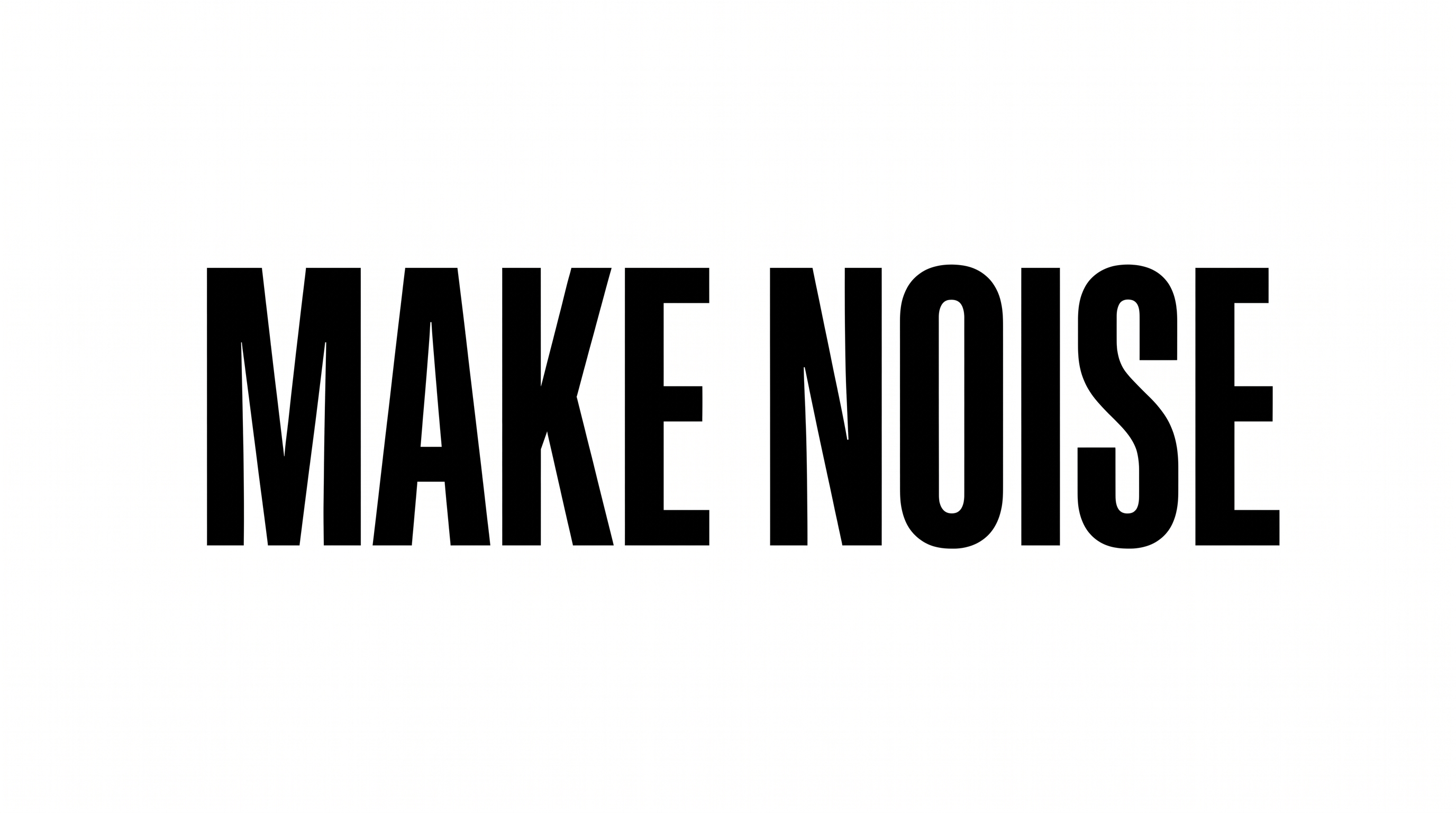
Turn your words into exceptionally bold, uppercase geometric lettering suited to striking wordmarks, packaging fronts, and editorial titles.

Enter the text to generate, e.g. Fontify.ai

Font color
Background
Templates
769
Generations
142
Downloads
245
Rating
5.0

How to Use the Sans Serif Block Font Generator

Shape bold uppercase lettering for a clear wordmark, headline, sign, or packaging panel.

  1. 01

    Enter your wording

    Type the word or phrase you want rendered in the preset bold uppercase style.

  2. 02

    Choose the canvas and colors

    Select a 16:9 image size, font color, and template or custom background.

  3. 03

    Generate and save PNG or SVG

    Generate the image, review the rendered lettering, then download it as PNG or SVG.

Sans Serif Block Font Style Profile

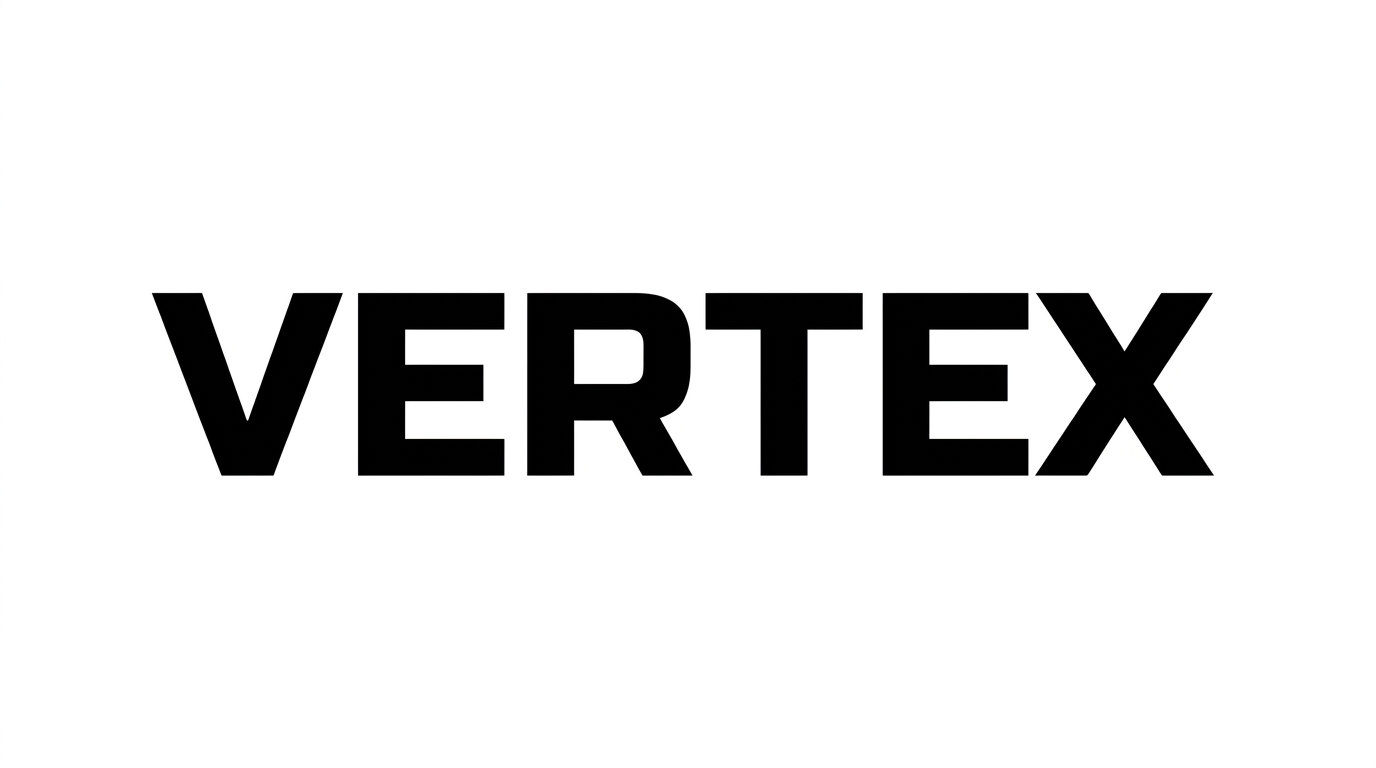
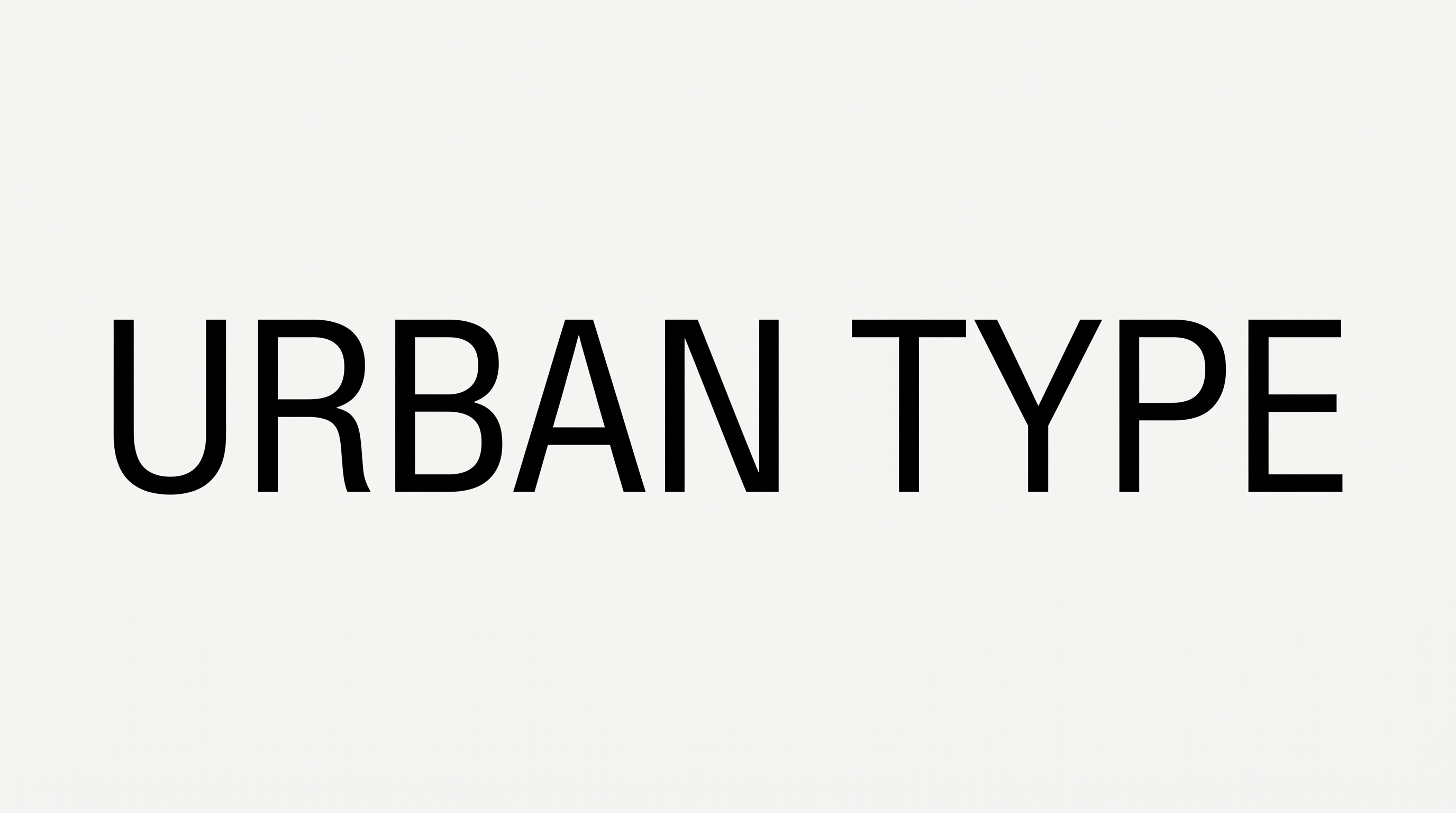
Heavy strokes, broad proportions, and close spacing give the uppercase lettering a compact geometric presence.

  • Stroke Weight

    Heavy, mostly even strokes give the visible uppercase letters a substantial form.

  • Letter Width

    Broad letterforms give the visible characters a wide, sturdy proportion.

  • Letter Construction

    Solid, continuous shapes create a clean geometric construction.

  • Letter Connections

    Letters remain separate, with clear breaks between neighboring characters.

  • Letter Spacing

    Close, consistent gaps create a compact arrangement within the word.

  • Baseline Rhythm

    Visible letters align evenly along a straight baseline.
Frequently asked questions about Sans Serif Block Font Generator

Download the generated PNG artwork. Upload it in Canva or insert it into a Google Docs document. For Cricut, import it into a project in the Cricut app, also known as Cricut Design Space. It remains image artwork in each platform.

Type your wording into the text field, then choose the font color, background, and image size. Generate the design and review the rendered preview. Download the finished image as PNG or SVG; the result is image artwork rather than an installable font file.

Explore the related tools area and compare how each tool handles weight, construction, spacing, and overall mood. Choose a direction that fits your layout, then test your own wording to judge which lettering treatment works best.

Yes. You can use the generator and download the supported PNG or SVG output for free. Usage rights still follow membership terms, so review pricing for the membership that applies to your project. Free access does not by itself grant commercial rights.

Sans Serif Block Font works well as a dominant wordmark, package-front mark, book-cover title, sign, or apparel graphic. Its heavy uppercase forms create a strong focal point. Keep supporting details smaller and visually separate so the main word remains clear.

Use the Sans Serif Block Font Generator to keep the wording short and test a canvas ratio that matches the final placement. Leave the surrounding area free of competing elements. Review the generated image at its intended display size before placing it in the layout.

Pair the bold geometric lettering with restrained supporting type, simple shapes, and generous open space. A black-and-white palette reinforces its minimal character, while a custom font color can establish hierarchy. Let the block word serve as the main visual anchor.
READY TO CREATE?

Create Custom Sans Serif Block Fonts & Text Effects

Try Sans Serif Block Font Generator Free