Get 5 Free Credits

Free Display Sans Serif Font Generator Online

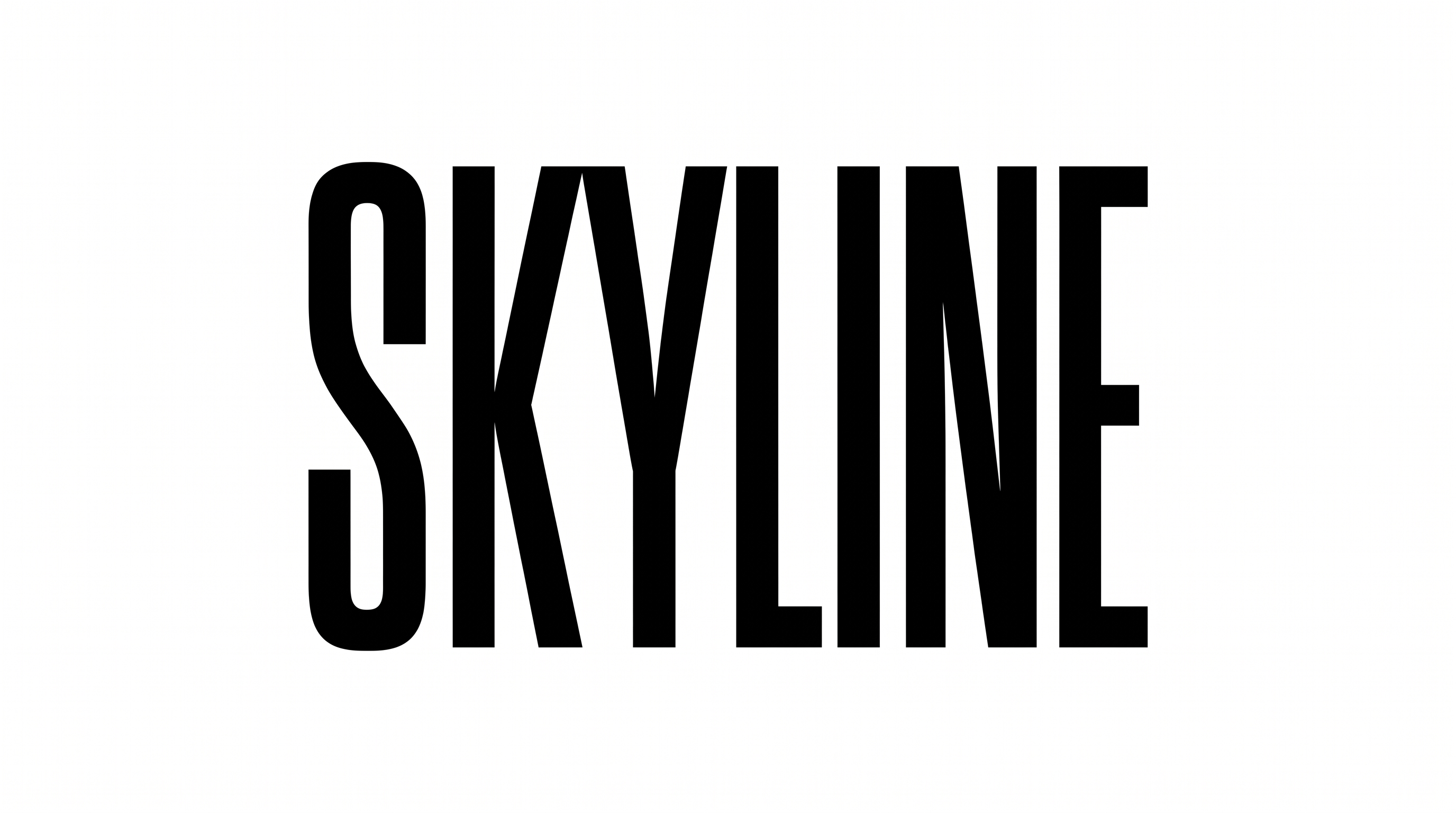
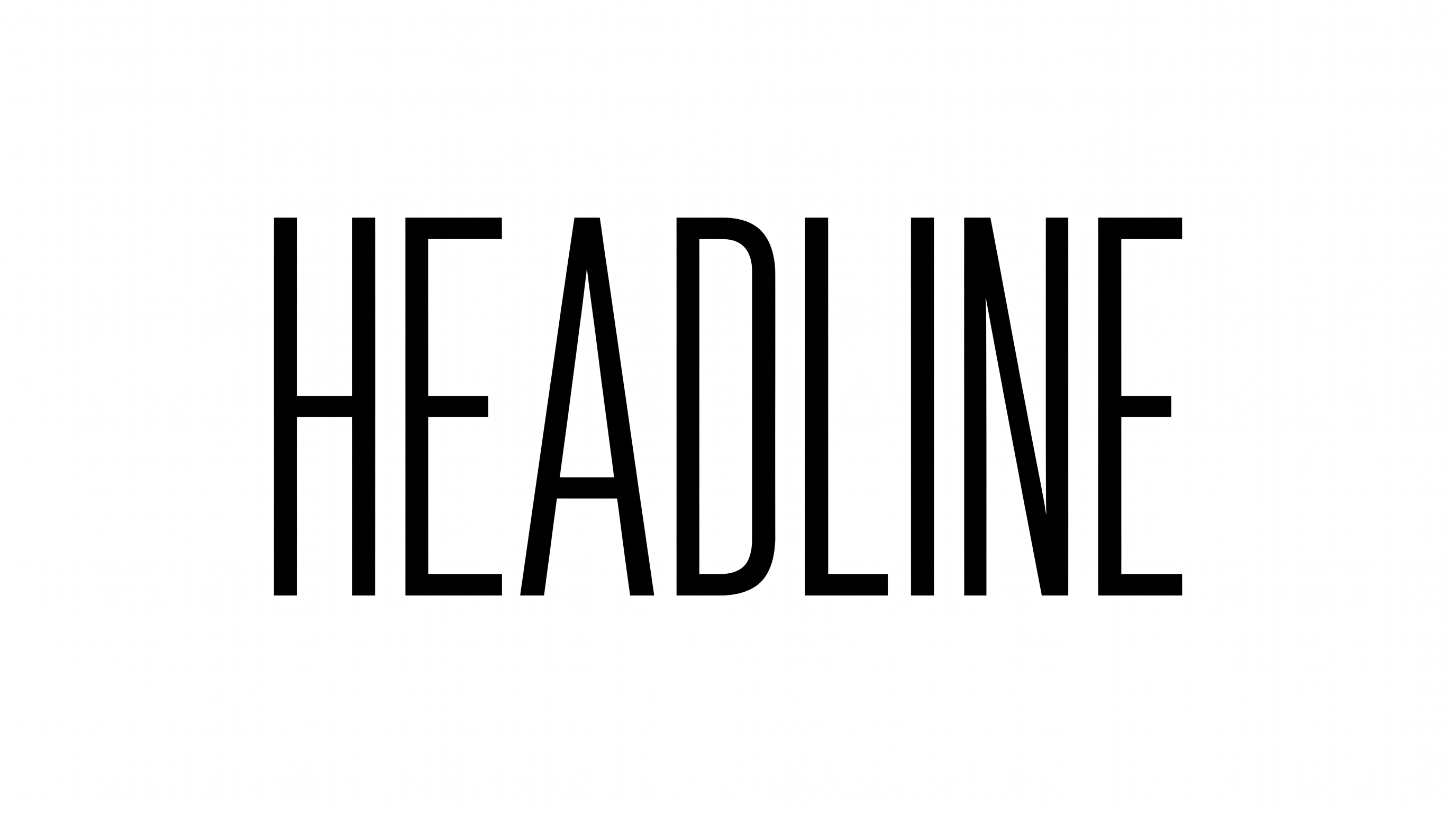
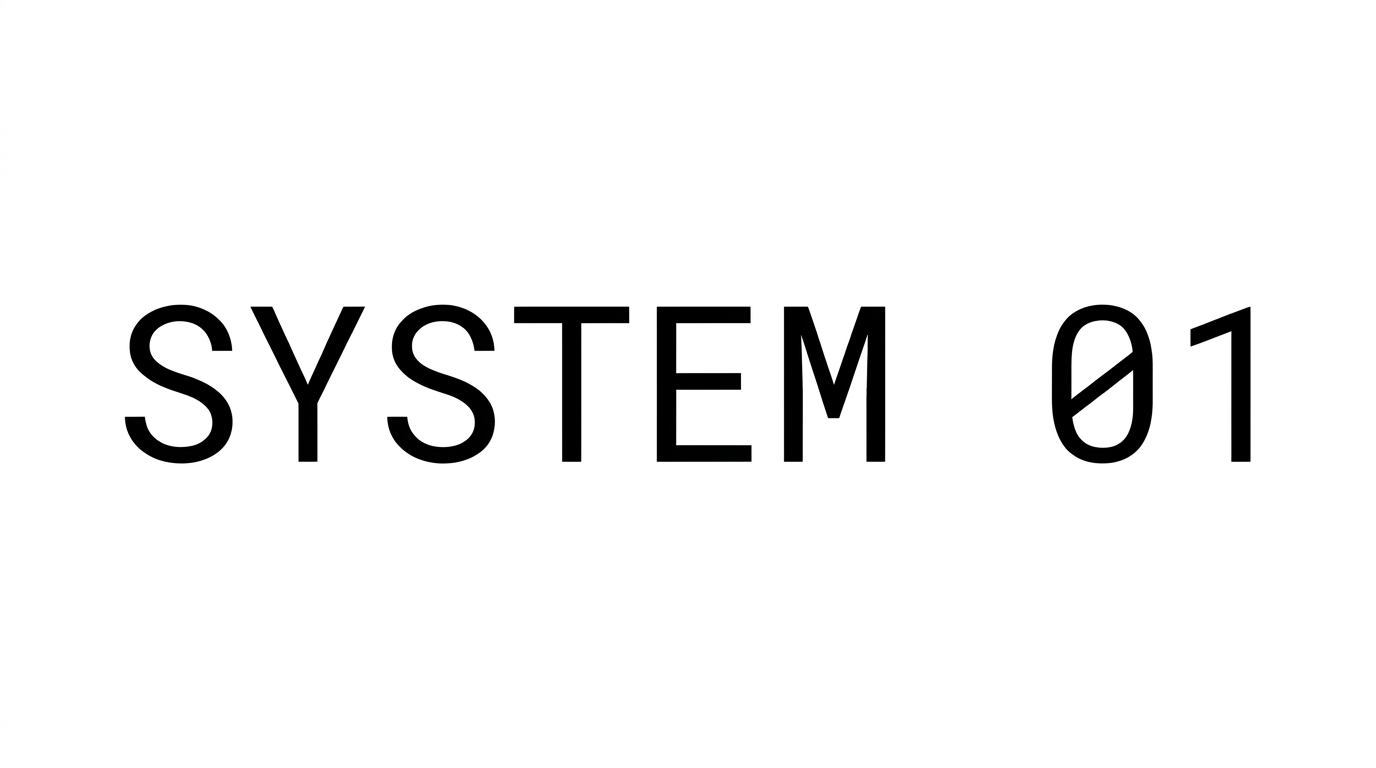
Tall, tightly spaced black capitals create a stark editorial look suited to headlines, covers, signage, and campaign graphics.

Enter the text to generate, e.g. Fontify.ai

Font color
Background
Templates
769
Generations
53
Downloads
207
Rating
5.0

How to Use the Display Sans Serif Font Generator

Shape a bold, condensed headline for the proportions and placement of your final design.

  1. 01

    Write a concise display headline

    Enter a short phrase that suits the tall, tightly spaced uppercase style.

  2. 02

    Set the image presentation

    Choose a font color, background option, and aspect ratio such as 16:9.

  3. 03

    Generate and download the artwork

    Review the rendered lettering, then download the finished image as PNG or SVG.

Display Sans Serif Font Style Profile

Tall narrow letters, heavy strokes, and tight spacing create a forceful editorial presence.

  • Letter Width

    Individual letters have distinctly narrow, vertically elongated proportions.

  • Stroke Weight

    Heavy stroke bodies give the capitals a strong visual presence.

  • Letter Spacing

    Small gaps place neighboring letters close together within each word.

  • Color Treatment

    Solid black fills create a stark and consistent treatment across the letters.

  • Stroke Endings

    Visible stroke endpoints use crisp, mostly flat cuts.

  • Letter Connections

    Letters remain separate, with clear breaks between neighboring characters.

Frequently asked questions about Display Sans Serif Font Generator

It turns your wording into a text image featuring tall, condensed, bold sans serif capitals. The tightly arranged lettering creates a direct editorial treatment suited to prominent headlines and display graphics.

The minimum membership covers personal use, while a higher membership covers commercial use. Review pricing to choose the membership that matches how you plan to use the finished artwork.

Yes, transparent-background output is supported for layering the lettering over other artwork. This template also provides font color, custom background color, uploaded background image, and image-size choices. Transparency is an output capability rather than a promise that every result uses it by default.

Yes, you can use the generator and download the resulting image through the available free-use options. Personal and commercial usage conditions differ, so review the applicable membership terms before using the artwork in a project.

Its tall, bold capitals work well as the primary message on billboards, covers, packaging, signs, and editorial openers. Use a short phrase at a prominent scale so the narrow proportions remain visually decisive.

Artwork from the Display Sans Serif Font Generator benefits from a concise headline and a clear surrounding margin. Keep free space around the condensed capitals, especially near page edges, folds, or packaging boundaries.

Limit the main line to a few important words and preview it at the intended display size. The narrow letters conserve horizontal space, while sufficient surrounding space helps their tight internal arrangement remain clear.

Pair the condensed display headline with a simpler supporting style for dates, captions, navigation, or body copy. In an online layout, use the bold capitals for hierarchy and give detailed information a calmer reading role.

The combination of heavy black strokes, narrow proportions, and uppercase construction creates a stark, assertive editorial mood. It can frame a message as direct and high-impact across campaign, publishing, music, or environmental graphics.
READY TO CREATE?

Create Custom Display Sans Serif Fonts & Text Effects

Try Display Sans Serif Font Generator Free