Get 5 Free Credits

Free Varsity Applique Font Generator Online

Turn names and headlines into bold collegiate block lettering with geometric forms and crisp outlines for team graphics or school banners.

Enter the text to generate, e.g. Fontify.ai

Font color
Background
Templates
369
Generations
92
Downloads
286
Rating
5.0

How to Use the Varsity Applique Font Generator

Shape bold outlined lettering for athletic graphics, apparel artwork, banners, and editorial covers.

  1. 01

    Enter your varsity wording

    Type a name, team phrase, title, or initial into the text field.

  2. 02

    Set the image presentation

    Choose a custom font color, background, and aspect ratio for your layout.

  3. 03

    Generate and download the artwork

    Review the geometric outlined result, then download it as a PNG or SVG image.

Varsity Applique Font Style Profile

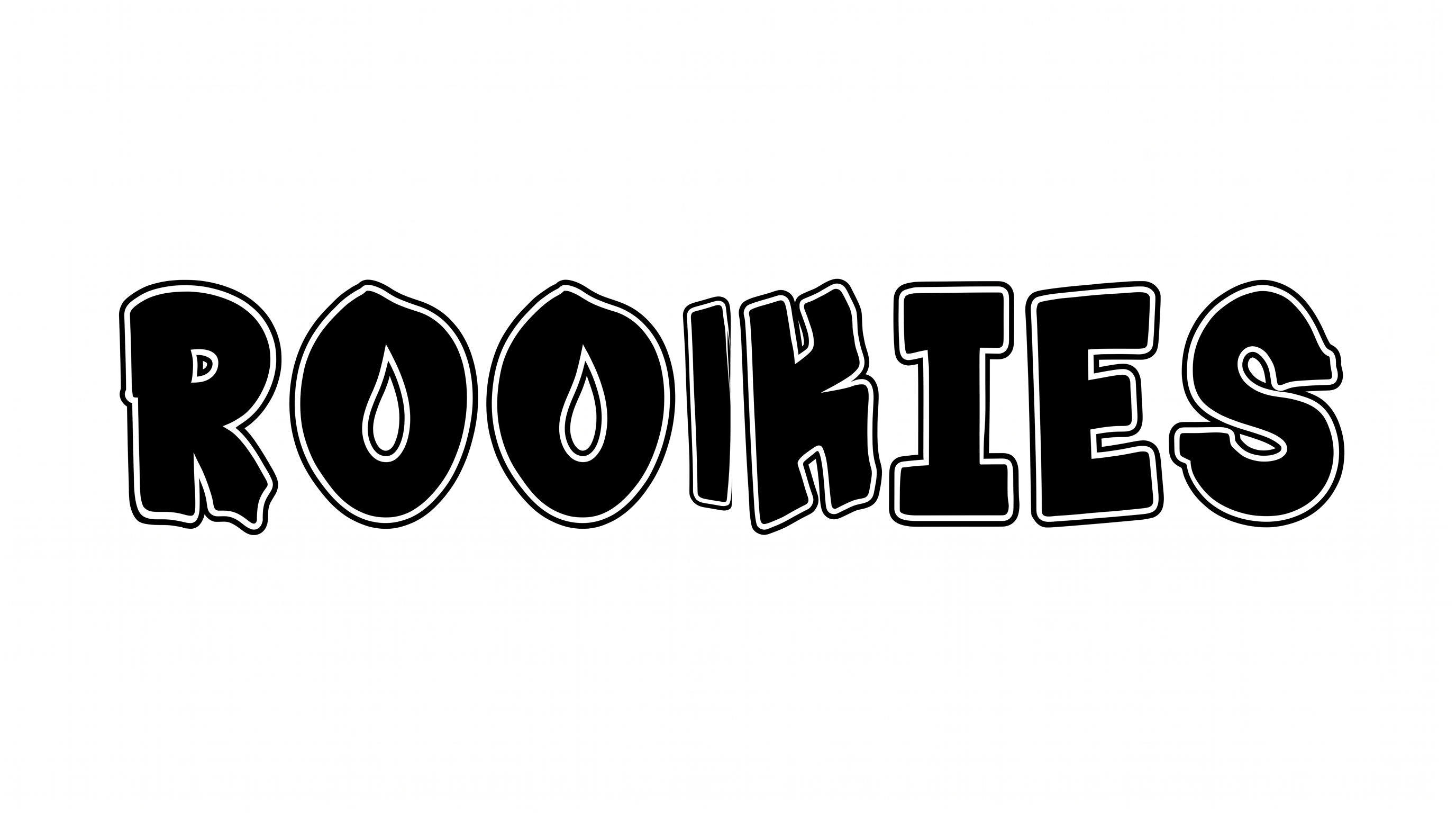
Heavy geometric construction, angular corners, and crisp layered outlines define the collegiate block lettering.

  • Outline

    A crisp light inset border and dark outer edge trace the letter shapes.

  • Letter Construction

    Straight segments and clipped upper joins build the geometric letterforms.

  • Stroke Weight

    Broad dark stroke bodies give the letters a heavy visual weight.

  • Corner Shape

    Clipped and square corners create an angular collegiate silhouette.

  • Color Treatment

    Solid dark faces and light borders create a high-contrast monochrome treatment.

  • Letter Width

    Broad capital forms give the lettering a wide, substantial appearance.

Frequently asked questions about Varsity Applique Font Generator

Yes. Transparent backgrounds are supported for layering the lettering over other artwork. This template also lets you select a custom font color, choose a custom background color, or upload a background image. Transparency is an output option rather than a guarantee for every generated result.

Commercial use depends on membership. The minimum membership covers personal use, while a higher membership covers commercial use. Review pricing to select the membership that matches your intended project before using the generated artwork commercially.

Enter your wording in the text field, select an available font color, background, and image size, then generate the design. Review the rendered lettering and download the result as a PNG or SVG image.

Browse the related tools section and compare each style's letter construction, outlines, spacing, and overall mood. Generate the same short phrase in several tools to judge which visual direction fits your layout most clearly.

The free online Varsity Applique Font Generator works well for school banners, apparel graphics, event tickets, book covers, product labels, and team-themed identity pieces. Use short wording when the lettering needs to act as a strong focal point.

Give the outlined lettering a prominent position and leave clear space around its angular silhouette. For a cover, banner, or ticket, place supporting details in a separate area so the main title retains a strong visual hierarchy.

Use a short word or initial, maintain strong contrast, and avoid crowding the outlined forms with nearby details. Check the generated image at its intended display size so the inner border and character openings remain distinct.

The geometric block forms and layered outlines create an athletic, collegiate mood with a structured presence. Pair the artwork with restrained supporting typography and simple shapes when you want the varsity lettering to remain the dominant visual element.
READY TO CREATE?

Create Custom Varsity Applique Fonts & Text Effects

Try Varsity Applique Font Generator Free