Get 5 Free Credits

Free Distressed Varsity Font Generator Online

Create condensed slab-serif block lettering with worn-ink distress for team apparel, posters, and athletic headlines.

Enter the text to generate, e.g. Fontify.ai

Font color
Background
Templates
369
Generations
83
Downloads
200
Rating
5.0

How to Use the Distressed Varsity Font Generator

Shape a worn collegiate headline for apparel, posters, signage, or athletic graphics.

  1. 01

    Enter your varsity wording

    Type a short heading that suits the condensed uppercase block lettering.

  2. 02

    Choose the image presentation

    Select a size such as 16:9, then choose a font color and background.

  3. 03

    Generate and download the artwork

    Review the rendered preview, then download the finished image as PNG or SVG.

Distressed Varsity Font Style Profile

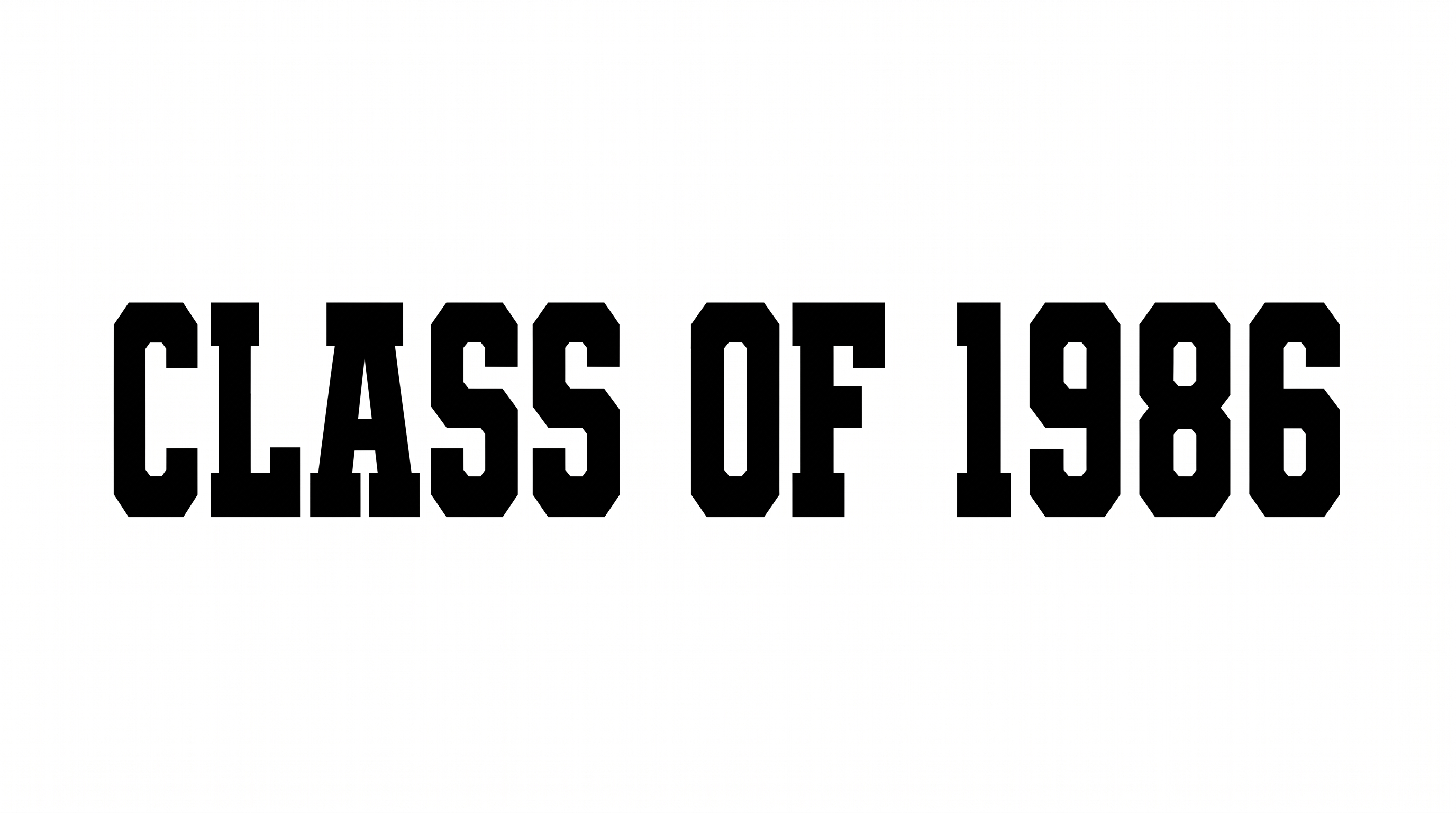
Worn surface texture, condensed slab-serif construction, and heavy strokes define the bold collegiate lettering.

  • Surface Texture

    Irregular chips and speckles create a visibly worn ink texture across the black letters.

  • Letter Construction

    Tall uppercase forms use a condensed collegiate slab-serif construction.

  • Stroke Weight

    Heavy stroke bodies give the uppercase letters a bold, solid presence.

  • Letter Width

    Most letters have narrow proportions that support the condensed wordmark.

  • Stroke Endings

    Broad slab serifs create firm, squared endings on visible strokes.

  • Letter Spacing

    Small, clear gaps keep the separate letters tightly arranged within each word.
Frequently asked questions about Distressed Varsity Font Generator

It creates a text image in condensed, uppercase slab-serif lettering with collegiate block construction and worn-ink distress. The rugged result works as visual artwork for athletic headlines, apparel concepts, posters, signage, and other designs that suit a vintage varsity mood.

Download the generated lettering as a PNG. Upload it in Canva or insert it into a Google Docs document. For Cricut, import the PNG into a project in the Cricut app, also known as Cricut Design Space. Treat the result as image artwork in each platform.

Type your wording, then choose an available font color, background, and image size. Generate the design and review the rendered preview. Download the finished image as PNG or SVG, depending on the format you want for your project.

Explore the related-tools section and compare the sample lettering rather than relying on names alone. Look for differences in construction, texture, width, and mood. Then choose a tool whose visual character fits your layout and intended use.

Use one strong line when space allows, with generous margins around the wide wordmark. Keep the area around the Distressed Varsity Font headline free of competing textures. Place dates or details in a simpler supporting style.

The heavy uppercase forms suit team announcements, event posters, scoreboards, and compact social graphics. For an online layout, keep the wording short and preserve clear surrounding space. Preview the artwork at its intended display size so the distressed texture remains legible.
READY TO CREATE?

Create Custom Distressed Varsity Fonts & Text Effects

Try Distressed Varsity Font Generator Free