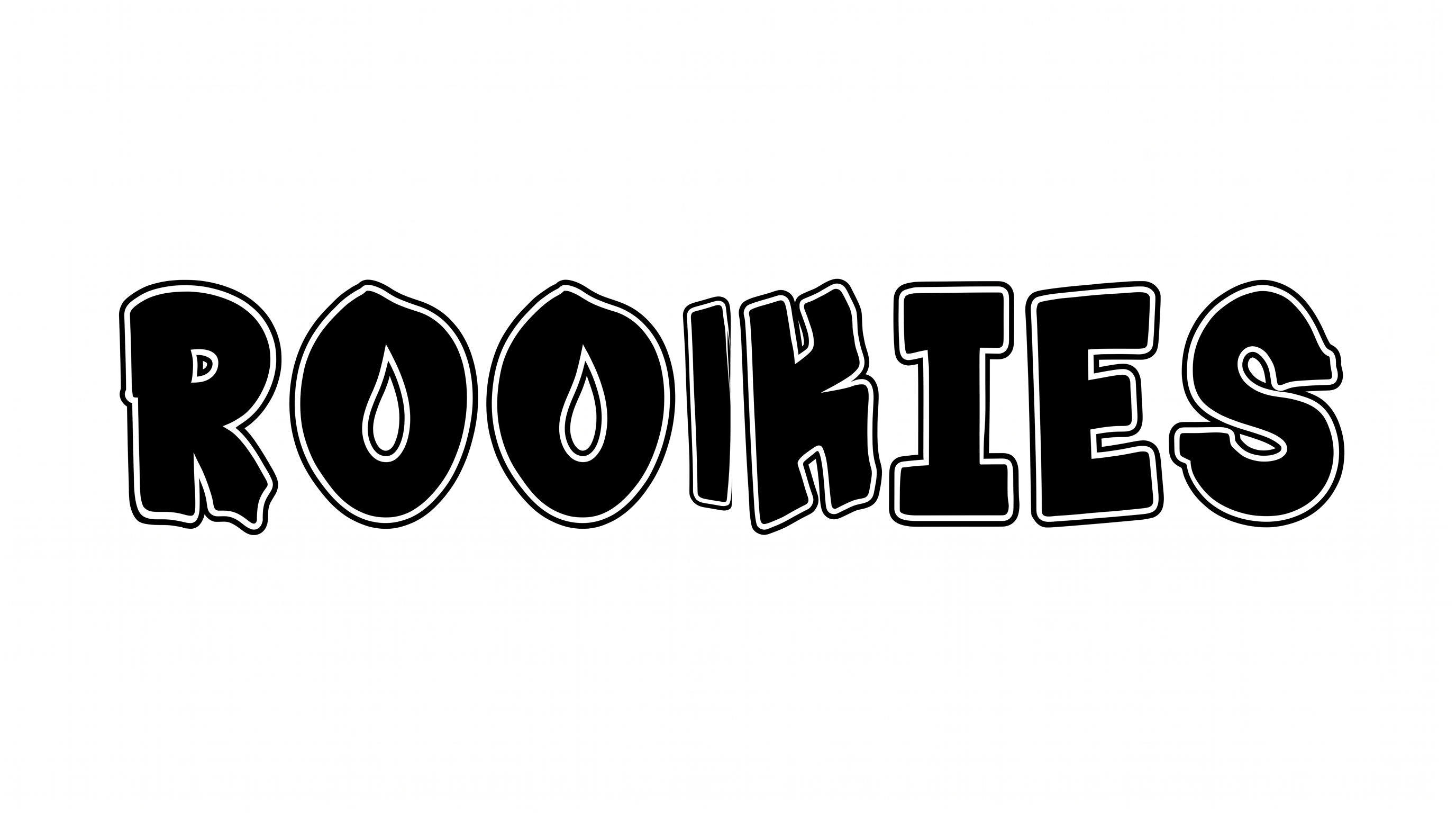
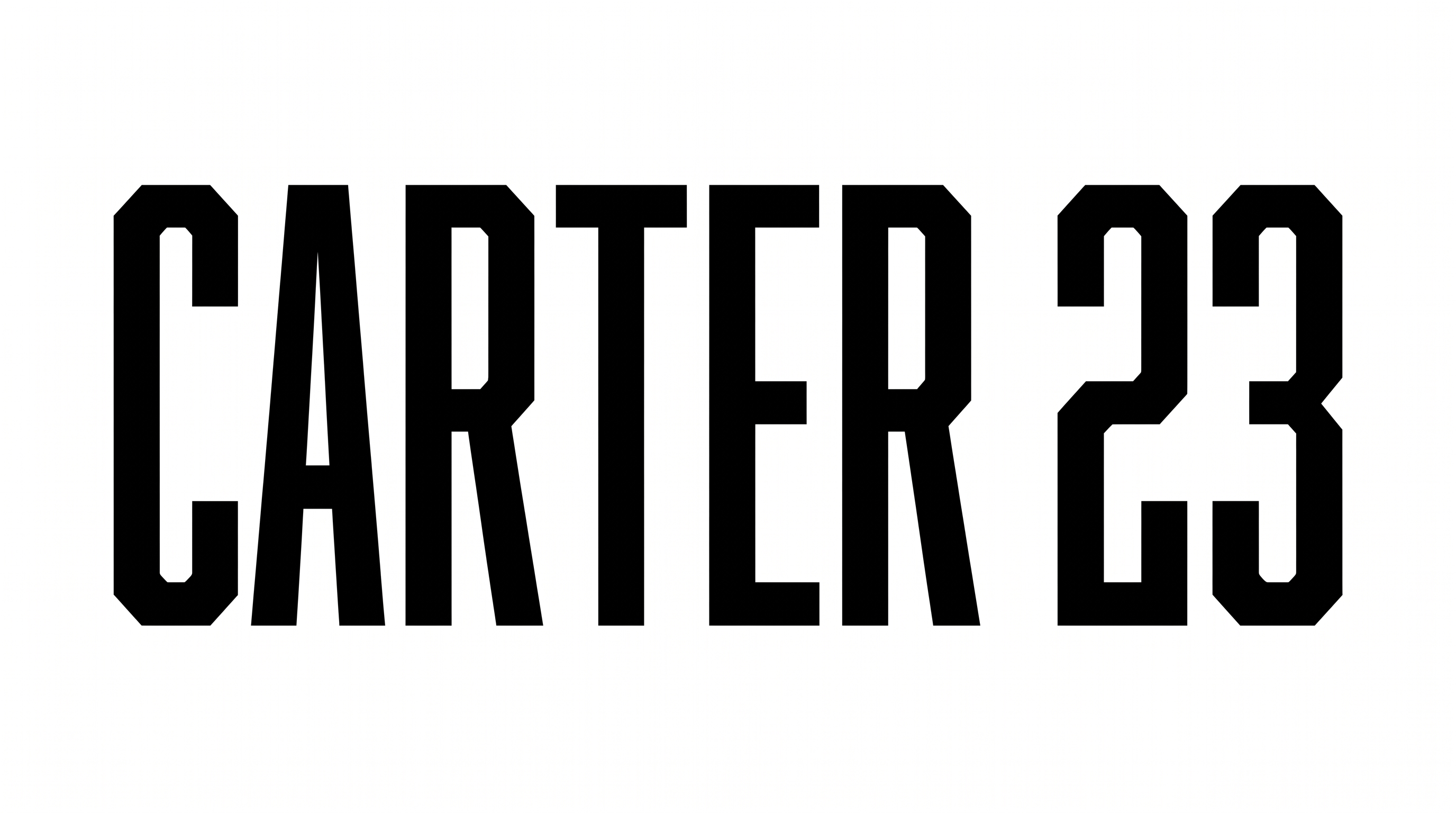
Free Retro Varsity Font Generator Online
Turn your words into tall, condensed slab-serif lettering with heavy strokes and a crisp inset outline, suited to team names and game-day graphics.
- Templates
- 369
- Generations
- 73
- Downloads
- 261
- Rating
- 5.0
How to Use the Retro Varsity Font Generator
Shape tall collegiate lettering for a clear sports headline, then save it for your layout.
- 01
Write your varsity headline
Enter a team name, player name, or headline for the tall condensed lettering.
- 02
Set the colors and image size
Choose font color, a custom background, and a 16:9 image size before generating.
- 03
Review and download PNG or SVG
Check the outlined letters in the preview, then download the finished PNG or SVG image.
Retro Varsity Font Generator in Use: Design Examples & Showcase
Compare how the condensed outlined lettering works across jerseys, tickets, pennants, posters, and other compact or large-scale sports layouts.
Retro Varsity Font Style Profile
Condensed slab forms, heavy strokes, and crisp inset outlines create a strong collegiate display style.
Outline
A crisp white inset contour follows the black letterforms inside a dark outer edge.
Letter Width
Tall, narrow proportions give individual letters a distinctly condensed appearance.
Stroke Endings
Broad slab serifs create flat, squared endings on the visible strokes.
Stroke Weight
Heavy, mostly even stroke bodies give the letters a strong display presence.
Letter Spacing
Clear, narrow gaps keep neighboring letters separate within each word.
Color Treatment
Black letter faces pair with a white inset line for a two-tone treatment.