Get 5 Free Credits

Free Western Embroidery Font Generator Online

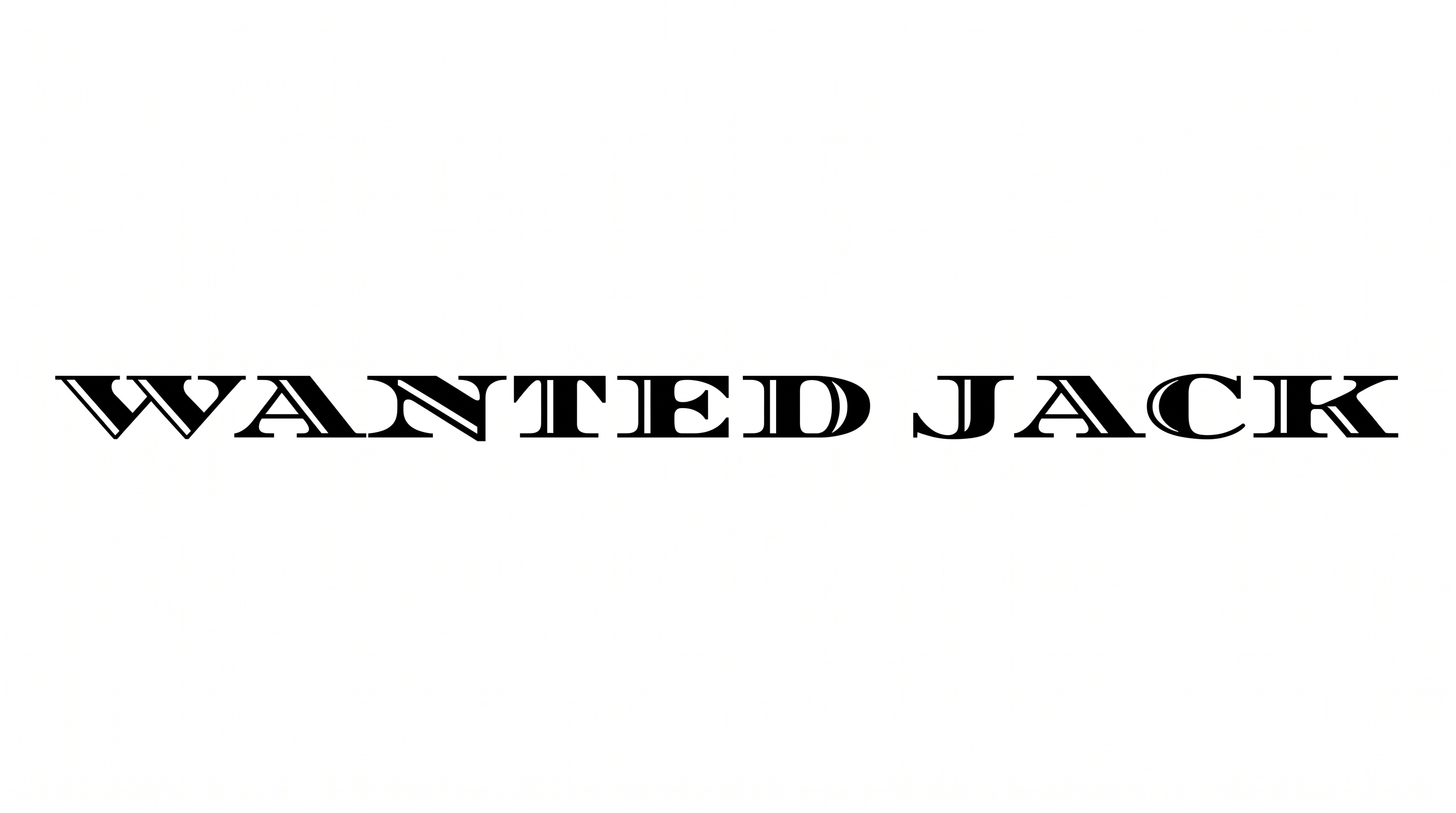
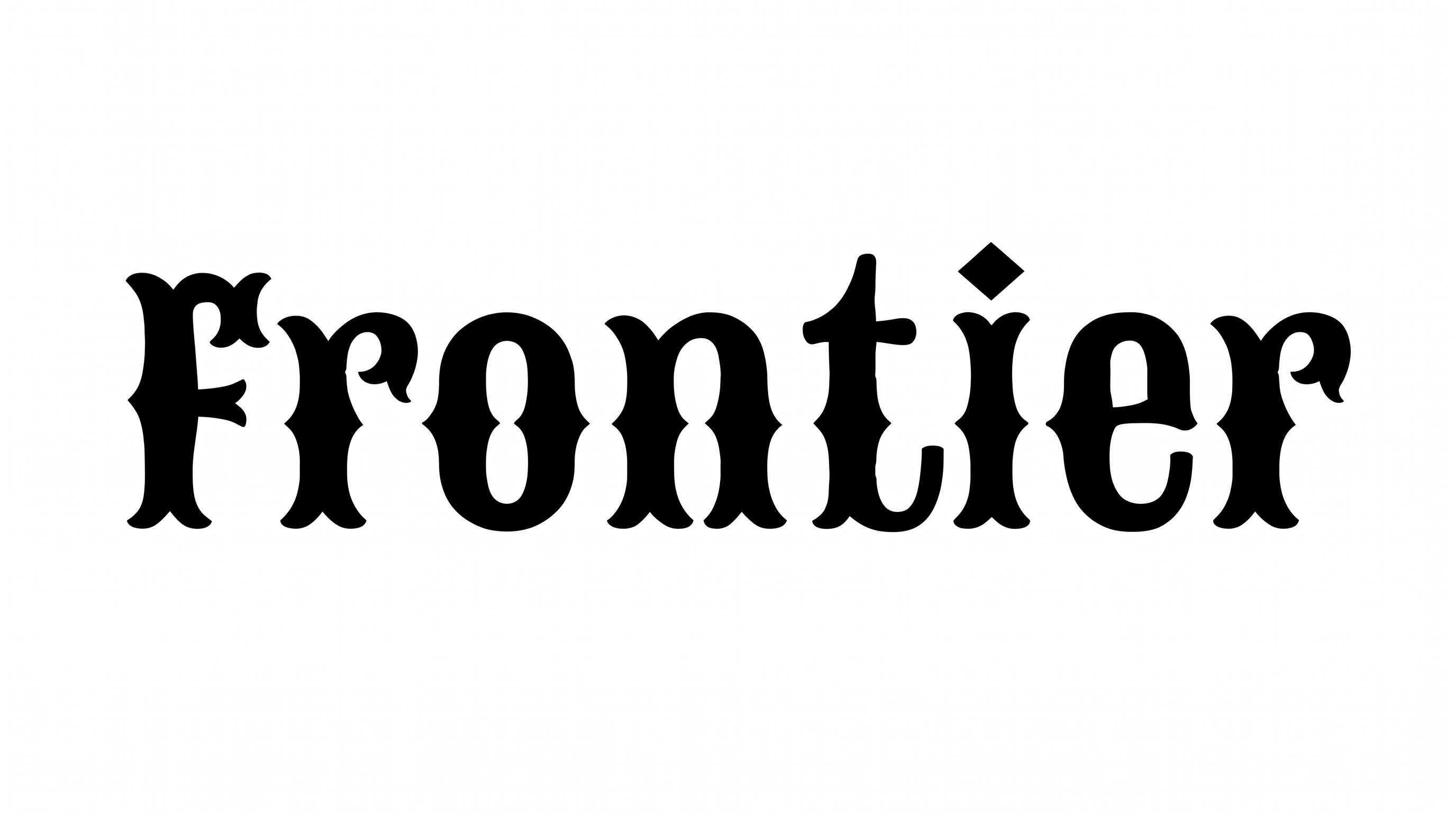
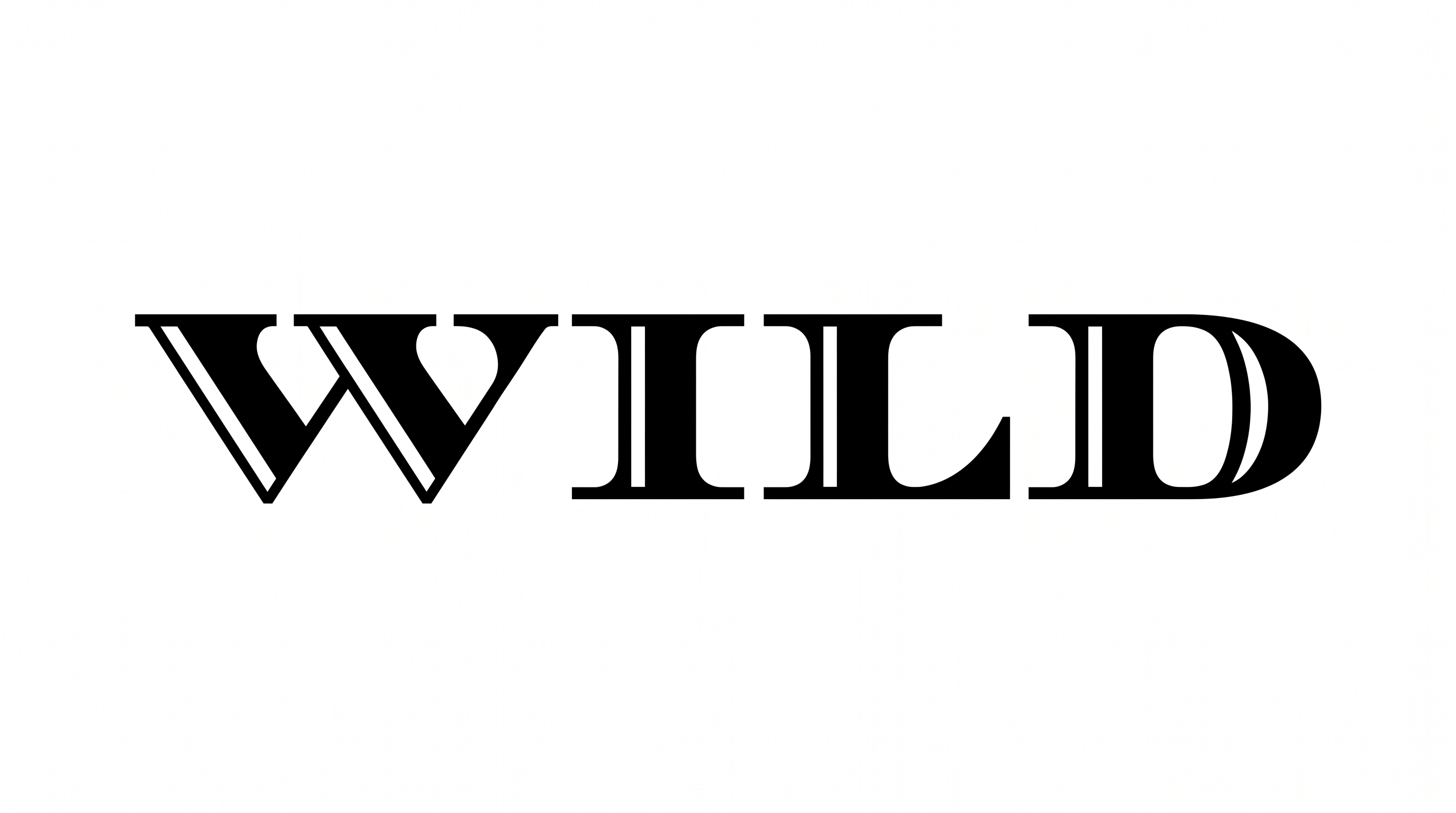
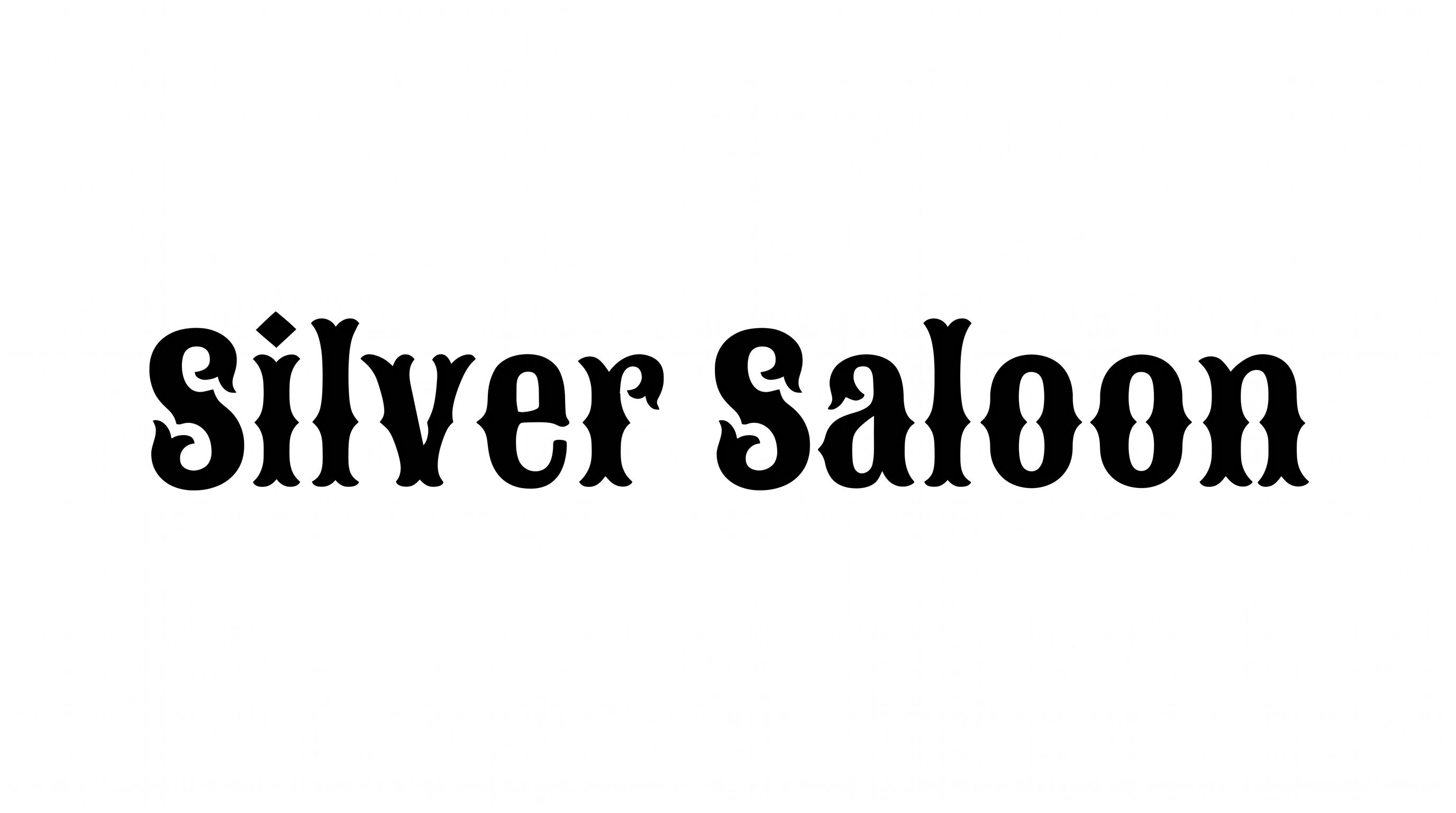
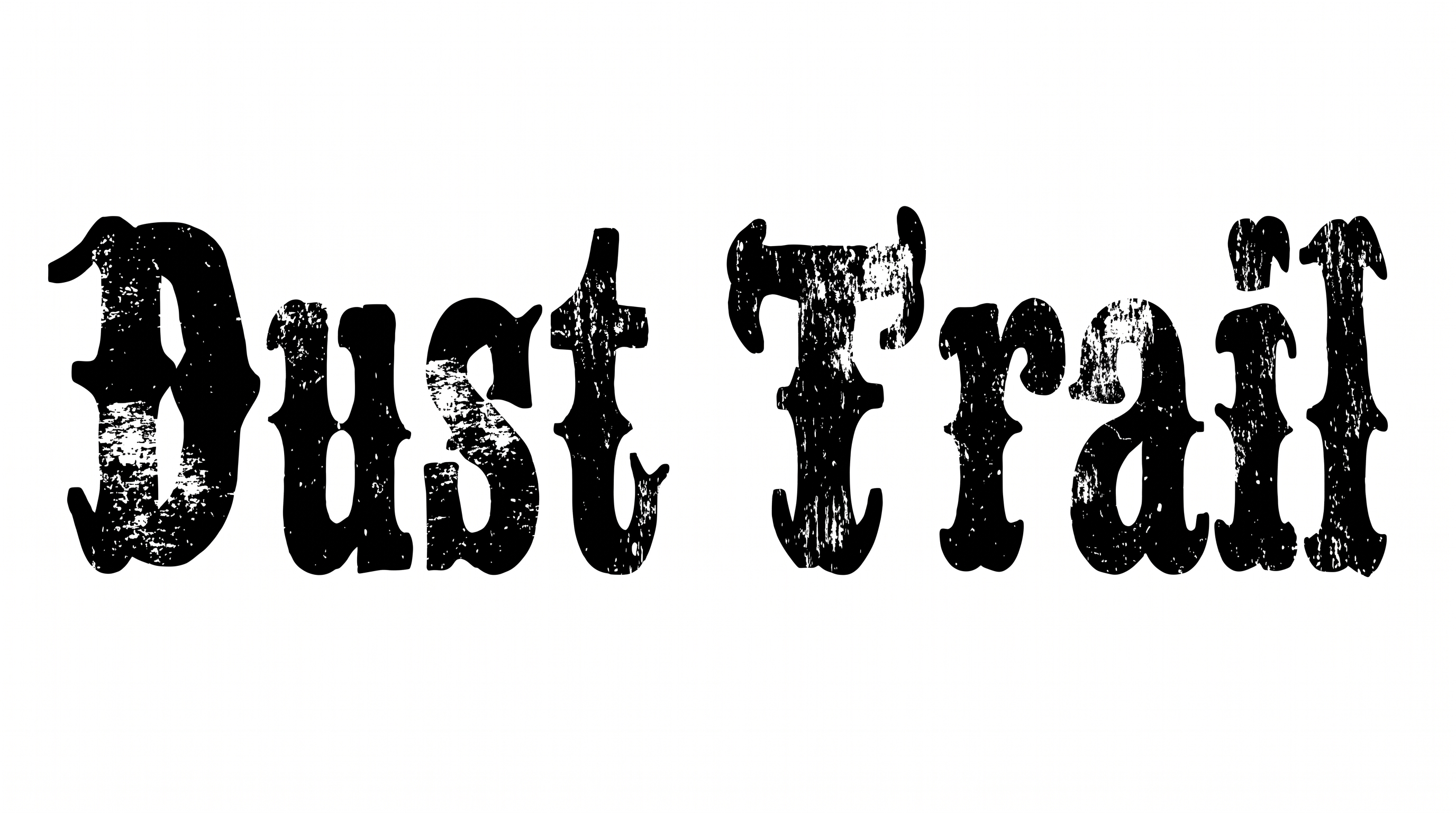
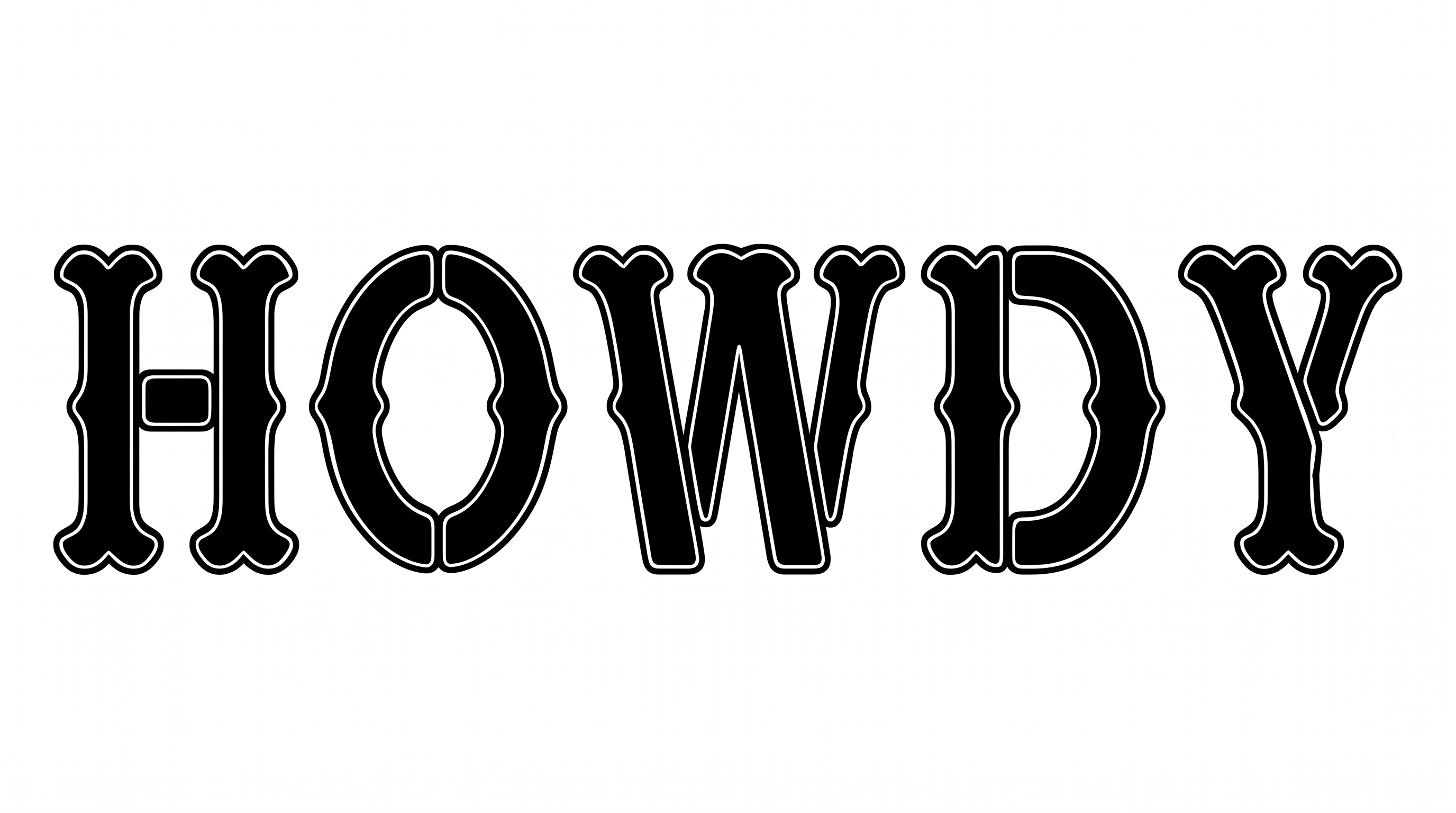
Heavy blackletter strokes and ornate Old English-inspired serifs give names and headings a compact, vintage western character.

Enter the text to generate, e.g. Fontify.ai

Font color
Background
Templates
747
Generations
129
Downloads
210
Rating
5.0

How to Use the Western Embroidery Font Generator

Shape bold blackletter wording for apparel, signs, or packaging while preserving ornate serif detail.

  1. 01

    Enter your western wording

    Type a short name or phrase for the compact, ornate blackletter treatment.

  2. 02

    Choose color and canvas

    Select a font color, then choose a custom background or a 16:9 image size.

  3. 03

    Generate and download PNG artwork

    Generate the text image, review the serif details, and download the finished PNG.

Western Embroidery Font Style Profile

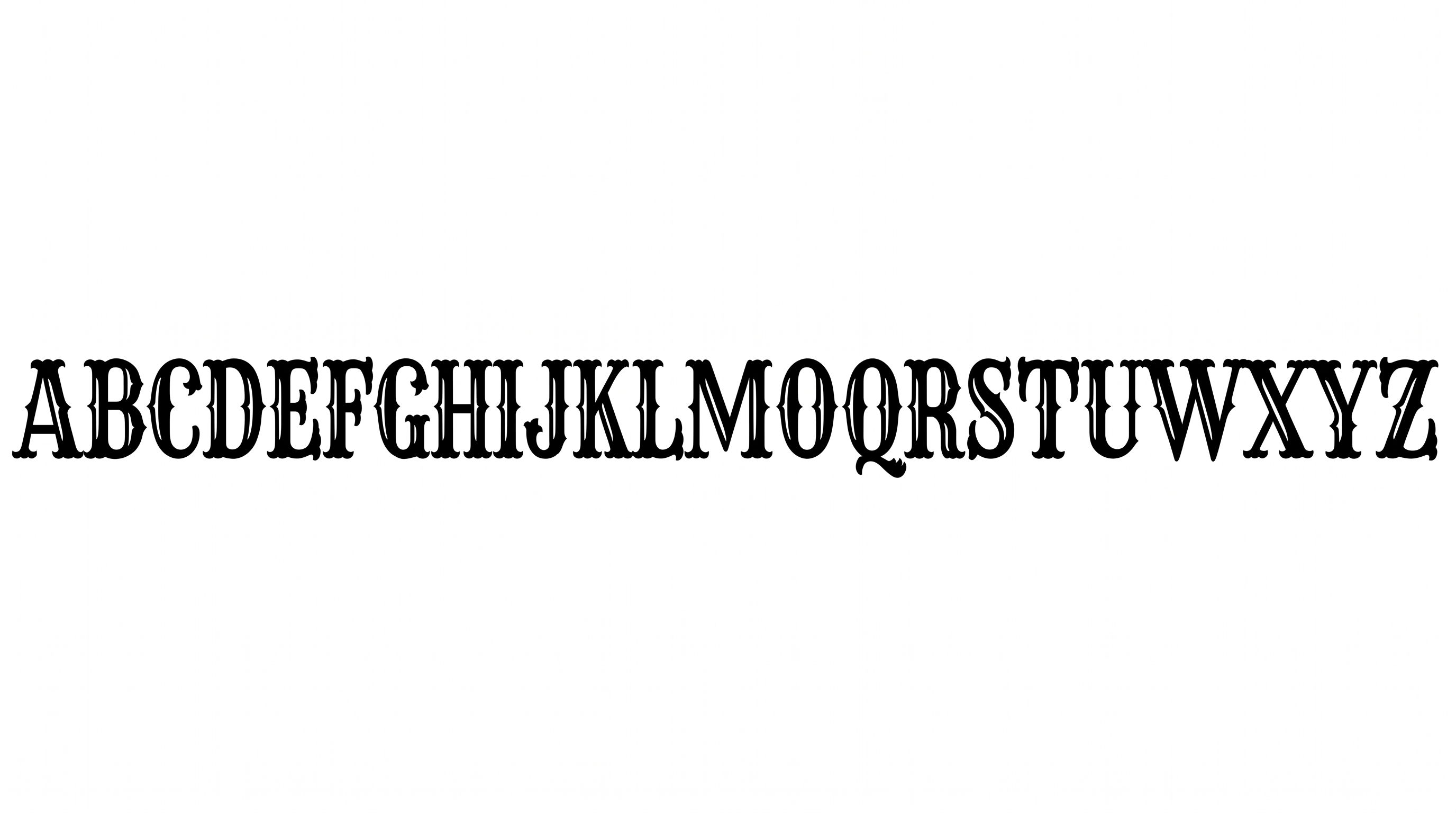
High stroke contrast, angular construction, and ornate endings define the compact blackletter forms.

  • Letter Construction

    Angular blackletter forms combine broad verticals with narrow internal cuts.

  • Stroke Contrast

    Broad vertical strokes contrast sharply with fine joins and interior cuts.

  • Stroke Endings

    Pointed, split serifs give visible stroke endings an ornate finish.

  • Corner Shape

    Sharp corners and hooked joins create a distinctly angular silhouette.

  • Flourishes

    Curved extensions on select letters add controlled ornamental movement.

  • Letter Spacing

    Close internal gaps keep the word compact while each letter remains distinct.
Frequently asked questions about Western Embroidery Font Generator

Yes. You can use the generator and download PNG or SVG artwork for free. Sign-in is required before generation. Free access describes tool use and downloading, rather than unlimited rights for every project.

Download the lettering as PNG artwork. Upload it in Canva and insert it into a Google Docs document. Import it into a project in the Cricut app, also known as Cricut Design Space. This workflow places a rendered image rather than installing a font or making its words natively editable.

Transparent backgrounds are supported for layering the lettering over other artwork. This template also lets you choose a custom font color, set a custom background color, or upload a background image. Transparency is supported independently of those template controls and is not necessarily the default.

The minimum membership covers personal use, while a higher membership covers commercial use. Check pricing to choose the membership that matches your project and intended distribution. Generator access alone does not determine commercial rights.

Use the free Western Embroidery Font Generator to keep wording short and give the heavy blackletter shapes generous surrounding space. Preview the image at its intended display size, especially for tickets, wristbands, or other compact layouts.

The compact, ornate blackletter character suits denim embroidery, saloon signs, rodeo tickets, packaging, and music artwork. Use it for a prominent name or short heading, then pair it with simpler supporting text for details.
READY TO CREATE?

Create Custom Western Embroidery Fonts & Text Effects

Try Western Embroidery Font Generator Free