Get 5 Free Credits

Free Western Serif Font Generator Online

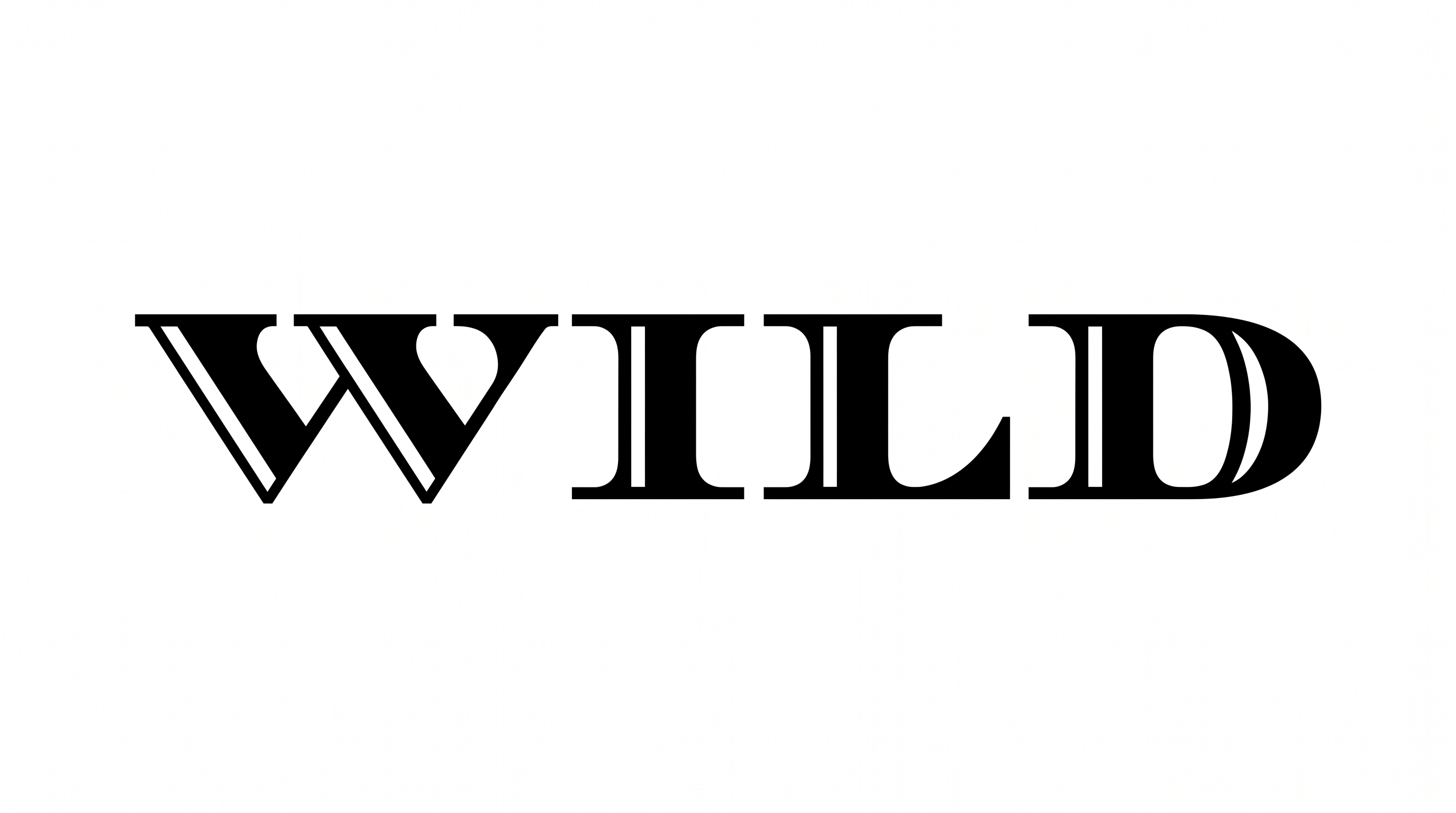
Build wide western slab-serif lettering with crisp white inset highlights and subtle lower-right depth, suited to bold storefront signs.

Enter the text to generate, e.g. Fontify.ai

Font color
Background
Templates
747
Generations
139
Downloads
205
Rating
5.0

How to Use the Western Serif Font Generator

Shape bold western headlines with broad slab serifs and save the finished artwork for your layout.

  1. 01

    Write your western headline

    Enter a short word or headline to suit the broad slab-serif letterforms.

  2. 02

    Set the canvas and colors

    Select an aspect ratio, font color, and template, custom, or uploaded background.

  3. 03

    Generate and save PNG or SVG

    Review the inset lettering at its intended size, then download the image.

Western Serif Font Style Profile

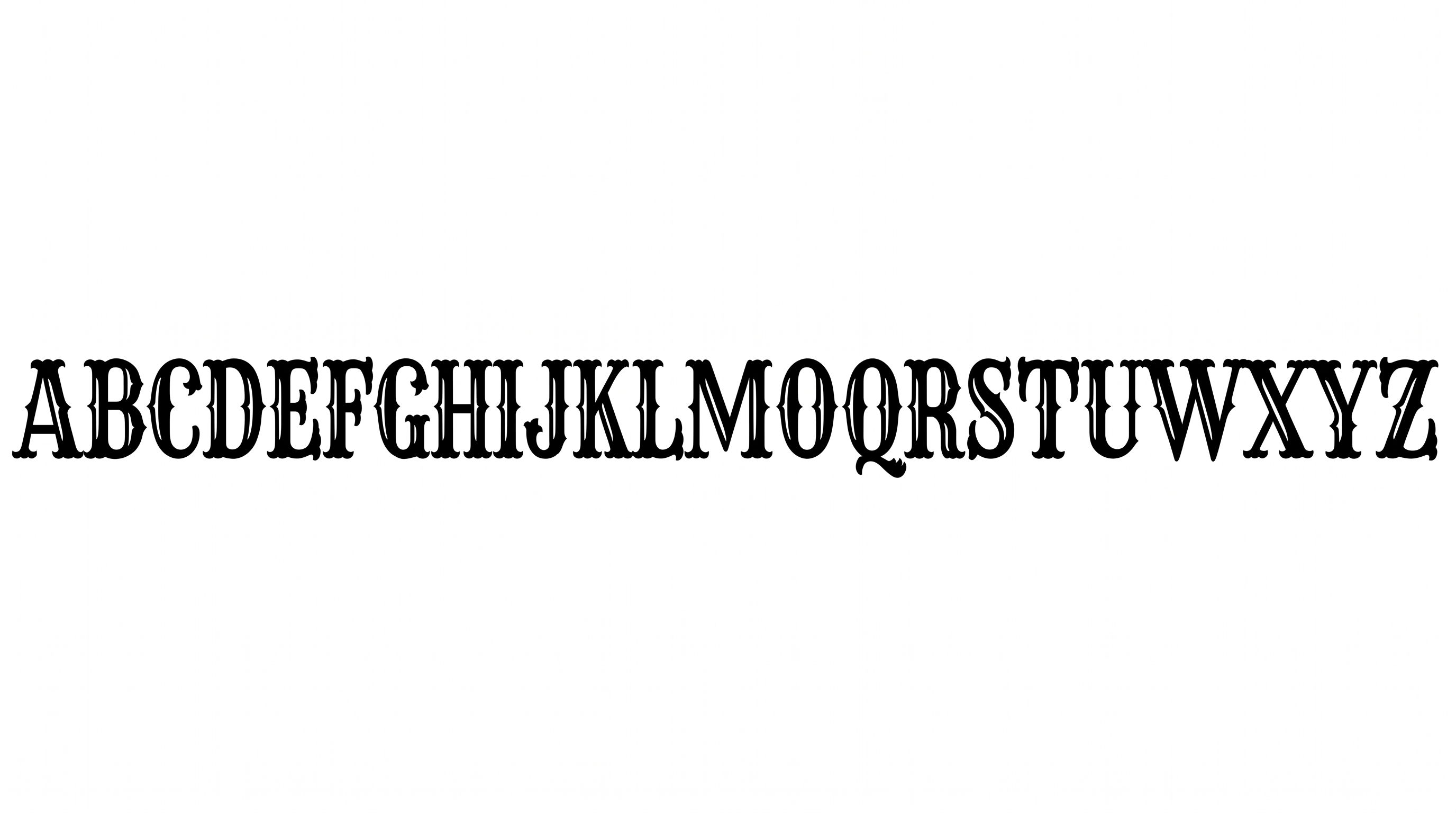
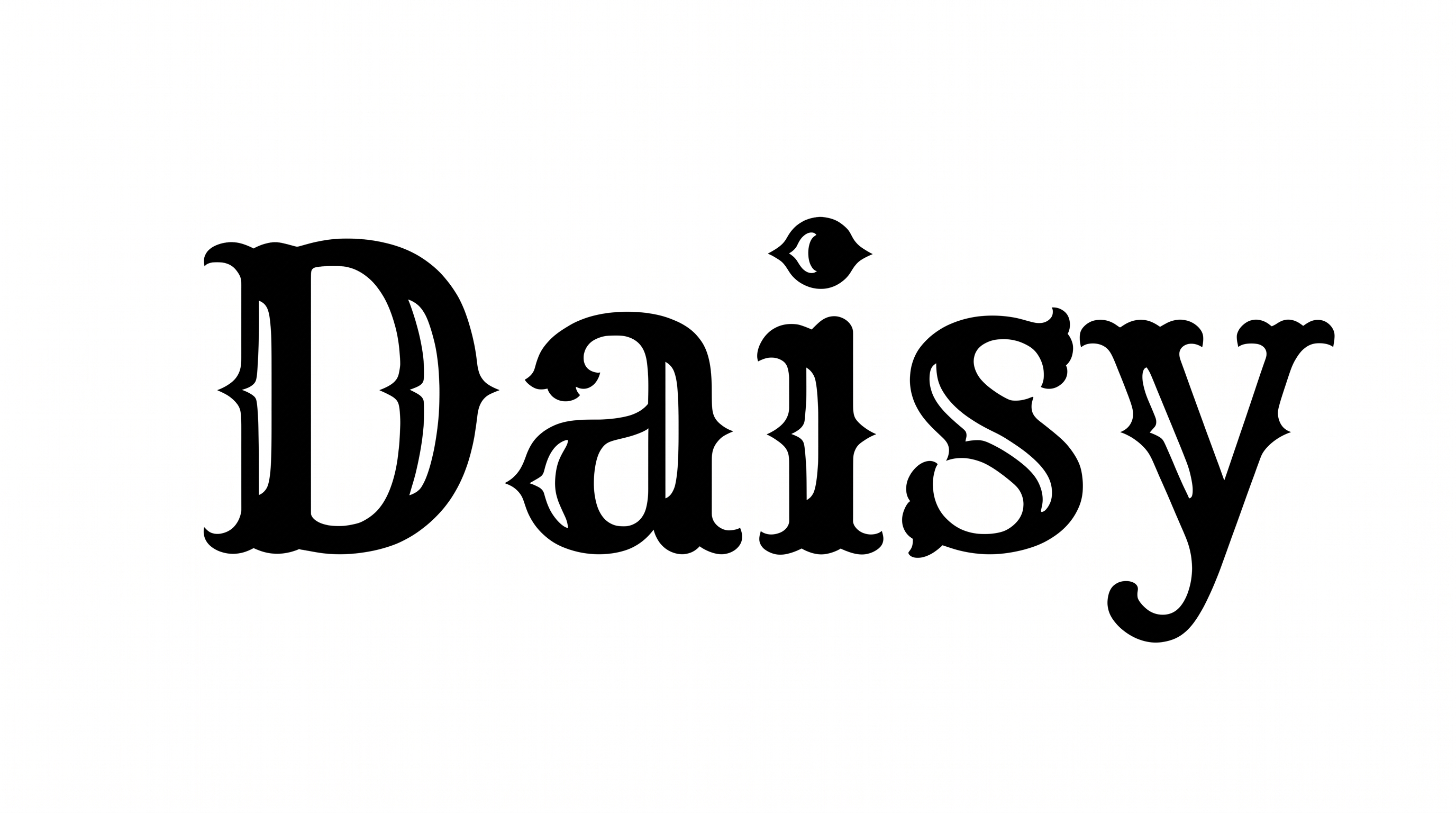
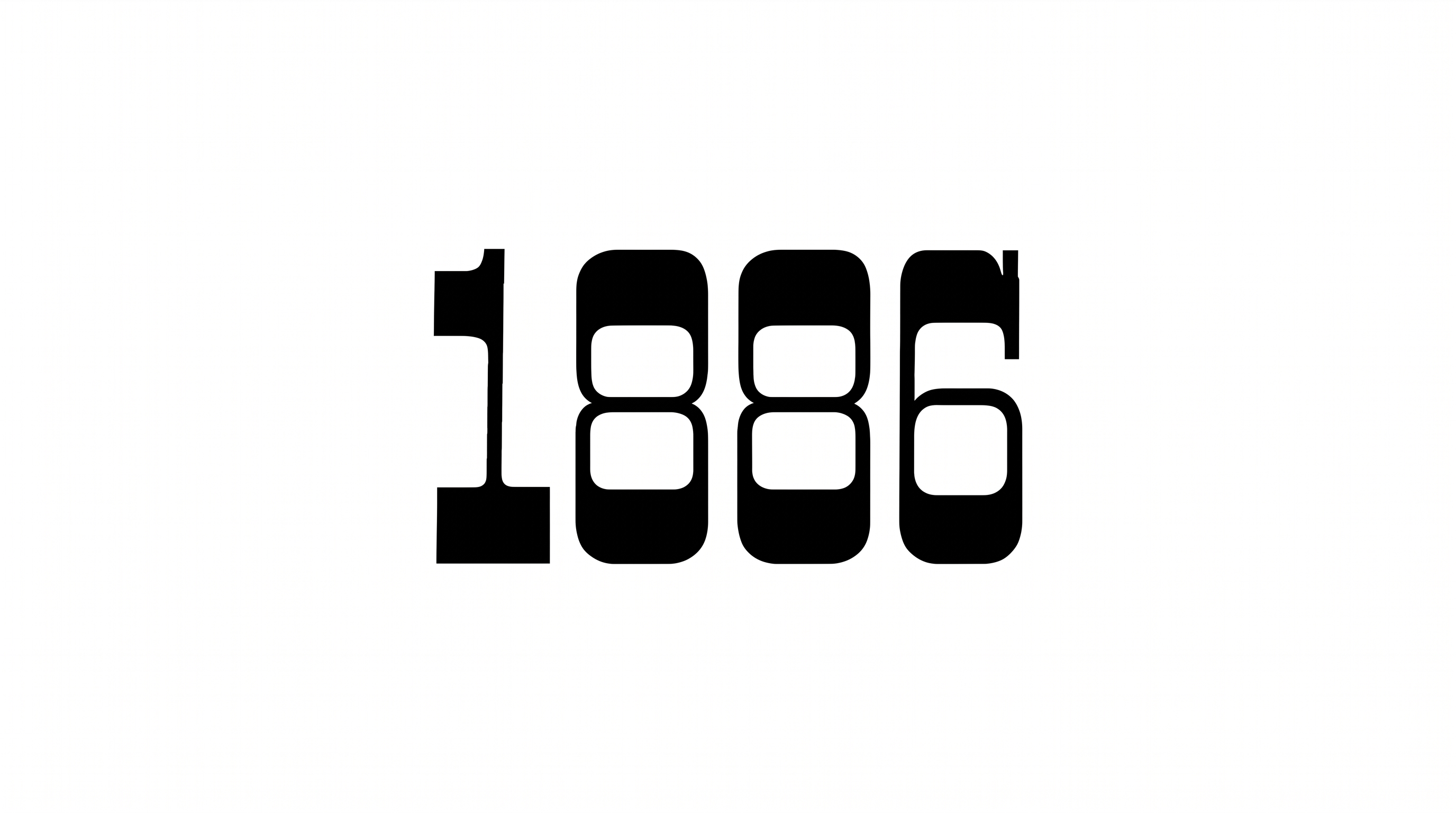
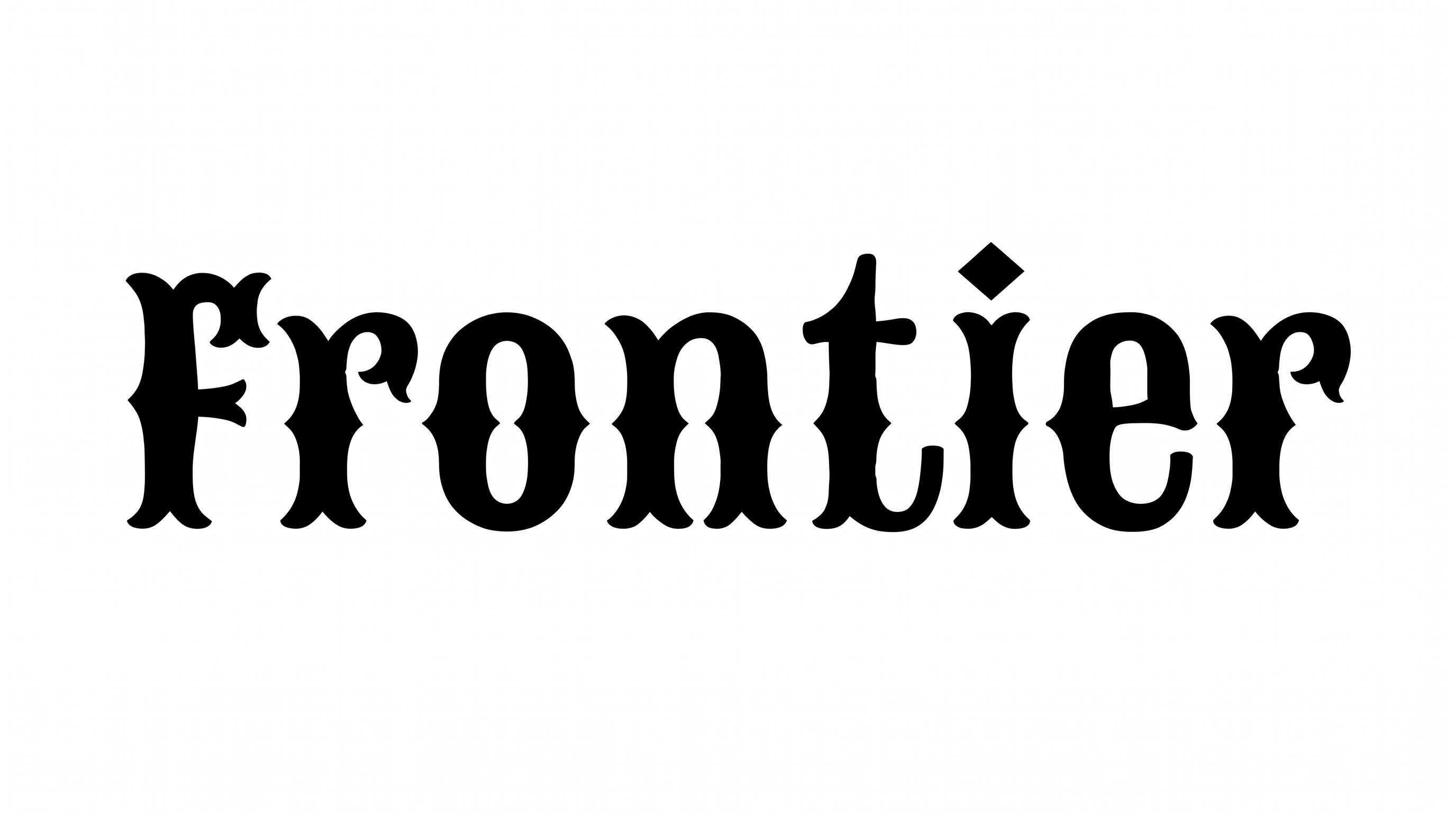
Heavy slab endings, crisp inset outlines, and restrained depth give the lettering a bold dimensional structure.

  • Outline

    A crisp white inset line follows the interior of each solid black letter.

  • Stroke Endings

    Prominent slab serifs create broad, flat endings across the visible letters.

  • Stroke Weight

    Heavy stroke bodies give the letterforms a substantial, sturdy presence.

  • Letter Width

    Broad character proportions create a wide, expansive word shape.

  • Color Treatment

    Solid black faces and white inset accents form a stark two-color treatment.

  • Depth

    Restrained lower-right accents add a shallow dimensional edge to the letters.

Frequently asked questions about Western Serif Font Generator

Transparent backgrounds are supported, letting you layer the lettering over other artwork. This template also provides font color, custom background color, uploaded background image, and image-size choices. Select the options that suit your final composition before generating the image.

The minimum membership covers personal use, while a higher membership covers commercial use. Review pricing to identify the membership that applies to your project before using the artwork commercially.

Browse the related-tools area and compare letter structure, weight, decorative treatment, and overall mood. Choose a direction that fits your intended sign, package, cover, or headline rather than relying on a named alternative.

Enter your text, choose the font color, background, and image size, then generate the design. Review the result and download it as PNG or SVG artwork. These image formats produce artwork rather than an installable font file.

Keep the headline short enough for the broad letters and inset details to remain distinct. Leave free space around the artwork so nearby elements do not compete with its silhouette. Preview the design at its intended online display size.

Use it where a strong display headline can lead the composition, such as a storefront sign, package label, book cover, menu, or event piece. Give the wide letterforms enough horizontal room and place supporting information in a simpler secondary style.
READY TO CREATE?

Create Custom Western Serif Fonts & Text Effects

Try Western Serif Font Generator Free