Get 5 Free Credits

Free Howdy Western Font Generator Online

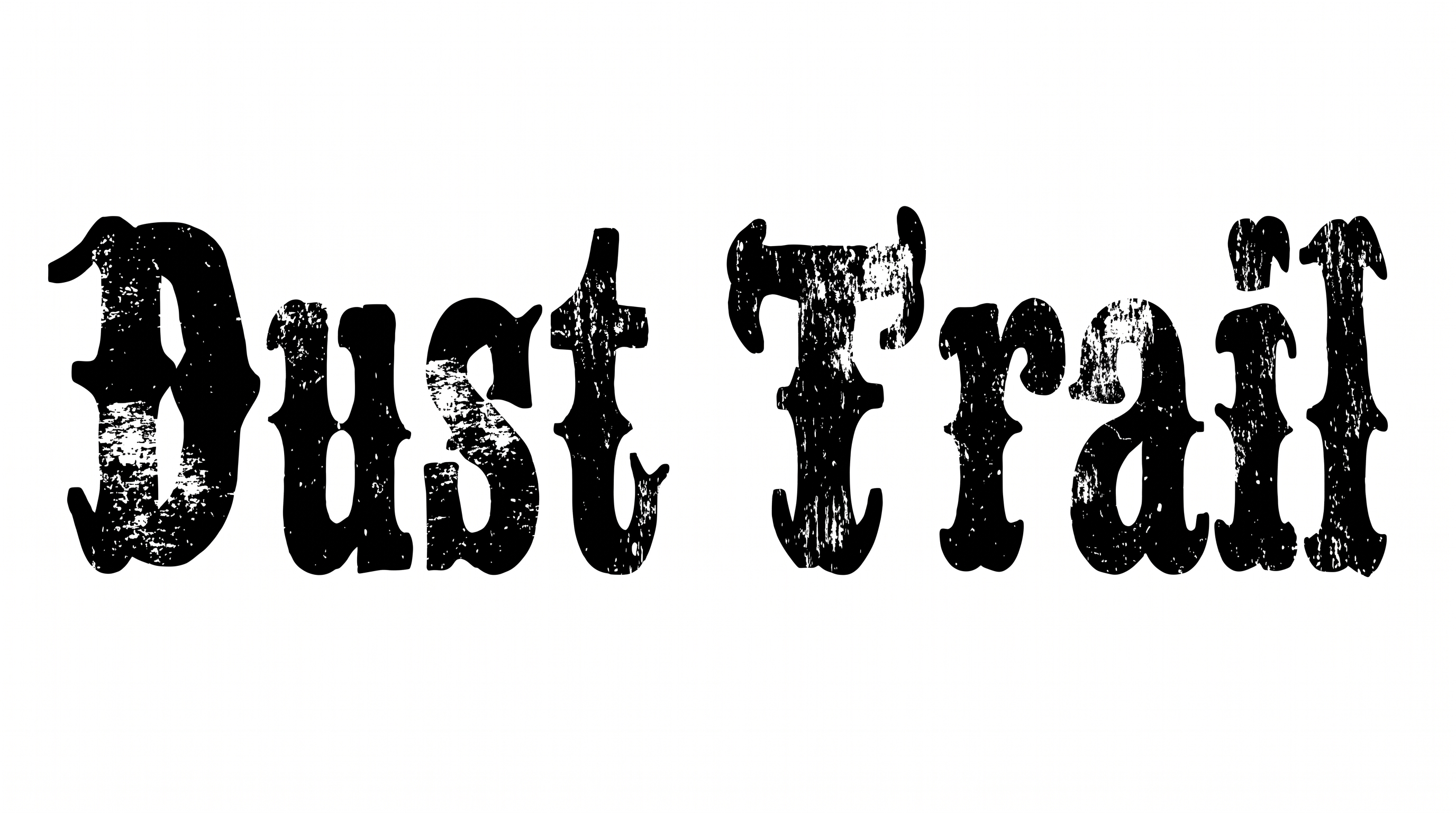
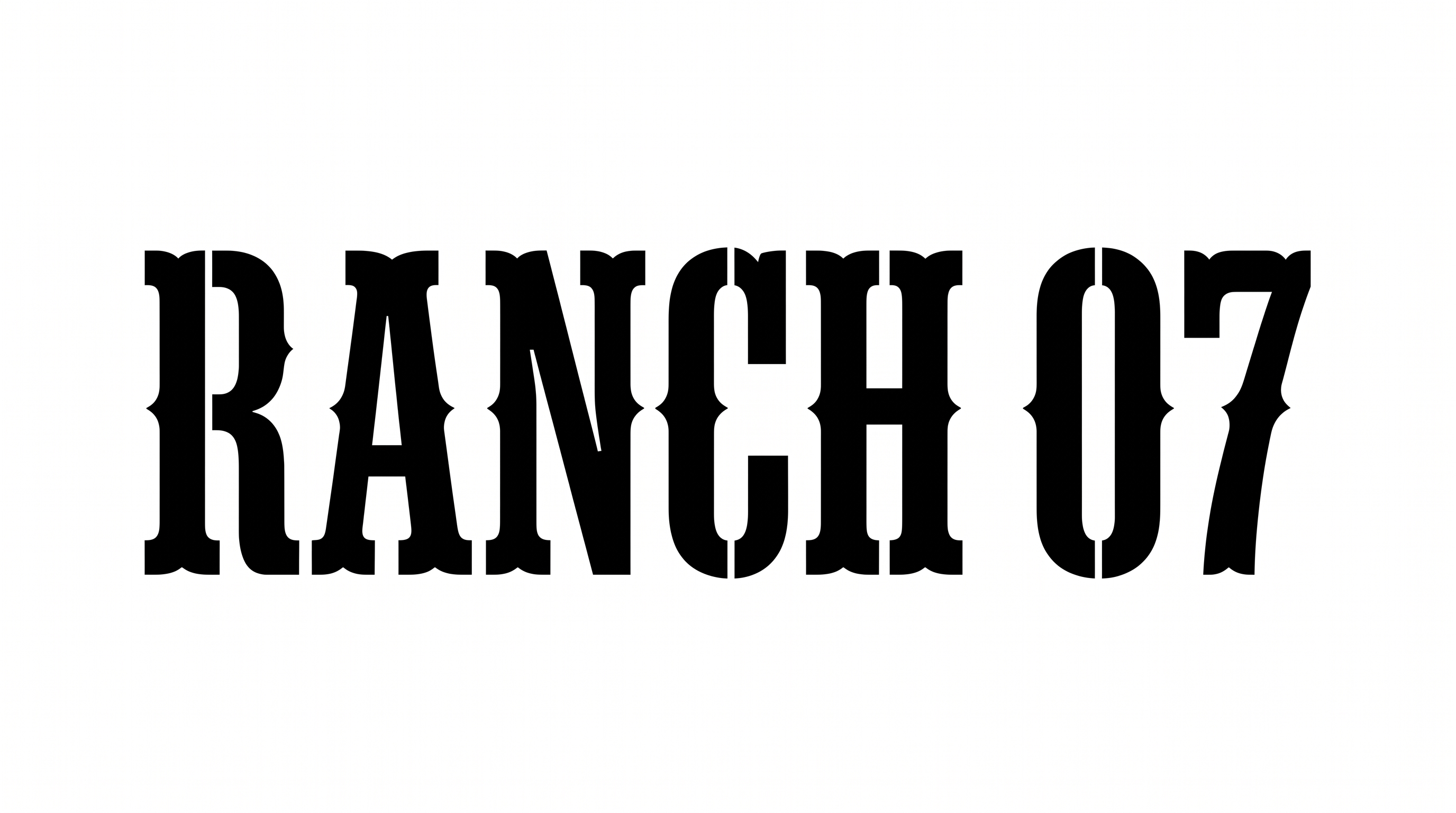
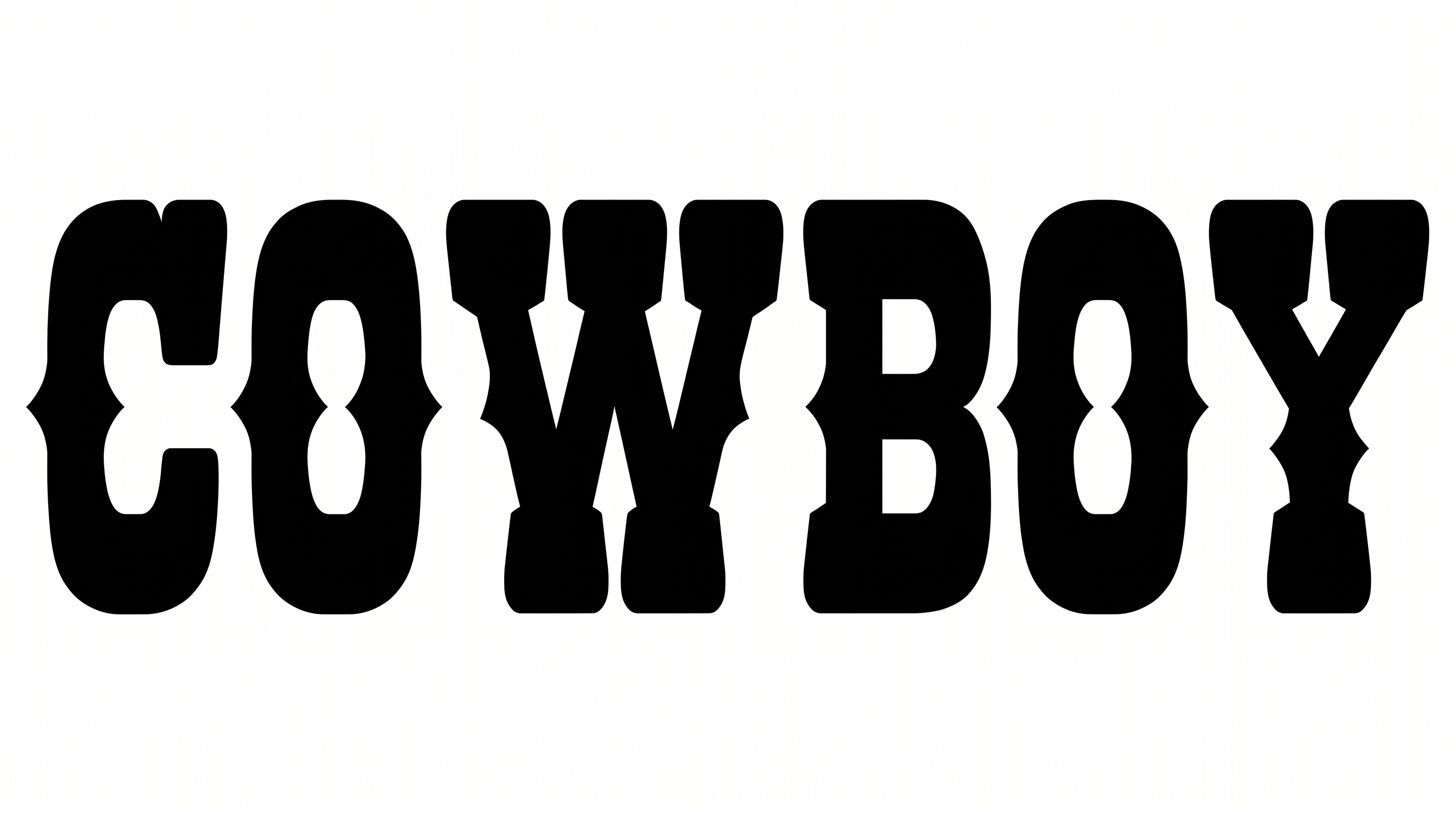
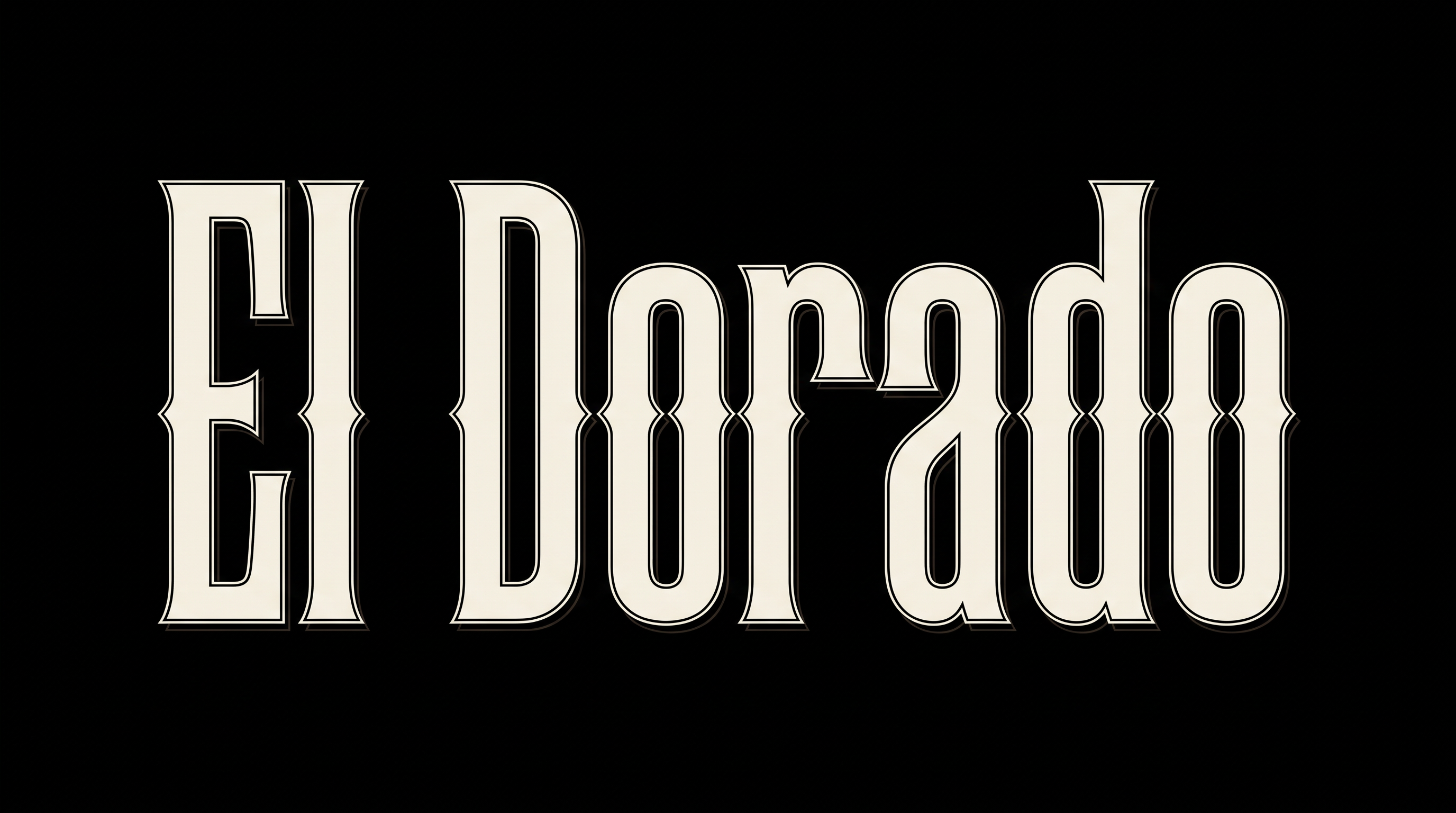
Heavy Tuscan capitals, curled terminals, and precise inline detailing give short wordmarks a bold vintage Western character.

Enter the text to generate, e.g. Fontify.ai

Font color
Background
Templates
747
Generations
120
Downloads
251
Rating
5.0

How to Use the Howdy Western Font Generator

Build bold Western display artwork while preserving the curled terminals and fine inline detail.

  1. 01

    Enter your wording

    Type the short title, name, or phrase you want to display.

  2. 02

    Shape the composition

    Choose a font color, background, and 16:9 image size for a wide composition.

  3. 03

    Generate and save the artwork

    Generate the image, review the inline detail, then download it as PNG or SVG.

Howdy Western Font Style Profile

Heavy capitals, curled terminals, and crisp inset outlines create a distinctive vintage display style.

  • Stroke Endings

    Curled, split terminals give the capitals a distinctive Tuscan finish.

  • Stroke Weight

    Heavy stroke bodies give the uppercase letters a bold, substantial presence.

  • Outline

    A crisp light inset line follows the dark faces of the letters.

  • Letter Construction

    Solid uppercase forms use inset divisions within their broad letter bodies.

  • Letter Spacing

    Clear gaps keep neighboring capitals separate across each word.

  • Letter Width

    Many capitals have broad proportions suited to prominent display settings.
Frequently asked questions about Howdy Western Font Generator

The generator turns your wording into an image featuring bold Western display lettering. Heavy Tuscan capitals, curled terminals, and light inset detailing give the result a vintage wordmark character suited to prominent titles and brand marks.

Yes. You can use the generator and download the resulting artwork under the supported free-use options. Those options do not by themselves grant free commercial rights, so check the applicable usage terms for your project.

The minimum membership covers personal use, while a higher membership covers commercial use. Review pricing to choose the membership that matches your intended project before using the artwork commercially, including for branding, packaging, or client work.

Type your wording, choose an available font color, background, and image size, then generate the design. Review the rendered text image and download it as PNG or SVG. The result is image artwork rather than an installable font file.

The bold Howdy Western Font works especially well for prominent titles on packaging, storefront signage, album covers, tickets, menus, and apparel graphics. Give the curled terminals enough space so the vintage display character remains clear.

Use a single strong line for short wording, or build a balanced two-line title when the format is taller. Leave generous margins around the broad capitals, and place supporting information in a quieter type style.

Start with a short heading and preview it at the intended display size. Keep strong contrast between the lettering and background, and avoid crowding nearby elements so the fine inset lines remain distinguishable.

Pair the bold Tuscan shapes with restrained colors and simple supporting elements for a vintage mercantile or country mood. Keep the area around the title free of busy decoration so the curled terminals stay prominent.
READY TO CREATE?

Create Custom Howdy Western Fonts & Text Effects

Try Howdy Western Font Generator Free