Get 5 Free Credits

Free Fancy Western Font Generator Online

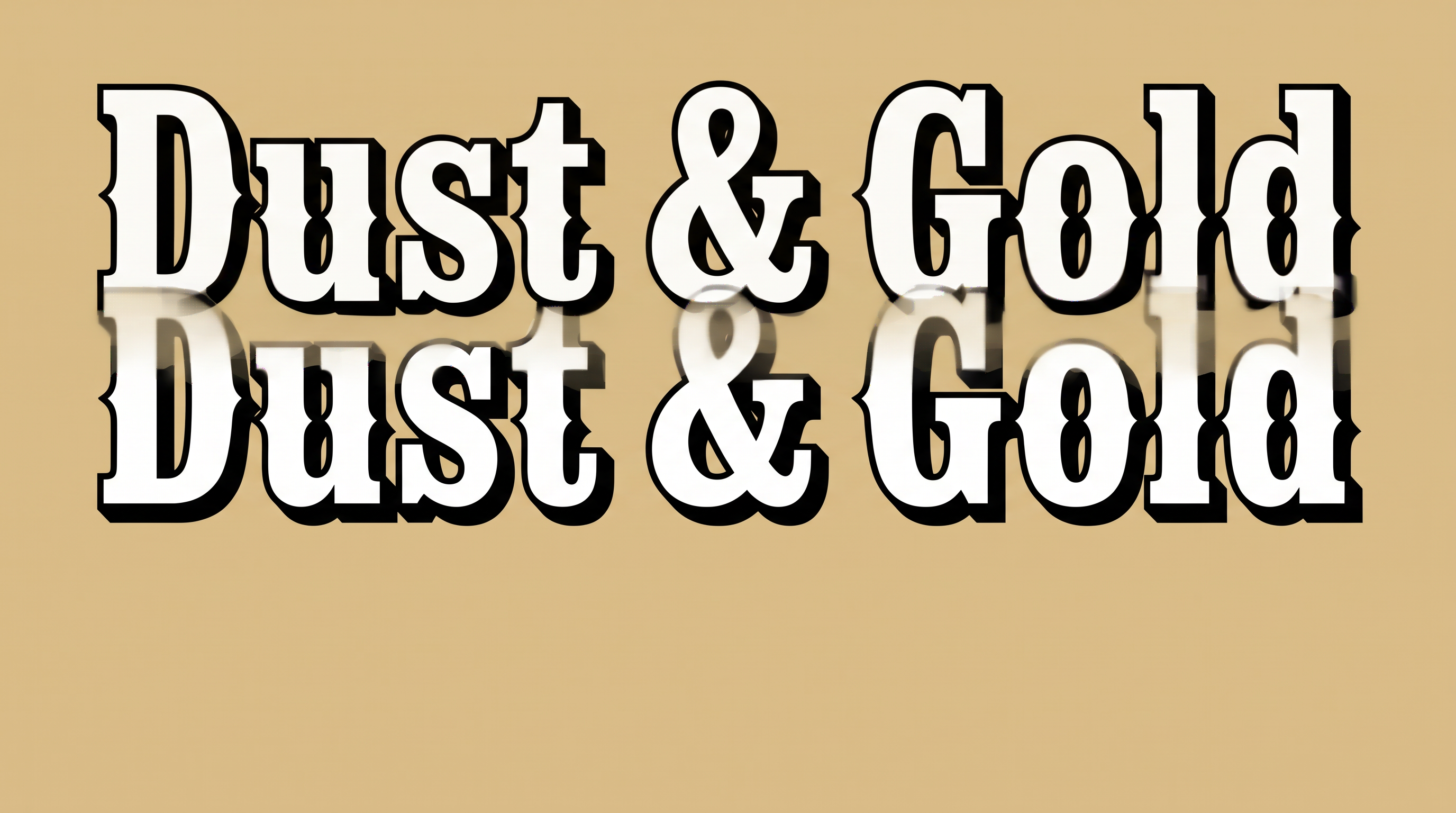
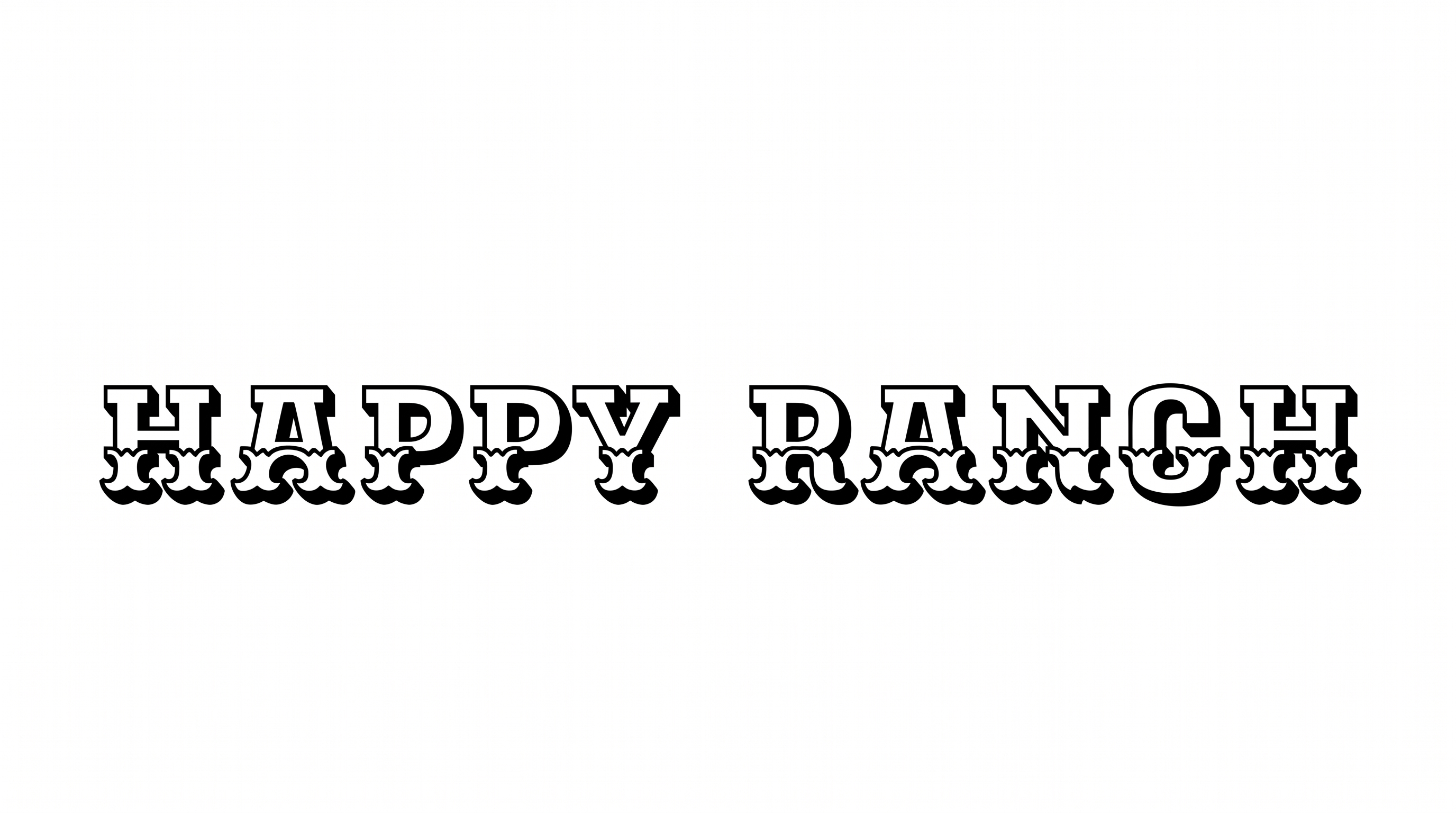
Bold slab serifs, crisp inline detail, and a monochrome frontier look give product labels a commanding display style.

Enter the text to generate, e.g. Fontify.ai

Font color
Background
Templates
747
Generations
100
Downloads
268
Rating
5.0

How to Use the Fancy Western Font Generator

Shape bold frontier lettering for labels while preserving its slab serifs and inline detail.

  1. 01

    Write your display text

    Enter a short name, heading, or phrase for the bold slab-serif treatment.

  2. 02

    Set the color and composition

    Choose a custom font color and a 3:2 image size for a wide label layout.

  3. 03

    Generate and download PNG or SVG

    Review the slab serifs and inline detail, then save the finished text image.

Fancy Western Font Style Profile

Heavy slab serifs, broad forms, and crisp inline borders create a bold frontier appearance.

  • Stroke Weight

    Heavy stroke bodies give the letters a substantial display presence.

  • Stroke Endings

    Broad slab serifs create squared, emphatic endings across the visible letters.

  • Outline

    A crisp light inline border traces the dark letterforms.

  • Letter Width

    Broad letterforms give the visible capitals and lowercase characters a wide stance.

  • Corner Shape

    Squared corners and angular notches sharpen the letterforms' frontier character.

  • Color Treatment

    Black letter faces and light linework create a restrained monochrome treatment.
Frequently asked questions about Fancy Western Font Generator

Transparent-background output is supported, letting you layer the lettering over other artwork. This template also lets you choose a custom font color, set a custom background color, or upload a background image. You can select an image size to suit the layout.

Enter your words, choose the available font color, background, and image size options, then generate the design. Review the rendered text image and download it as a PNG or SVG. These image formats provide finished artwork rather than an installable font file.

Browse the related tools section and compare each style's letter shapes, weight, decoration, and overall mood. Look for options that suit the same design role, such as a label, poster, package, or headline, while offering a different visual direction.

Download the generated PNG, then upload it in Canva and place it in your design. Insert the PNG into a Google Docs document as an image. For Cricut, import it into a project in the Cricut app, also known as Cricut Design Space.

Keep the wording short and give the broad slab serifs enough room around nearby details. Use the free online Fancy Western Font Generator to create a wide composition, then judge readability at the label's intended display size.

Pair the monochrome lettering with simple geometric artwork, spacious framing, and restrained supporting text. Its broad slab serifs work especially well as the main title, while smaller information can sit in a quieter secondary style.
READY TO CREATE?

Create Custom Fancy Western Fonts & Text Effects

Try Fancy Western Font Generator Free