Get 5 Free Credits

Free Canela Deck Font Generator Online

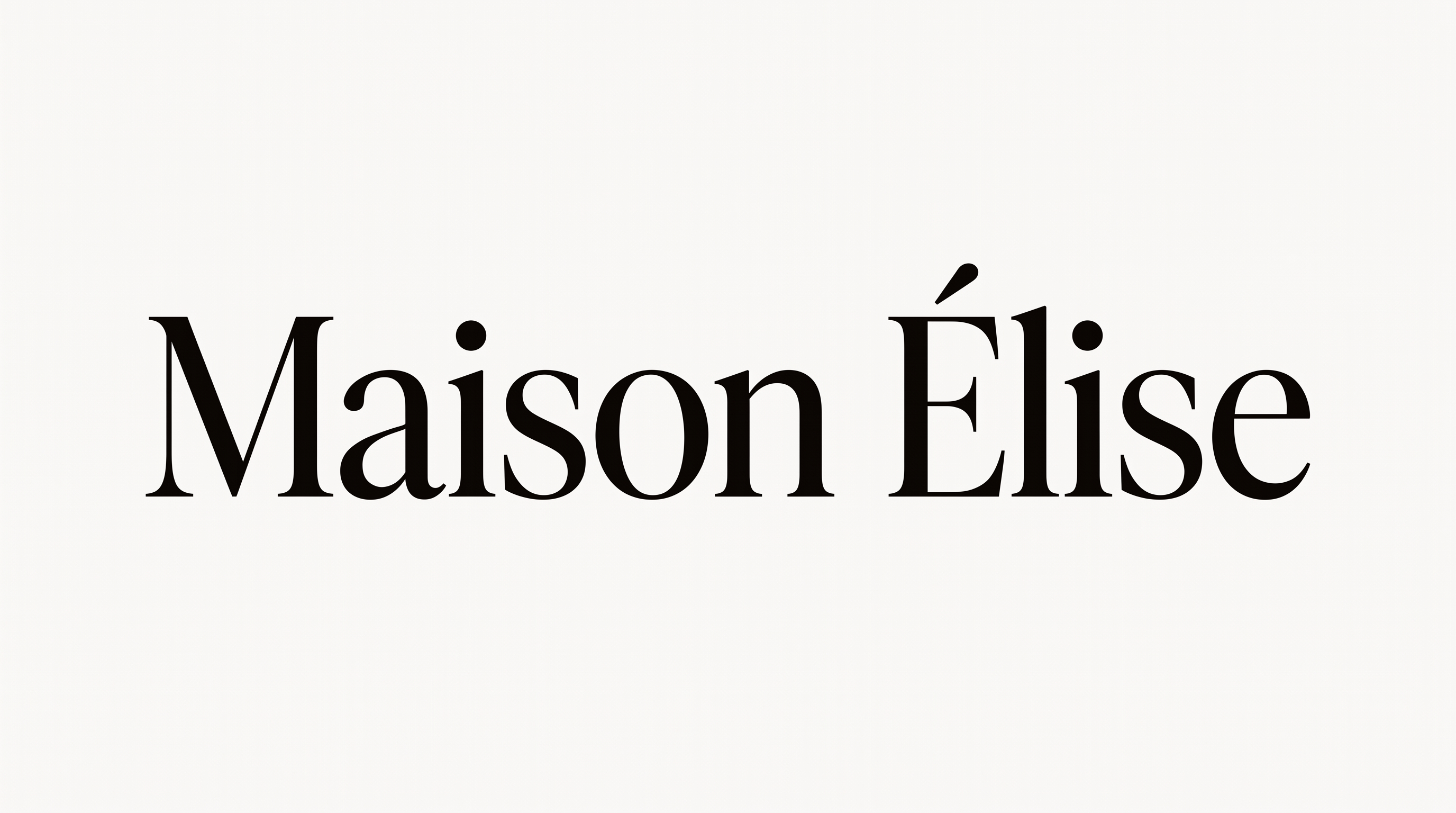
Elegant high-contrast serif lettering creates a refined editorial look for book covers and polished display titles.

Enter the text to generate, e.g. Fontify.ai

Font color
Background
Templates
92
Generations
179
Downloads
279
Rating
5.0

How to Use the Canela Deck Font Generator

Shape elegant editorial lettering for the intended layout, then save a polished image for your design.

  1. 01

    Enter your editorial wording

    Type a name, title, or short phrase for the high-contrast display serif treatment.

  2. 02

    Set the color and canvas

    Choose a font color, a custom or uploaded background, and an image size such as 16:9.

  3. 03

    Generate and download PNG or SVG

    Generate the preview, review the high-contrast serif lettering, and download the finished image.

Canela Deck Font Style Profile

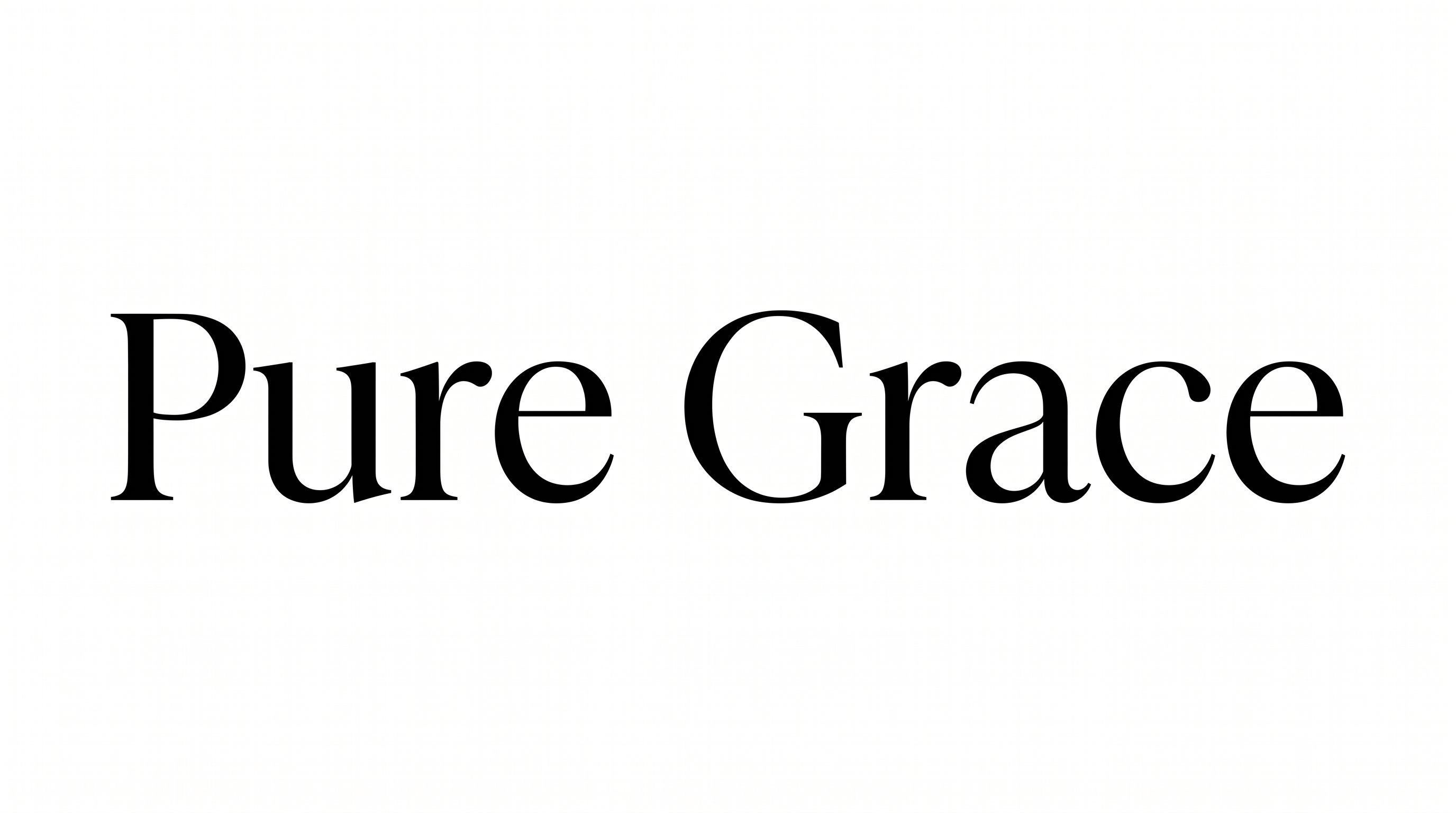
Pronounced stroke contrast, tapered serifs, and upright forms create a composed editorial presence.

  • Stroke Contrast

    Pronounced thick and thin strokes give the serif letters an elegant editorial character.

  • Stroke Endings

    Fine, tapered serifs finish the strokes with crisp, pointed details.

  • Letter Connections

    Letters remain separate, with clear breaks between neighboring characters.

  • Slant

    The letterforms stand upright relative to the even text baseline.

  • Letter Spacing

    Moderate gaps keep neighboring letters distinct within each word.

  • Baseline Rhythm

    Characters align along a steady baseline for a composed appearance.
Frequently asked questions about Canela Deck Font Generator

It creates text-image artwork in an elegant, high-contrast display serif style. The separate letterforms and refined contrast suit editorial headings, literary covers, mastheads, and polished display titles.

You can select a font color, use a custom background color, upload a background image, and choose an available image size. Transparent backgrounds are also supported for layering the finished lettering over other artwork.

Yes. You can use the generator and download the finished artwork for free in supported image formats. This access covers using the tool and obtaining the image, while project usage follows the applicable terms.

Type your wording, choose options such as font color, background, and image size, then generate the preview. Review the rendered artwork and download it as a PNG or SVG image.

Use it for prominent editorial titles such as book covers, magazine mastheads, invitations, packaging labels, or website hero headings. Its high-contrast serif forms are strongest when the lettering has enough room to remain visually clear.

For an online headline, keep the wording concise and give the serif forms generous margins. Choose a wide ratio for mastheads or a vertical ratio for covers, then align the image with the layout hierarchy.

Use free space around the lettering and avoid crowding it with dense supporting elements. Preserve a clear color contrast, choose an image ratio that fits the phrase, and review the image at its intended display size.

Pair the display serif artwork with simple supporting type that keeps captions and details easy to scan. Let the generated lettering carry the main title while smaller information follows a restrained hierarchy.

Its high contrast, elegant serif construction, and restrained black-and-white presentation create a refined editorial mood. That tone suits literary covers, formal stationery, premium packaging, cultural posters, and publication-focused layouts.
READY TO CREATE?

Create Custom Canela Deck Fonts & Text Effects

Try Canela Deck Font Generator Free