Get 5 Free Credits

Free Canela Thin Font Generator Online

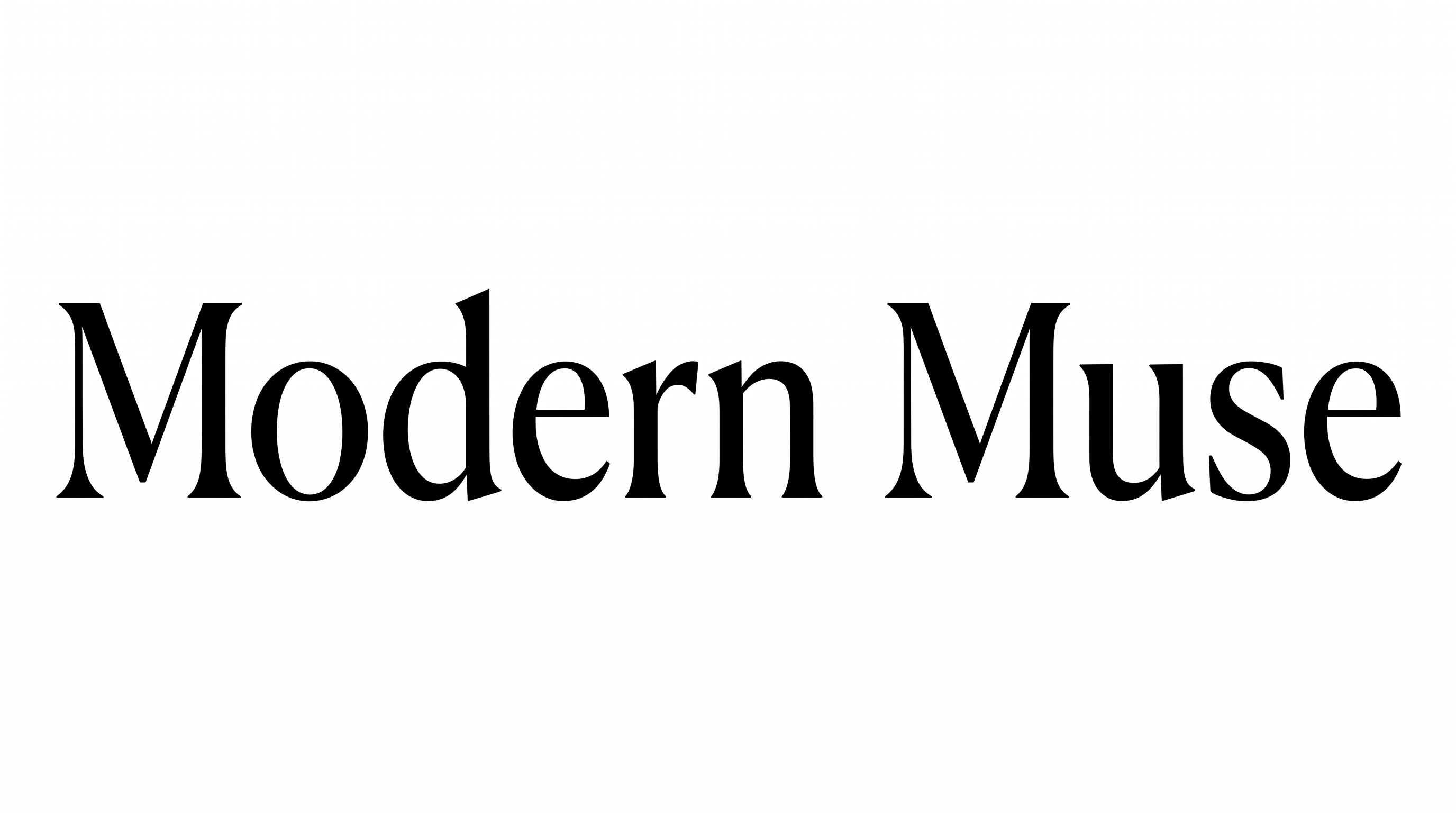
Elegant high-contrast serif lettering and generous spacing give titles a refined editorial presence for covers and layouts.

Enter the text to generate, e.g. Fontify.ai

Font color
Background
Templates
92
Generations
122
Downloads
248
Rating
5.0

How to Use the Canela Thin Font Generator

Shape high-contrast serif lettering for an editorial layout and save it as versatile image artwork.

  1. 01

    Compose your serif title

    Enter a concise title and select an image size suited to your intended layout.

  2. 02

    Set the visual presentation

    Choose a font color and background, then generate the high-contrast serif design.

  3. 03

    Download the PNG or SVG

    Review the rendered lettering and save the finished image in your preferred format.

Canela Thin Font Style Profile

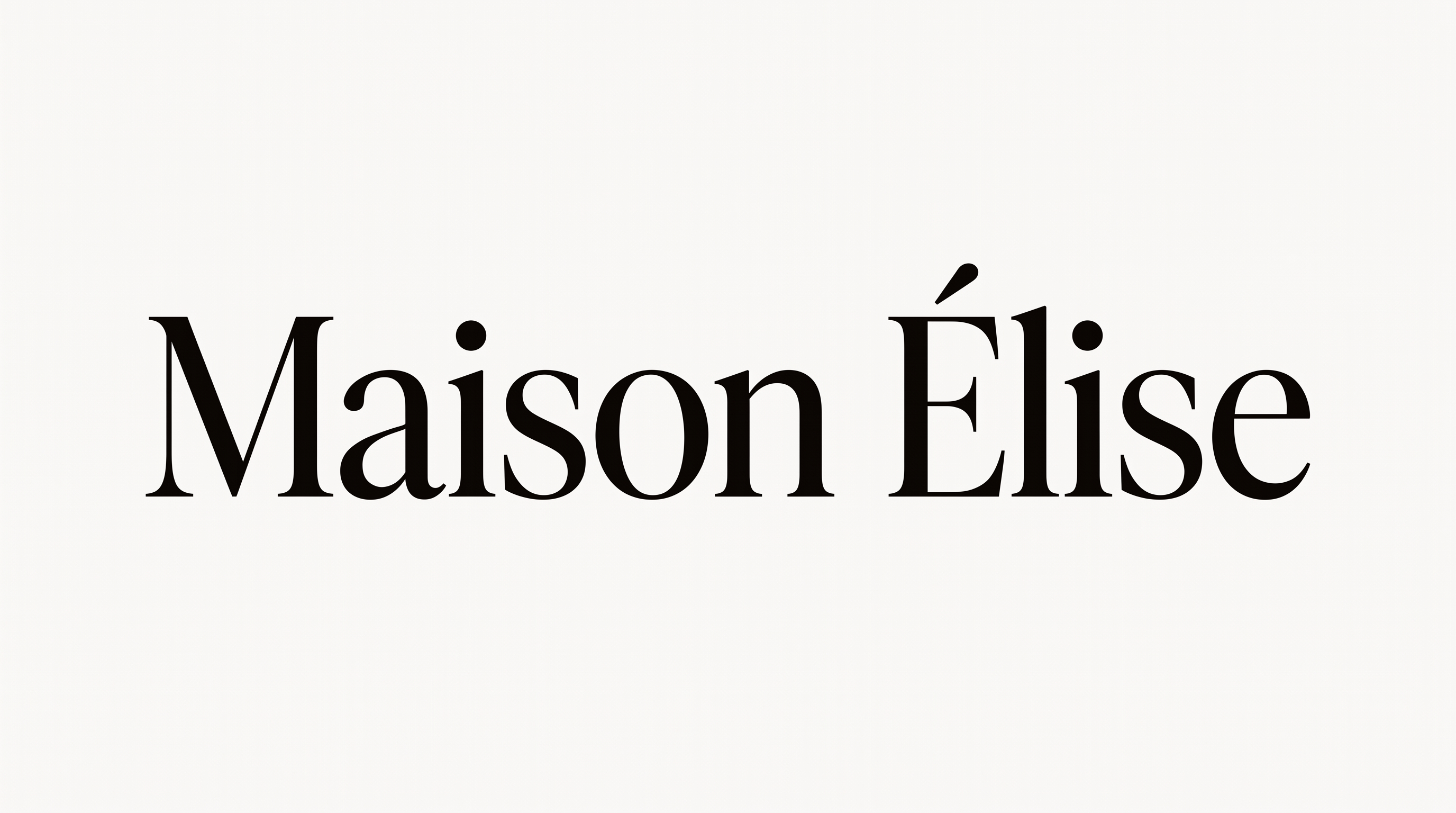
Strong stroke contrast, crisp serifs, and upright forms define the restrained lettering.

  • Stroke Contrast

    Broad main strokes alternate with very fine hairlines across the visible serif letters.

  • Stroke Endings

    Crisp serifs finish the visible stems and curved strokes.

  • Slant

    The visible letters stand upright relative to the shared baseline.

  • Letter Connections

    Letters remain separate, with clear breaks between neighboring characters.

  • Baseline Rhythm

    The letters align along a steady, even baseline.

  • Flourishes

    Restrained letterforms rely on serifs rather than extended swashes.
Frequently asked questions about Canela Thin Font Generator

It creates a text image using elegant, high-contrast serif lettering with thin details and a restrained editorial character. The resulting artwork can serve as a title, masthead, label, invitation heading, or other display element.

Download the generated PNG as finished Canela Thin Font artwork. Upload it in Canva and insert it into a Google Docs document. Import it into a project in the Cricut app, also known as Cricut Design Space.

Open the related tools area and compare examples by letter shape, stroke contrast, spacing, and overall mood. This helps you identify a visual direction that fits your layout while keeping the comparison focused on rendered lettering styles.

Enter your text, choose an available image size, font color, and background, then generate the design. Review the rendered result and download it as a PNG or SVG image. The downloaded artwork is an image rather than an installable font file.

Canela Thin Font works especially well for prominent editorial text, including cover titles, mastheads, product names, invitations, and refined online headers. Give the lettering enough surrounding space so its thin details and high stroke contrast remain visually distinct.

Use the free Canela Thin Font Generator for a concise phrase, then give the heading a clear position in the composition. A centered title creates formality, while an asymmetrical placement can support a more contemporary editorial layout.

Use a clear color contrast between the lettering and its background, and select an image size appropriate for the final placement. Shorter lines also give the fine serif details more room to remain distinct in compact layouts.

Pair the restrained serif forms with generous negative space, simple geometric shapes, portrait photography, or understated botanical details. Keep supporting text visually quieter so the high-contrast title remains the main point of attention.

Its thin details, upright forms, and pronounced stroke contrast create an elegant, composed editorial mood. The style suits layouts that aim for refinement and clarity across publishing, fashion, hospitality, cultural, or premium packaging contexts.
READY TO CREATE?

Create Custom Canela Thin Fonts & Text Effects

Try Canela Thin Font Generator Free