Get 5 Free Credits

Free Canela Light Font Generator Online

Create spacious, high-contrast serif lettering suited to elegant wordmarks, editorial covers and refined display text.

Enter the text to generate, e.g. Fontify.ai

Font color
Background
Templates
92
Generations
85
Downloads
297
Rating
5.0

How to Use the Canela Light Font Generator

Shape high-contrast serif lettering for an editorial composition, wordmark or display design.

  1. 01

    Enter your display text

    Type a name, headline or short phrase for the spacious display-serif treatment.

  2. 02

    Choose the composition

    Select an image size such as 1:1, then set the font and background colors.

  3. 03

    Generate and download PNG or SVG

    Render the text image, review the high-contrast lettering and save your preferred format.

Canela Light Font Style Profile

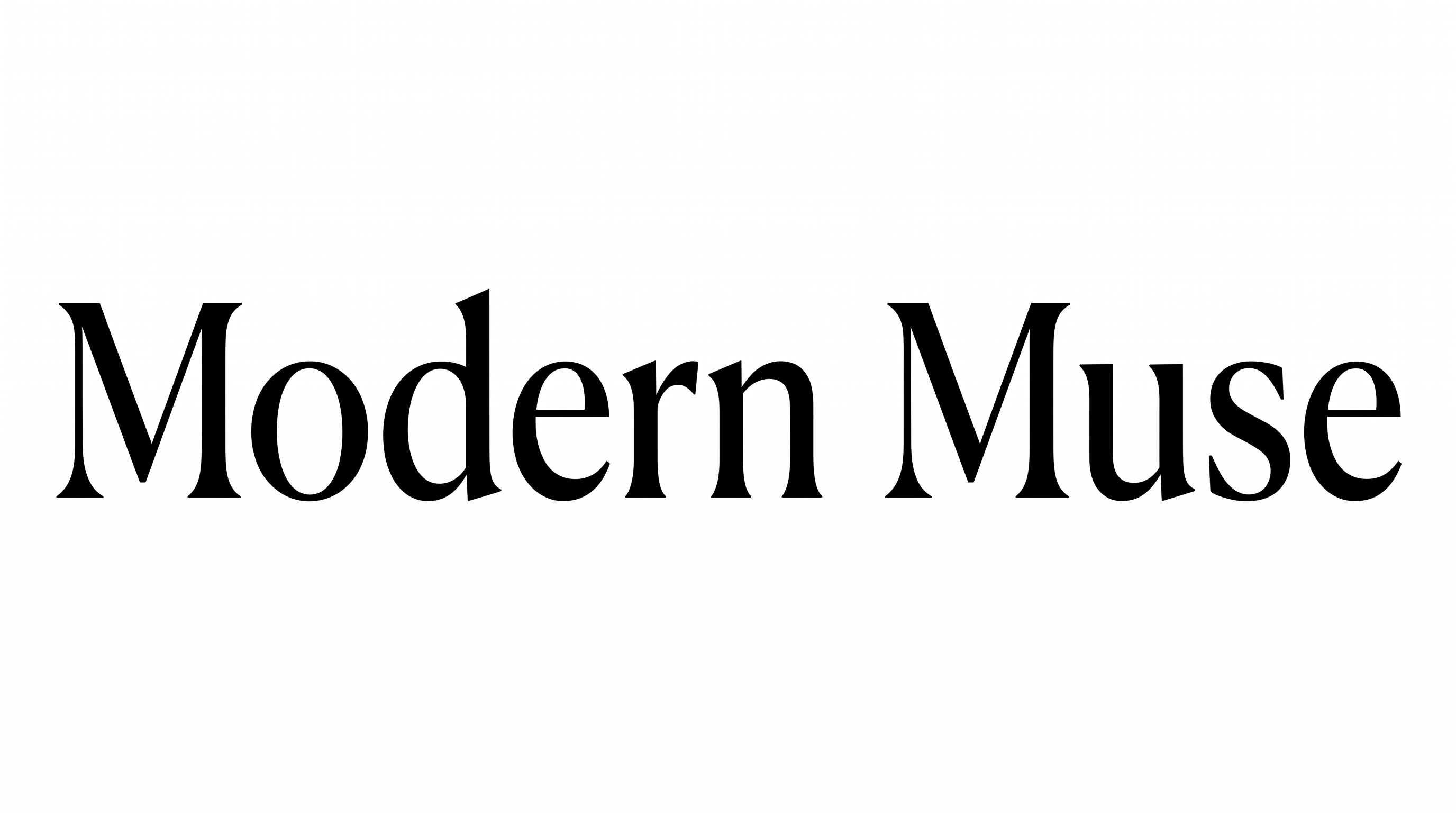
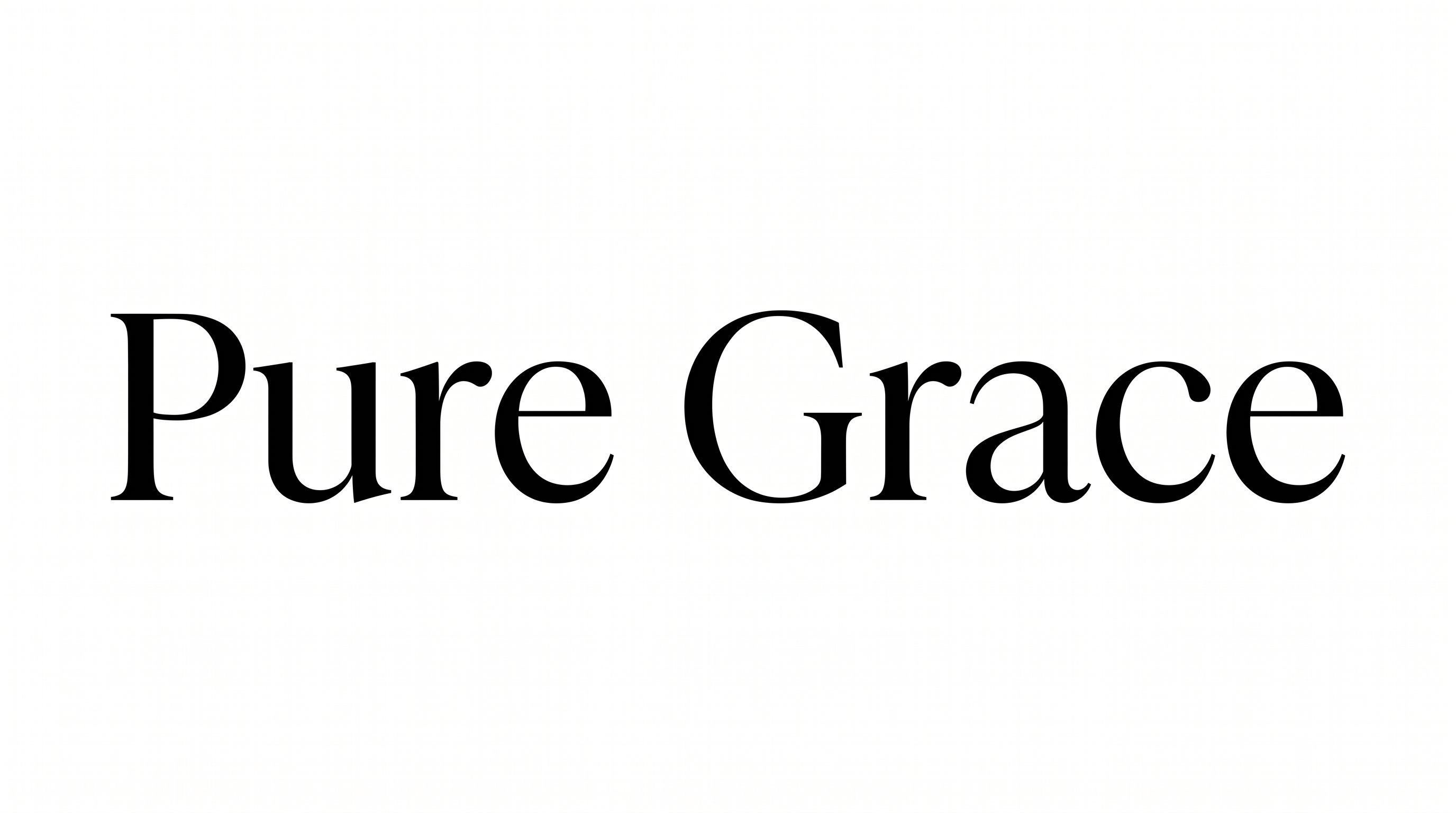
Pronounced stroke contrast, fine serifs and upright forms create a poised editorial character.

  • Stroke Contrast

    Bold vertical strokes alternate with exceptionally fine curves and hairlines.

  • Stroke Endings

    Fine, sharply defined serifs finish the visible strokes.

  • Slant

    The letters remain upright relative to the baseline.

  • Letter Connections

    Letters remain separate, with clear breaks between neighboring characters.

  • Baseline Rhythm

    The characters align along a steady, even baseline.

  • Letter Spacing

    Moderate gaps give each letter room while preserving cohesive words.
Frequently asked questions about Canela Light Font Generator

Commercial use requires a higher membership, while the minimum membership covers personal use. Review pricing to choose the membership that applies to your project. The relevant usage terms determine how you may use the generated artwork.

Yes. You can use the generator and download supported image formats through the available free-use options. This lets you test your wording and composition before deciding how the finished artwork will be used.

Yes. Transparent backgrounds are supported for layering lettering over other artwork. This template also lets you choose font and background colors, upload a background image and select an image size. Transparency is an output capability rather than a promise that every result uses it by default.

Browse the related tools and compare their lettering structure, contrast, spacing and overall mood. Generate the same short phrase in several styles to make differences easier to evaluate. This approach helps you select a visual direction suited to your design.

Its spacious, high-contrast serif treatment suits editorial covers, wordmarks, invitations, packaging and refined display headings. For an online layout, give the lettering a clear focal position and enough surrounding space to preserve its elegant character.

Use a clear size and strong separation between the lettering and its background. Keep the surrounding area free of busy details near the fine strokes. Short headings also help the Canela Light Font remain legible in compact compositions.

The lettering supports an elegant, minimal and editorial mood. Pair it with restrained imagery, generous spacing and a simple supporting type treatment. A quiet composition lets the contrast between broad strokes and delicate hairlines remain prominent.
READY TO CREATE?

Create Custom Canela Light Fonts & Text Effects

Try Canela Light Font Generator Free