Free Canela Font Generator Online
Create refined, high-contrast serif lettering suited to editorial headlines, elegant packaging, and formal stationery.
- Templates
- 92
- Generations
- 125
- Downloads
- 257
- Rating
- 5.0
More Canela Font Generator Tools and Canela Font Alternative
Explore related text tools for creating artwork in other visual directions.

How to Use the Canela Font Generator
Shape a refined serif composition and prepare the finished text artwork for your layout.
- 01
Write your editorial text
Enter a short editorial phrase or name to suit the high-contrast serif.
- 02
Set the composition
Choose a font color and an aspect ratio such as 4:5 before generating.
- 03
Download the PNG or SVG
Review the rendered lettering, then download the finished artwork as PNG or SVG.
Canela Font Generator in Use: Design Examples & Showcase
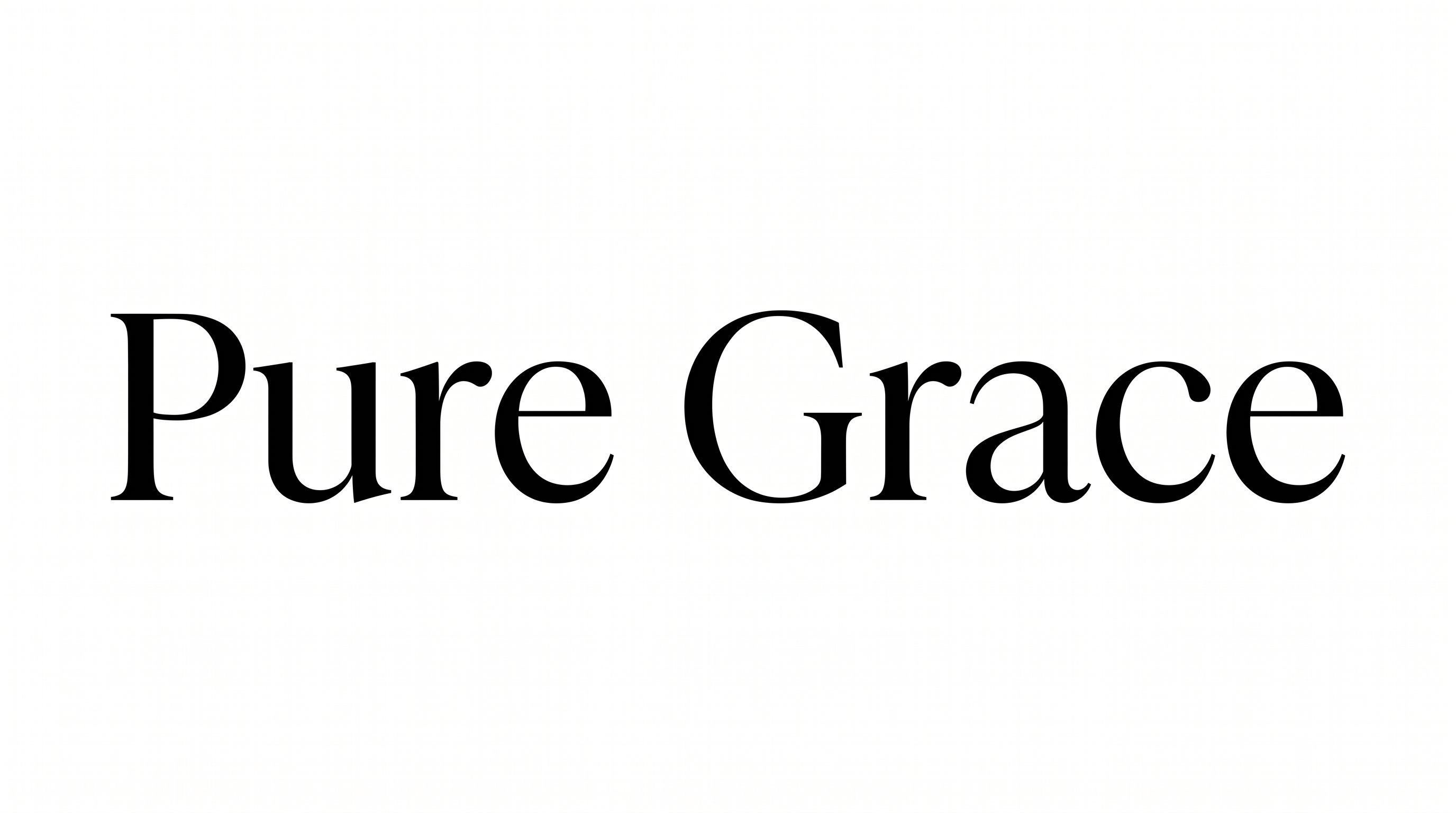
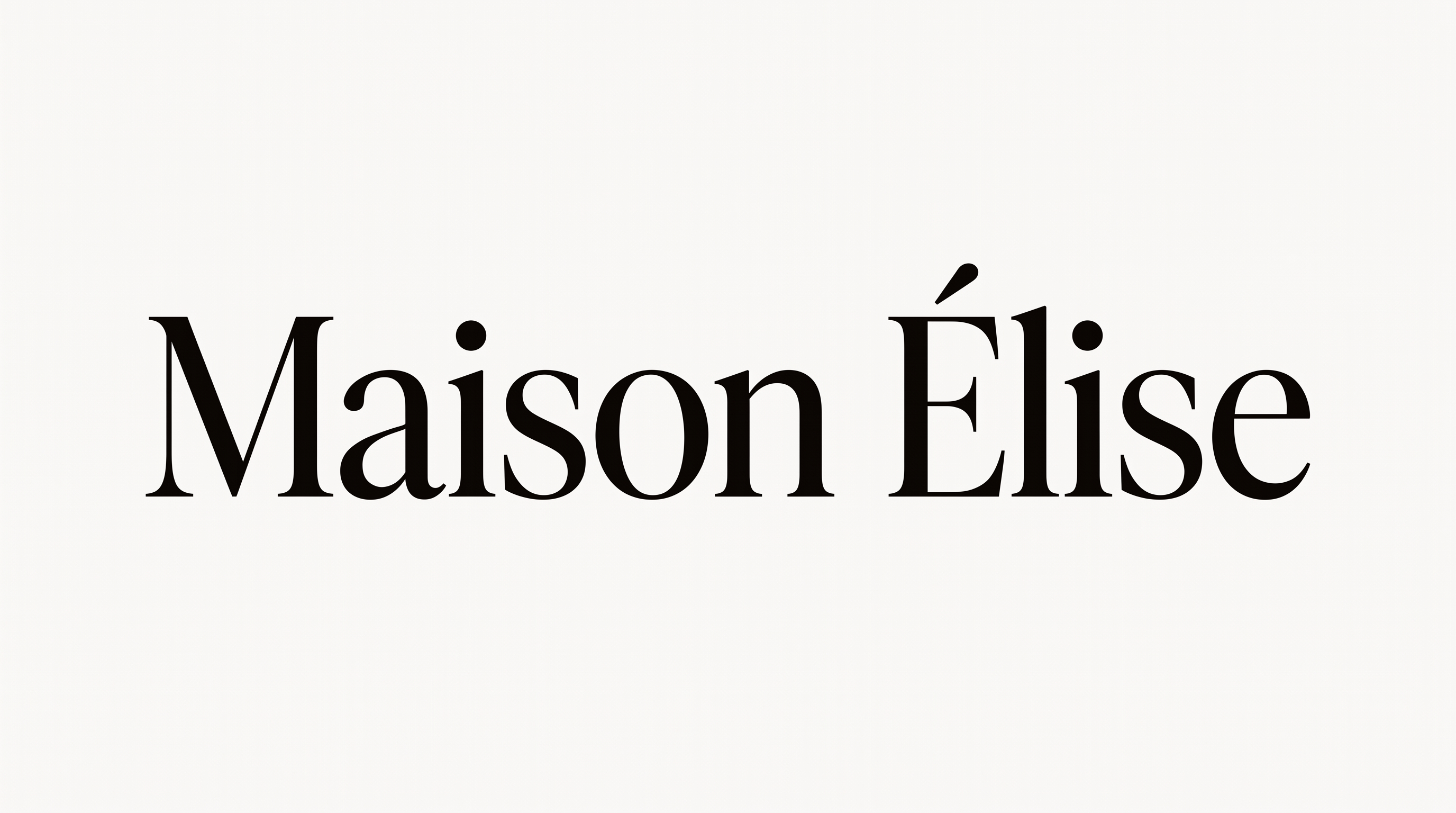
Compare the refined serif across magazine covers, packaging, invitations, menus, signage, and other editorial or hospitality settings.
Canela Font Style Profile
Strong stroke contrast, upright separate letters, and an even baseline define the refined serif lettering.
Stroke Contrast
Bold vertical forms alternate with notably fine hairline strokes.
Stroke Endings
Fine, pointed serifs finish many of the visible strokes.
Slant
The visible letters stand upright relative to the baseline.
Letter Connections
Letters remain separate, with clear breaks between neighboring characters.
Baseline Rhythm
The letters follow a steady and level baseline.
Letter Spacing
Small, consistent gaps keep neighboring letters visually distinct.