Get 5 Free Credits

Free Futura Condensed Medium Font Generator Online

Create tall, condensed sans-serif lettering with a clean modernist character for editorial headlines, names, and bold graphic layouts.

Enter the text to generate, e.g. Fontify.ai

Font color
Background
Templates
404
Generations
93
Downloads
246
Rating
5.0

How to Use the Futura Condensed Medium Font Generator

Turn condensed modernist lettering into a focused PNG image for editorial and identity-led layouts.

  1. 01

    Enter a concise headline

    Type a name, phrase, or headline to create tall condensed sans-serif lettering.

  2. 02

    Set the image composition

    Choose a 16:9 image size and adjust custom color or background options when useful.

  3. 03

    Generate and download the PNG

    Review the black lettering, then download the generated PNG for your design.

Futura Condensed Medium Font Style Profile

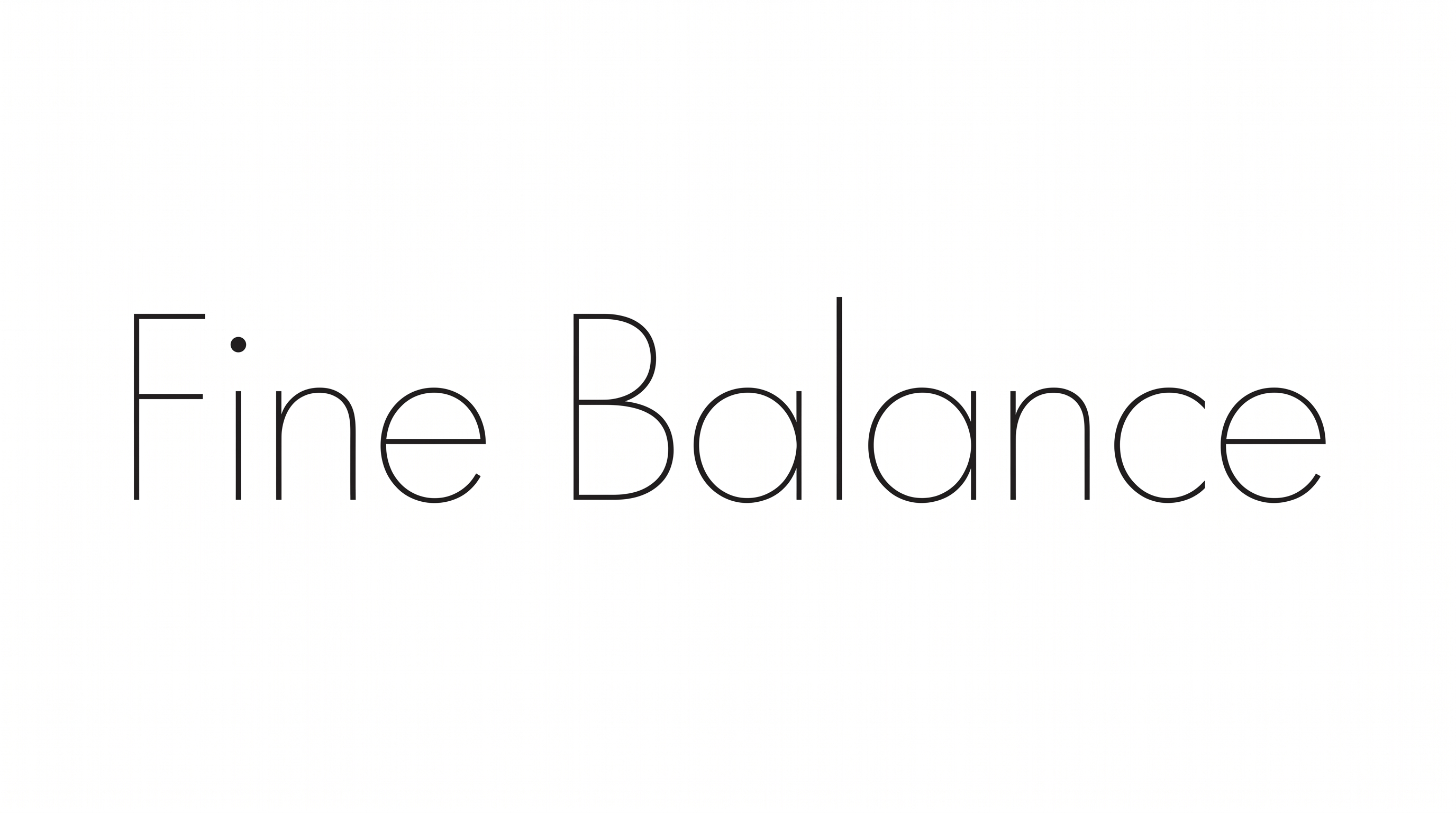
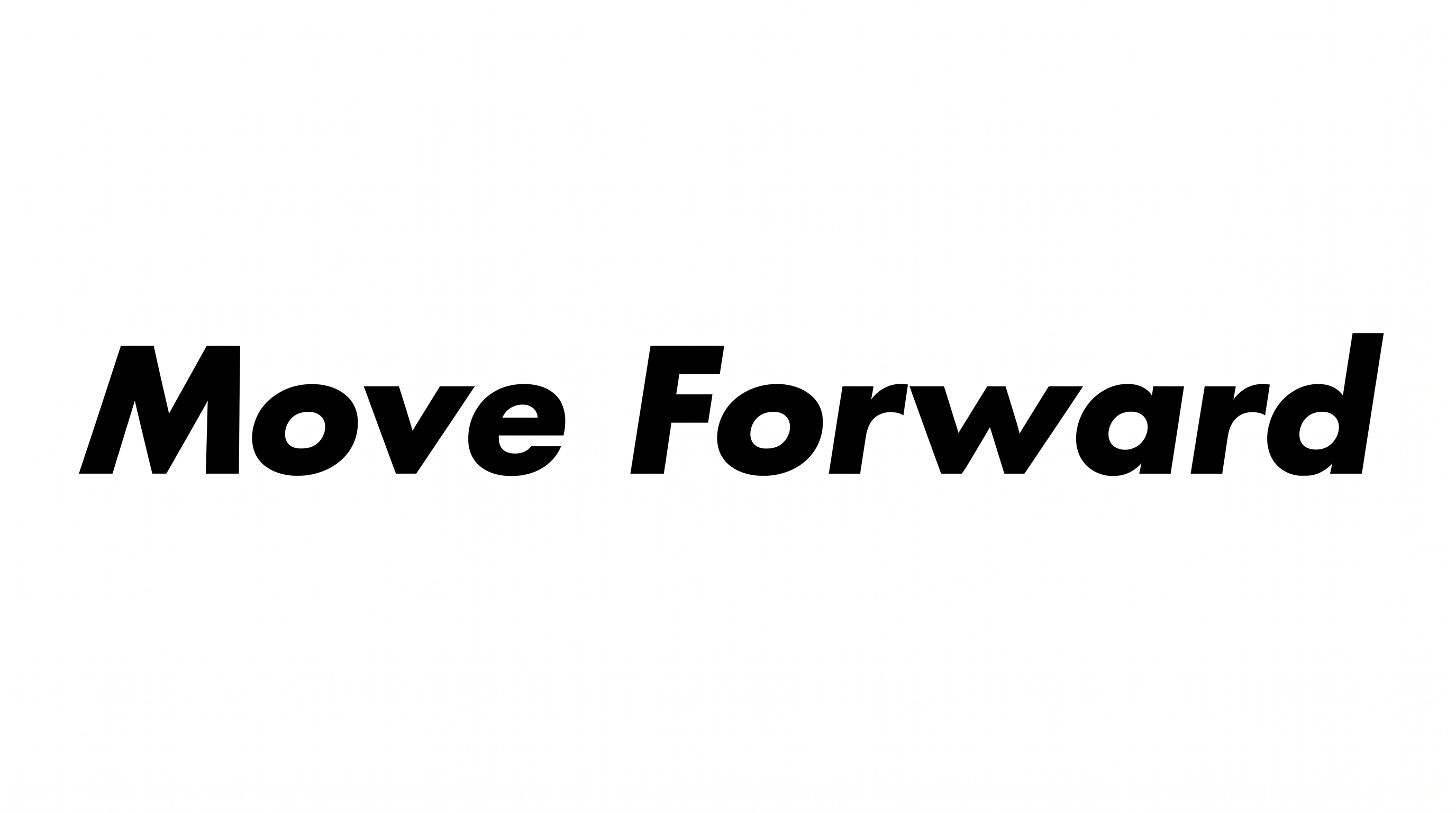
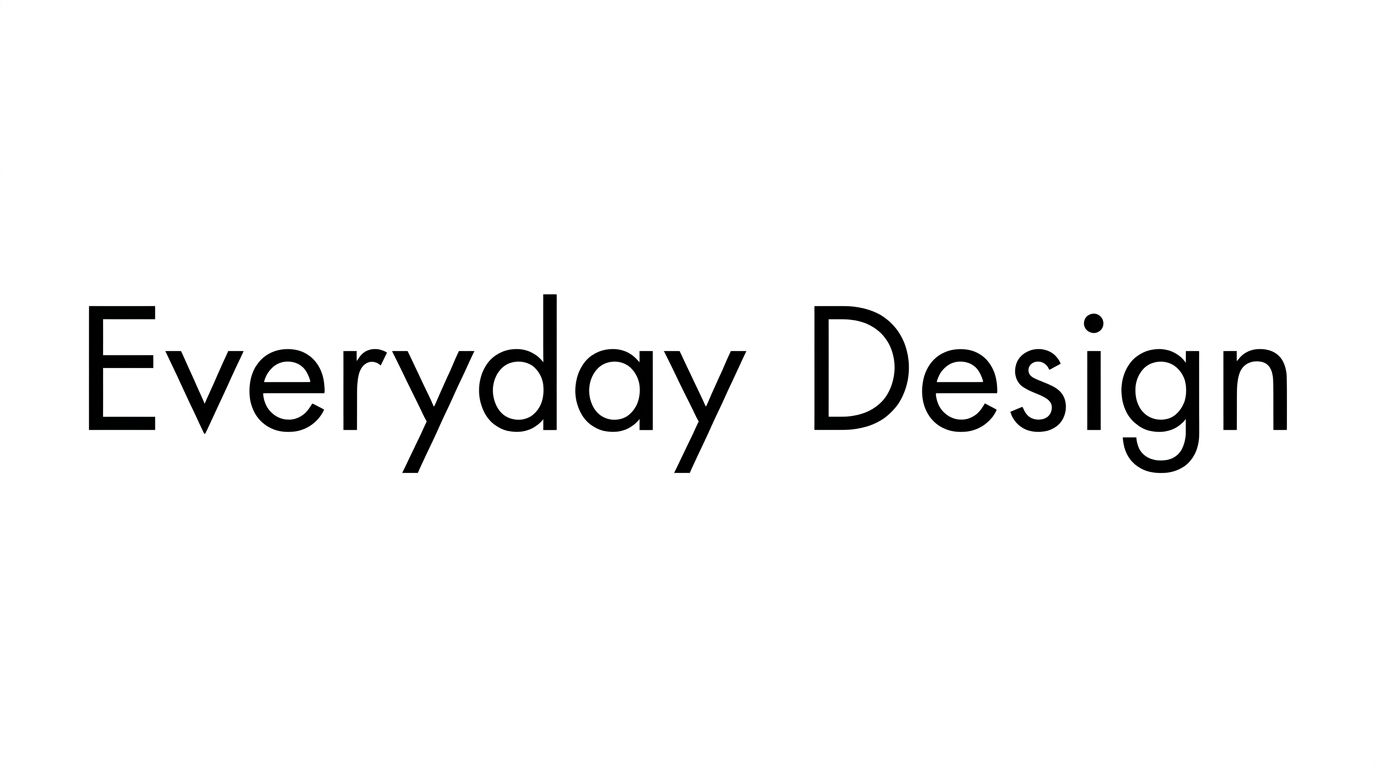
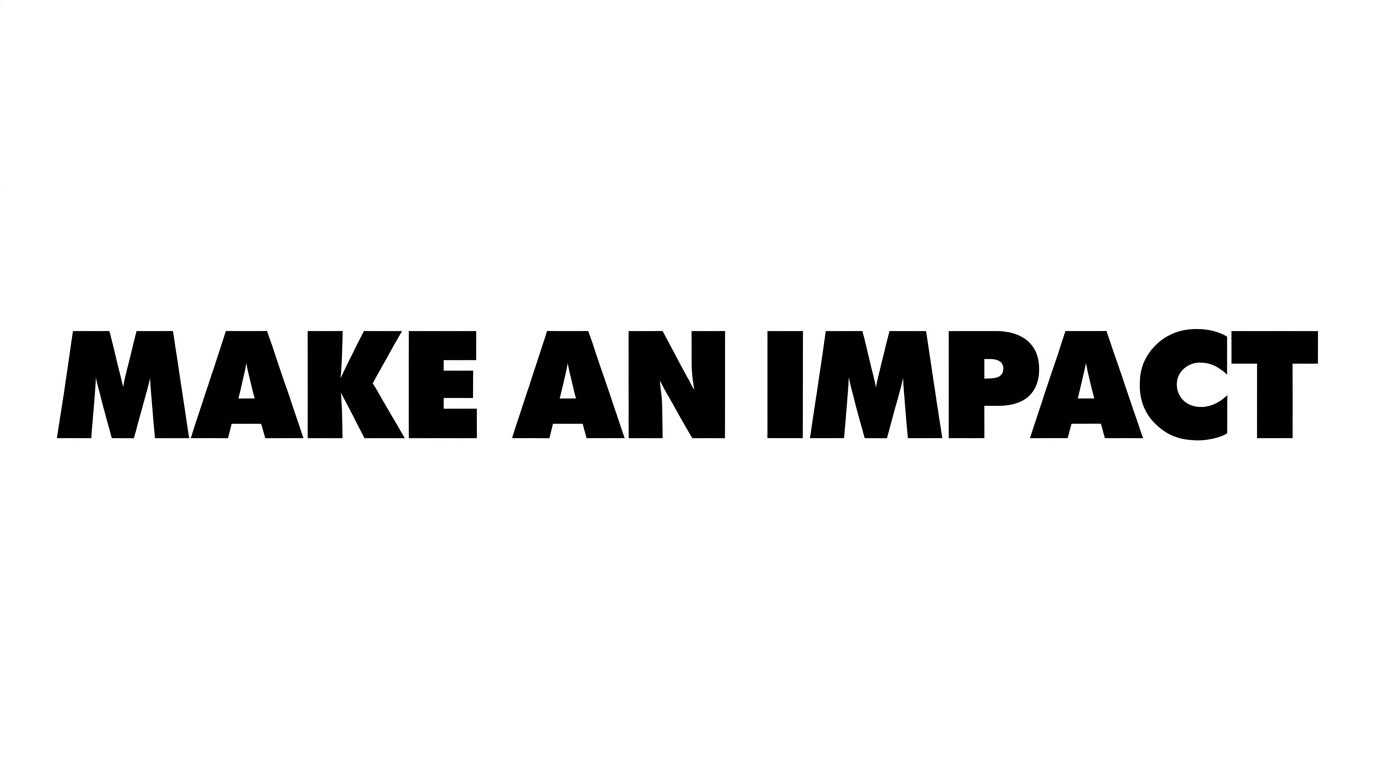
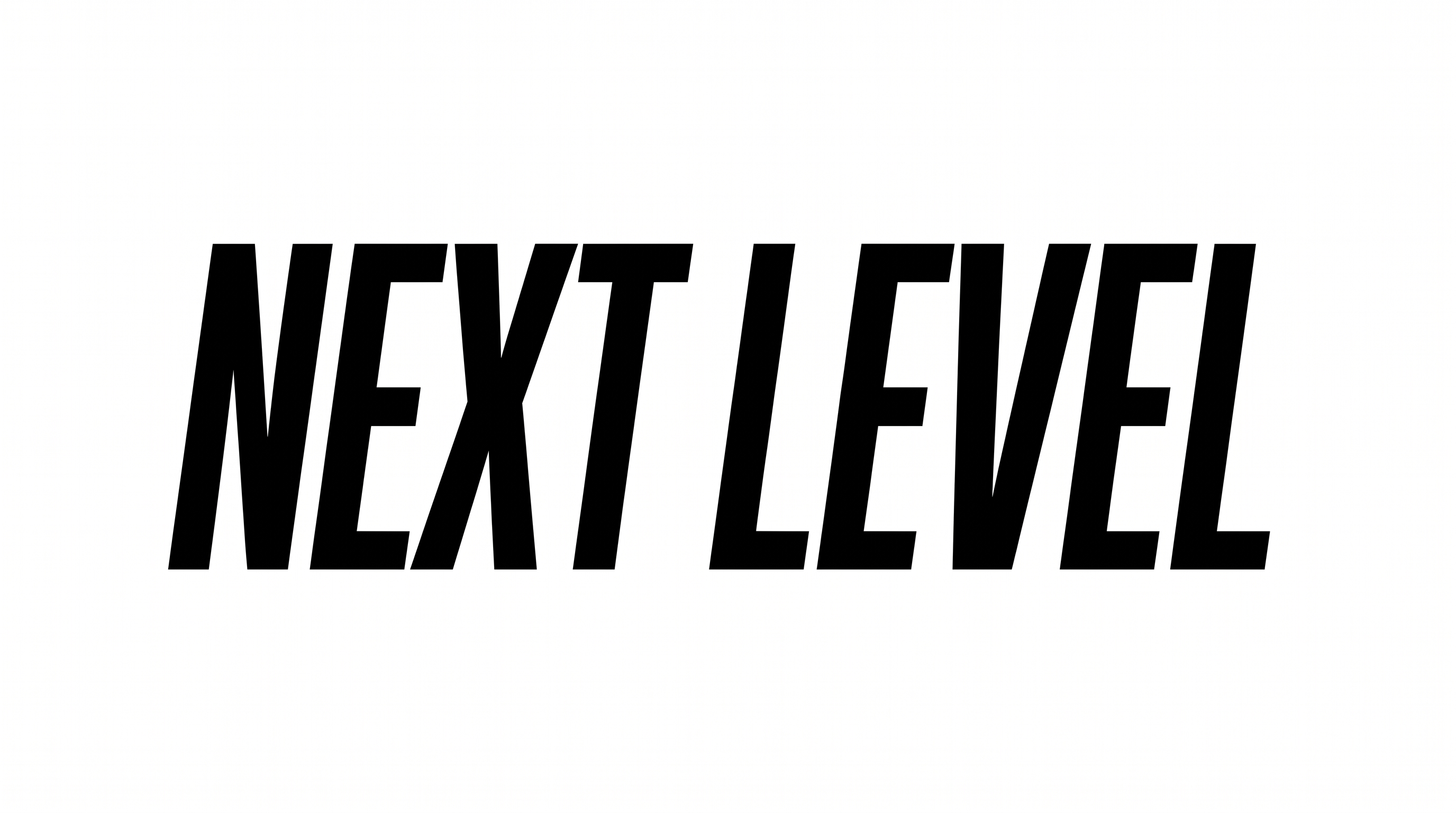
Tall narrow letters, even strokes, and compact spacing create a clean modernist appearance.

  • Letter Width

    Individual letterforms have narrow, elongated proportions.

  • Stroke Weight

    The black letter strokes appear medium and visually substantial.

  • Letter Spacing

    Neighboring letters sit in a compact arrangement within each word.

  • Stroke Contrast

    The letterforms show relatively even stroke thickness across their bodies.

  • Letter Construction

    Solid, continuous strokes build the tall condensed sans-serif letterforms.

  • Baseline Rhythm

    The characters maintain a steady baseline across the displayed words.
Frequently asked questions about Futura Condensed Medium Font Generator

Use the related tools area to explore other text-image generators and compare broad lettering directions. Choose a style that suits your layout, message, and intended visual hierarchy.

Yes. Transparent-background output is supported, so the lettering can be layered over other artwork. This template also offers font color, custom background color, uploaded background images, and image-size options.

Download the generated PNG. Upload it in Canva, insert it into Google Docs, or import it into a Cricut project. The lettering remains image artwork.

Enter your wording, choose available options such as image size, font color, or background, and generate the image. Review the result, then download the supported PNG artwork for your project.

Yes. Its tall condensed sans-serif forms suit online editorial headlines, magazine-style covers, architecture themes, and layouts where a strong vertical rhythm helps organize attention.

Use a concise phrase and give the narrow letters enough surrounding space. Check the generated artwork at its intended display size, especially when placing it in a busy composition.

The lettering works well as a focused headline, name card, cover title, or label. Pair it with generous margins and a clear supporting hierarchy so the condensed wordmark remains prominent.

Yes. The Futura Condensed Medium Font Generator creates image artwork for a free online design workflow and monochrome treatment. Solid black lettering can anchor editorial covers, signage concepts, and clean wordmark compositions.
READY TO CREATE?

Create Custom Futura Condensed Medium Fonts & Text Effects

Try Futura Condensed Medium Font Generator Free