Get 5 Free Credits

Free Futura Bold Oblique Font Generator Online

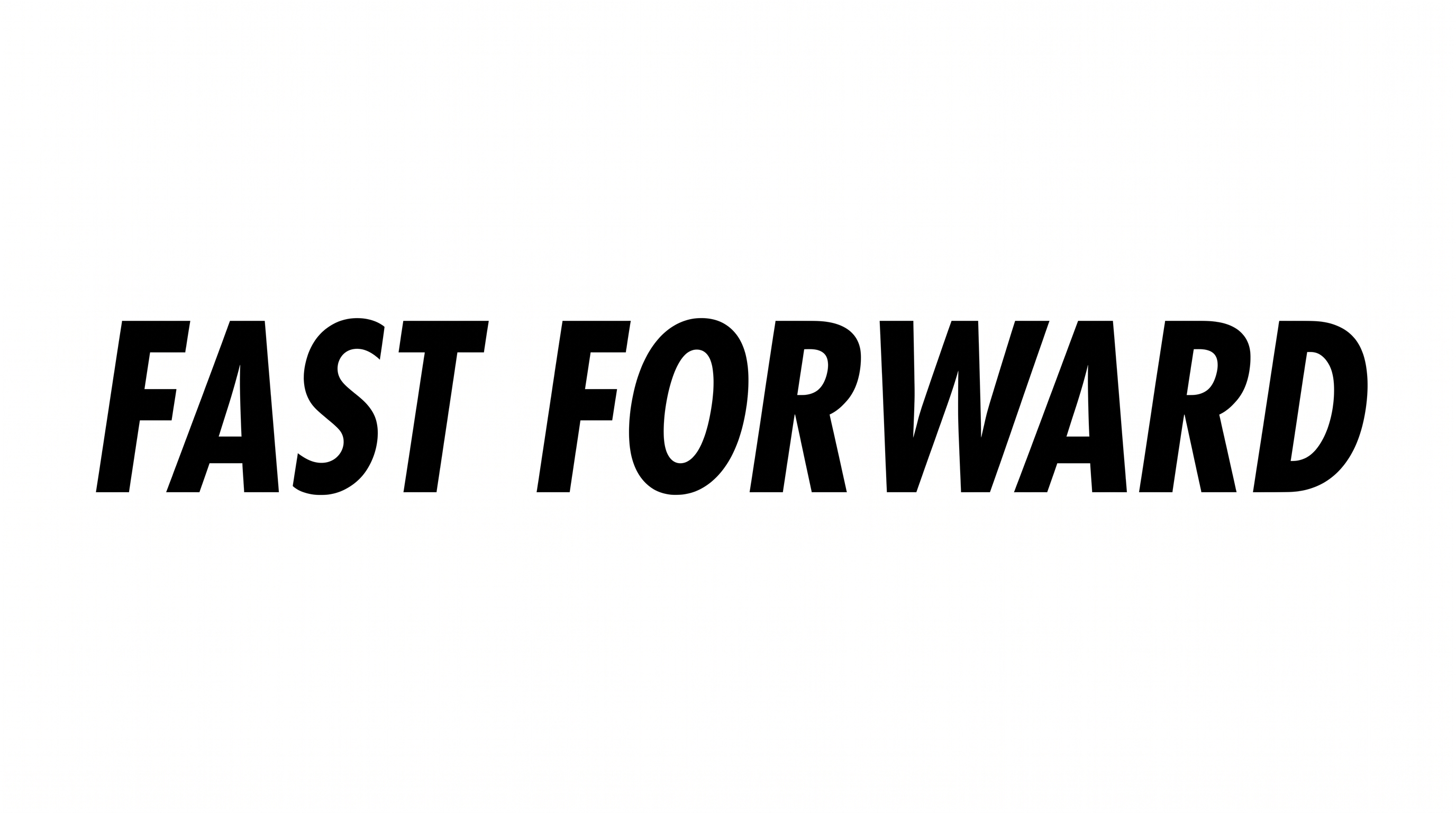
Create bold uppercase lettering with narrow geometric forms and a strong forward slant for striking wordmarks and cover designs.

Enter the text to generate, e.g. Fontify.ai

Font color
Background
Templates
404
Generations
199
Downloads
271
Rating
5.0

How to Use the Futura Bold Oblique Font Generator

Shape bold oblique lettering with a suitable image size, then save the generated text artwork for your layout.

  1. 01

    Enter a bold oblique heading

    Type your phrase for a clear wordmark or cover line in narrow uppercase lettering.

  2. 02

    Choose size and appearance

    Select an option such as 16:9, then set a custom color or background when needed.

  3. 03

    Generate and save the PNG

    Review the forward slant and tight spacing, then download the generated PNG image.

Futura Bold Oblique Font Style Profile

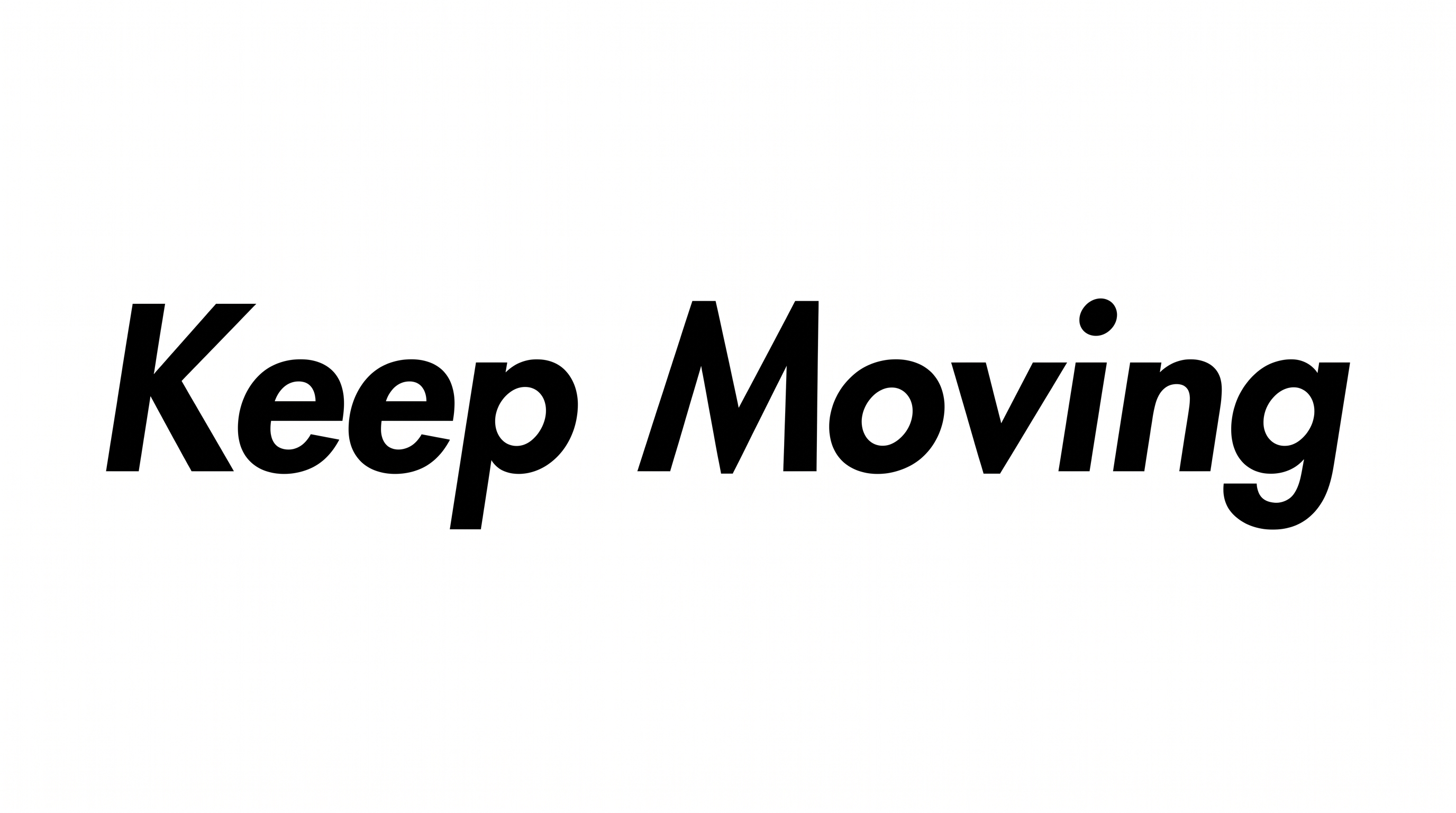
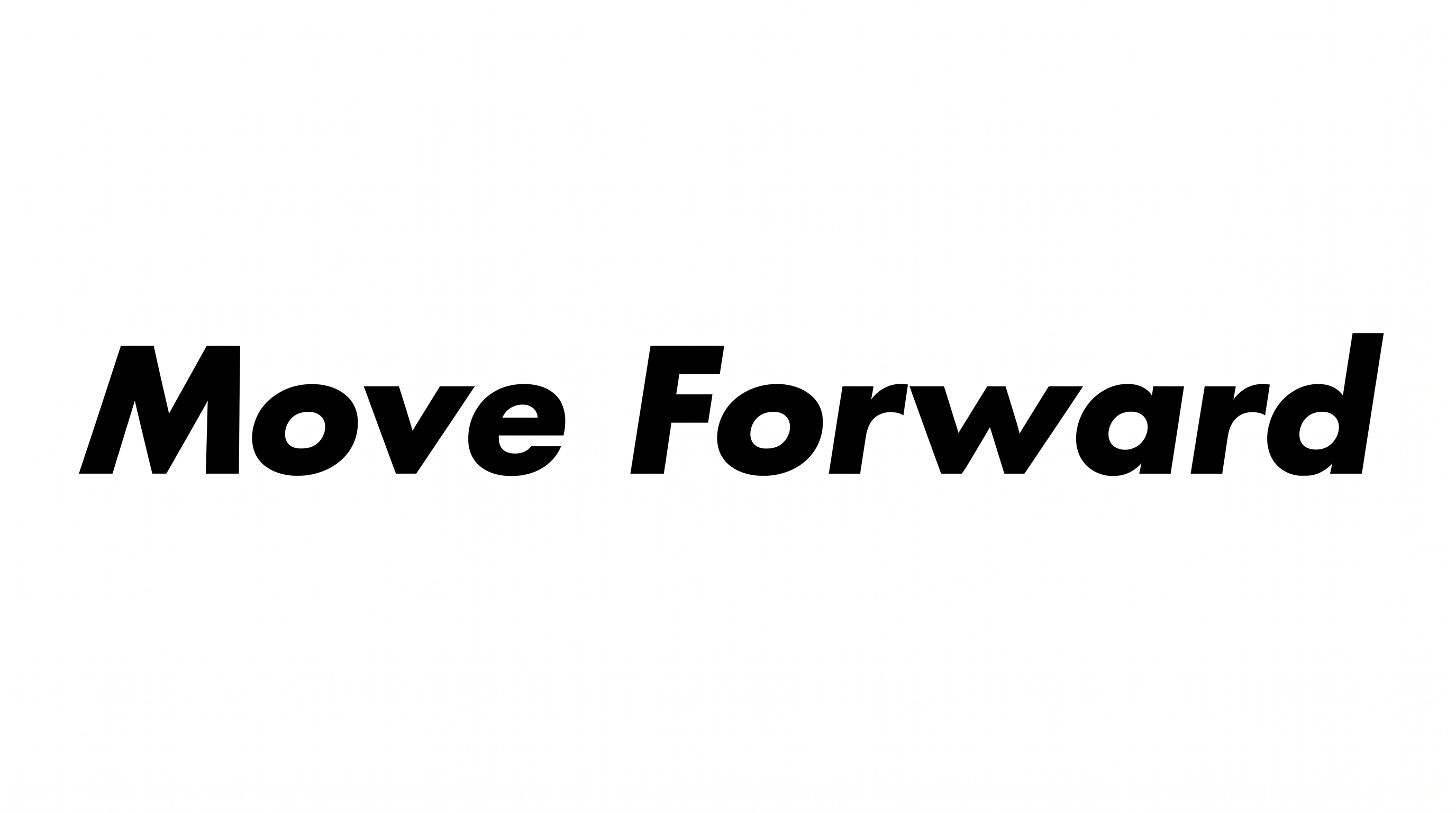
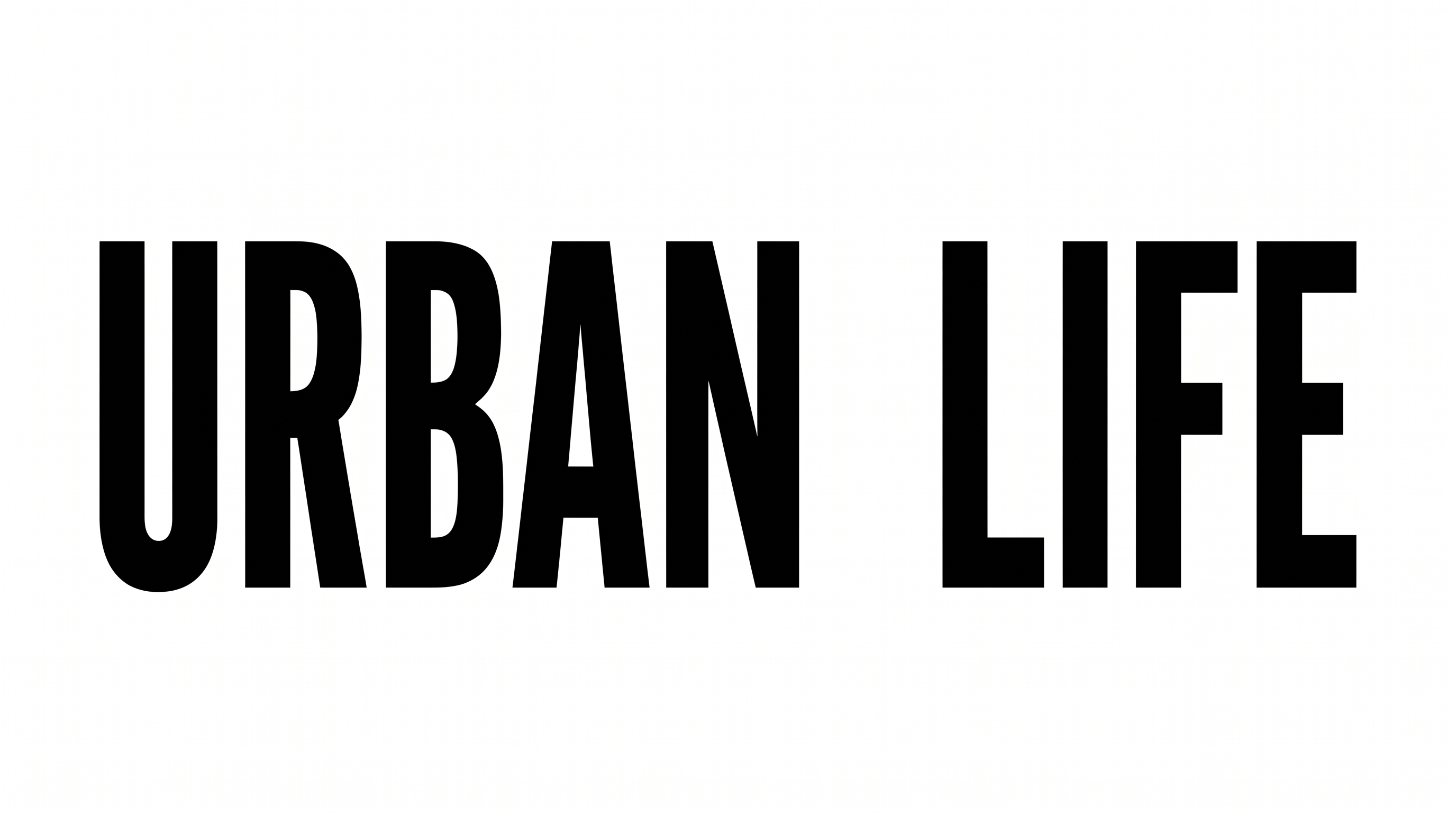
Heavy narrow strokes, a pronounced slant, and compact geometric forms define the lettering.

  • Slant

    The uppercase letters lean strongly forward while staying aligned to a level baseline.

  • Letter Width

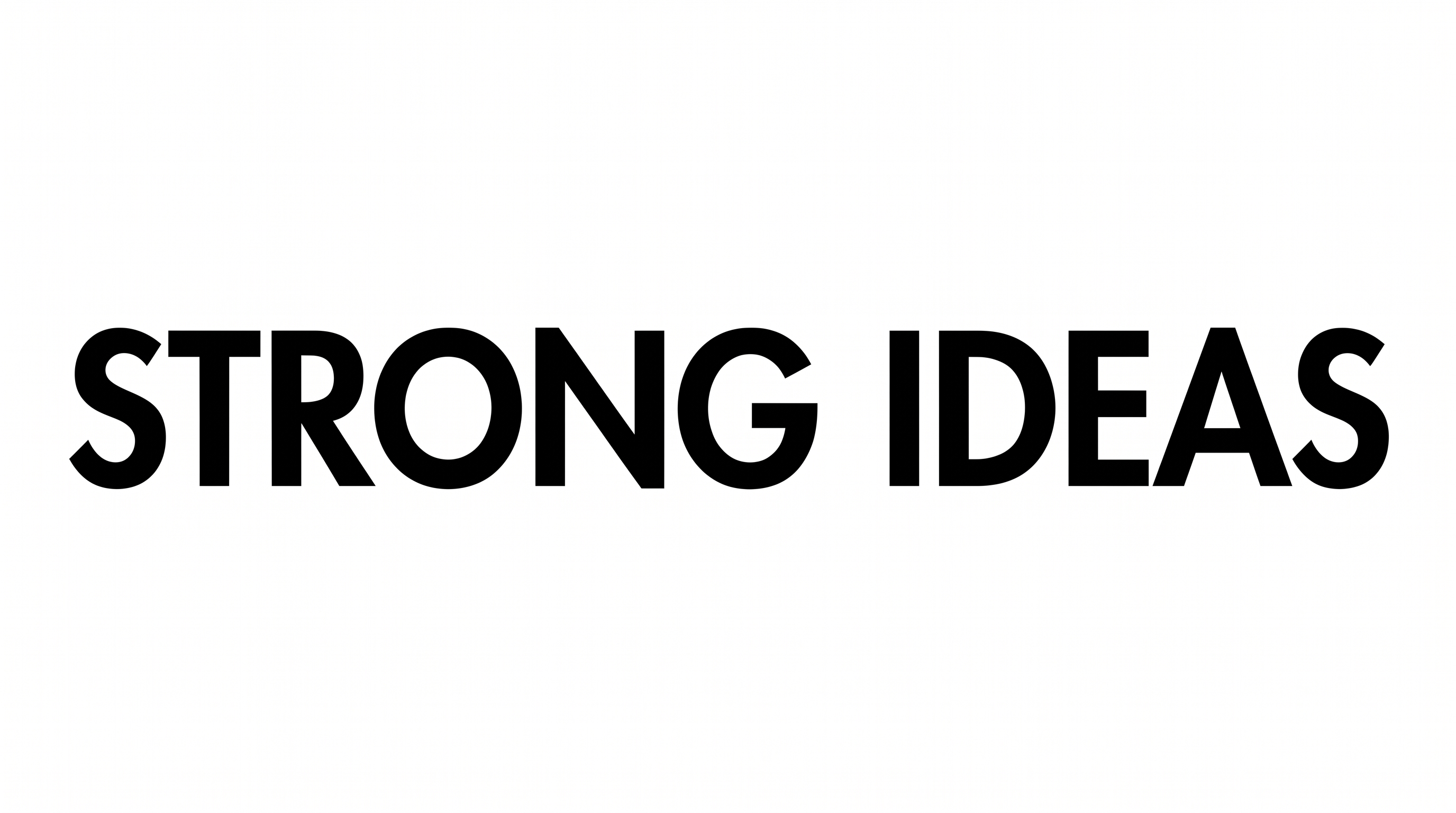
    Individual characters have tall, narrow proportions that create a condensed appearance.

  • Stroke Weight

    Broad solid strokes give the black uppercase lettering a heavy visual presence.

  • Letter Spacing

    Close gaps between neighboring characters create a compact wordmark arrangement.

  • Corner Shape

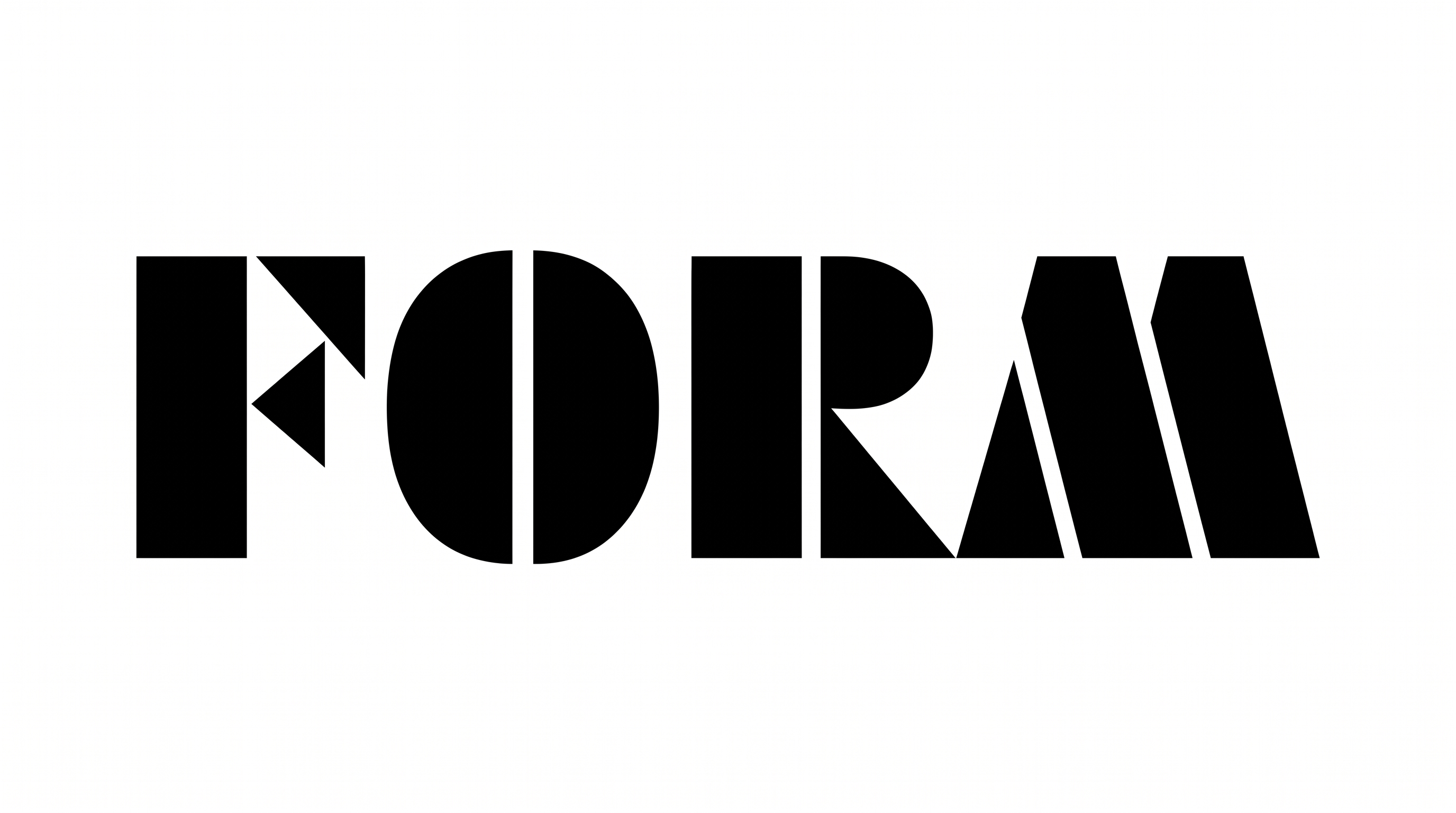
    Angular joins and pointed turns give the geometric letterforms a crisp edge.

  • Letter Construction

    The letters use solid, continuous geometric forms with clean open counters.
Frequently asked questions about Futura Bold Oblique Font Generator

It turns entered words into a text image with bold, narrow uppercase letterforms and a pronounced forward slant. The resulting styled lettering can support wordmarks, covers, posters, packaging concepts, and other visual layouts.

Start with the related tools on this page and compare how different lettering directions handle weight, width, spacing, and slant. Choose the visual treatment that best matches your composition rather than relying on a named alternative.

Yes. The generator is free to use and supports free image downloads. Commercial rights follow the membership terms, so review pricing to choose the applicable membership for your intended project.

The minimum membership covers personal use, while a higher membership covers commercial use. Check pricing for the membership that matches your project before using the generated artwork commercially.

Yes. You can use the online generator to create bold, narrow text artwork for a cover layout. Keep the main phrase concise, leave room for supporting information, and use the strong slant to guide the composition.

The narrow uppercase forms can suit a wide layout when the phrase has room to extend horizontally. A 16:9 image size gives the composition space for the wordmark and nearby visual elements.

Use short wording and preserve visible gaps between characters. Check the generated image at its intended display size, especially when the narrow uppercase lettering appears beside smaller supporting details.

The bold geometric lettering pairs well with clean fields, structured grids, and energetic cover compositions. Use strong contrast around the wordmark so its heavy strokes and forward movement remain visually distinct.

Its heavy uppercase strokes and forward slant create an energetic, forceful mood. That character suits sports graphics, performance-focused packaging, event posters, and cover compositions built around motion or momentum.
READY TO CREATE?

Create Custom Futura Bold Oblique Fonts & Text Effects

Try Futura Bold Oblique Font Generator Free