Free Futura Thin Font Generator Online
Create precise, ultra-thin geometric lettering with generous visual space for editorial covers, wordmarks, and refined titles.
- Templates
- 404
- Generations
- 136
- Downloads
- 287
- Rating
- 5.0
How to Use the Futura Thin Font Generator
Shape airy geometric lettering for a suitable frame, then save the finished text image for your layout.
- 01
Write your text
Type a concise word or phrase so the ultra-thin geometric forms have room to read clearly.
- 02
Choose colors and proportions
Choose a font color and set an image size such as 16:9 to suit the destination.
- 03
Generate and save the artwork
Generate the design, review the rendered text image, then download it as PNG or SVG.
Futura Thin Font Generator in Use: Design Examples & Showcase
Compare airy geometric lettering across editorial covers, signage, packaging, album art, stationery, and compact digital interfaces.
Futura Thin Font Style Profile
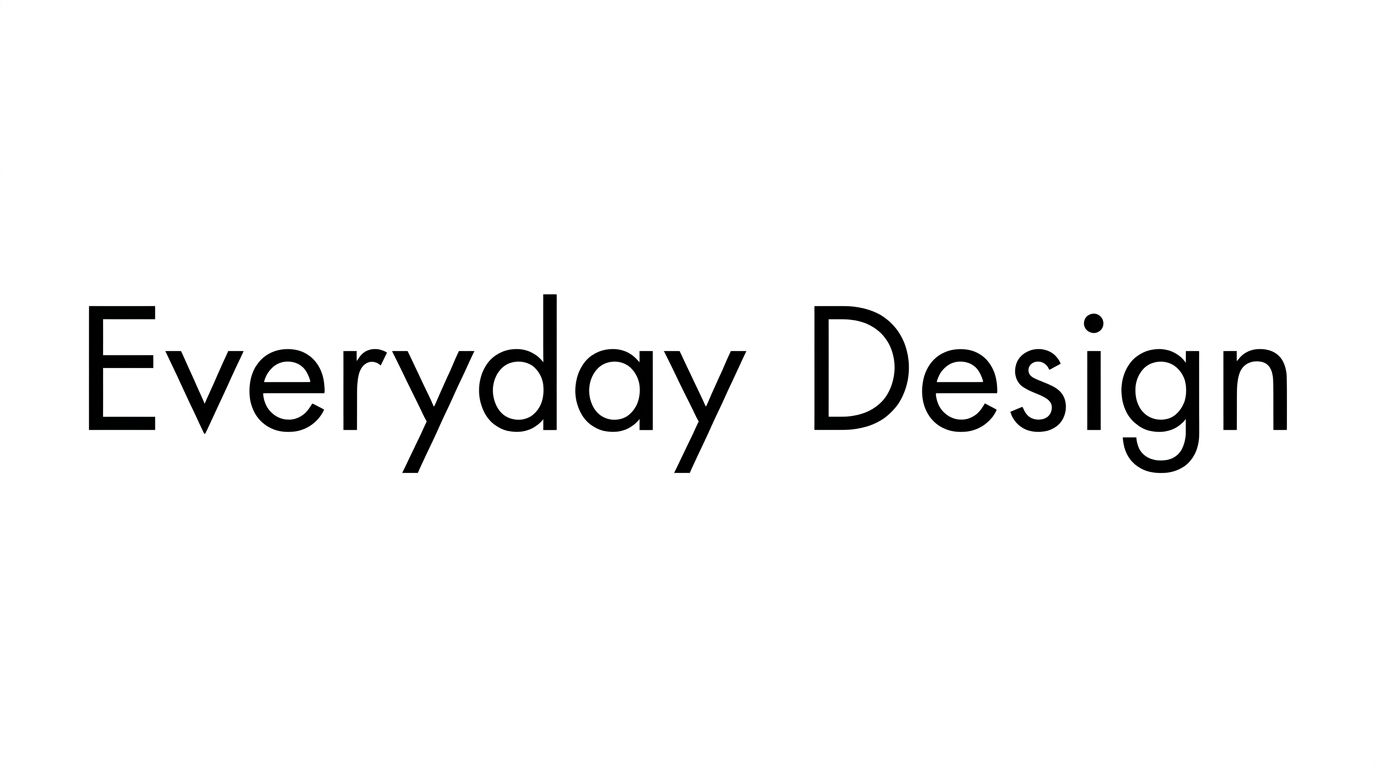
Ultra-thin, geometric strokes and open spacing create an airy, orderly appearance.
Stroke Weight
Ultra-thin strokes give the visible letterforms a light, precise appearance.
Letter Construction
Circles, straight lines, and simple curves create a geometric construction.
Stroke Contrast
The strokes maintain a nearly uniform thickness throughout the visible letters.
Letter Connections
Letters remain separate, with clear breaks between neighboring characters.
Letter Spacing
Open gaps between neighboring letters preserve an airy word shape.
Baseline Rhythm
The letters align along a steady baseline for an orderly rhythm.