Get 5 Free Credits

Free Futura Bold Italic Font Generator Online

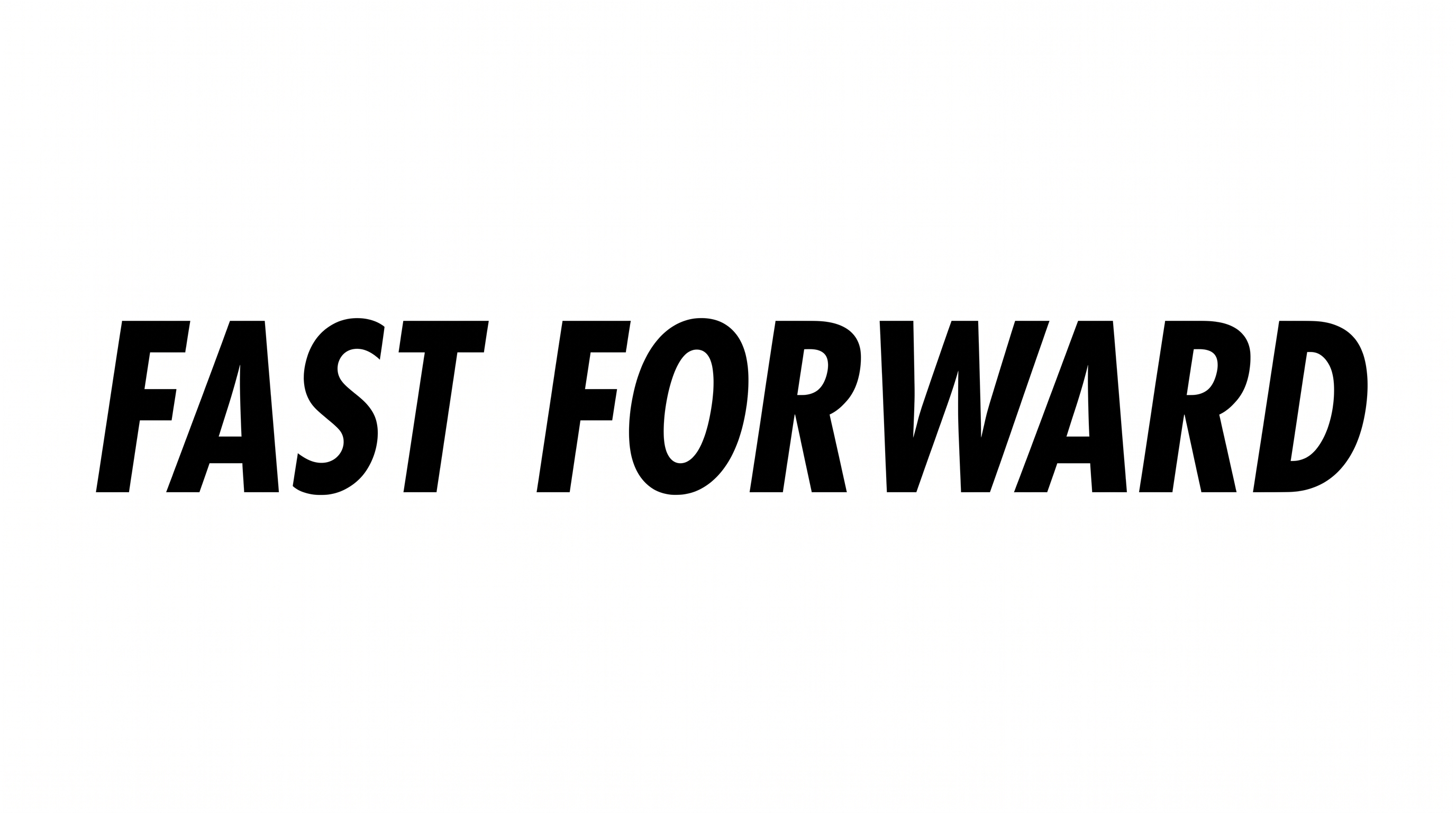
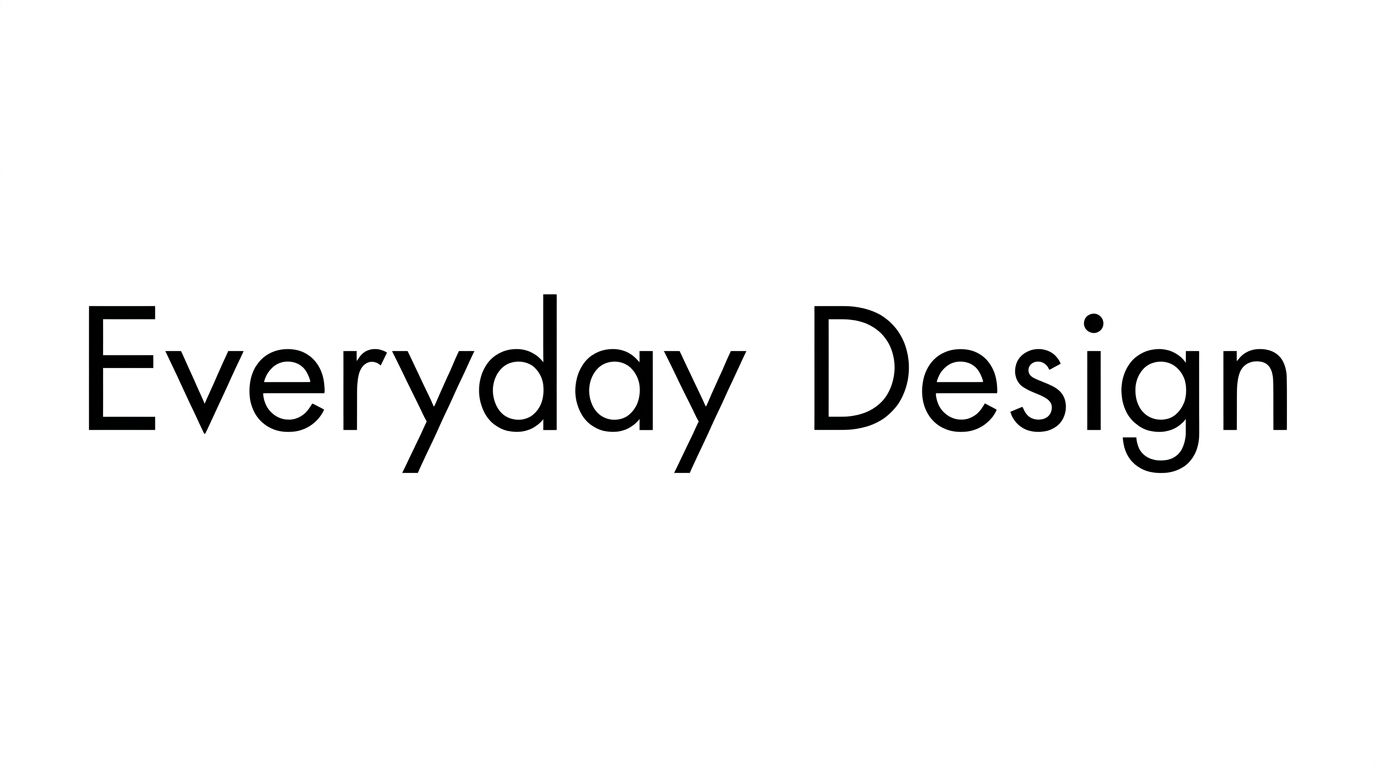
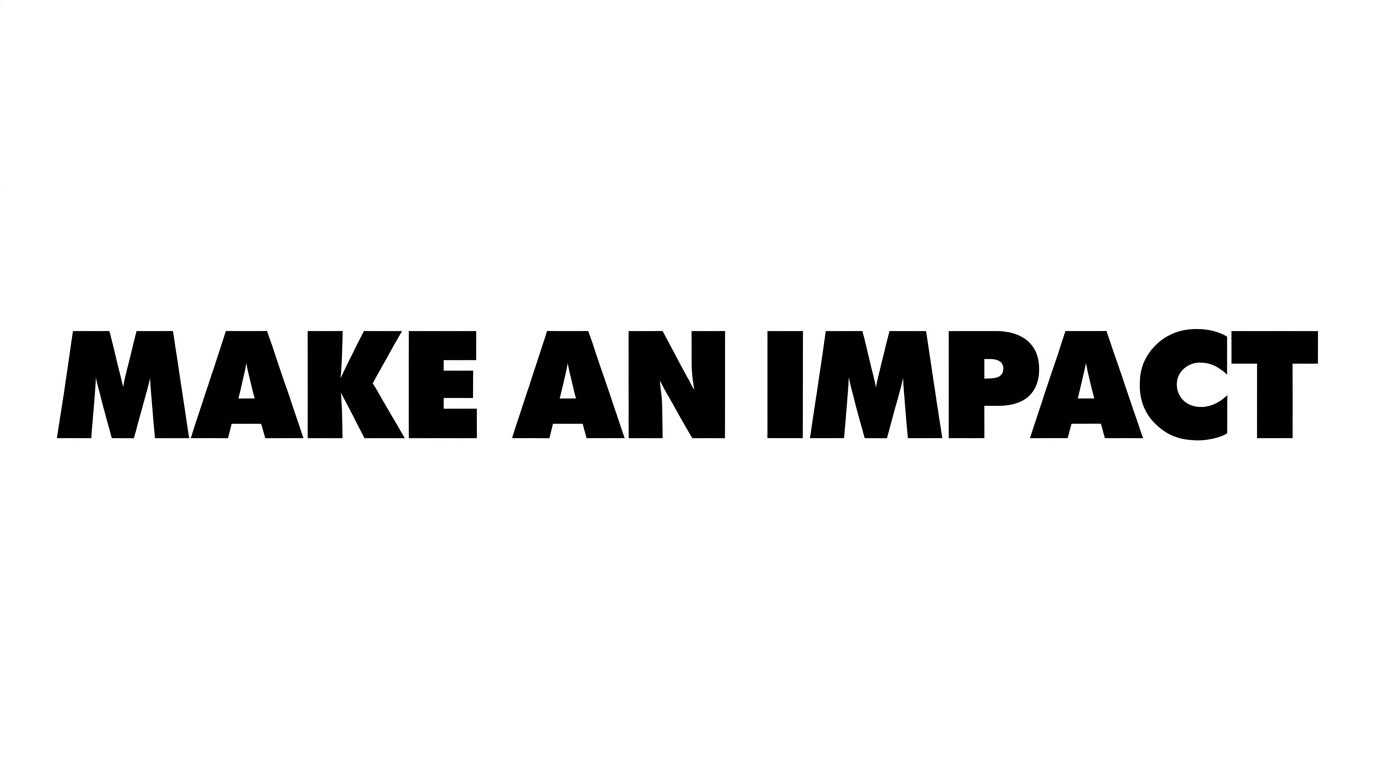
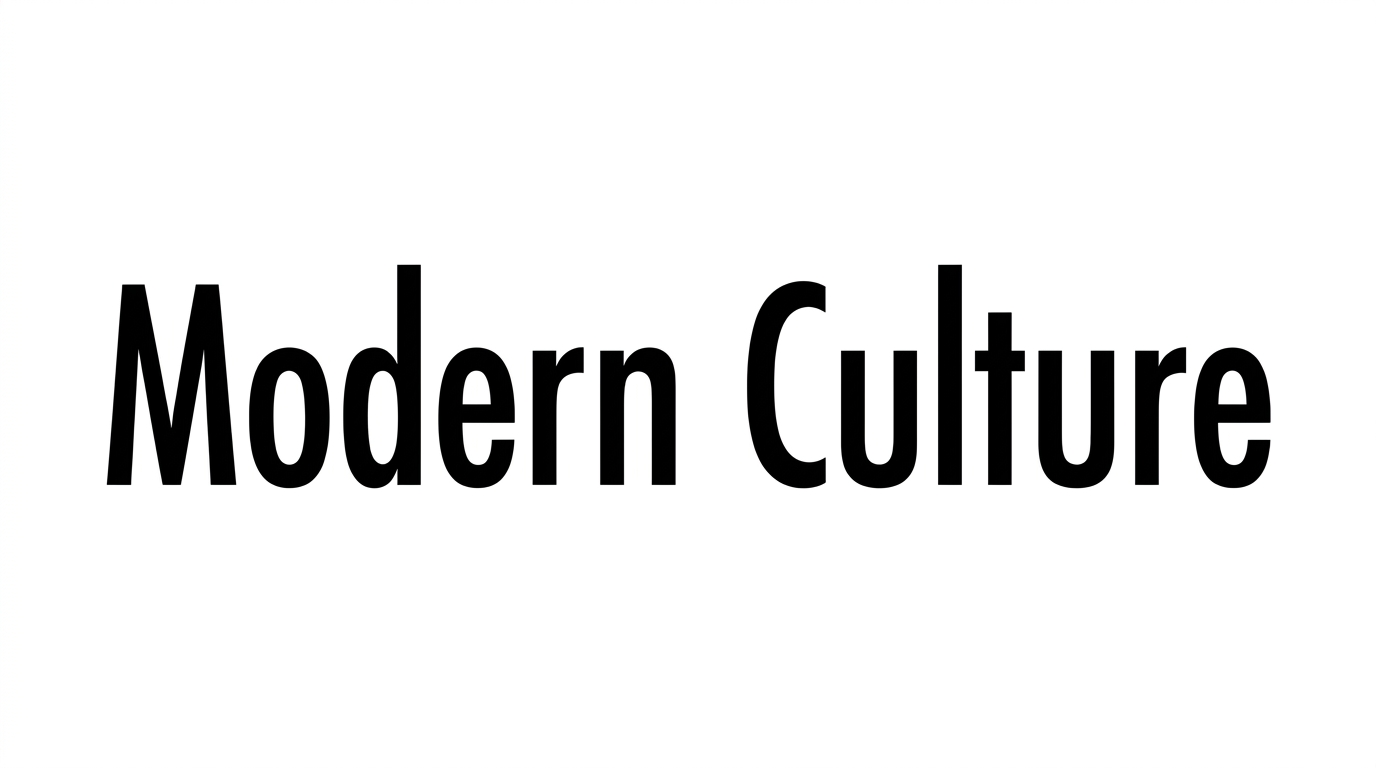
Turn short words into extremely bold, right-slanted geometric lettering suited to energetic wordmarks, sports graphics, and strong headlines.

Enter the text to generate, e.g. Fontify.ai

Font color
Background
Templates
404
Generations
137
Downloads
268
Rating
5.0

How to Use the Futura Bold Italic Font Generator

Shape bold geometric lettering for headlines by matching its strong slant to your chosen canvas.

  1. 01

    Enter a concise phrase

    Type a short headline or wordmark that suits the heavy geometric lettering.

  2. 02

    Set the canvas and colors

    Choose a 16:9 image size, font color, and background that fit your layout.

  3. 03

    Generate and download PNG or SVG

    Generate the preview, then download the finished artwork as a PNG or SVG image.

Futura Bold Italic Font Style Profile

Heavy geometric forms, a strong right slant, and compact spacing create a forceful forward-moving rhythm.

  • Stroke Weight

    Very heavy, even stroke bodies give the letters a dense presence.

  • Slant

    The letterforms lean strongly to the right along a steady baseline.

  • Letter Construction

    Geometric sans-serif forms use simple bowls, diagonals, and straight stems.

  • Stroke Contrast

    Strokes maintain low contrast between thick and thin sections.

  • Letter Spacing

    Narrow gaps create compact spacing between neighboring letters within words.

  • Letter Connections

    Letters remain separate, with clear breaks between neighboring characters.
Frequently asked questions about Futura Bold Italic Font Generator

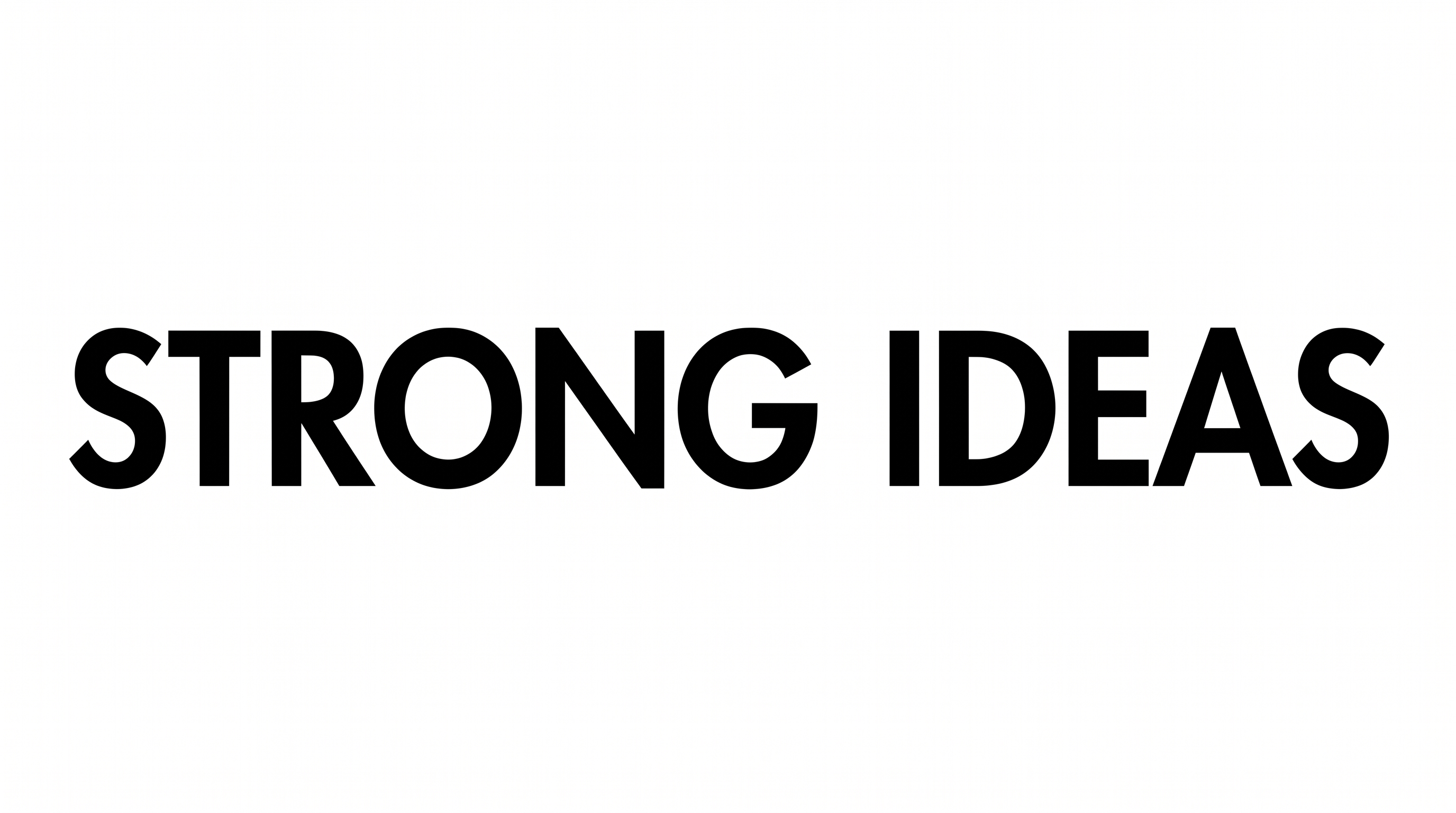
It turns your wording into a text image with heavy, right-slanted geometric sans-serif lettering. The strong oblique forms suit headlines, wordmarks, and energetic visual identities. You can download the result as PNG or SVG artwork.

Open the related tools area and compare how each option handles weight, slant, spacing, and overall mood. Choose a direction that fits your project’s hierarchy and viewing size. This approach lets you explore broadly without relying on a named substitute.

Type your words, then choose an available font color, background, and image size. Generate the preview and review how the heavy slant fits the canvas. Download the finished text image as PNG or SVG; it is artwork rather than an installable font file.

Yes. The generator is free to use, and PNG or SVG artwork can be downloaded without a watermark. Minimum membership covers personal use, while a higher membership covers commercial use. Refer to pricing for the membership that fits your project.

Artwork from the Futura Bold Italic Font Generator works well in online sports graphics, publication covers, product branding, and event headers. Its heavy rightward lean conveys motion and urgency. Short wording keeps that strong shape easy to recognize.

Give the headline a free margin around its outer edges and place it where the rightward slant has visual room. Keep supporting information smaller and simpler. A wide canvas can reinforce the lettering’s horizontal drive.

Pair the solid black-and-white character with clean imagery, restrained shapes, or generous open areas. The heavy geometric forms create an assertive, modern mood, while the slant adds energy. Use supporting text with a calmer visual presence.
READY TO CREATE?

Create Custom Futura Bold Italic Fonts & Text Effects

Try Futura Bold Italic Font Generator Free