Get 5 Free Credits

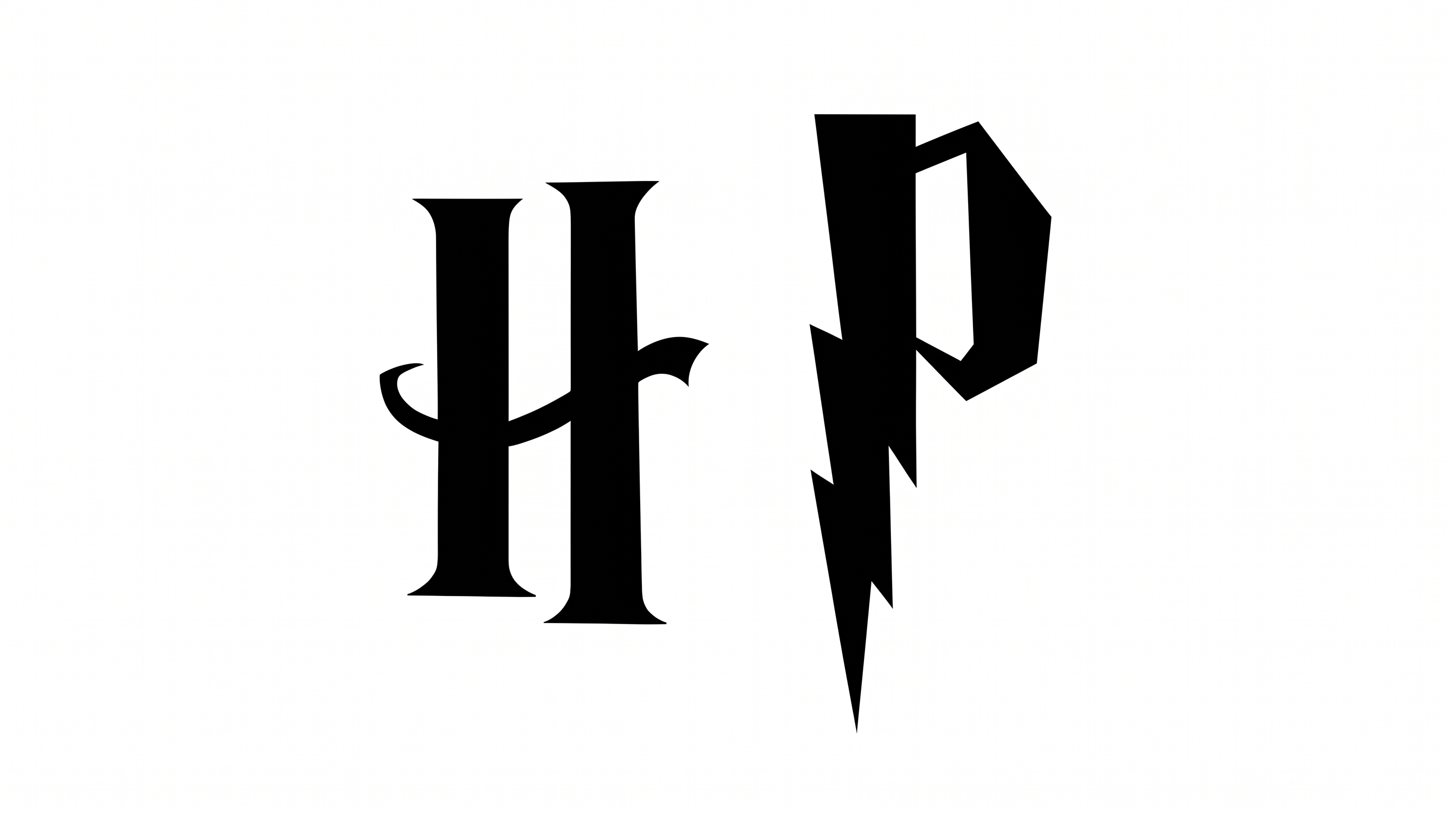
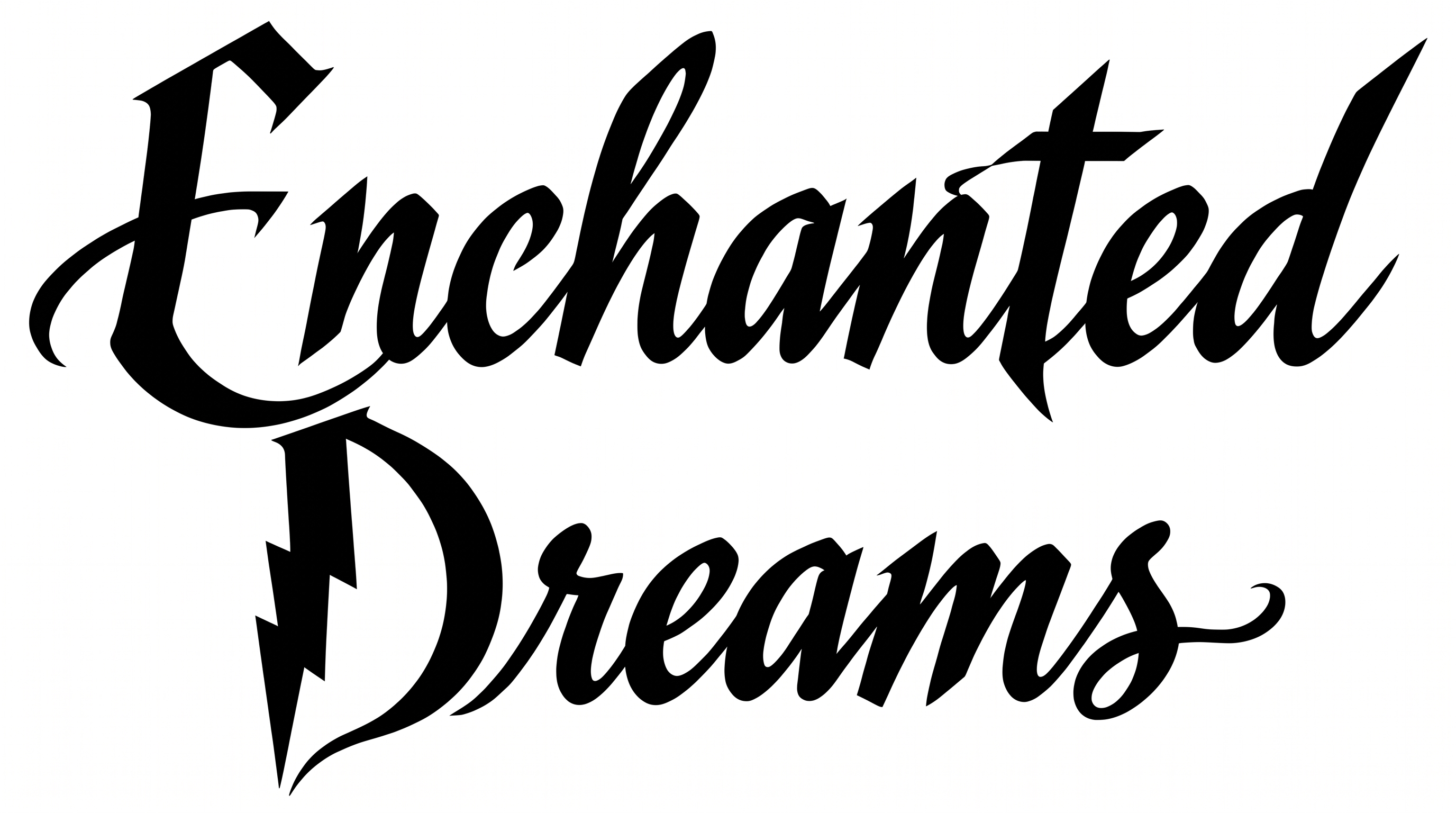
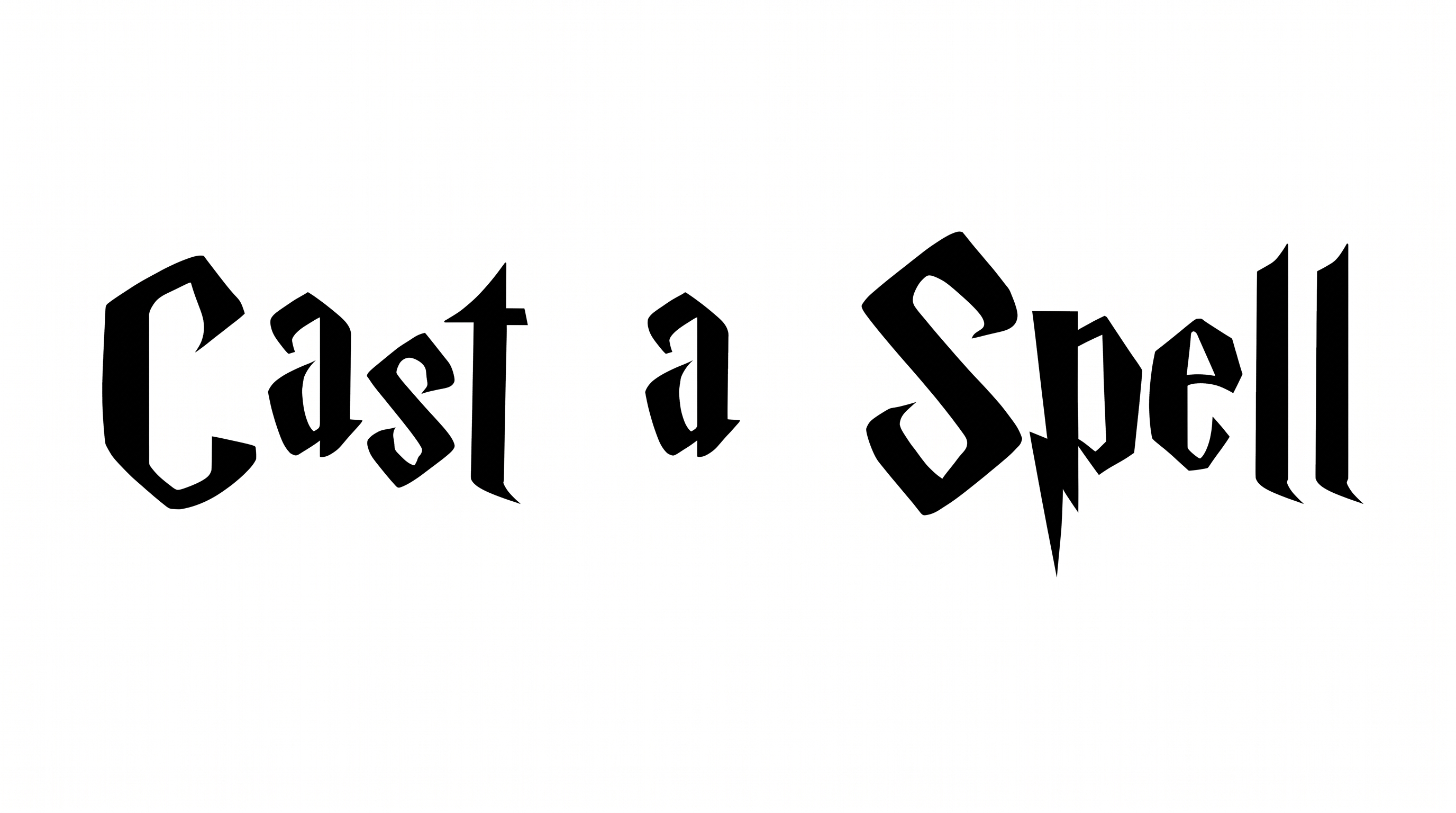
Free Always Tattoo Harry Potter Font Generator Online

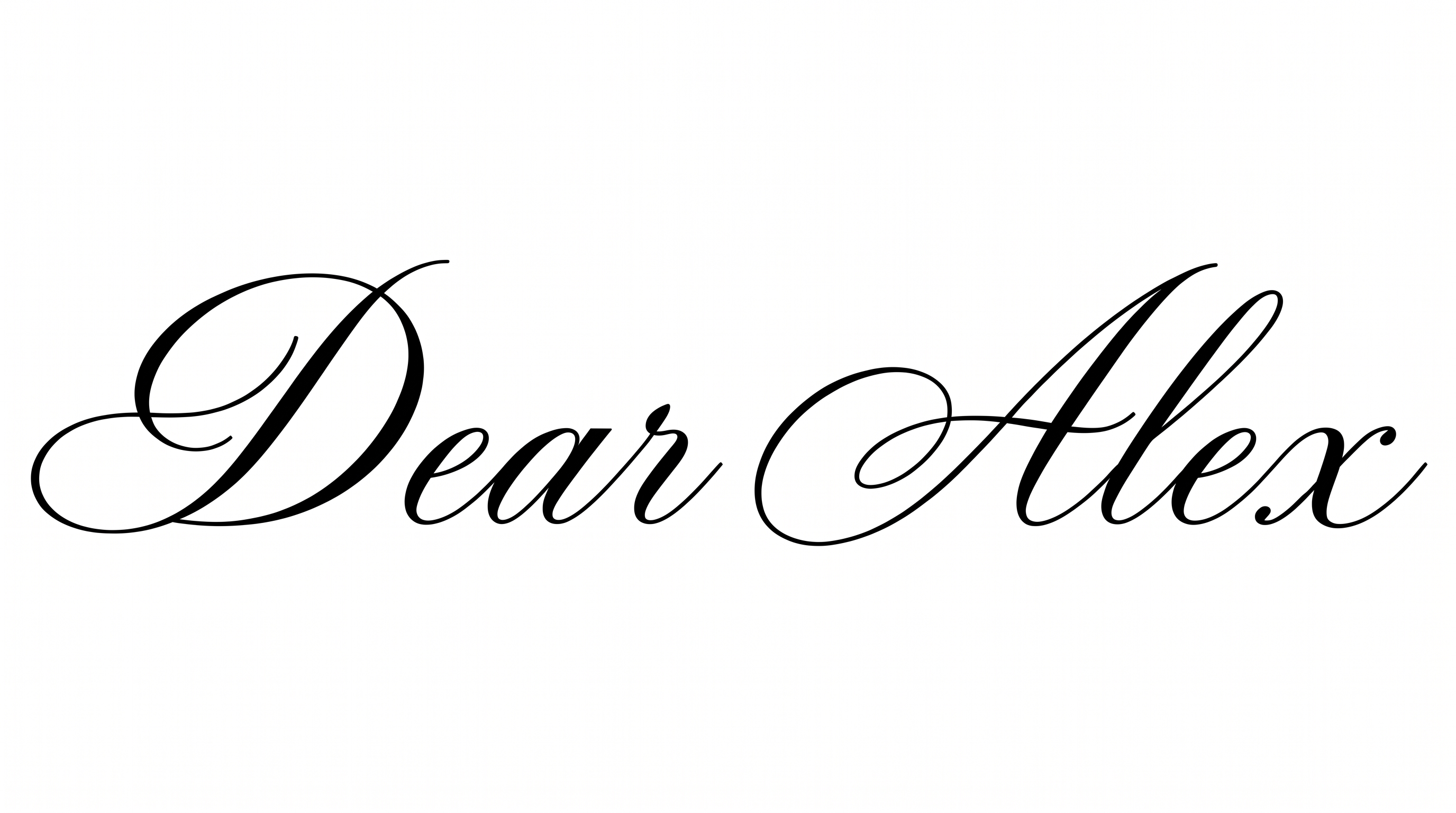
Create refined black calligraphy with fine hairlines, strong stroke contrast, and sweeping entrance and exit flourishes for elegant lettering designs.

Enter the text to generate, e.g. Fontify.ai

Font color
Background
Templates
159
Generations
120
Downloads
245
Rating
5.0

How to Use the Always Tattoo Harry Potter Font Generator

Shape short wording into flowing calligraphy, choose a suitable canvas, and save the finished lettering image.

  1. 01

    Compose your calligraphic wording

    Type a short name or phrase to suit the flowing tattoo-script composition.

  2. 02

    Choose color and image size

    Select a font color and an image size such as 16:9 for extended flourishes.

  3. 03

    Generate and download PNG

    Generate the lettering, review its fine hairlines, then download the finished PNG image.

Always Tattoo Harry Potter Font Style Profile

Sweeping flourishes, contrasting strokes, and connected letterforms shape this flowing calligraphic style.

  • Flourishes

    Long entrance and exit swashes extend beyond the central word.

  • Stroke Contrast

    Broad downstrokes contrast with exceptionally fine connecting hairlines.

  • Slant

    The letterforms lean gently to the right along the baseline.

  • Letter Connections

    Continuous pen-like strokes join neighboring letters within the word.

  • Stroke Endings

    Several visible hairlines taper into delicate pointed endings.

  • Letter Construction

    Fluid calligraphic strokes form looped and open letter shapes.
Frequently asked questions about Always Tattoo Harry Potter Font Generator

Yes. You can use the generator for free and download the resulting lettering as PNG or SVG artwork. Applicable usage conditions depend on the membership selected for the project.

The minimum membership covers personal use, while a higher membership covers commercial use. Review pricing to choose the applicable membership for your intended project.

Type your wording, then choose an available font color, background option, and image size such as 16:9. Generate the design, review the rendered lettering, and download it as PNG or SVG artwork.

Download the lettering as a PNG. Upload it in Canva, insert it into a Google Docs document, and import it into a Cricut app project. Cricut Design Space is another name for that app. The result is image artwork for placement in those platforms.

Invitation names, book covers, packaging marks, and tattoo-flash compositions suit the sweeping script. An online draft from the Always Tattoo Harry Potter Font Generator helps you judge whether its wide flourishes fit the scene.

Give the lettering a broad area and reserve clear space around its long entrance and exit strokes. A 16:9 or 21:9 image size can support a horizontal title while keeping the flourishes visually open.

Use a short name or title as the focal line and preview it at the final display size. Strong contrast between the lettering and its background helps the thin hairlines remain distinct.

Pair the flowing black calligraphy with restrained supporting type and generous whitespace. A free layout can keep the lettering prominent while letting the decorative script lead invitations, covers, or premium packaging.
READY TO CREATE?

Create Custom Always Tattoo Harry Potter Fonts & Text Effects

Try Always Tattoo Harry Potter Font Generator Free