Get 5 Free Credits

Free Harry Potter Logo Font Generator Online

Shape your words into a wide fantasy wordmark with angular blackletter forms and sharp terminals, suited to a dramatic book-cover title.

Enter the text to generate, e.g. Fontify.ai

Font color
Background
Templates
159
Generations
171
Downloads
212
Rating
5.0

How to Use the Harry Potter Logo Font Generator

Turn a short phrase into angular fantasy lettering sized for your intended design.

  1. 01

    Write your fantasy title

    Enter a short name or phrase that suits the wide blackletter-inspired wordmark.

  2. 02

    Set the color and composition

    Choose a font color, background and image size such as 16:9 for a wide title.

  3. 03

    Generate and download the artwork

    Review the sharp lettering, then download your finished text image as PNG or SVG.

Harry Potter Logo Font Style Profile

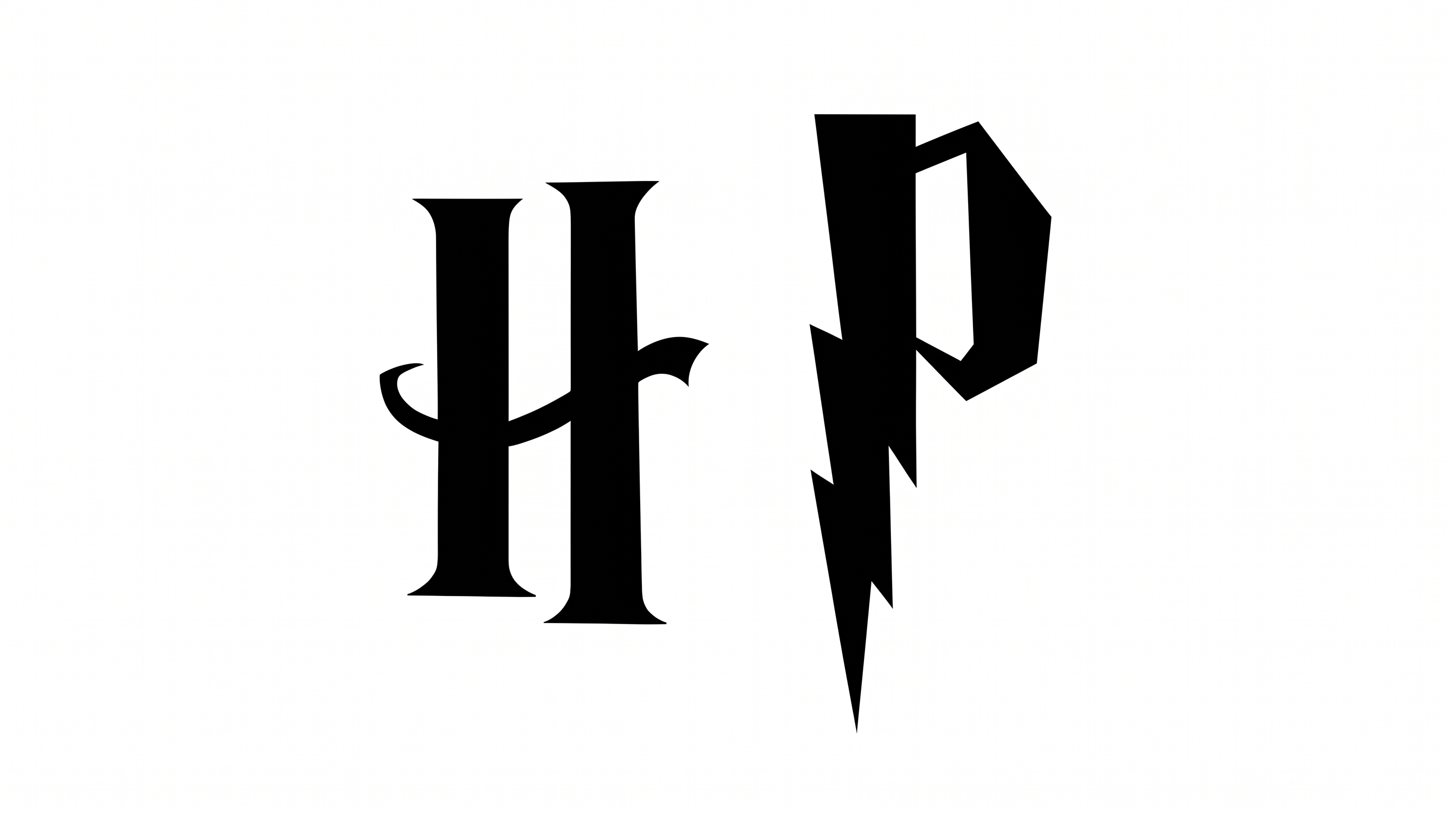
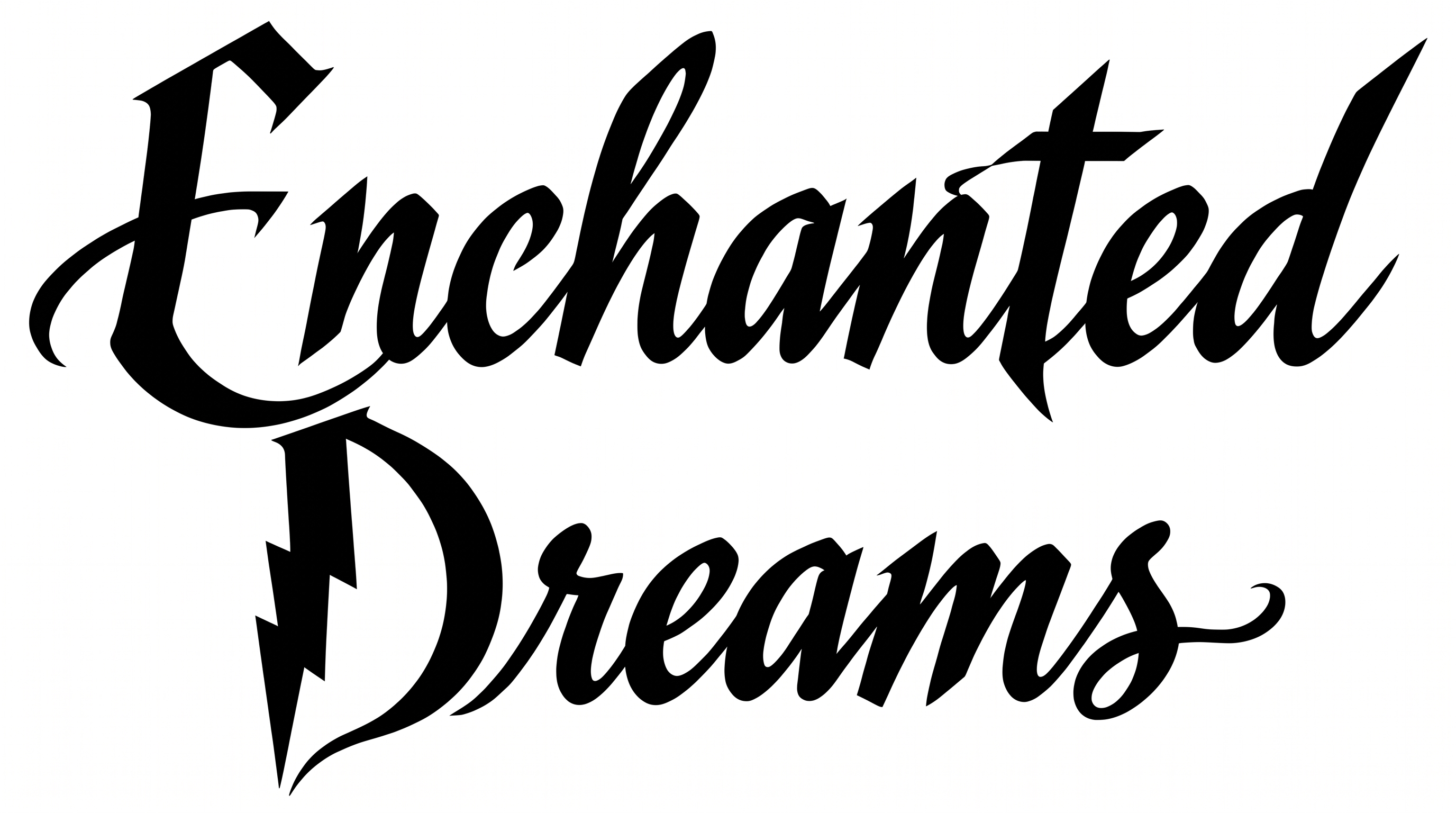
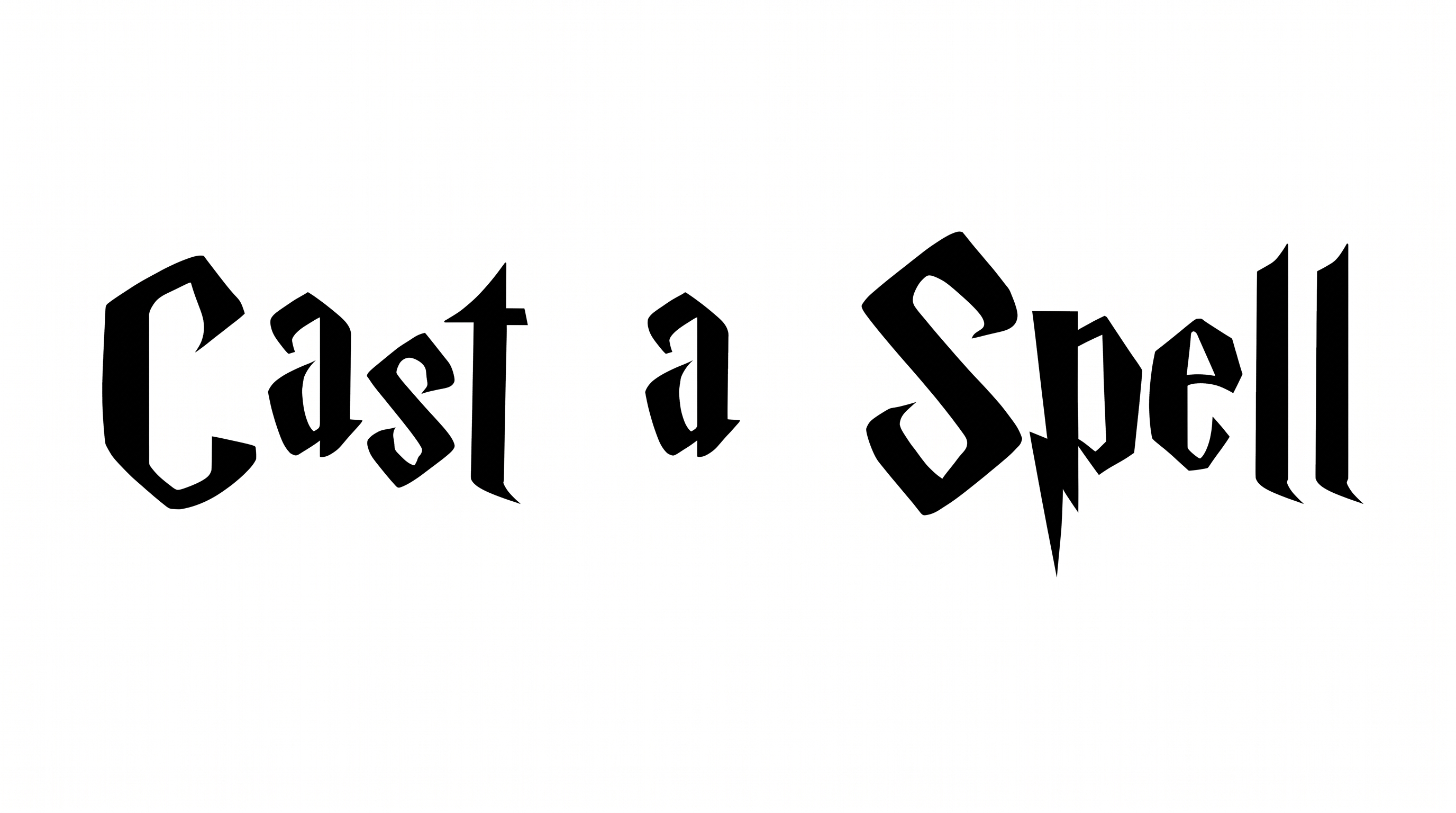
Angular construction, sharp corners, and strong stroke contrast give the lettering a dramatic blackletter character.

  • Letter Construction

    Faceted strokes build compact blackletter forms with clearly defined internal shapes.

  • Corner Shape

    Sharp, angular corners create the lettering’s distinctive cut-stone silhouette.

  • Stroke Contrast

    Heavy vertical strokes alternate with much finer diagonals and cross strokes.

  • Stroke Endings

    Pointed and wedge-shaped endings sharpen visible stems, arms, and descenders.

  • Letter Spacing

    Narrow but visible gaps keep neighboring letters compact and separate.

  • Baseline Rhythm

    Letters sit on a steady baseline despite varied ascenders and descenders.
Frequently asked questions about Harry Potter Logo Font Generator

Yes. Transparent backgrounds are supported for layering the lettering over other artwork. This template also lets you choose a custom font color, select a custom background color, upload a background image and set the image size. Transparency is supported independently of those template controls.

Browse the related tools section and compare the visible letter construction, stroke contrast, spacing and overall mood. Choose a direction that fits your project’s format and supporting artwork rather than relying on a named alternative.

Download the Harry Potter Logo Font artwork as a PNG. Upload it in Canva or insert it into a Google Docs document. Import it into a project in the Cricut app, also known as Cricut Design Space. In each platform, it remains image artwork rather than an installed font.

Enter your wording, choose available options such as font color, background and image size, then generate the design. Review the rendered result and download it as PNG or SVG. The downloaded result is text-image artwork rather than an installable font file.

Use the Harry Potter Logo Font Generator result as a centered or left-aligned headline. Leave generous space around the pointed terminals and keep supporting information in a simpler type style. A wide ratio such as 16:9 can suit a horizontal banner.

Use a short phrase, preserve clear space around the wordmark and avoid crowding it with detailed imagery. Check the sharp terminals and narrow interior spaces at the final display size before using the Harry Potter Logo Font in compact artwork.

Simple supporting text, restrained borders and spacious layouts complement the angular forms. Monochrome treatment emphasizes the sharp construction, while a custom font color can connect the lettering to a broader palette.

The angular construction, pointed endings and strong stroke contrast create a dramatic fantasy mood. It works especially well when the title needs a formal, mysterious or theatrical presence.

The broad composition suits book covers, posters, event tickets, stage backdrops and opening-title graphics. Place it where the headline has enough horizontal room, or select a taller image ratio when building a stacked layout.
READY TO CREATE?

Create Custom Harry Potter Logo Fonts & Text Effects

Try Harry Potter Logo Font Generator Free