Get 5 Free Credits

Free Harry Potter Writing Font Generator Online

Create dramatic fantasy titles with sharply faceted blackletter forms, strong contrast, and pointed terminals.

Enter the text to generate, e.g. Fontify.ai

Font color
Background
Templates
159
Generations
60
Downloads
200
Rating
5.0

How to Use the Harry Potter Writing Font Generator

Shape a fantasy display title with angular forms and prepare the resulting artwork for your layout.

  1. 01

    Write your fantasy title

    Enter a short title or phrase to suit the angular blackletter display style.

  2. 02

    Set the colors and layout

    Choose a font color, background, and image size such as 16:9 for your layout.

  3. 03

    Generate and download the artwork

    Generate the text image, review the sharp forms, then download it as PNG or SVG.

Harry Potter Writing Font Style Profile

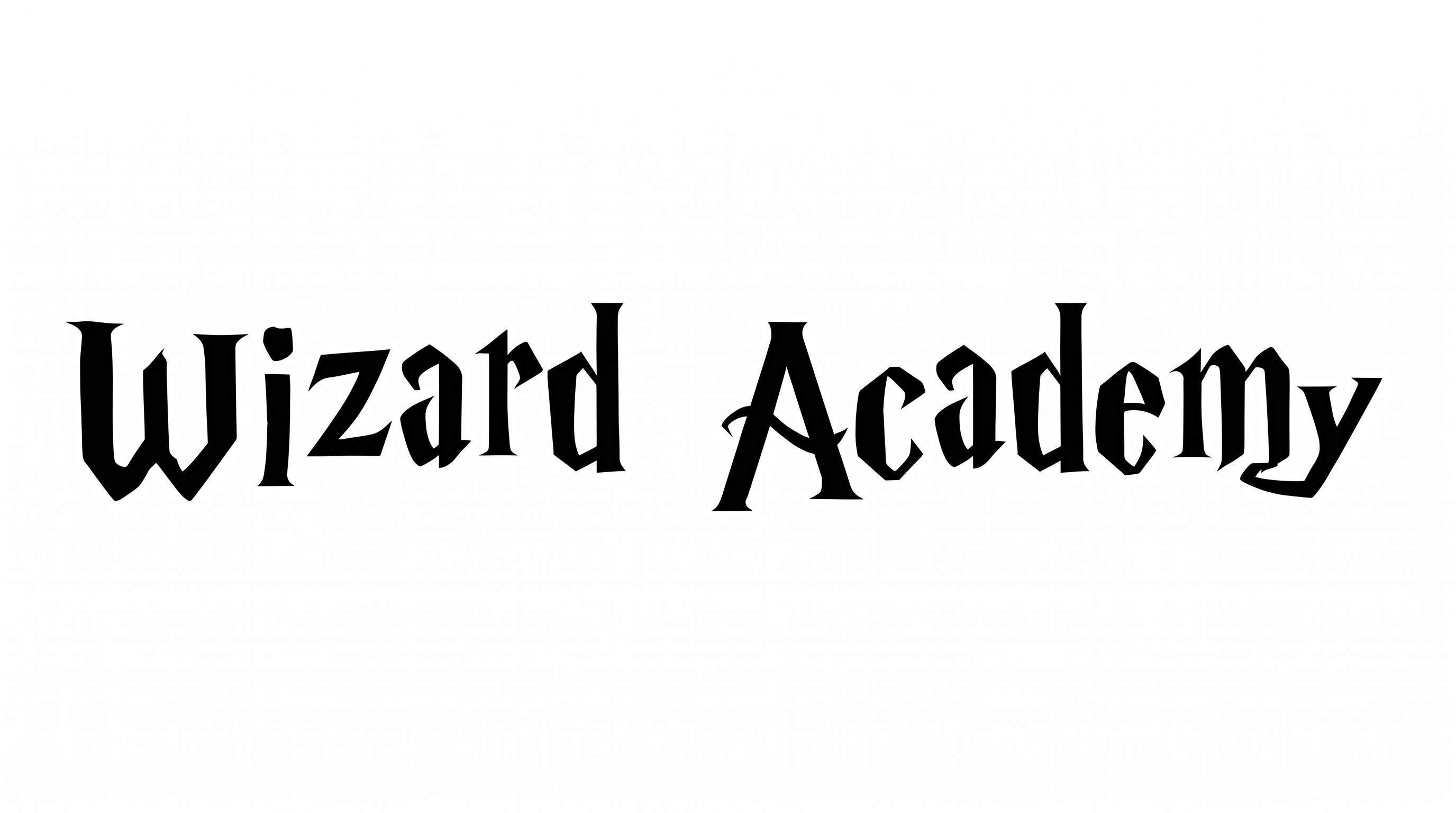
Angular construction, sharp corners, and strong thick-thin contrast create a dramatic blackletter appearance.

  • Letter Construction

    Faceted strokes build each letter into a distinctly angular blackletter form.

  • Stroke Contrast

    Heavy vertical bodies alternate with much finer interior and diagonal strokes.

  • Corner Shape

    Sharp corners define the turns and joins throughout the visible letters.

  • Stroke Endings

    Pointed and sharply cut terminals give many strokes a dramatic finish.

  • Letter Connections

    Letters remain separate, with clear breaks between neighboring characters.

  • Letter Spacing

    Clear gaps separate neighboring letters within each displayed word.
Frequently asked questions about Harry Potter Writing Font Generator

Commercial use is covered by the higher membership, while the minimum membership covers personal use. Review pricing to choose the membership that applies to your project before using the artwork commercially.

Yes. The generator supports free use and free image downloads. Usage conditions still depend on the project: the minimum membership covers personal use, while commercial projects require the applicable higher membership.

Download the lettering as PNG artwork. Upload it in Canva, insert it into Google Docs, and import it into a project in the Cricut app, also known as Cricut Design Space.

Browse the related tools section and compare examples by construction, stroke contrast, corner shape, and intended use. Choose a visual direction that fits your project's mood and layout rather than relying on a named match.

Its angular blackletter character suits fantasy book covers, invitations, game menus, event tickets, and theatrical titles. Use it where a dramatic display heading can lead the composition.

Give the title a clear focal position and leave generous space around its pointed forms. On covers or posters, reserve quieter areas for dates, names, and other supporting details.

Use a short phrase, strong size contrast, and a clean surrounding area. Preview the design at its intended screen size so the fine strokes and sharp terminals remain clear.

Pair the display lettering with a simpler supporting type style. Keep dates and body copy restrained, and leave free space between the headline and surrounding details.

The angular blackletter forms create a dramatic, gothic, spellbound mood. A solid black treatment feels formal and striking for fantasy-focused artwork, ceremonial headings, and theatrical titles.
READY TO CREATE?

Create Custom Harry Potter Writing Fonts & Text Effects

Try Harry Potter Writing Font Generator Free