Get 5 Free Credits

Free Harry Potter Letter Font Generator Online

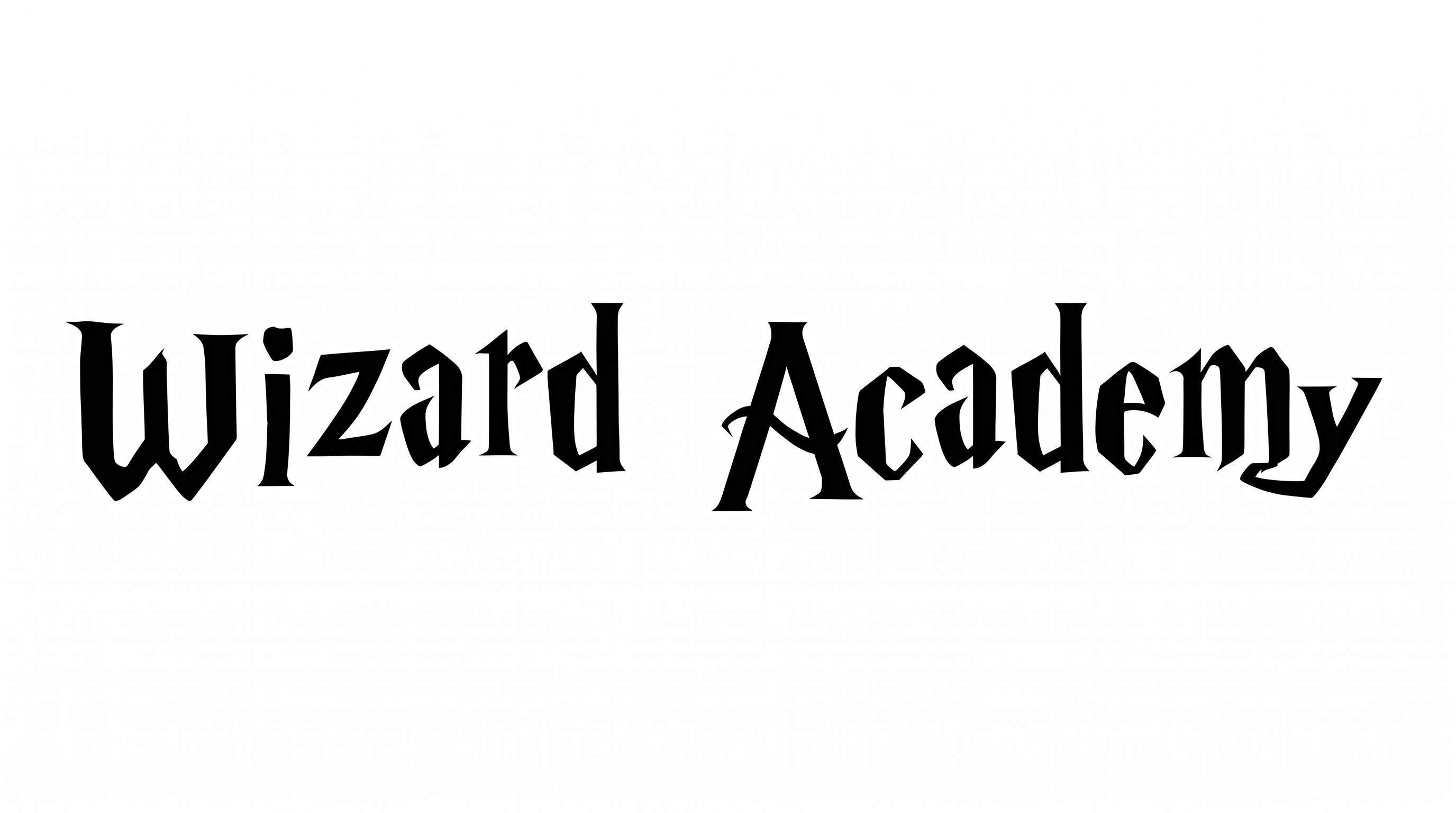
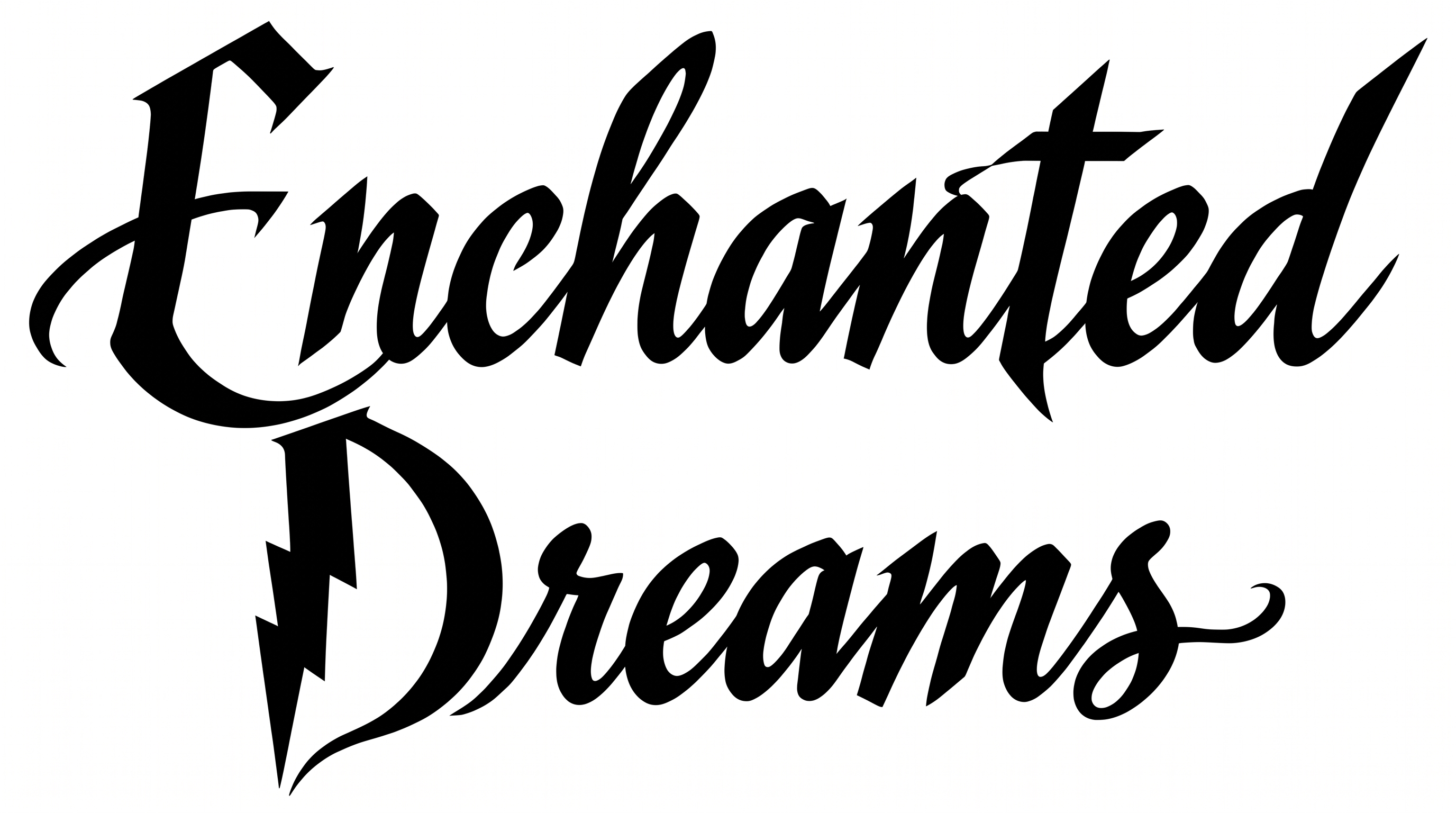
Create dramatic fantasy lettering with high-contrast serif capitals, angular geometry, and a lightning-like accent for striking titles.

Enter the text to generate, e.g. Fontify.ai

Font color
Background
Templates
159
Generations
56
Downloads
233
Rating
5.0

How to Use the Harry Potter Letter Font Generator

Shape fantasy lettering with angular serifs, then save a composition sized for your intended design.

  1. 01

    Enter and size your title

    Type your wording and select an image ratio, such as 16:9, to suit the layout.

  2. 02

    Set the visual presentation

    Choose font color and a default, custom-color, or uploaded background before generating the artwork.

  3. 03

    Review and download the artwork

    Check the angular letterforms, then download the finished text image as a PNG or SVG.

Harry Potter Letter Font Style Profile

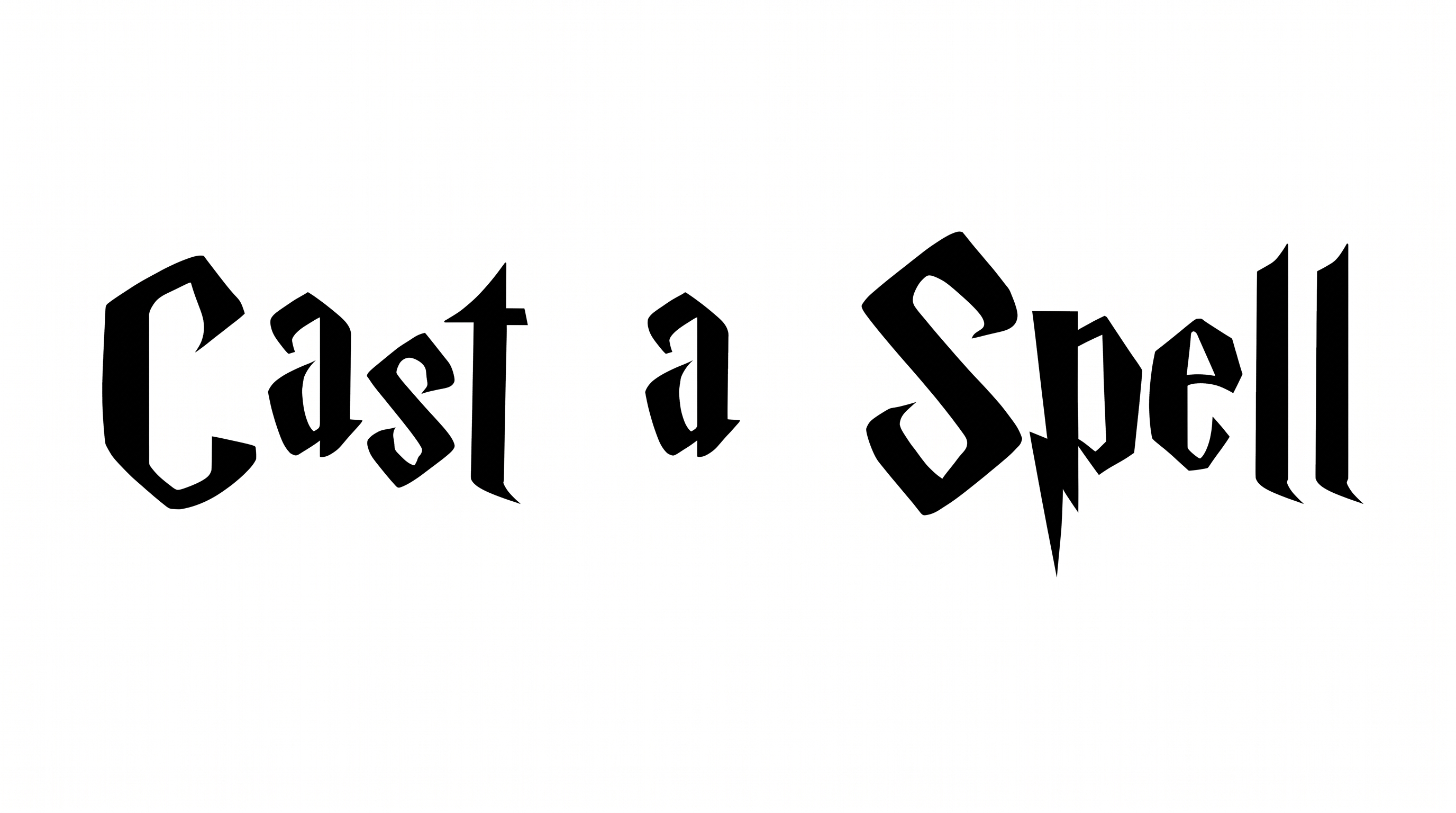
Angular construction, sharp terminals, and strong stroke contrast give the black capitals a dramatic fantasy character.

  • Letter Construction

    Faceted segments and lightning-like cuts create an angular capital structure.

  • Stroke Endings

    Pointed terminals and sharp serifs give the visible strokes decisive finishes.

  • Stroke Contrast

    Broad vertical forms contrast strongly with finer crossbars and serifs.

  • Corner Shape

    Hard angles and pointed joins define many turns within the letterforms.

  • Color Treatment

    Solid black fills create a stark and consistent treatment across the letters.

  • Letter Spacing

    Clear gaps keep neighboring capitals visually separate within the alphabet sample.
Frequently asked questions about Harry Potter Letter Font Generator

It turns your wording into a text image featuring high-contrast serif capitals, angular geometry, sharp terminals, and a lightning-like accent. The result works as display artwork for fantasy-themed titles and graphics.

Download the generated PNG artwork, then upload it in Canva for a design. Insert the same image into a Google Docs document. In the Cricut app, also known as Cricut Design Space, import the PNG into a project.

Yes. The generator is free to use, and PNG and SVG downloads are available. Usage rights depend on membership, so check the applicable terms for your project.

Commercial use requires a higher membership, while the minimum membership covers personal use. Review pricing to choose the membership that applies to your intended project.

Its angular capitals work especially well as prominent titles on book covers, invitations, posters, banners, and event tickets. Give the lettering a clear focal role and reserve quieter space for supporting details.

Use a wide aspect ratio for one-line titles or a taller ratio for stacked wording. Keep the title away from essential details so its sharp terminals remain visually clear.

Use short wording, strong contrast, and generous surrounding space. Preview the artwork at its intended size, especially for profile graphics, app icons, or compact video covers.

Pair the dramatic high-contrast capitals with a simpler supporting type style for dates, descriptions, and body copy. This preserves hierarchy while letting the display lettering remain the focal point.

The lightning-like accent, faceted geometry, and sharp terminals create a dramatic fantasy mood. It suits mysterious, ceremonial, or theatrical compositions where the title should feel prominent.
READY TO CREATE?

Create Custom Harry Potter Letter Fonts & Text Effects

Try Harry Potter Letter Font Generator Free