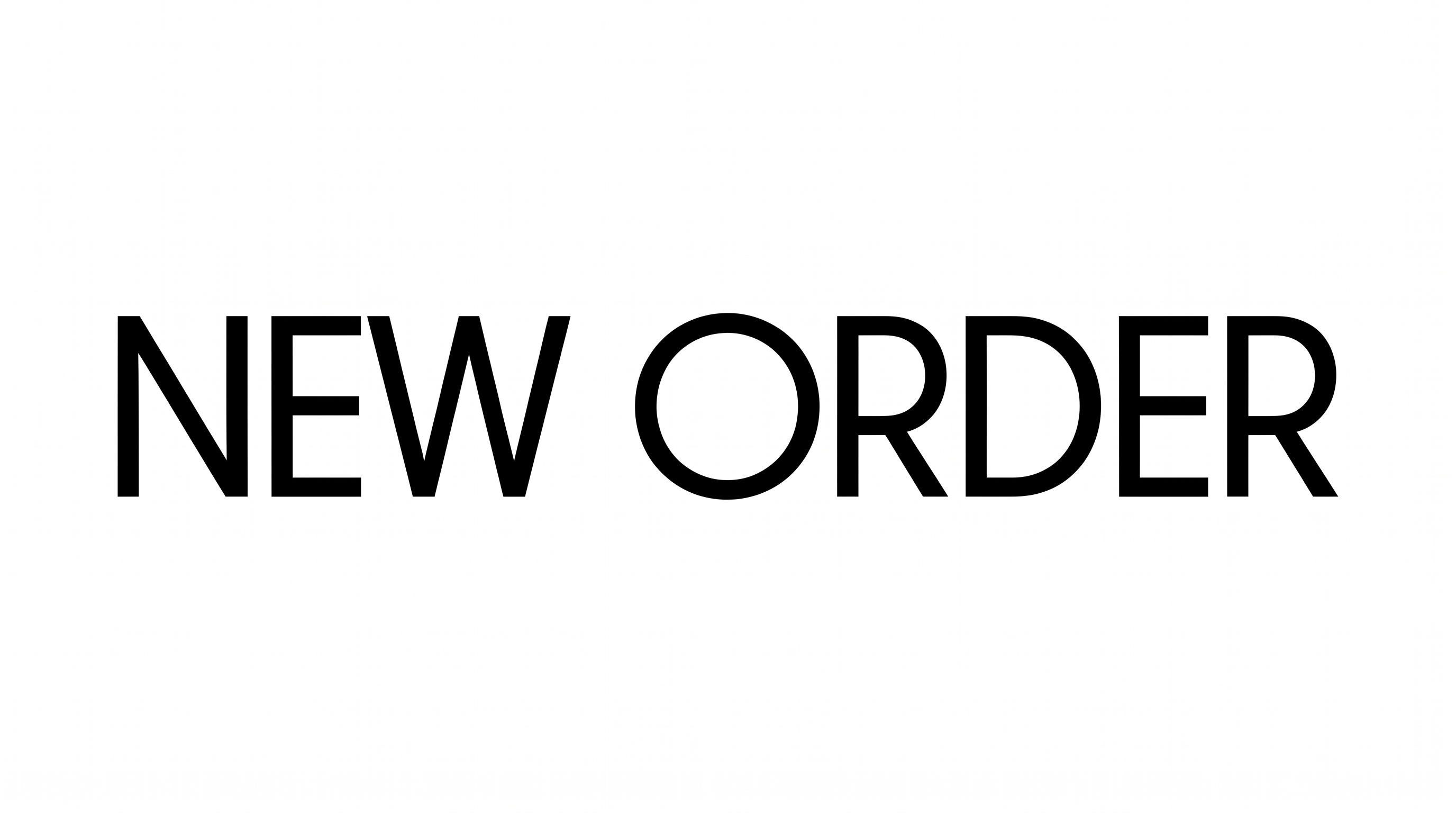
Free Elegant Sans Serif Font Generator Online
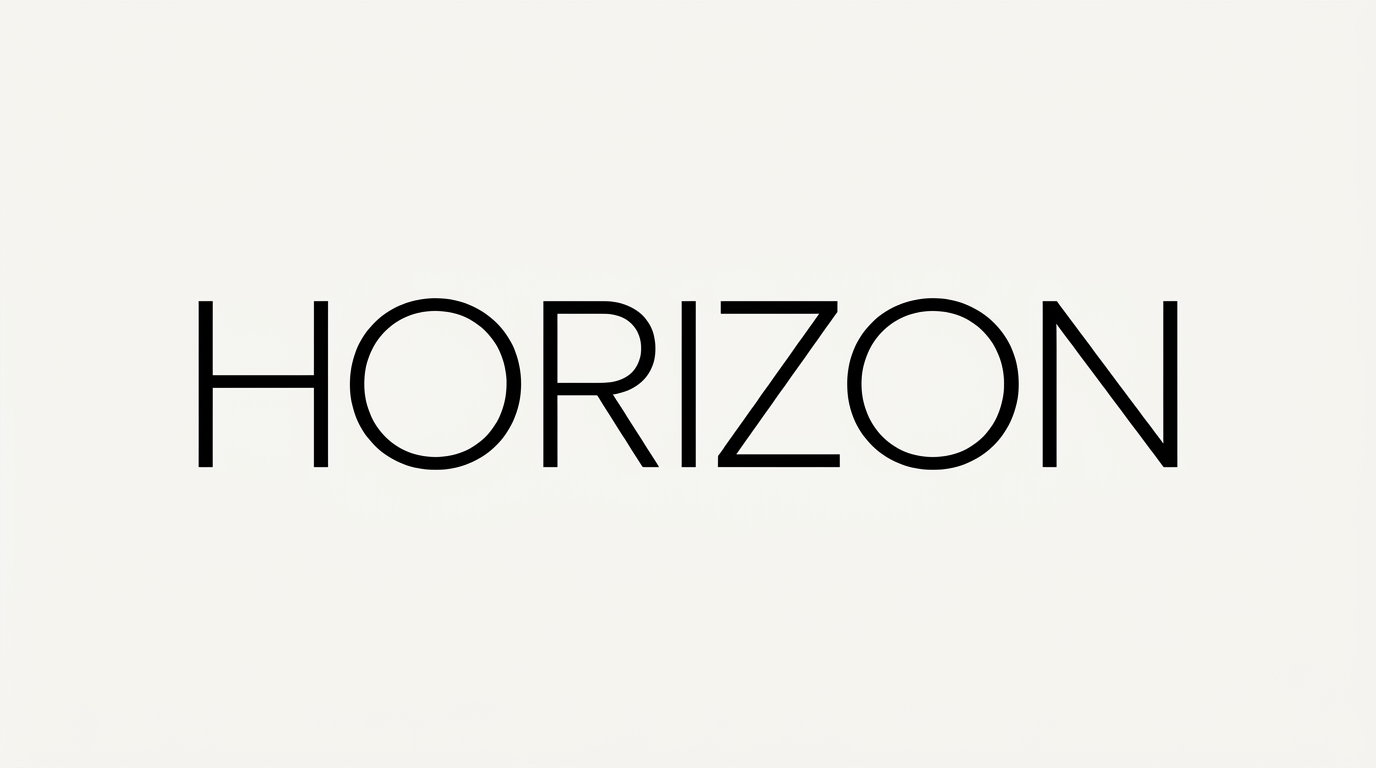
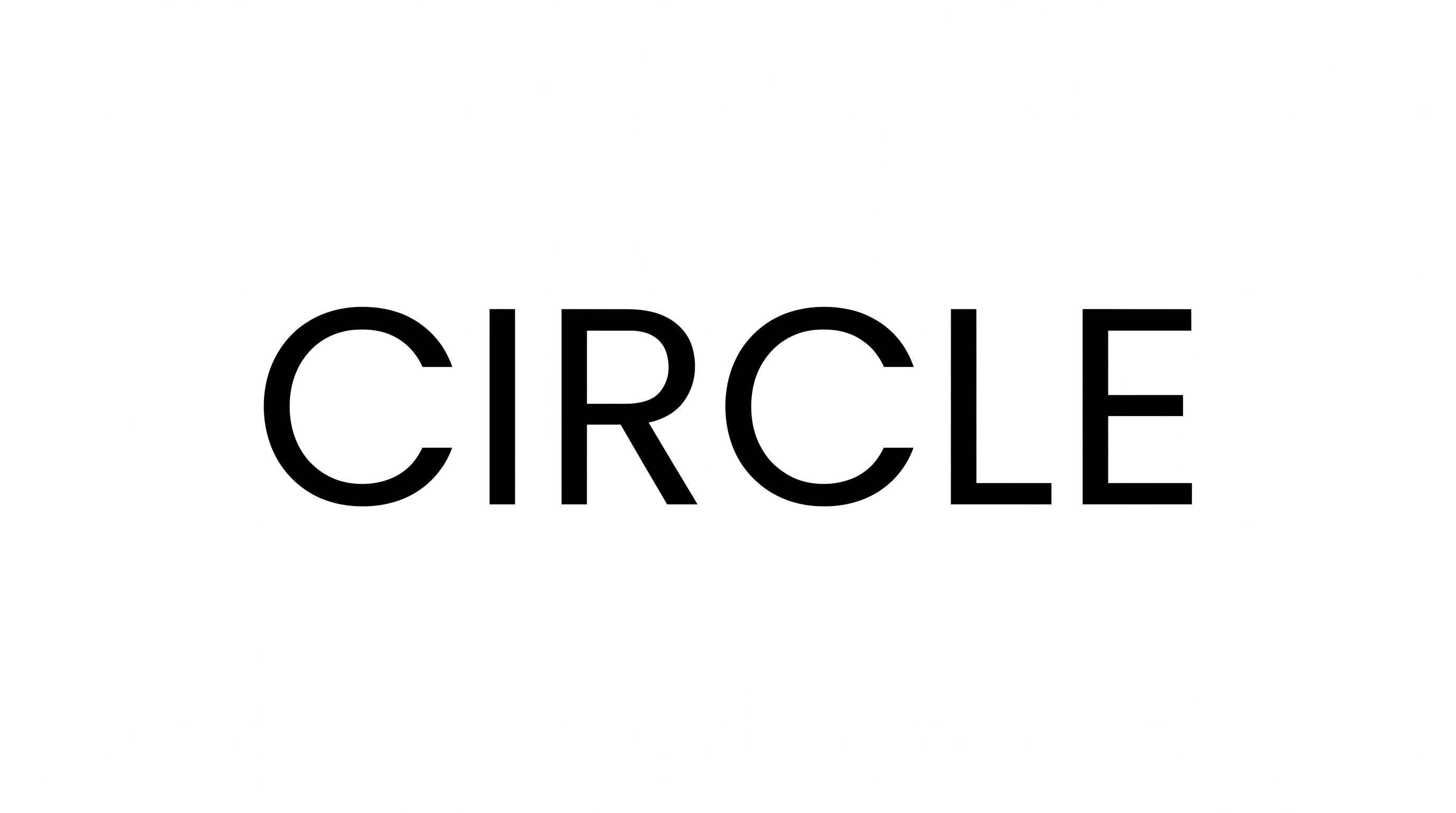
Create thin, widely spaced uppercase lettering with a clean geometric character suited to editorial covers and minimalist wordmarks.
- Templates
- 769
- Generations
- 139
- Downloads
- 201
- Rating
- 5.0
How to Use the Elegant Sans Serif Font Generator
Shape a refined wordmark by pairing geometric uppercase lettering with a suitable image format.
- 01
Enter your wordmark text
Type a name, heading or short phrase for the thin geometric lettering.
- 02
Choose the canvas and colors
Select an aspect ratio such as 1:1, then choose font and background colors.
- 03
Generate and download the image
Review the widely spaced lettering, then download the finished PNG or SVG image.
Elegant Sans Serif Font Generator in Use: Design Examples & Showcase
Explore the lettering across magazine covers, packaging, signage, stationery and digital layouts to compare scale, spacing and hierarchy.
Elegant Sans Serif Font Style Profile
Light monoline strokes, geometric uppercase forms and generous spacing create a restrained appearance.
Stroke Weight
Light, even strokes give the visible uppercase letters a delicate presence.
Letter Spacing
Generous gaps keep neighboring letters clearly separated within each word.
Stroke Contrast
The letter strokes maintain a nearly uniform thickness throughout the forms.
Letter Construction
Straight strokes and circular curves create clean geometric uppercase forms.
Letter Connections
Letters remain separate, with clear breaks between neighboring characters.
Baseline Rhythm
The uppercase letters align consistently along an even baseline.