Get 5 Free Credits

Free Geometric Sans Serif Font Generator Online

Create crisp geometric lettering with even strokes and clean uppercase forms, suited to modern wordmarks, signage, and editorial titles.

Enter the text to generate, e.g. Fontify.ai

Font color
Background
Templates
769
Generations
190
Downloads
237
Rating
5.0

How to Use the Geometric Sans Serif Font Generator

Shape clean geometric lettering for a wordmark, sign, cover, or interface title.

  1. 01

    Write your geometric heading

    Enter a short word or phrase that suits the clean, uppercase-inspired style.

  2. 02

    Set the color and composition

    Choose a font color, background, and aspect ratio such as 1:1 or 16:9.

  3. 03

    Generate and download PNG or SVG

    Create the text image, review its spacing, and download it in a supported format.

Geometric Sans Serif Font Style Profile

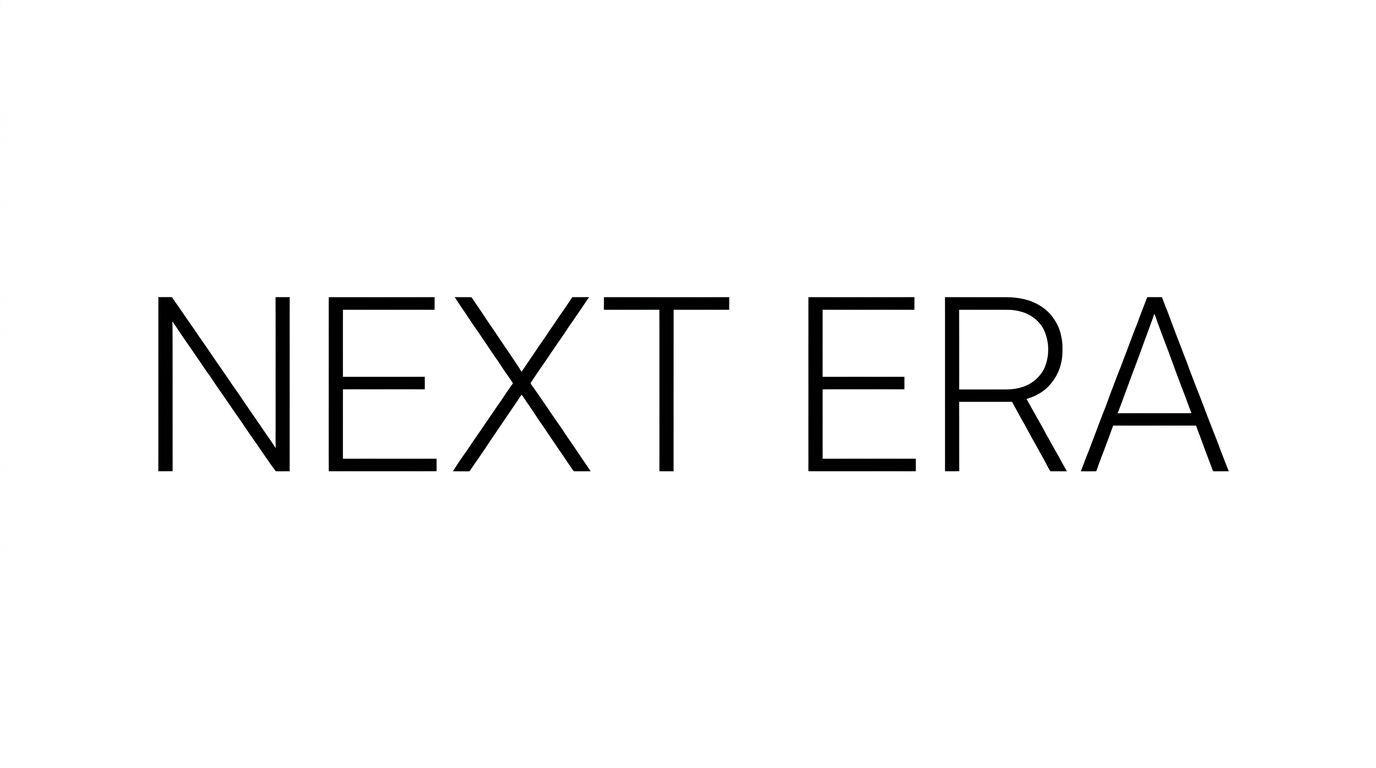
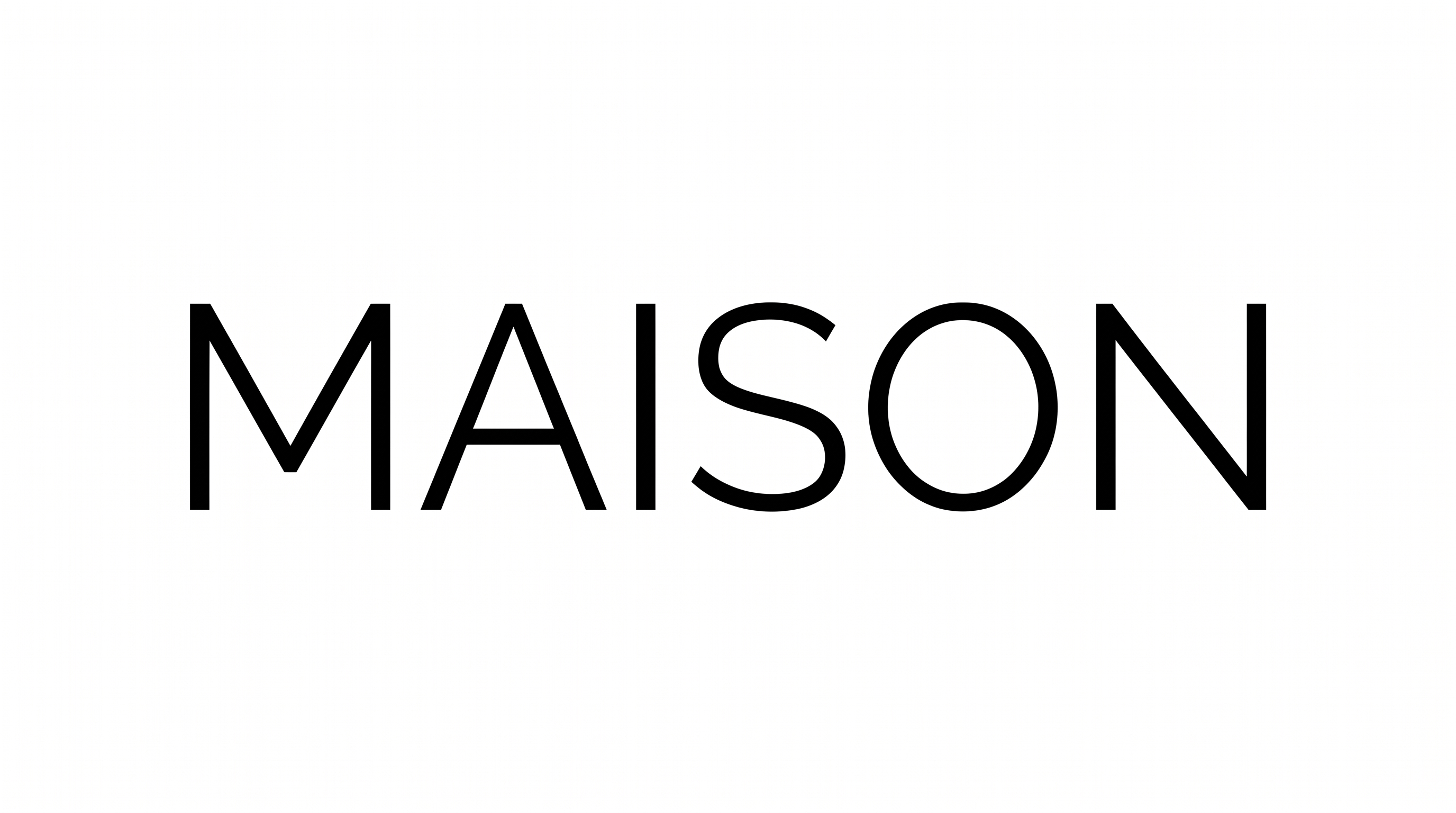
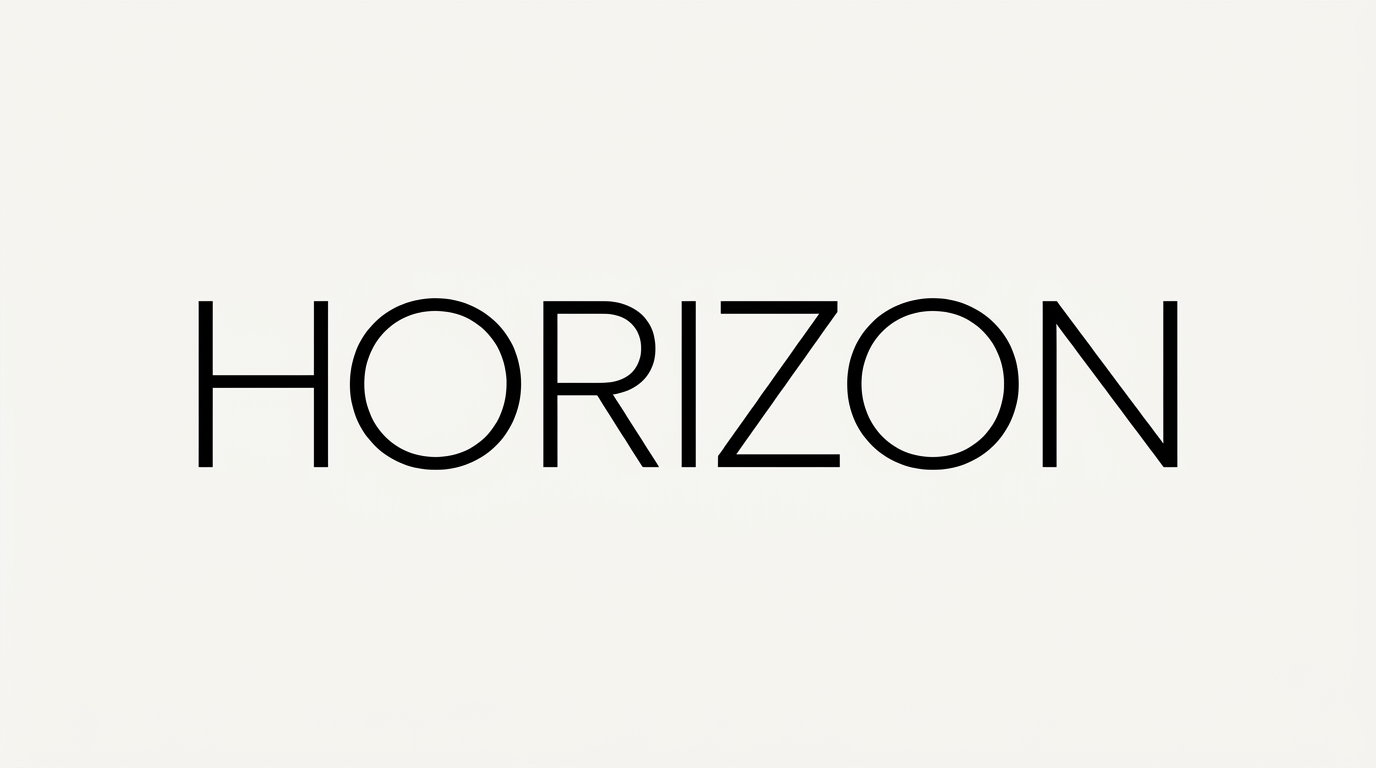
Upright uppercase forms combine even strokes, open spacing, and crisp geometric construction.

  • Letter Construction

    Circular bowls and straight stems create clean geometric uppercase forms.

  • Stroke Contrast

    The visible strokes maintain a nearly uniform thickness throughout each letter.

  • Letter Spacing

    Clear, even gaps separate neighboring letters across the word.

  • Letter Connections

    Letters remain separate, with clear breaks between characters.

  • Slant

    The uppercase letters stand upright along a level baseline.

  • Stroke Endings

    Visible stroke endpoints finish with clean, flat cuts.
Frequently asked questions about Geometric Sans Serif Font Generator

Explore the related text tools and compare their letter construction, stroke weight, spacing, and overall mood. Focus on the visual direction that best matches your wordmark, sign, cover, or interface layout.

Yes. Transparent backgrounds are supported for layering the lettering over other artwork. This template also provides font color, custom background color, uploaded background image, and image-size choices. Transparency is an output option rather than a guarantee for every generated result.

Enter your text, choose the available color, background, and image-size options, then generate the design. Review the rendered result and download it as PNG or SVG artwork. The output is an image rather than an installable font file.

Download the Geometric Sans Serif Font artwork as a PNG. Upload it in Canva or insert it into a Google Docs document. You can also import it into a project in the Cricut app, also known as Cricut Design Space. These workflows use the rendered image as artwork.

The Geometric Sans Serif Font Generator suits clean wordmarks, wayfinding signs, product packaging, editorial covers, and interface titles. Short, direct wording helps the geometric construction remain prominent while leaving space for supporting information.

Give the Geometric Sans Serif Font a clear position in the visual hierarchy, such as a centered title or strong top heading. Use generous margins and keep secondary information smaller so the main wording remains easy to scan.

Pair the clean uppercase forms with simple imagery, restrained shapes, or a clear supporting text style. Keep nearby space free of dense decoration so the lettering preserves its modern, minimal mood and remains readable.
READY TO CREATE?

Create Custom Geometric Sans Serif Fonts & Text Effects

Try Geometric Sans Serif Font Generator Free