Get 5 Free Credits

Free Humanist Sans Serif Font Generator Online

Create clean humanist sans-serif lettering with light monoline strokes and generous spacing for names, signs, and clear text artwork.

Enter the text to generate, e.g. Fontify.ai

Font color
Background
Templates
769
Generations
126
Downloads
235
Rating
5.0

How to Use the Humanist Sans Serif Font Generator

Use light humanist lettering with a chosen image size to create clear text artwork for your layout.

  1. 01

    Enter a clear name or phrase

    Type the wording you want to render in the light humanist sans-serif style.

    • Use a short name, heading, or directional phrase.
  2. 02

    Choose size and color options

    Select an image size such as 16:9 and choose a custom color or background option.

    • Available output options include PNG.
  3. 03

    Generate and download the artwork

    Review the rendered lettering, then download the finished PNG or SVG image for your design.

    • Keep the generous spacing visible in the final layout.

Humanist Sans Serif Font Style Profile

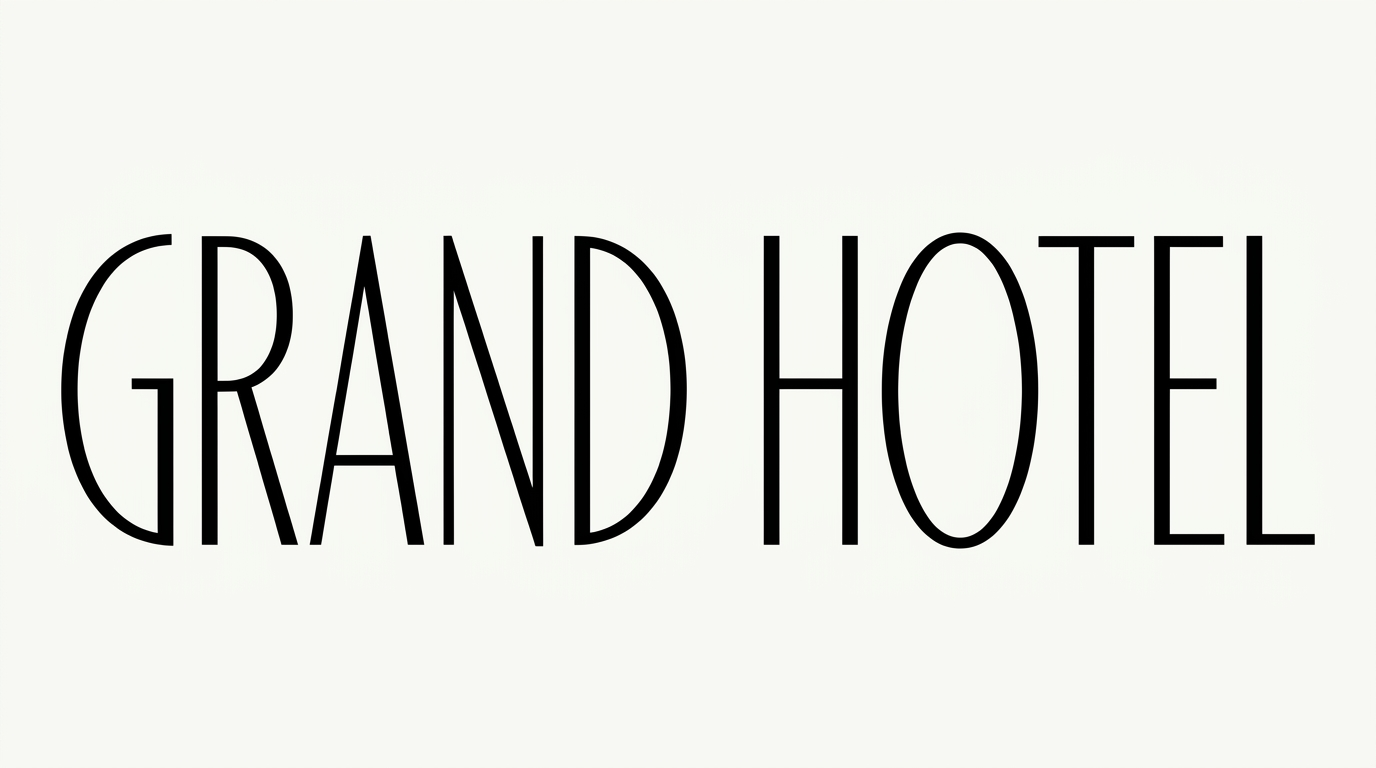
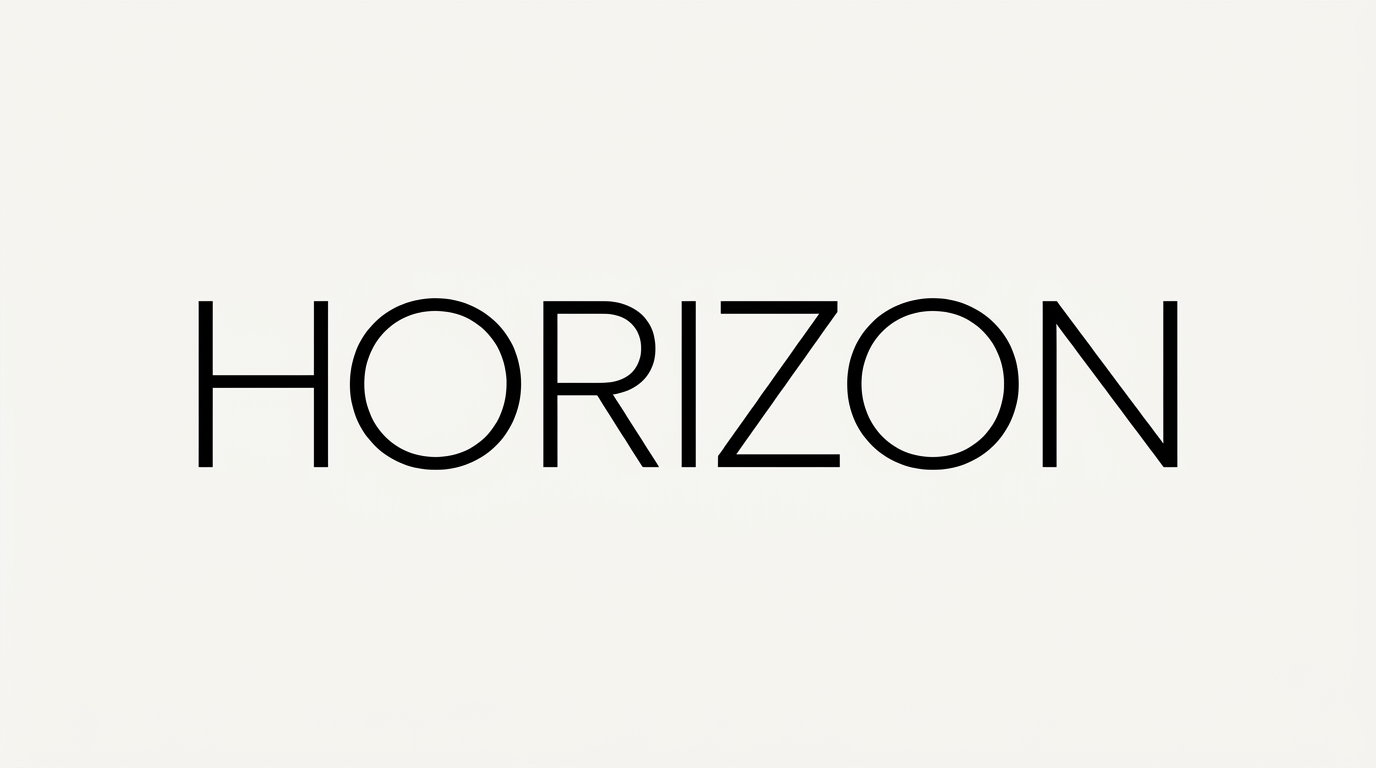
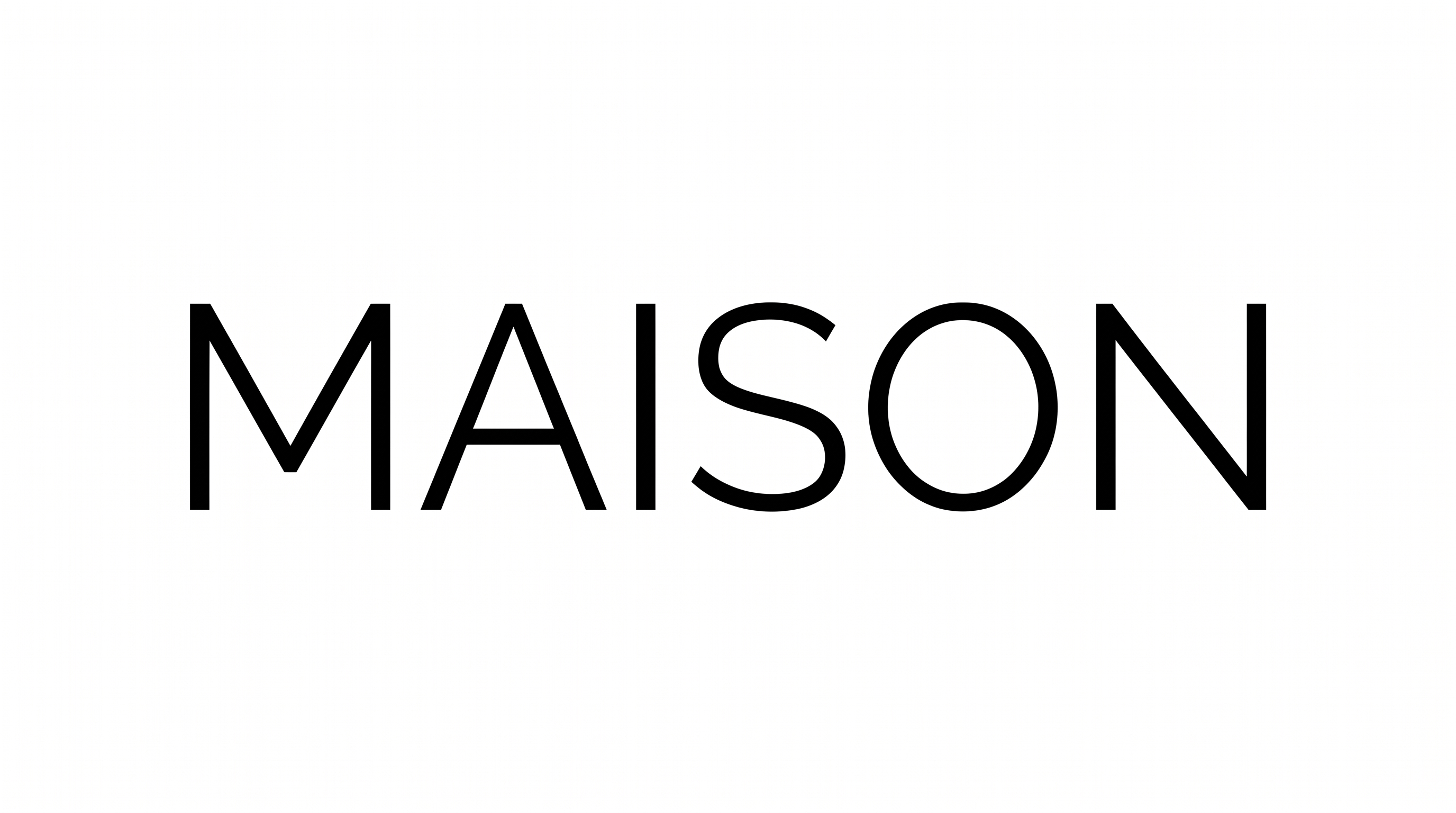
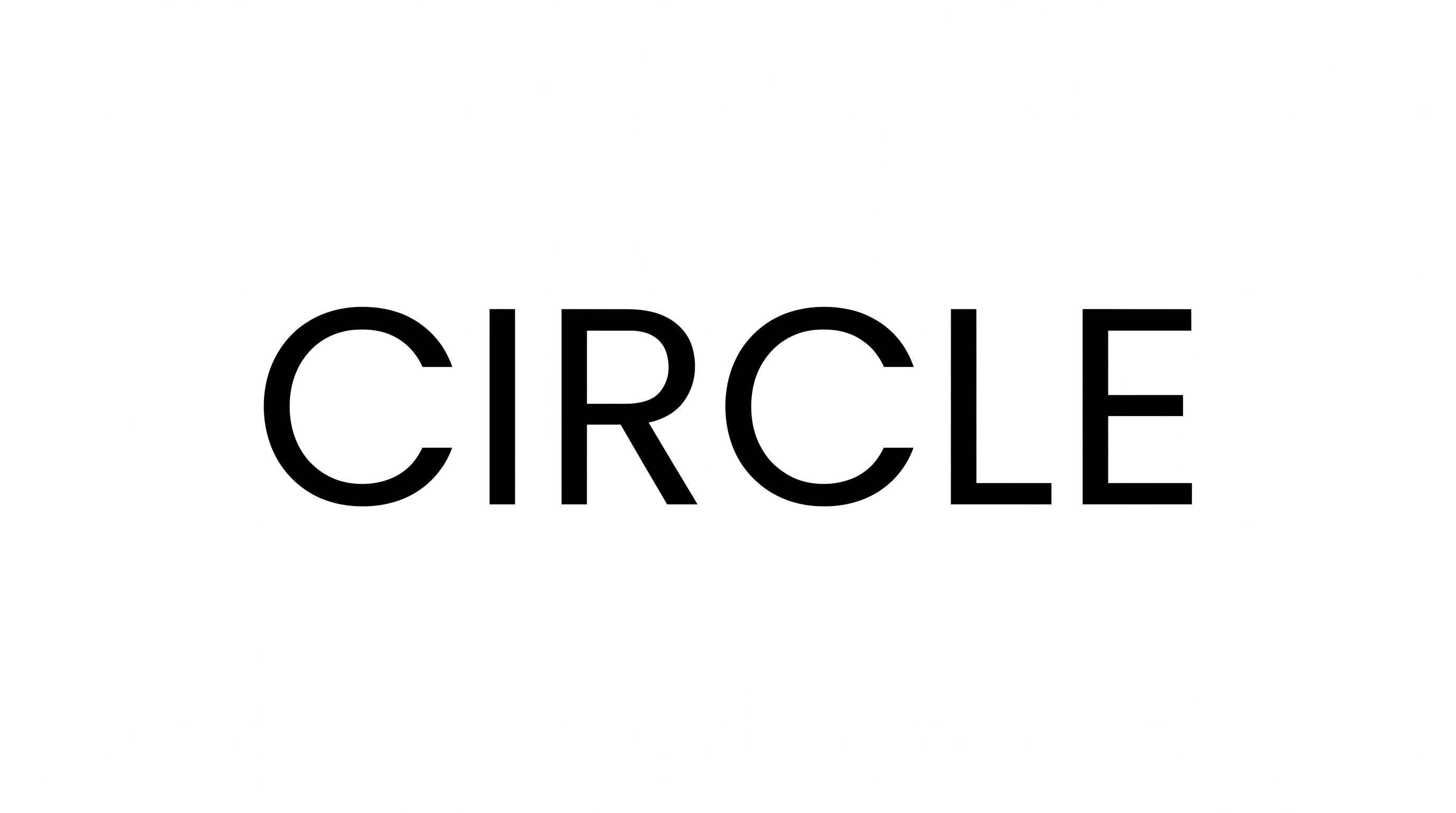
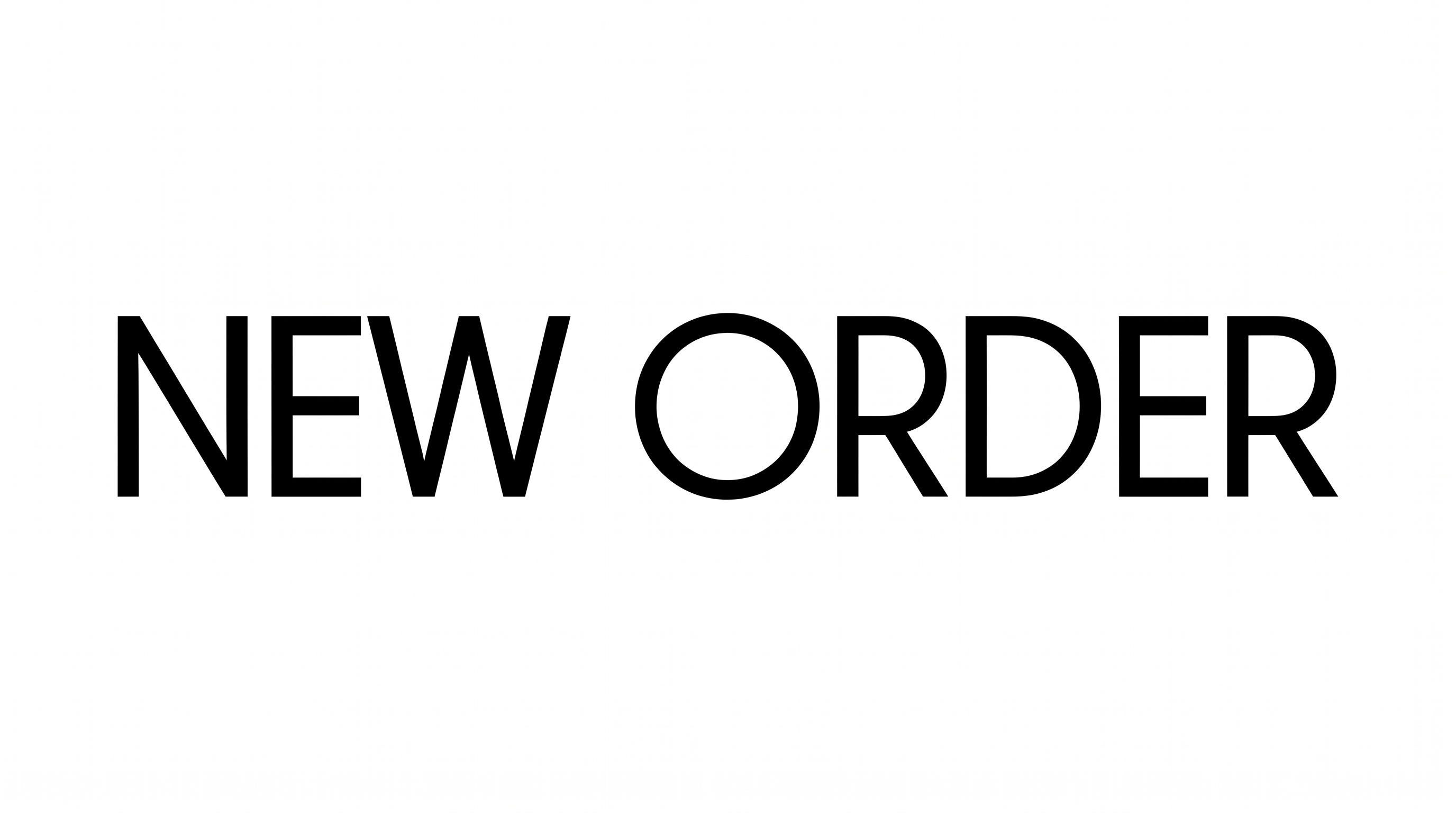
Light strokes, upright forms, and generous spacing create a clean, highly legible appearance.

  • Stroke Weight

    Light, even strokes give the lettering a restrained monoline appearance.

  • Letter Construction

    Simple continuous forms build each character with clean, open shapes.

  • Slant

    The letters stand upright with little visible lean from the baseline.

  • Letter Connections

    Letters remain separate, with clear breaks between neighboring characters.

  • Letter Spacing

    Generous gaps between letters create an airy, legible arrangement.

  • Letter Width

    The individual characters have relatively narrow, streamlined proportions.

Frequently asked questions about Humanist Sans Serif Font Generator

It turns your words into a clean humanist sans-serif text image. The lettering uses light, readable strokes, separate characters, and generous spacing for names, signs, and design artwork.

Yes. The tool is free to use and supports free image downloads. Free use does not by itself establish commercial rights, so review the applicable membership terms for your project.

Commercial use depends on the membership level. The minimum membership covers personal use, while a higher membership covers commercial use. Check pricing to choose the applicable membership.

Upload the generated PNG artwork to Canva. Insert it into a Google Docs document. Import it into a project in the Cricut app, also known as Cricut Design Space. These workflows use the rendered image.

Yes. The light, separate lettering suits a free online name plaque, office label, or quiet identification layout. Its open spacing keeps the text clear within a focused composition.

Leave breathing room around the lettering and align it with nearby edges or supporting content. The open spacing works well in restrained editorial, signage, and interface compositions.

Its simple letter construction and clear breaks between characters support readability at smaller display sizes. Check the Humanist Sans Serif Font Generator artwork at its intended size, especially in dense layouts.

Pair the lettering with open space, calm neutral fields, architectural surfaces, or simple editorial forms. A restrained supporting palette helps preserve its clear humanist character.

The light strokes and measured spacing create a calm, contemporary mood. Use the Humanist Sans Serif Font Generator for online artwork that needs approachable information and disciplined visual tone.
READY TO CREATE?

Create Custom Humanist Sans Serif Fonts & Text Effects

Try Humanist Sans Serif Font Generator Free