Get 5 Free Credits

Free Sans Serif Stencil Font Generator Online

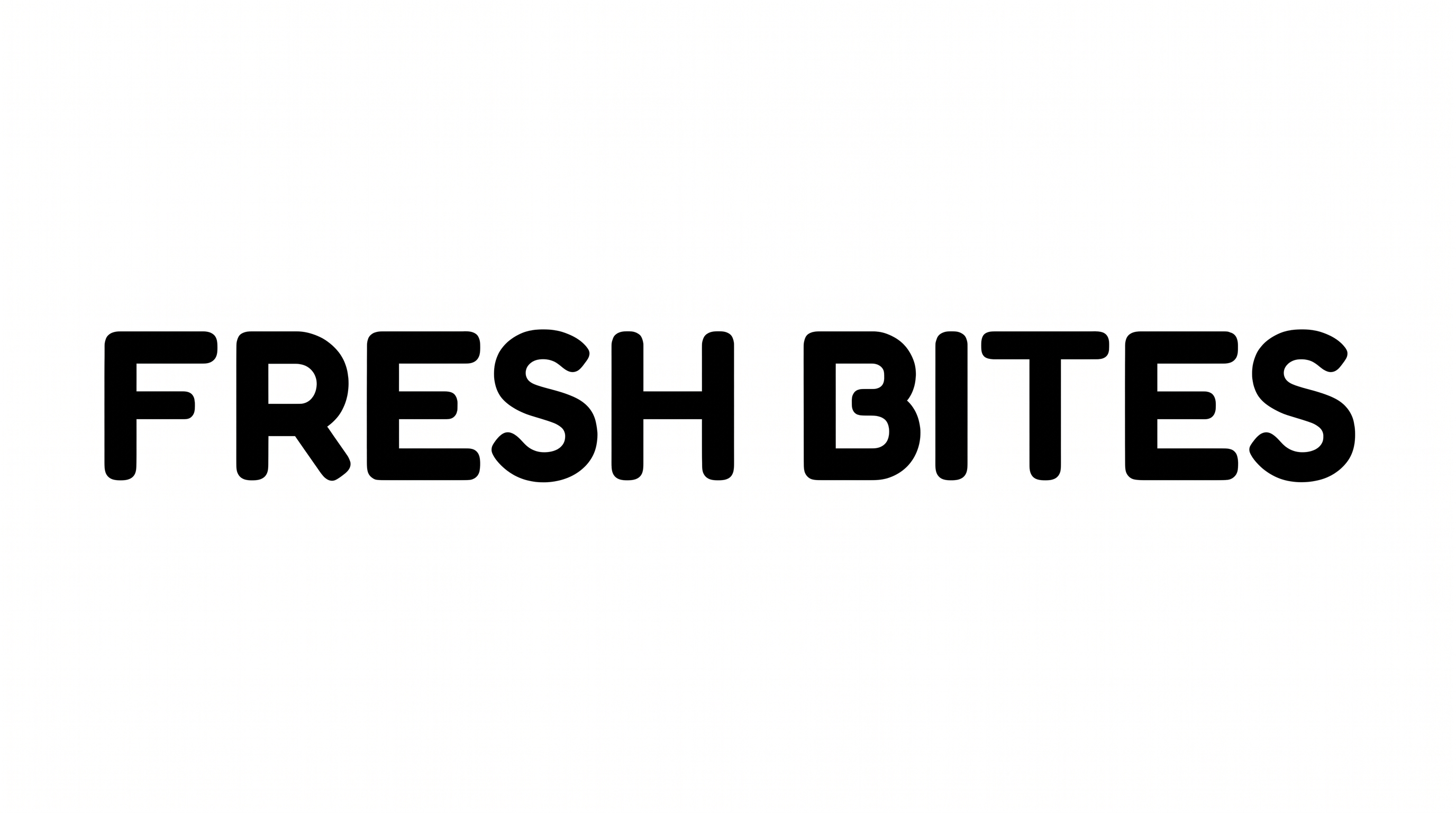
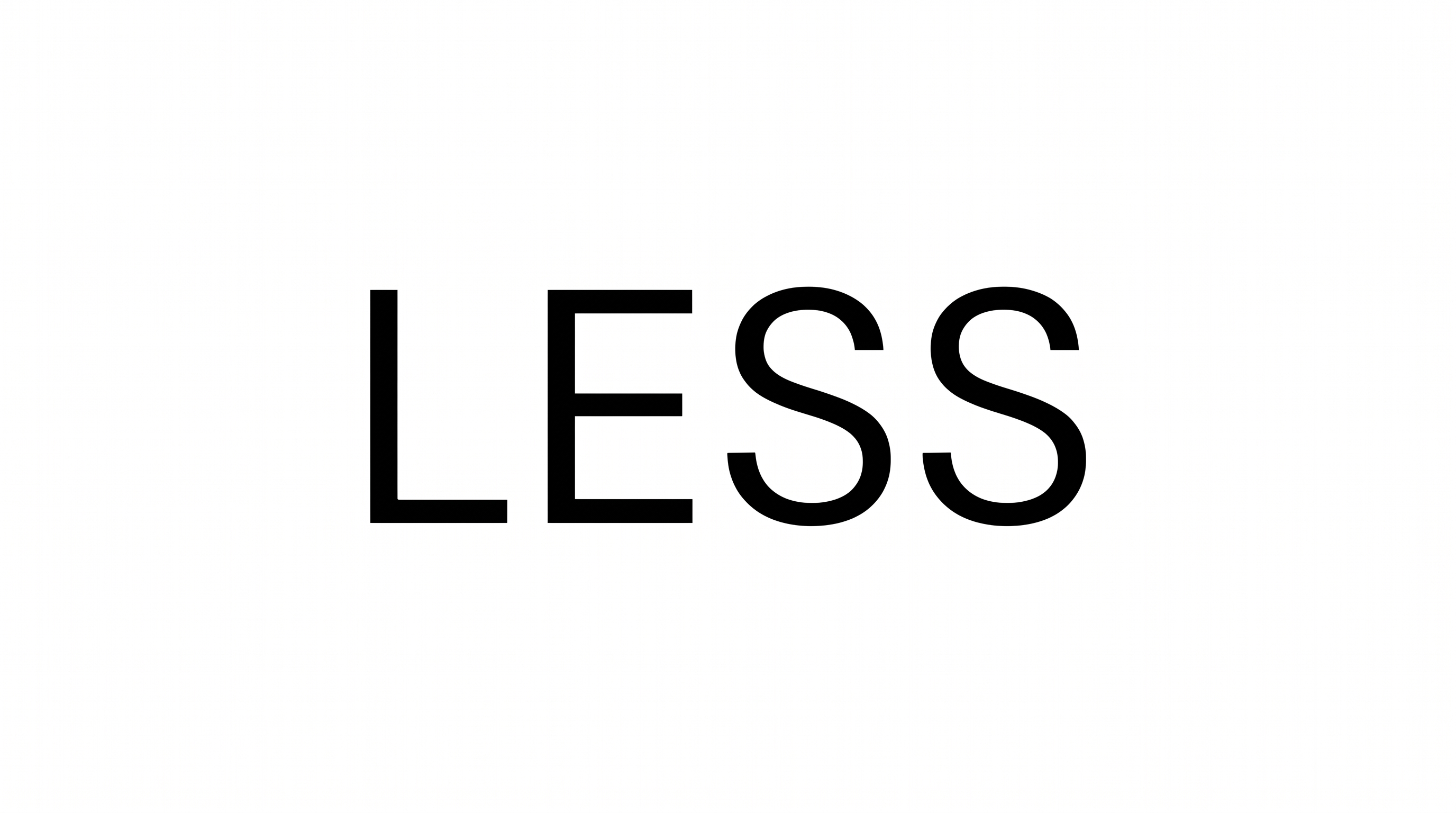
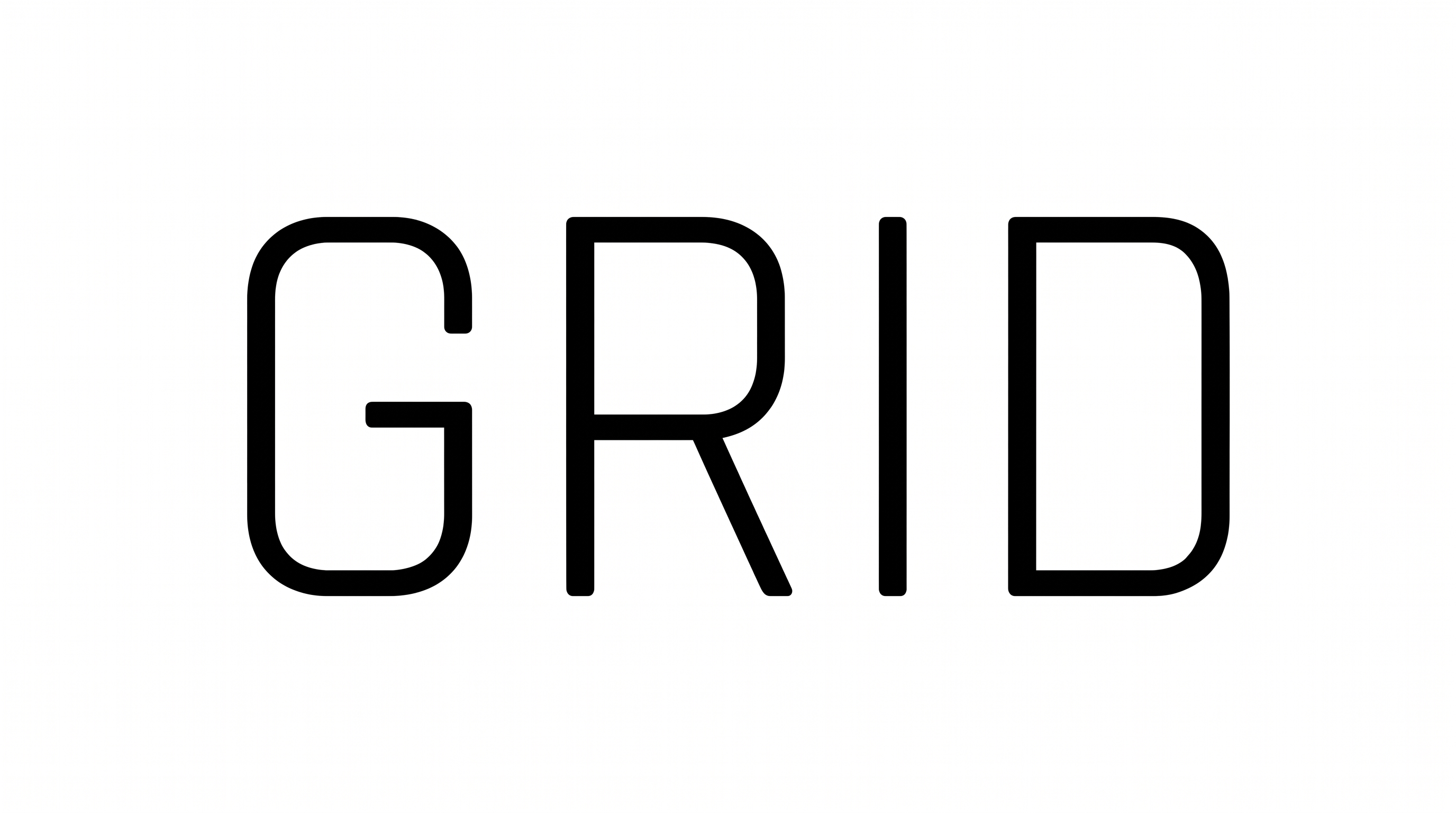
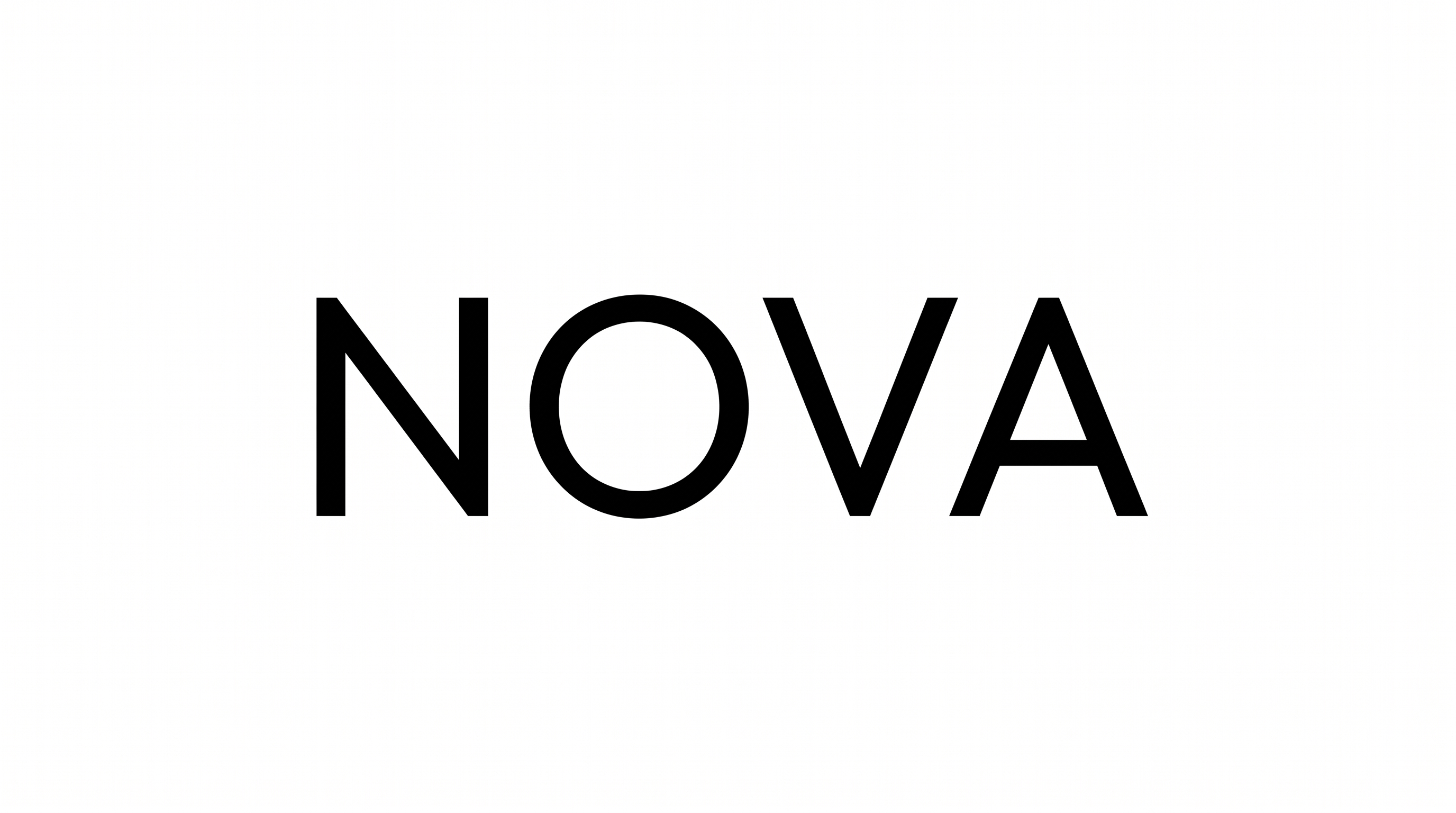
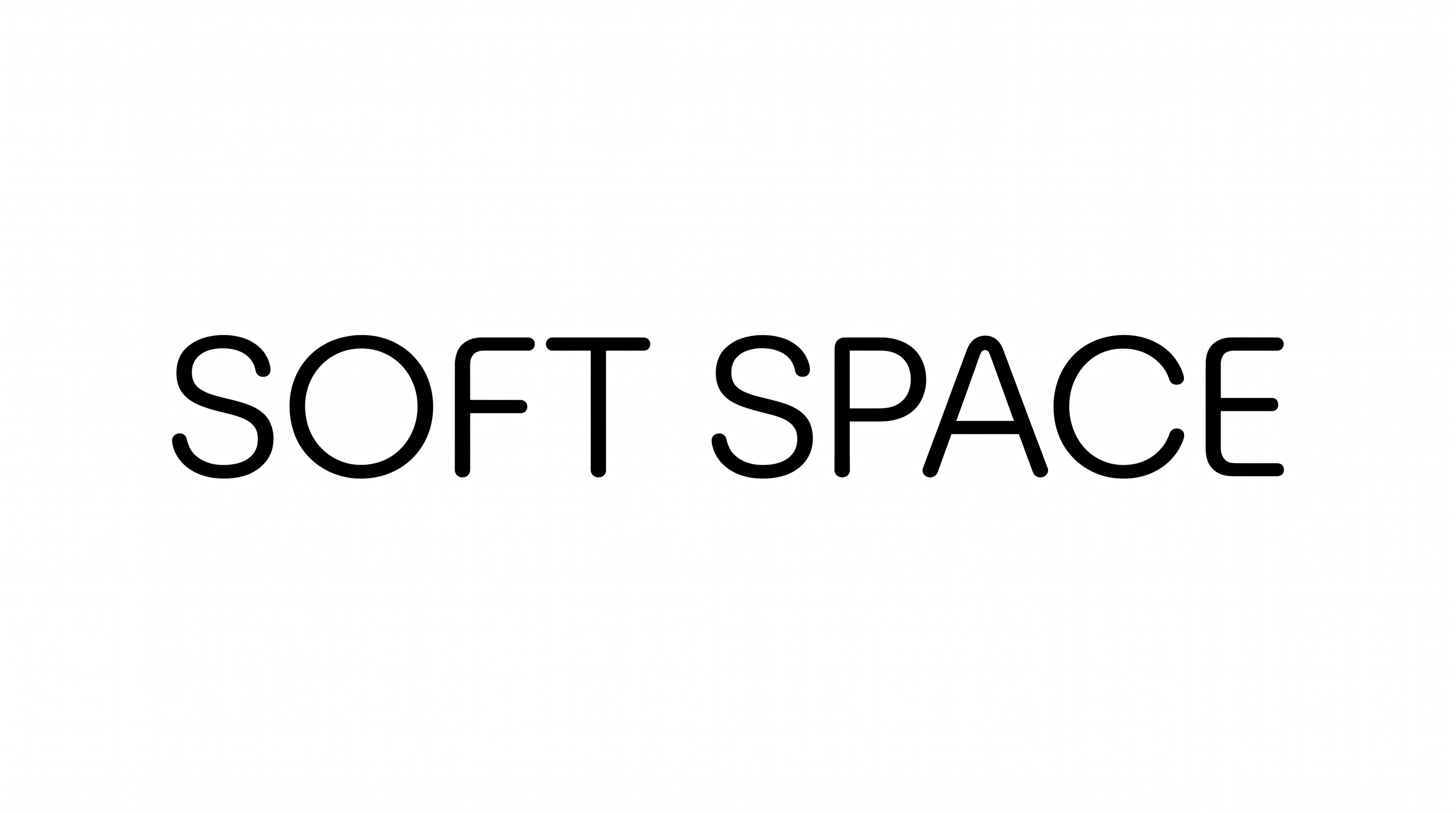
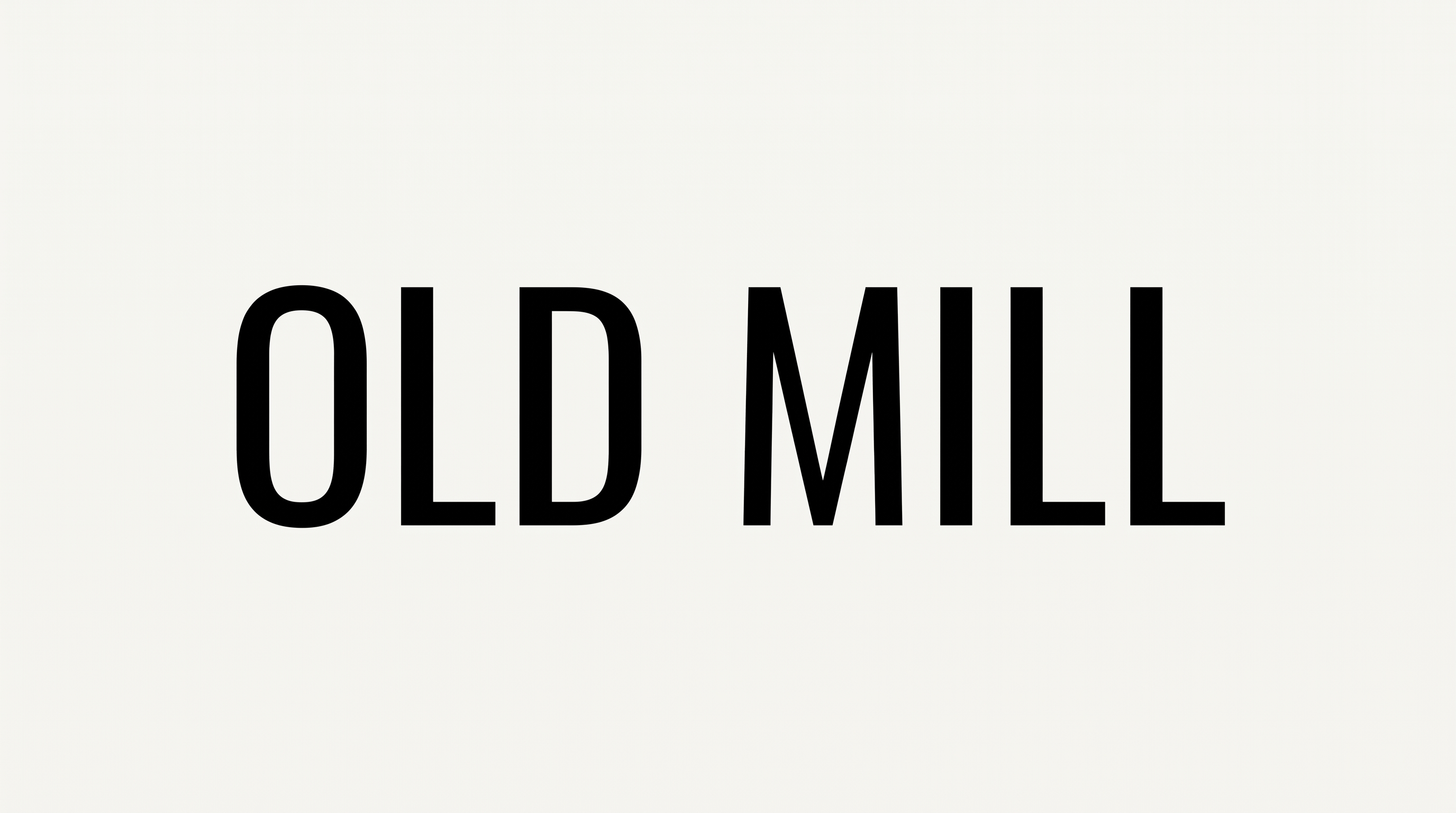
Crisp black uppercase forms combine geometric strokes with practical stencil gaps, giving signs and industrial markings a clear, functional presence.

Enter the text to generate, e.g. Fontify.ai

Font color
Background
Templates
769
Generations
183
Downloads
236
Rating
5.0

How to Use the Sans Serif Stencil Font Generator

Shape crisp uppercase stencil artwork for signs, labels, or other structured layouts.

  1. 01

    Enter your stencil wording

    Type a short heading, label, name, or phrase into the text field.

  2. 02

    Set the image presentation

    Choose an aspect ratio, font color, and custom color or uploaded background.

  3. 03

    Generate and download PNG or SVG artwork

    Create the preview, review the stencil forms, and save your preferred image format.

Sans Serif Stencil Font Style Profile

Stencil gaps, even strokes, and crisp geometric corners define the upright uppercase lettering.

  • Letter Construction

    Geometric capitals use deliberate stencil gaps to separate key stroke segments.

  • Stroke Weight

    The black stroke bodies maintain a substantial, mostly even weight.

  • Corner Shape

    Crisp angular joins balance the rounded curves visible in C, O, and R.

  • Slant

    The capitals stand upright relative to the level baseline.

  • Letter Connections

    Letters remain separate, with clear breaks between neighboring characters.

  • Stroke Endings

    Visible terminals finish with clean, flat cuts.
Frequently asked questions about Sans Serif Stencil Font Generator

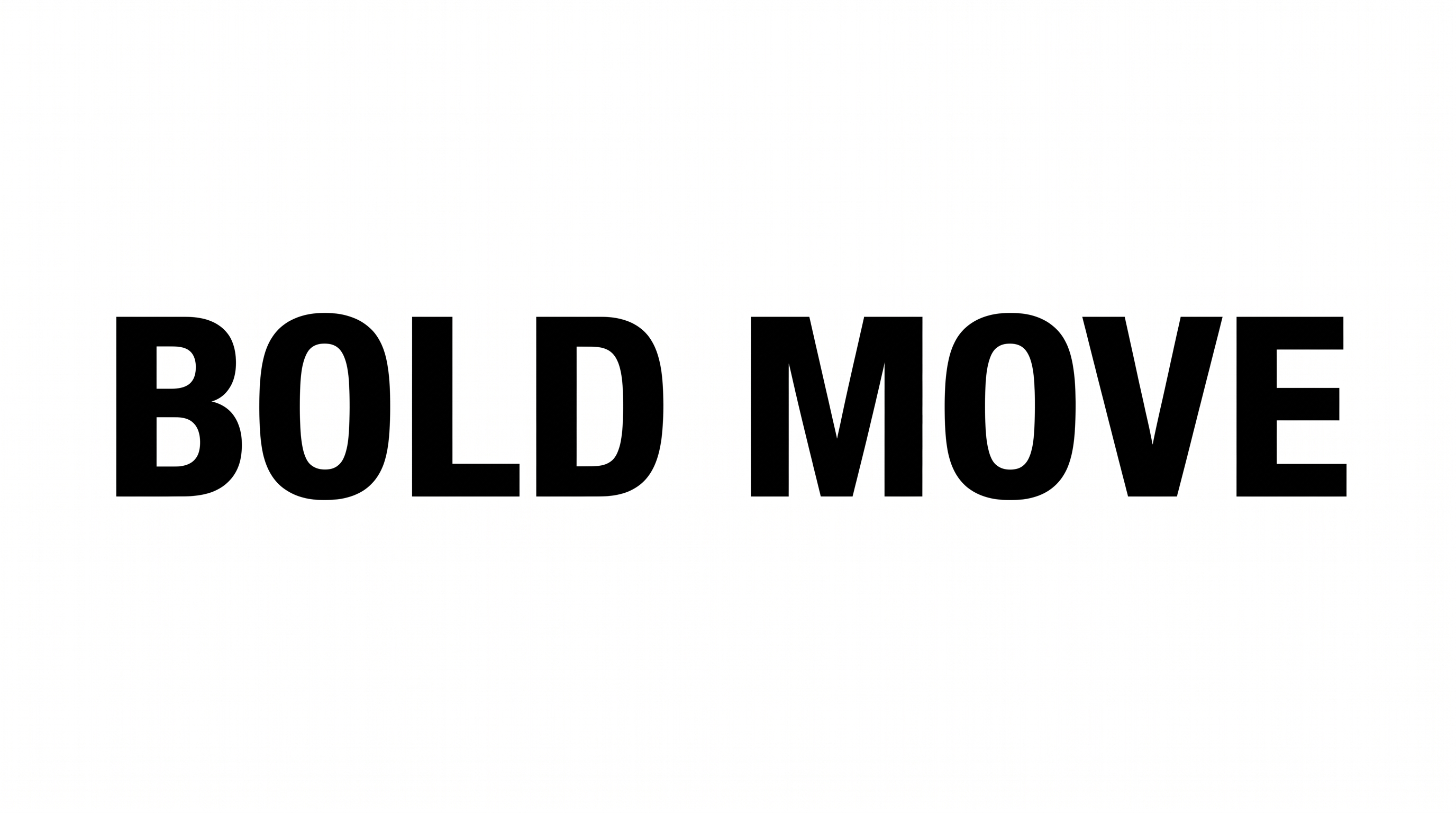
It creates a text image in a geometric, uppercase sans serif stencil style. Crisp forms, even strokes, and deliberate gaps give the lettering an industrial character. The rendered artwork can serve as a heading, label, sign graphic, or other design element.

Browse the related tools section to compare other lettering directions and visual treatments. Consider stroke structure, character width, spacing, and overall mood when choosing a tool that suits your project. This approach helps you evaluate styles without relying on a named alternative.

For commercial projects, choose a higher membership, which covers commercial use. The minimum membership covers personal use. Review pricing to identify the membership that matches your intended project before using the generated artwork in the final design.

Download the generated PNG artwork. Upload it in Canva and insert it into a Google Docs document. Import it into a project in the Cricut app, also known as Cricut Design Space. In each platform, treat the rendered lettering as image artwork rather than an installed font.

Artwork from the Sans Serif Stencil Font Generator suits wayfinding panels, event posters, product labels, transit graphics, and industrial-themed headers. Give the uppercase lettering a prominent area so its geometric forms and stencil gaps establish the design's visual direction.

Use the lettering as a strong headline or compact label, then build supporting information around its rectangular silhouette. Leave generous surrounding space so the stencil gaps remain distinct. A simple grid can reinforce the geometric, industrial character.

Use short wording and preserve clear contrast between the letters and their background. Check that the internal stencil gaps remain visible at the final display size. Compact labels benefit from direct wording and enough surrounding space to keep each character distinct.

Pair the lettering with simple lines, route graphics, restrained geometric shapes, or spacious photographic areas. Its upright uppercase construction supports technical, industrial, transit, and editorial moods. Keep secondary typography visually quieter so the stencil heading remains the focal point.
READY TO CREATE?

Create Custom Sans Serif Stencil Fonts & Text Effects

Try Sans Serif Stencil Font Generator Free