Get 5 Free Credits

Free Square Sans Serif Font Generator Online

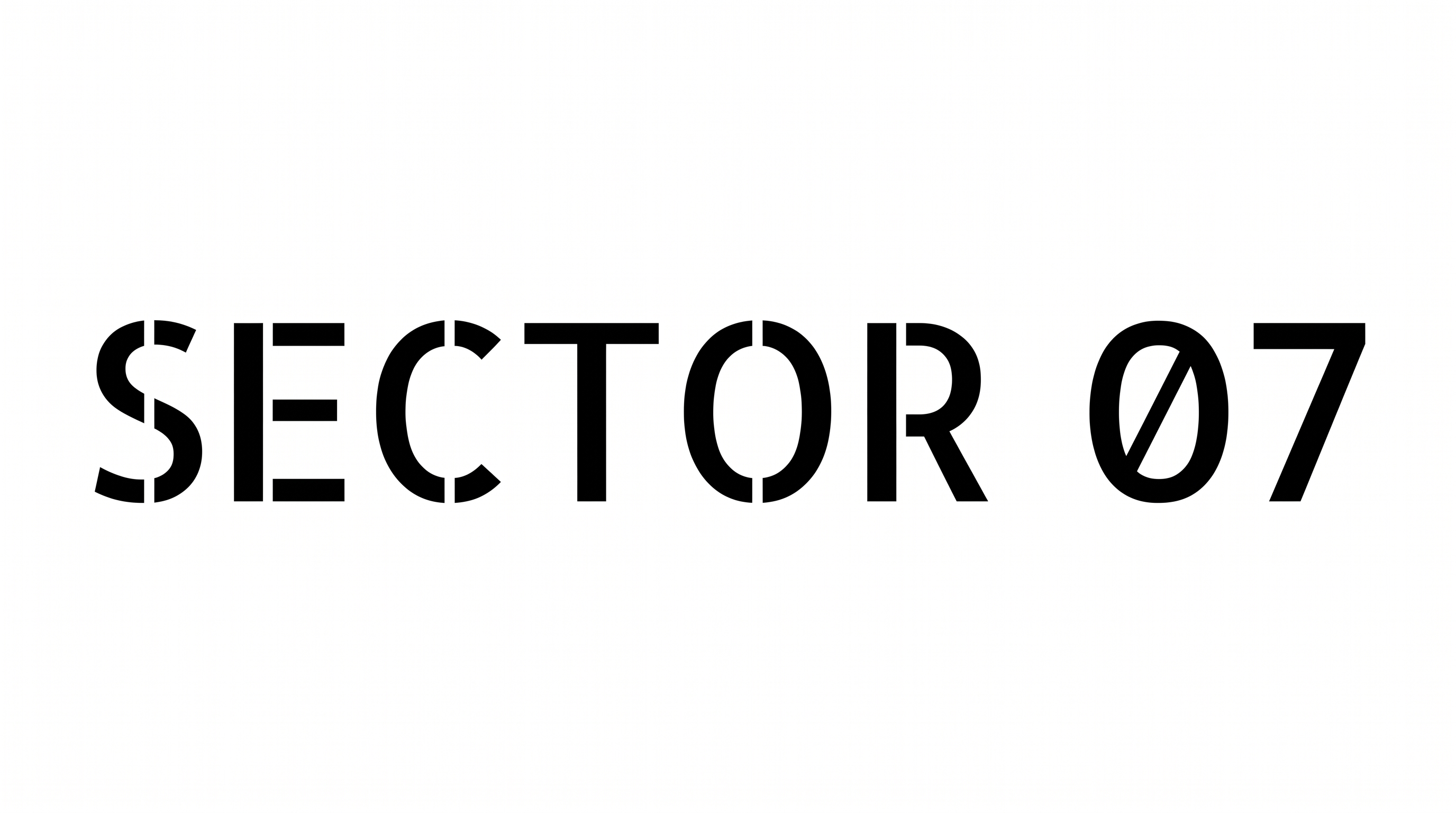
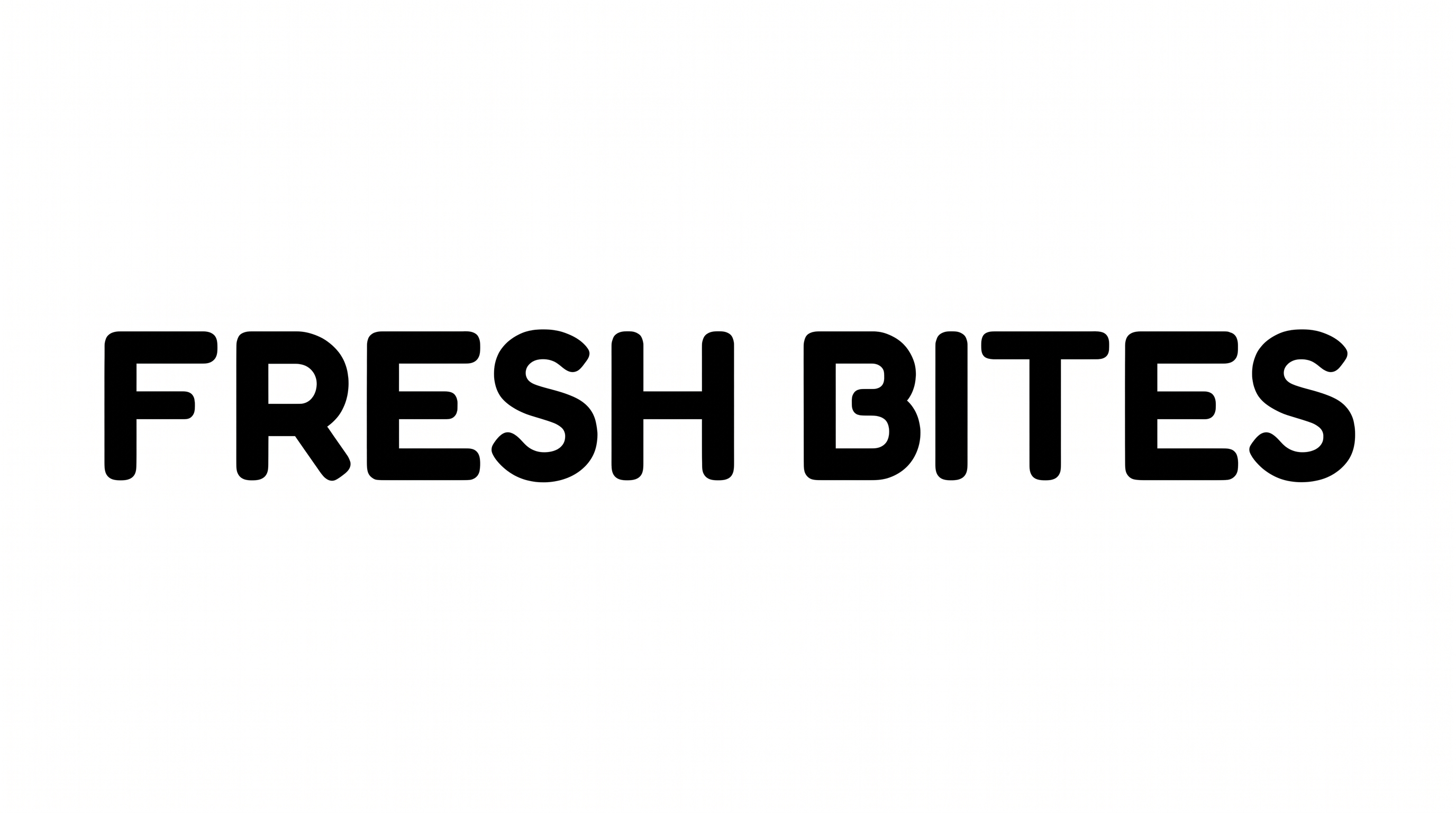
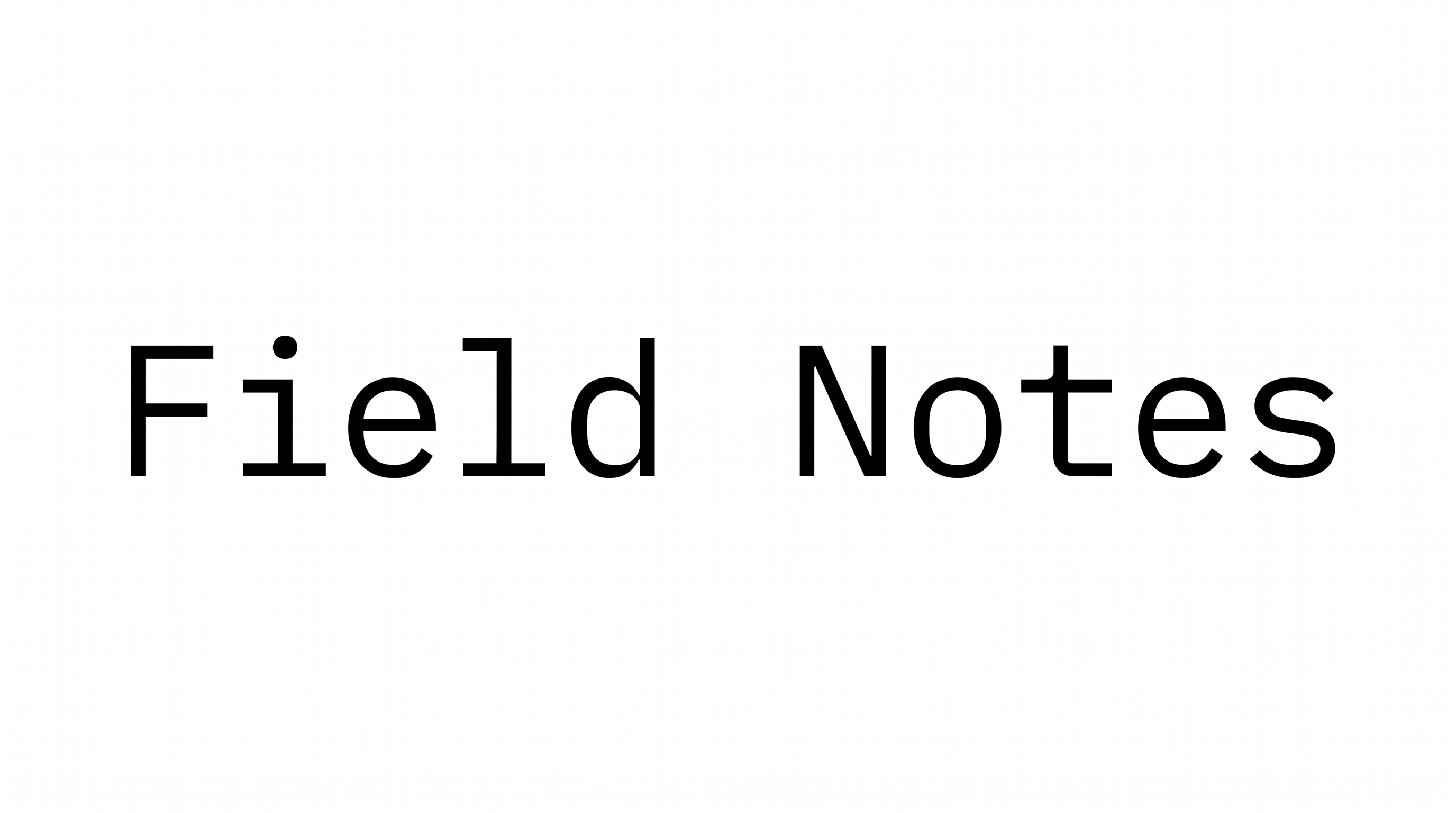
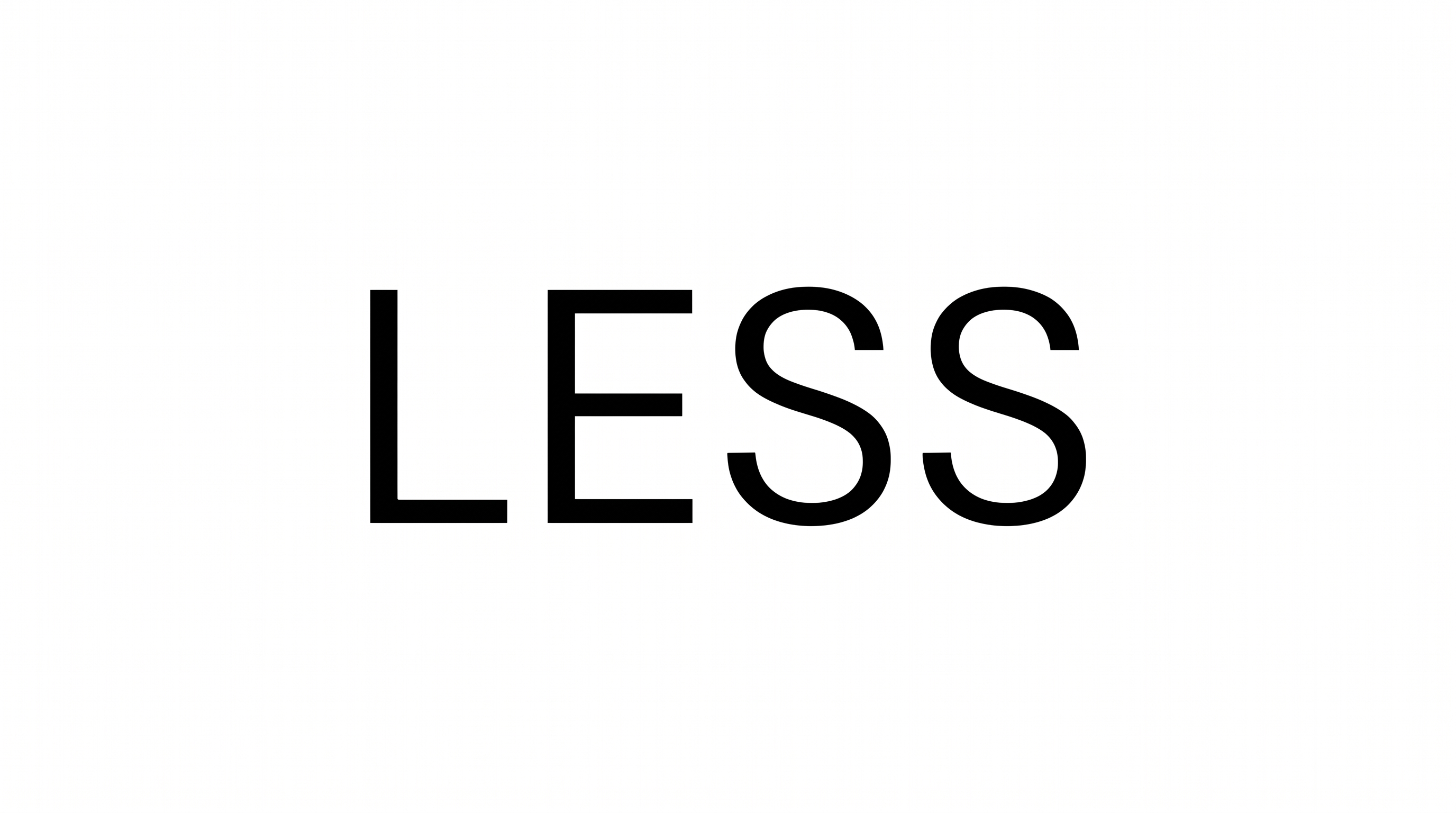
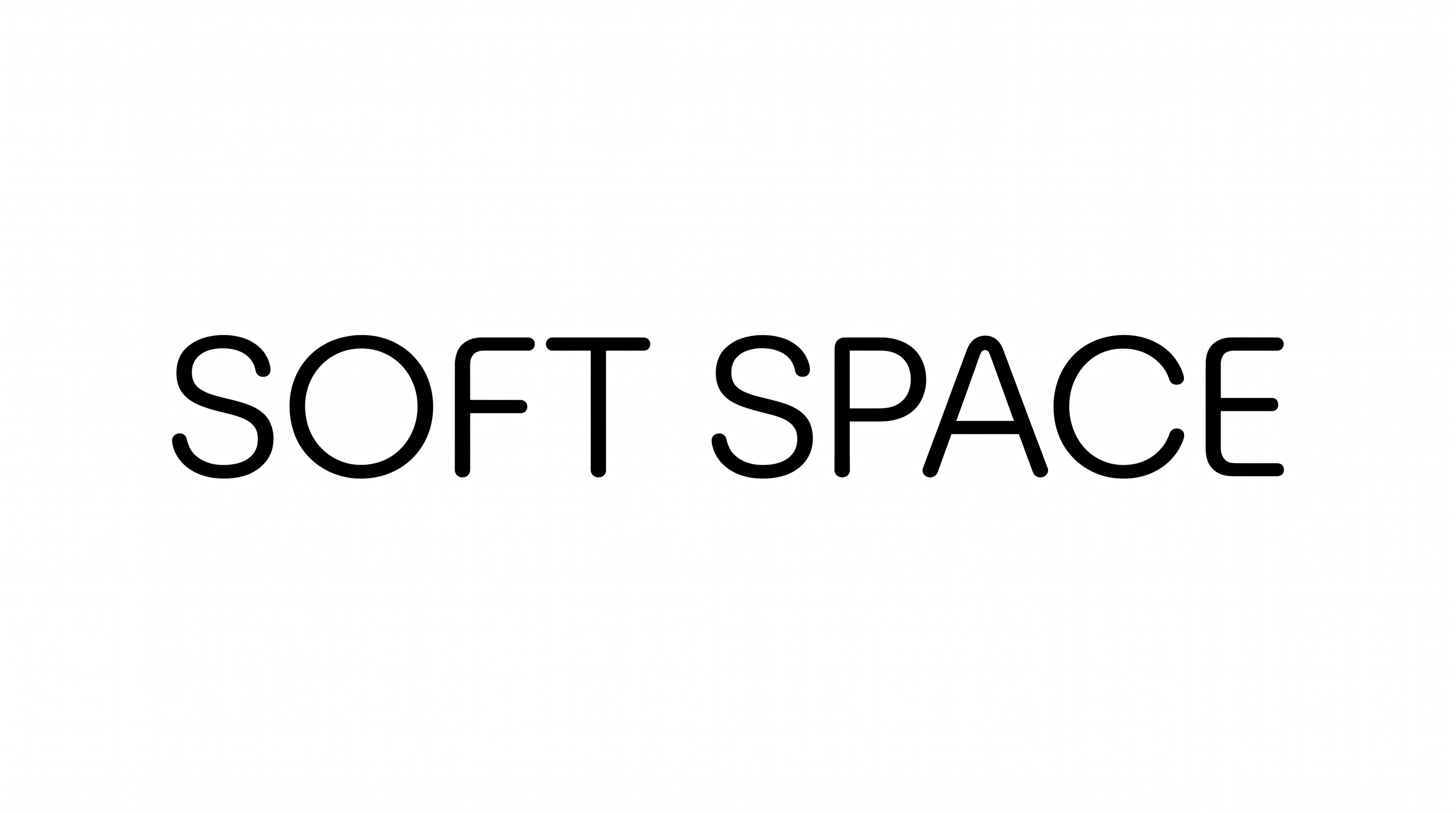
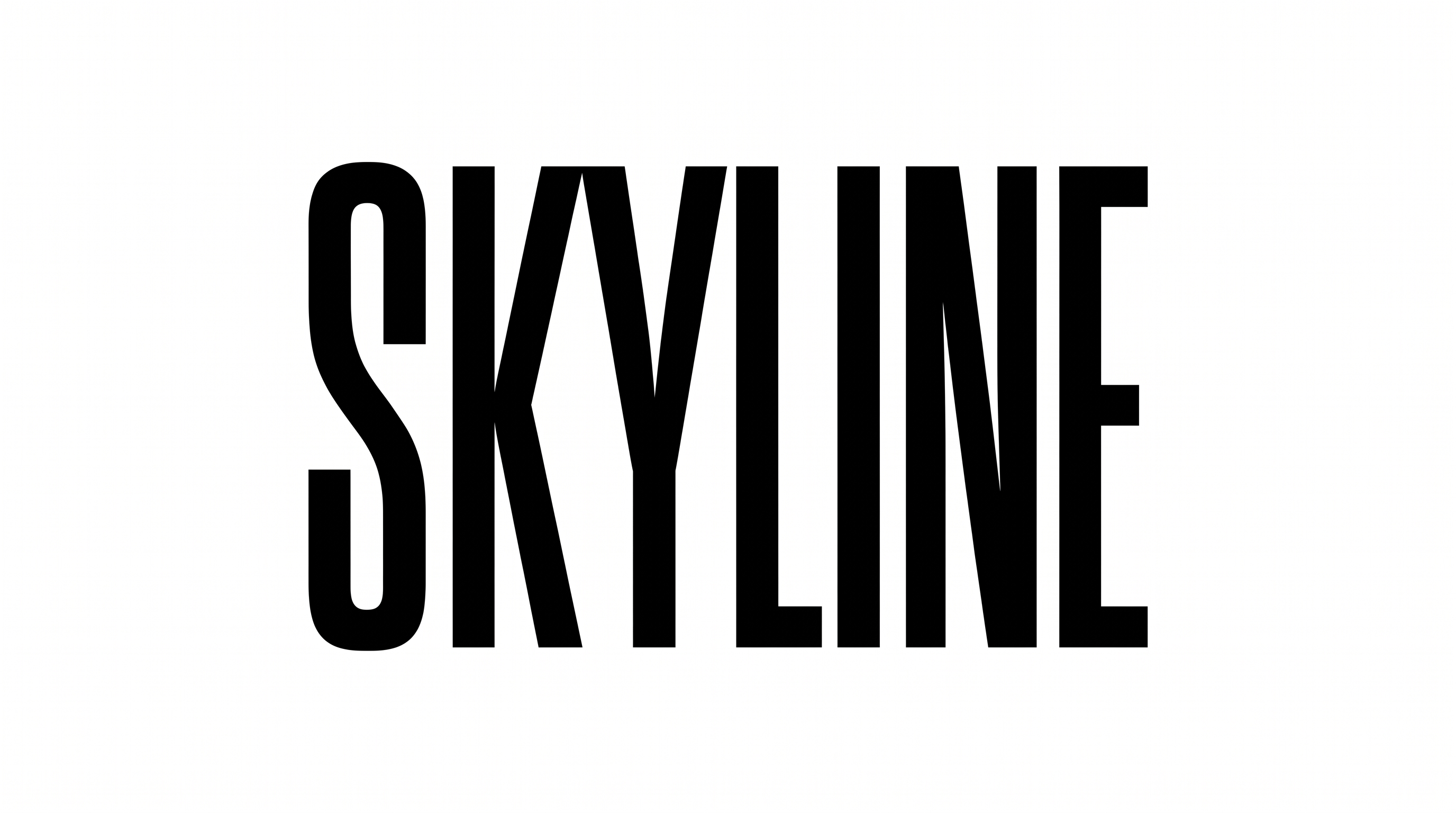
Thin monoline uppercase letters pair rounded-square construction with generous spacing, suited to signage, covers, and minimalist identities.

Enter the text to generate, e.g. Fontify.ai

Font color
Background
Templates
769
Generations
162
Downloads
238
Rating
5.0

How to Use the Square Sans Serif Font Generator

Shape thin geometric uppercase lettering for a clear heading, sign, cover, or identity image.

  1. 01

    Enter your wording

    Type a short word or phrase to suit the clean uppercase treatment.

  2. 02

    Choose the image settings

    Select a custom font color and an aspect ratio such as 16:9.

  3. 03

    Generate and download the image

    Generate the preview, review the spacing, then download the finished PNG or SVG image.

Square Sans Serif Font Style Profile

Light monoline strokes, rounded corners, and geometric construction define the upright uppercase lettering.

  • Letter Construction

    Continuous geometric strokes form clean uppercase letters with squared proportions.

  • Stroke Weight

    Light, even strokes give the uppercase letters a precise appearance.

  • Corner Shape

    Rounded turns soften the otherwise square geometry of several letters.

  • Stroke Contrast

    Vertical, horizontal, and curved strokes maintain nearly uniform thickness.

  • Letter Connections

    Letters remain separate, with clear breaks between neighboring characters.

  • Baseline Rhythm

    The uppercase letters align on a steady, even baseline.
Frequently asked questions about Square Sans Serif Font Generator

Commercial projects require the higher membership, while the minimum membership covers personal use. Review pricing to choose the membership that matches your intended use of the generated artwork before placing it in client, retail, or promotional work.

Use the generated PNG as image artwork in all three platforms. Upload it in Canva and insert it into a Google Docs document. For Cricut, import it into a project in the Cricut app, also called Cricut Design Space.

Transparent backgrounds are supported for layering the lettering over other artwork. This template also lets you choose a custom font color, set a custom background color, or upload a background image. Transparency is an output option rather than proof that every result starts transparent.

Browse the related tools section and compare the examples by construction, weight, spacing, and overall mood. Choose a direction that fits the same design role, then test your own wording to judge how clearly the letter shapes work.

The clean geometric uppercase style suits signage, book covers, packaging, app identities, editorial layouts, and large exhibition graphics. Its open spacing and restrained shapes work especially well where a short message needs a modern, orderly presence.

Start with a short phrase and give the tall uppercase forms generous room around the edges. For a long title, choose a wide aspect ratio or divide the wording into a deliberate two-line composition with a clear hierarchy.

Keep the wording concise, preserve clear gaps between letters, and preview the image at its intended display size. Strong contrast between the lettering and background helps the light monoline strokes remain distinct in compact online placements.

Use a quieter supporting type style for dates, captions, prices, or body copy. Let the square sans serif artwork handle the main heading, while smaller information uses simple spacing and a clear hierarchy to avoid competing shapes.

The thin monoline strokes and rounded-square forms create a precise, minimal, architectural mood. Pair them with generous white space for calm refinement, or place them over restrained imagery to add structure while keeping the identity focused and composed.
READY TO CREATE?

Create Custom Square Sans Serif Fonts & Text Effects

Try Square Sans Serif Font Generator Free