Get 5 Free Credits

Free Sans Serif Typewriter Font Generator Online

Light, monospaced sans-serif lettering brings a restrained typewriter character to editorial headings, labels and structured text.

Enter the text to generate, e.g. Fontify.ai

Font color
Background
Templates
769
Generations
180
Downloads
227
Rating
5.0

How to Use the Sans Serif Typewriter Font Generator

Shape clean monospaced lettering for structured headings, labels and editorial layouts.

  1. 01

    Enter your wording

    Type a short heading, label or message into the text field.

  2. 02

    Set the image layout

    Choose an image size such as 1:1, then select font and background colors.

  3. 03

    Generate and download the artwork

    Create the text image, review the result, and download it as PNG or SVG.

Sans Serif Typewriter Font Style Profile

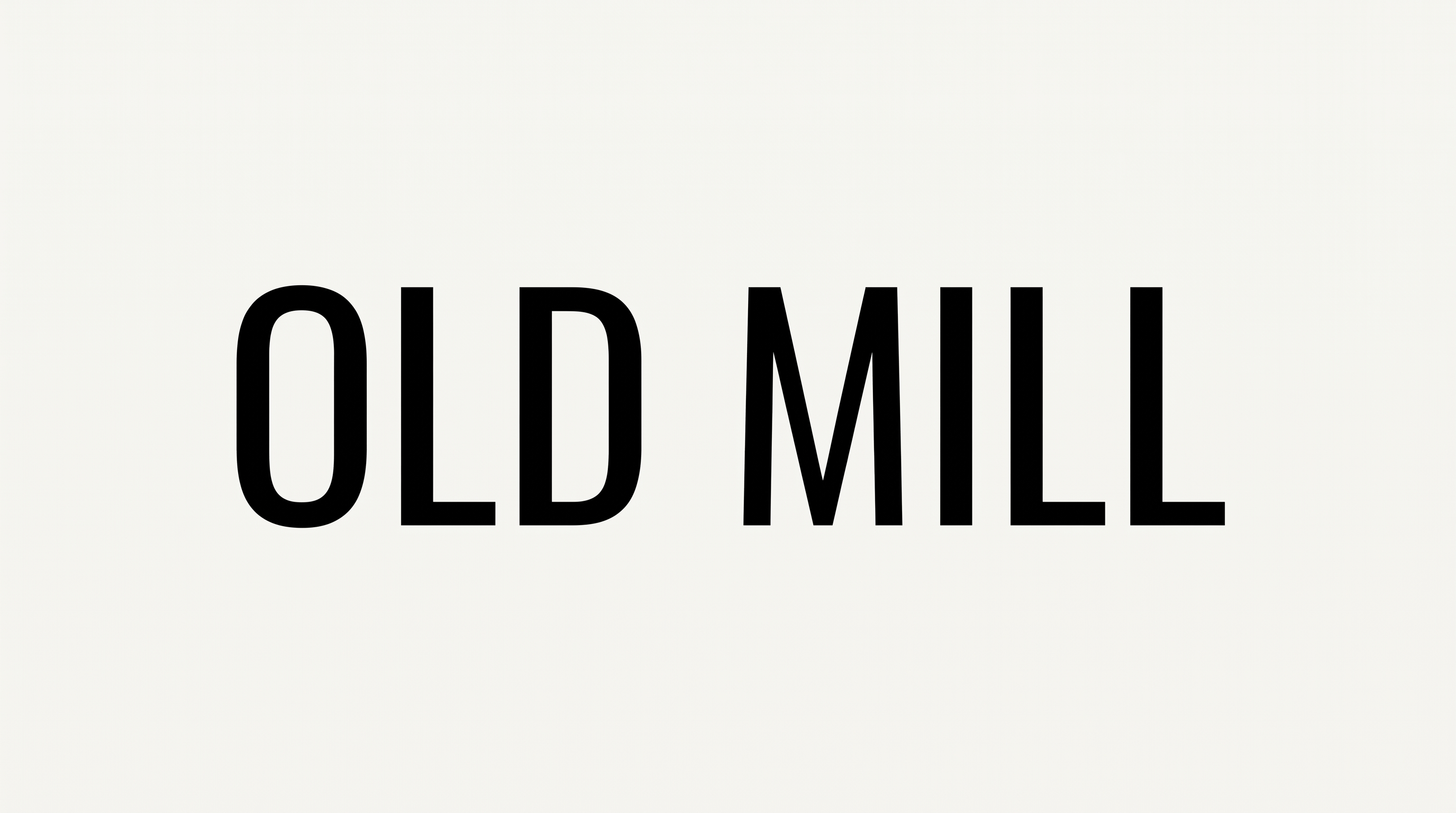
Upright, separate letters combine consistent widths with light, even strokes.

  • Letter Width

    Characters occupy consistent, moderately narrow widths across the visible specimen.

  • Stroke Weight

    Light, even strokes give the letters a restrained appearance.

  • Letter Connections

    Letters remain separate, with clear breaks between neighboring characters.

  • Slant

    The visible letters stand upright relative to the baseline.

  • Stroke Contrast

    Vertical and curved strokes show little visible contrast.

  • Letter Spacing

    Clear, regular gaps create an open rhythm between letters within each word.
Frequently asked questions about Sans Serif Typewriter Font Generator

The minimum membership covers personal use, while a higher membership covers commercial use. Review pricing to choose the membership that applies to your project before using the artwork commercially.

You can choose the font color, use a custom background color or upload a background image, and select an image size. Transparent backgrounds are also supported for layering the lettering over other artwork. Transparency is an available output option rather than a default for every result.

Enter your wording, choose an available font color, background and image size, then generate the design. Review the rendered text and download the finished image as PNG or SVG.

Download the Sans Serif Typewriter Font artwork as a PNG. Upload it in Canva, insert it into Google Docs, and import it into a project in the Cricut app, also known as Cricut Design Space. It remains image artwork rather than an installed, natively editable font.

Its restrained monospaced lettering suits editorial covers, technical labels, museum placards, interface messages and structured signage. Use it where orderly alignment and a clean typewriter character support the information hierarchy.

Use the Sans Serif Typewriter Font Generator to make a concise heading with generous surrounding space. Align supporting details to a clear grid so the monospaced rhythm remains the visual anchor.

Keep the area around the lettering free of dense decoration and use a short phrase. Choose an image ratio that gives each line enough space, then assess the artwork at its intended display size.

The clean sans-serif construction creates a calm, practical mood with an archival typewriter edge. Pair it with restrained imagery, orderly columns or generous negative space to reinforce that character.
READY TO CREATE?

Create Custom Sans Serif Typewriter Fonts & Text Effects

Try Sans Serif Typewriter Font Generator Free